About Glow Gradient Motion
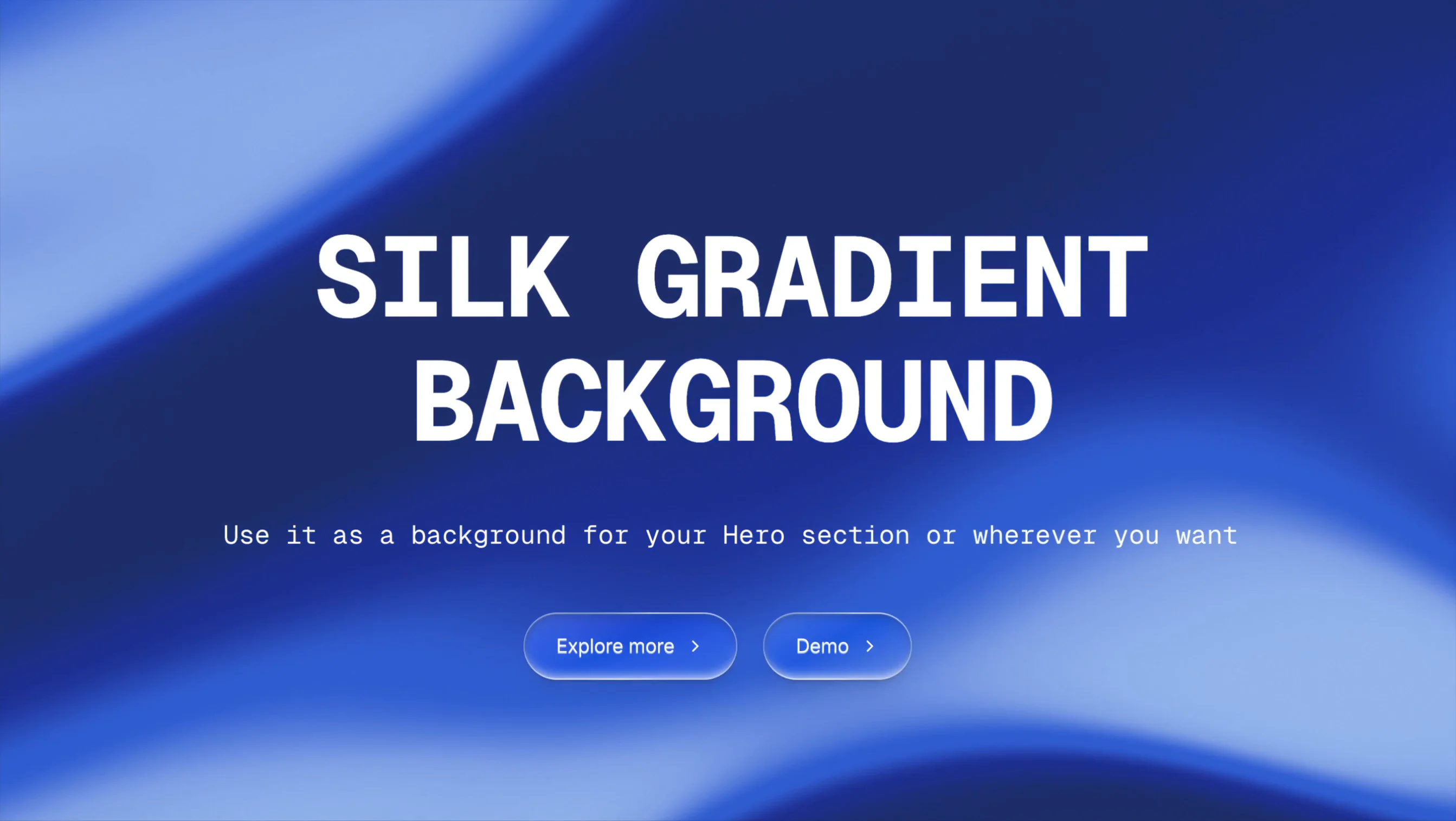
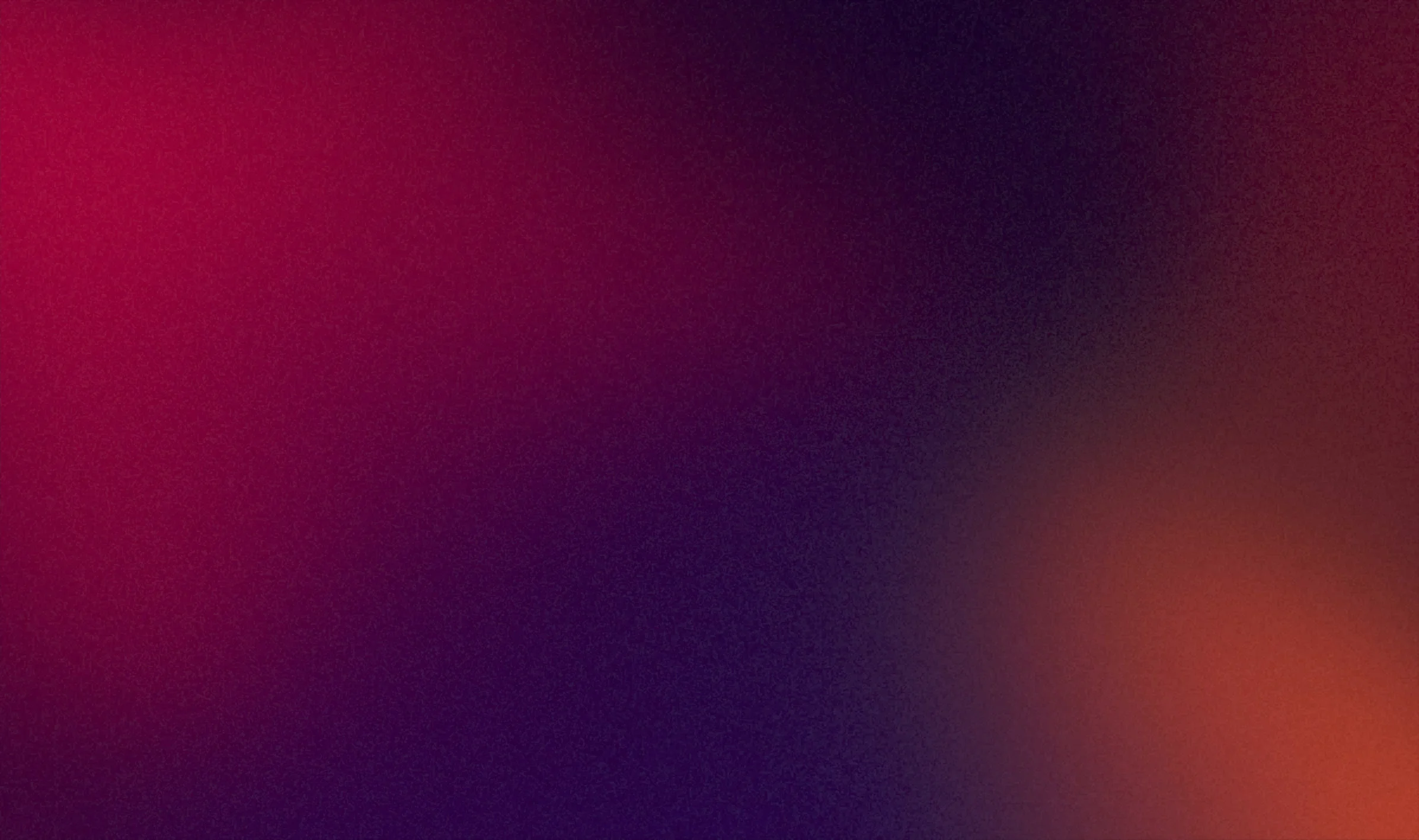
Glow Gradient fills any section with soft, drifting light. Coloured glows float over a dark base and blend into each other, giving a moody, premium backdrop for heroes, footers and CTAs. It runs on WebGL, so it stays smooth even full-screen.
Glows: up to 8, each with its own colour, size and position.
Background: set the base colour; Darkness controls how much of it shows between glows.
Motion: Speed sets how fast the glows move, Motion sets how far they drift, and Warp bends them into flowing shapes instead of plain circles.
Shape: Spread scales all glows at once, and Softness controls how blurry their edges are.
Noise: an optional film grain or TV-static texture with adjustable amount, size and frame rate. It can flicker or stay still, and keeps moving even when the gradient is paused.
Grain: a subtle texture that also stops visible colour banding.
Seed: gives you a new arrangement with the same settings.
Performance: it pauses when scrolled off-screen and stays still for visitors who have reduced motion turned on.
Canvas Preview: turn this on to watch it move in the editor. By default it shows a still frame there to keep your project fast.
How to use: drop it into a frame, set it to Fill, and place your content on top. It pairs well with glass buttons and white text.