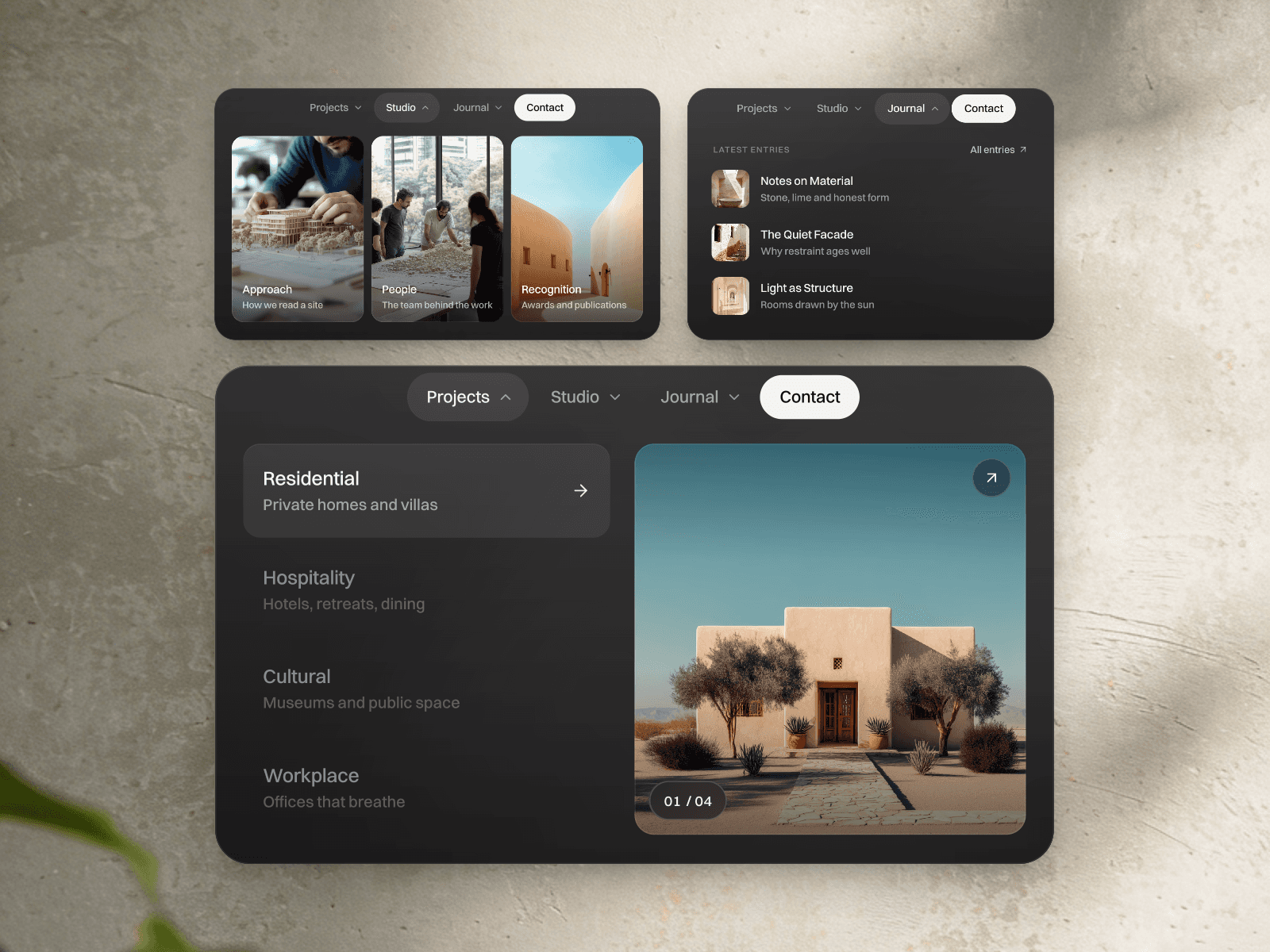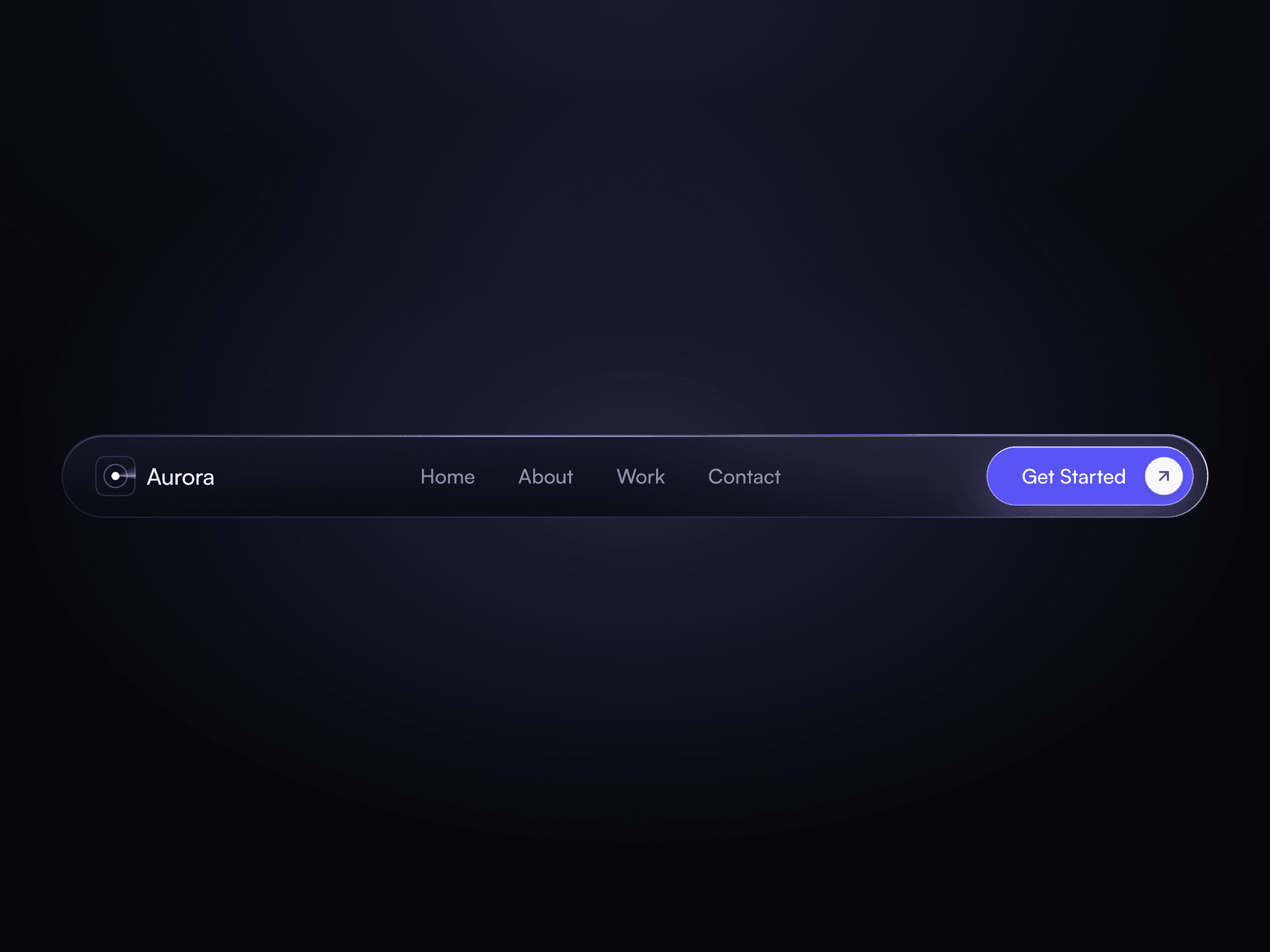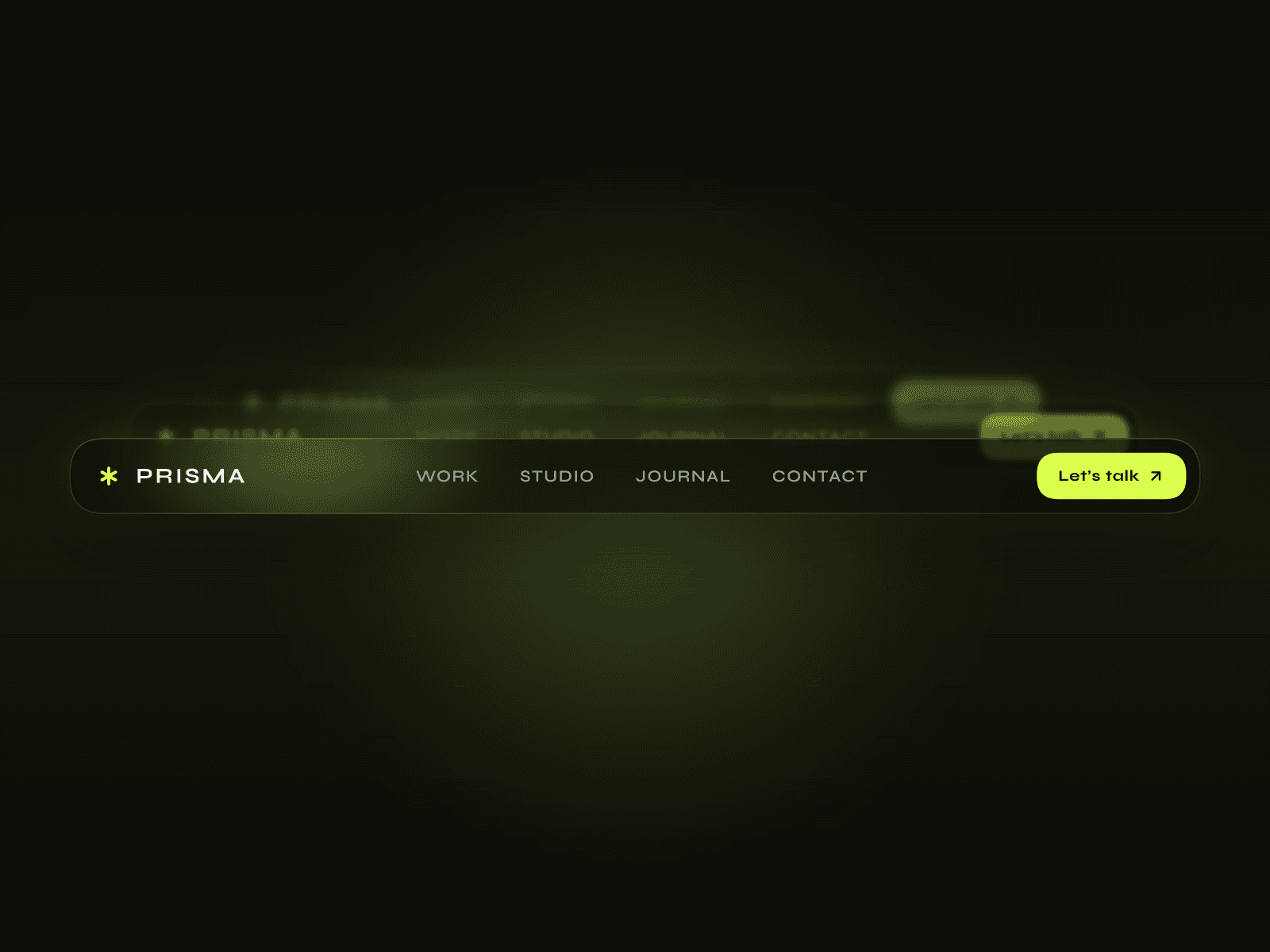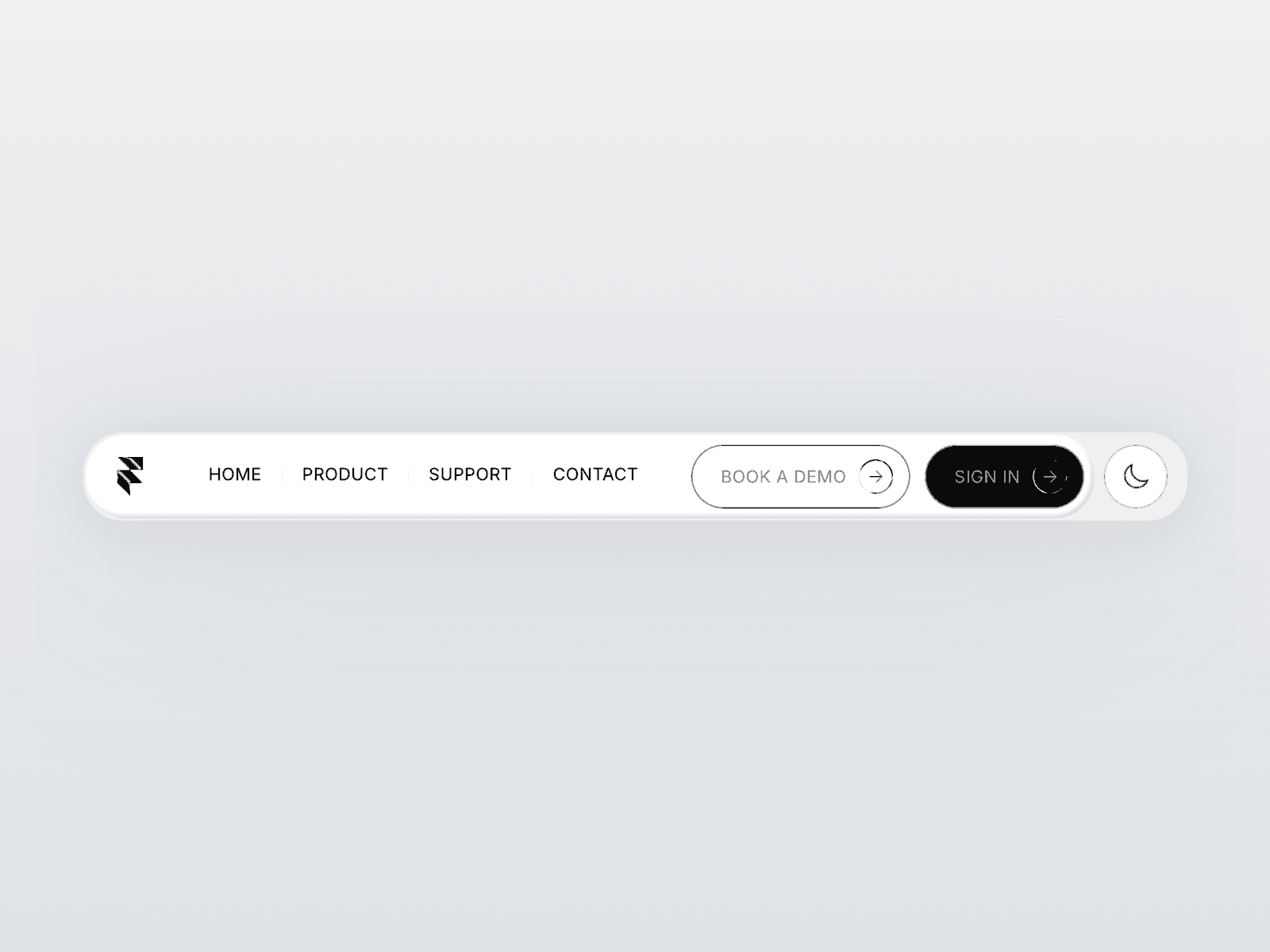
About Gradient Navbar
Explore the best Framer components ↗
About
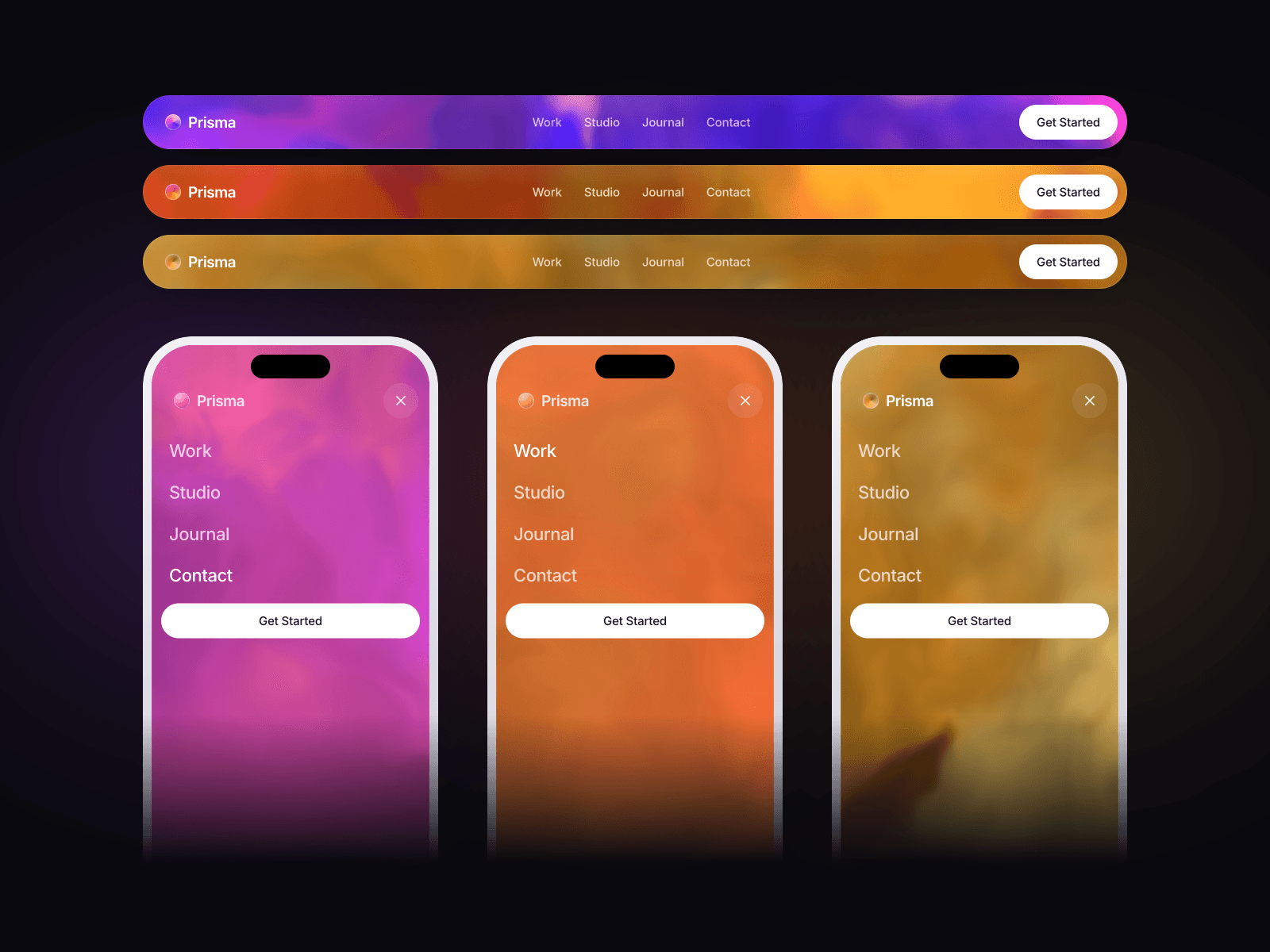
Gradient Navbar is an animated Framer navigation bar with a flowing, liquid-like background. Hover over a link and the gradient eases toward its color while a soft glow follows. The logo can pick up the same tint, bringing the whole header together.
On smaller screens, the links and call to action move into a smoothly expanding mobile menu. Use it to give your website navigation a colorful, interactive first impression.
What you can customize
Make the navbar your own with a palette and motion that fit your brand. Choose a text or image logo, edit the navigation labels and destinations, and give each link its own hover tint and new-tab setting. Add a CTA with its own label, link and colors.
Shape the gradient with four colors, flow speed, scale, mouse swirl, hover glow and transition timing. Adjust typography, link alignment and spacing, bar padding, border, radius and shadow, plus the mobile menu breakpoint and icon color. Add up to eight links through Framer controls.
Great for (examples)
A few ways to bring flowing color into your site:
Creative portfolios and personal brands
Design studios and digital agencies
SaaS websites and product landing pages
App launches and waitlist pages
Music, events and entertainment sites
Colorful one-page websites and Framer templates
Need help?
Questions or feedback? Reach me anytime: matthias@lmvision.de or on X @Matthias_Oel.
Need a matching component?
Explore more ways to make navigation interactive: