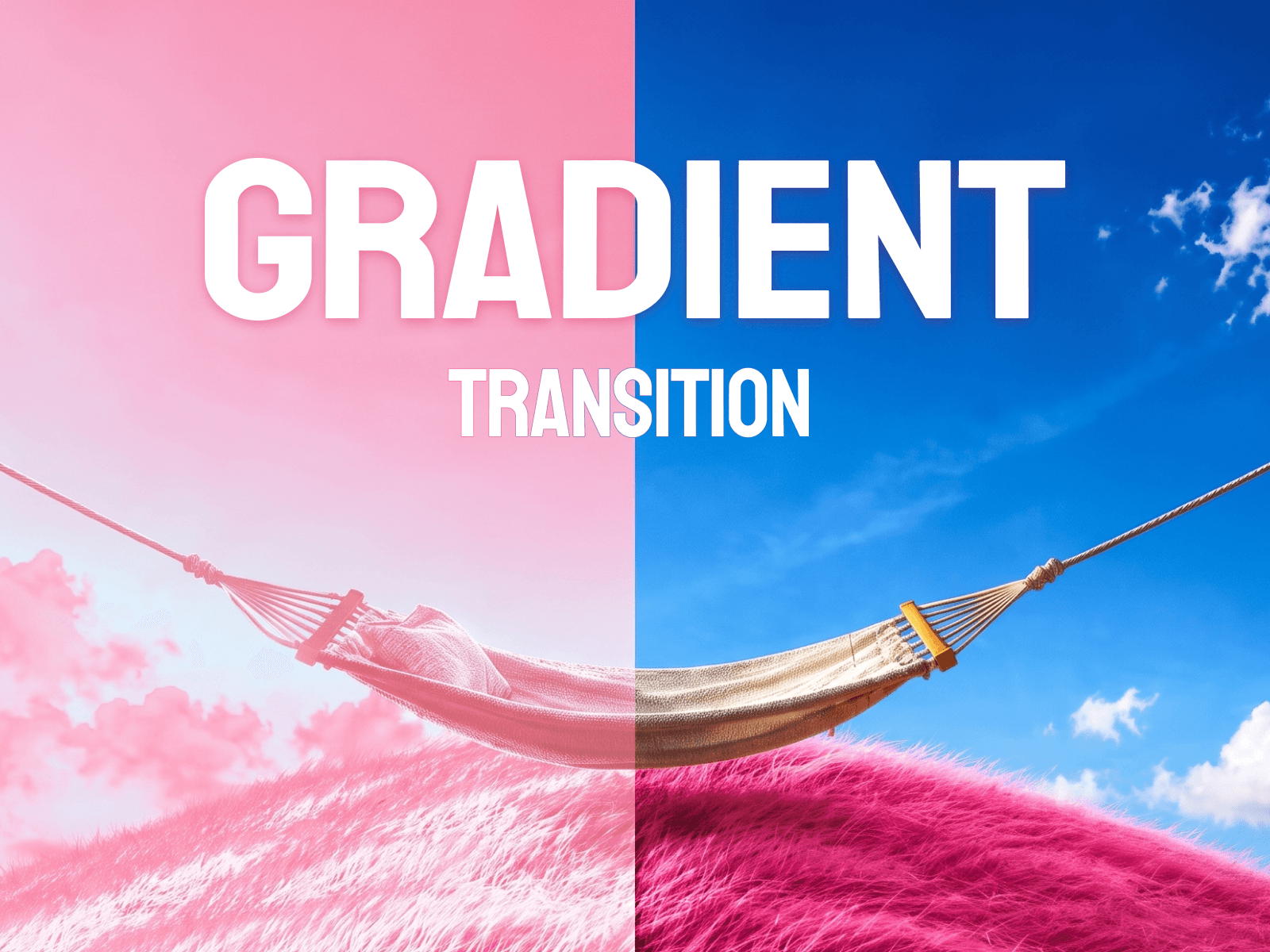
About Gradient Transition
Add a premium interactive image reveal to your site with cinematic gradient wipes, glowing edge tracking, and smooth WebGL motion triggered by scroll, hover, or view.
Features
Real-time GLSL-powered image transitions
Premium glowing gradient wipe effects
Customizable luma and brightness mapping
Multiple triggers including Scroll, Hover, In-View, and Loop
Smooth damped animation physics
Color-tinted shadows and glowing highlights
Highly optimized WebGL performance
Responsive resize and device handling
Works perfectly for portfolios and premium UI layouts
Customizable glow width, softness, and wipe direction
Customization Options
Base image and starting image slots
Custom wipe map image uploads
Glow tint and highlight colors
Edge softness and glow spread width
Transition direction and contrast intensity
Animation trigger type (Hover, Scroll, Loop, etc.)
Duration, delay, and hold timing controls
Easing styles and reverse motion toggles
Image fit options (Cover, Contain, Stretch)
How to Use
Drop the component onto your Framer canvas
Upload your primary image in the properties panel
Adjust the glow tint and highlight colors to match your brand
Choose your preferred transition trigger like Scroll or Hover
Tune the wipe softness, glow width, and direction
Publish for a premium interactive visual effect
Use Cases
Premium SaaS landing pages
Interactive portfolio showcases
Cinematic hero sections
Photography galleries
Modern e-commerce product reveals
AI product feature highlights
Dark mode interfaces
Creative agency websites
Editorial image reveals
Interactive case studies