About Gravitas
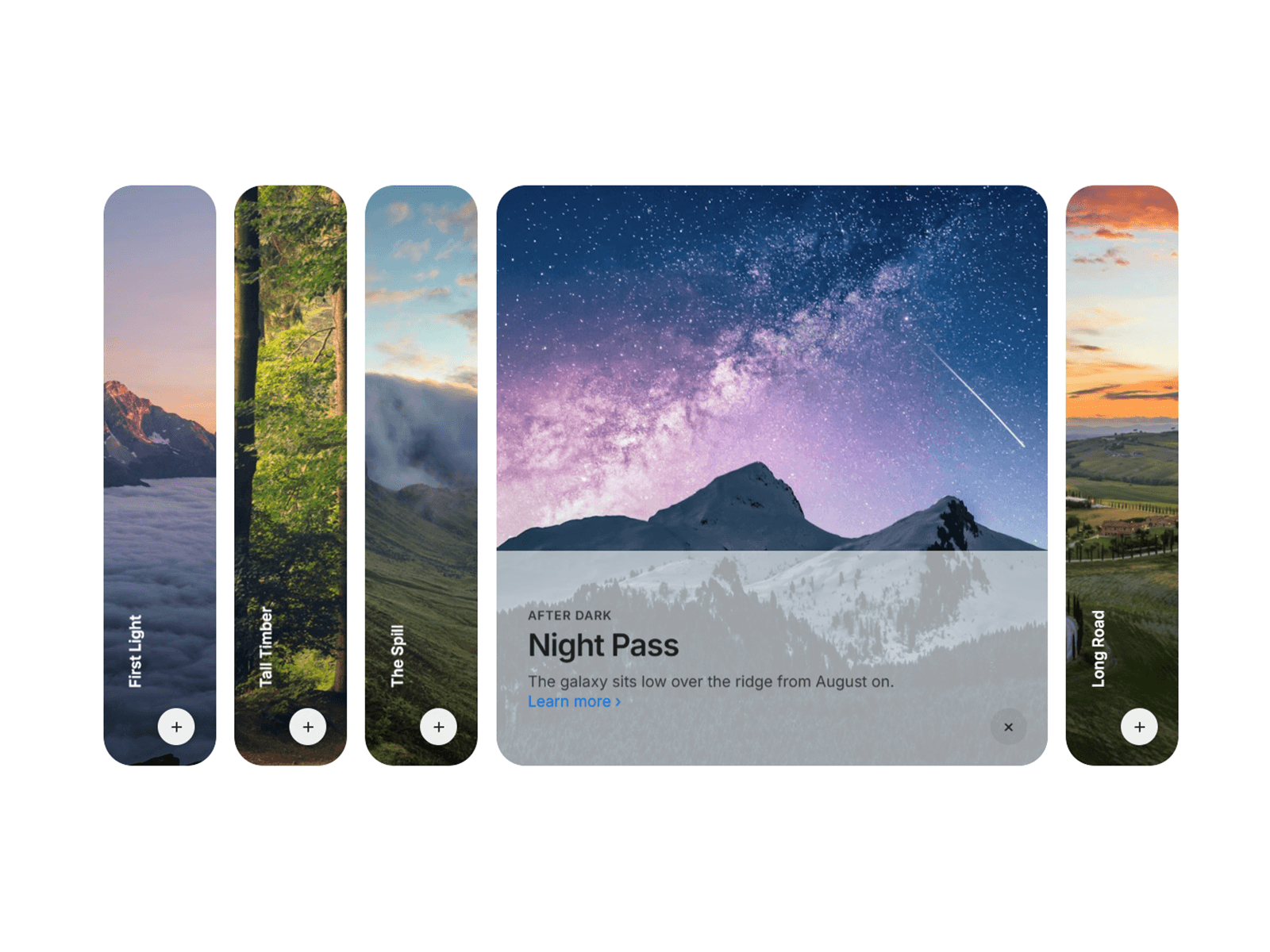
CoverflowCarousel brings the classic coverflow effect to Framer with zero setup. Built on Framer Motion springs, every card transition feels physical — not tweened. Here's what's under the hood:
Interaction Three ways to navigate: drag (with velocity-aware threshold so fast swipes feel natural), click any side card to bring it forward, or let autoplay cycle through on a custom delay. A smart isDragging ref prevents accidental click-fires after a swipe.
3D engine Each card is individually positioned in 3D space using rotateY, scale, opacity, and z — all driven by offset from the active index. You control the rotation angle, scale falloff per step, and perspective depth directly from the property panel. Cards beyond 3 steps from active are automatically hidden to keep performance clean.
Spring physics Transitions use a tuned spring (stiffness: 130, damping: 22, mass: 0.8) — enough tension to feel snappy, enough damping to avoid bounce. Dot indicators animate between a pill and a circle on the same spring.
Property panel 14 controls grouped into 5 sections — Content, Header, Layout, Style, and Animation. Font is exposed via ControlType.Font so it inherits your project's typeface. Background, accent, corner radius, card dimensions, spacing, and perspective are all live-editable without touching code.
Canvas-safe Detects the Framer editor environment and renders a ghost placeholder instead of the live component — no broken states on canvas. @framerDisableUnlink keeps the component intact when dropped into a project.
Images Handles both ControlType.Image (string URL) and ControlType.ResponsiveImage (object with .src) — whichever Framer passes, it works.