About Gravity
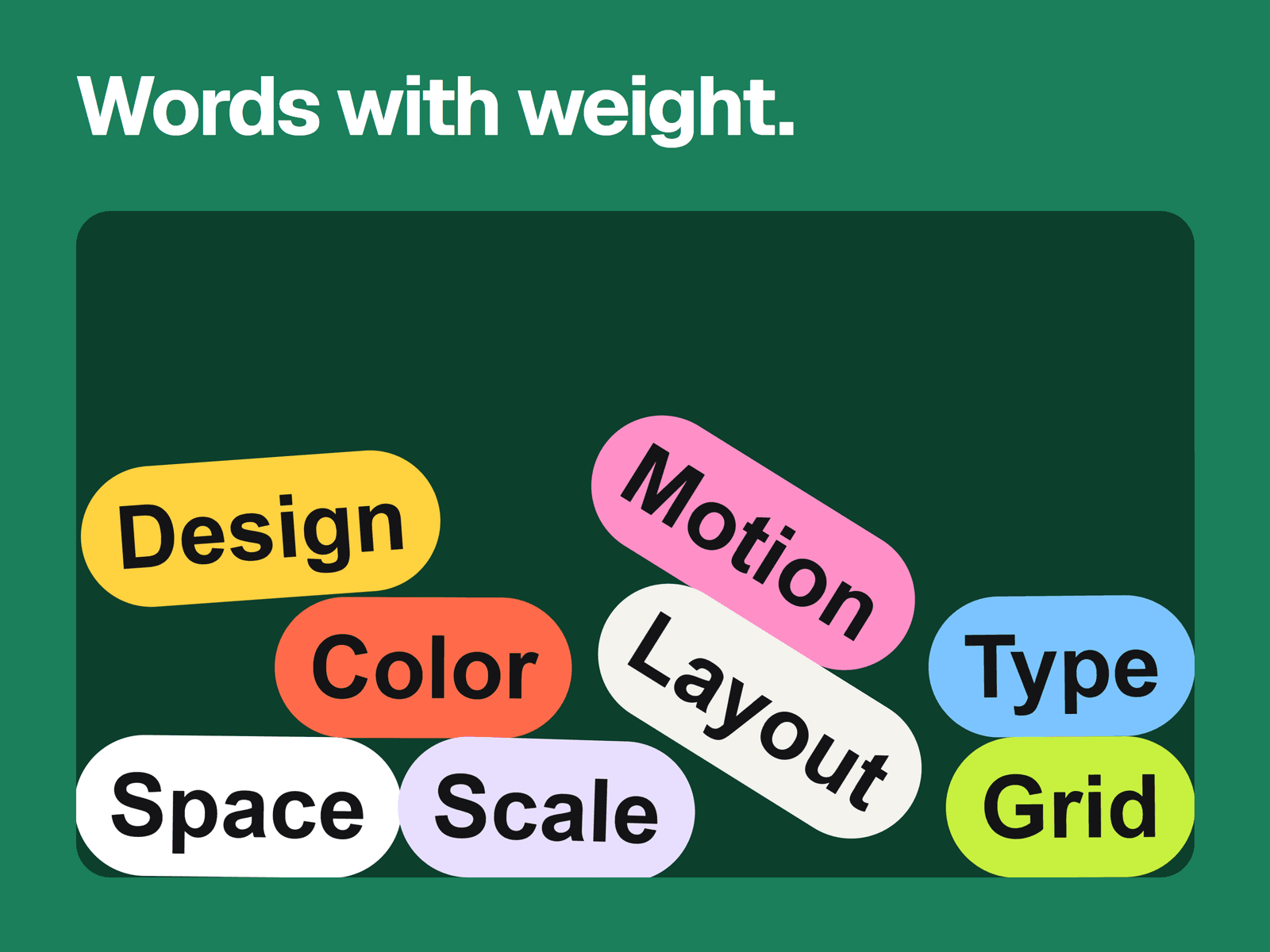
Text pills and circles drop into the frame, land on each other and settle on the floor. Visitors can pick any of them up with the pointer and throw it. The motion comes from a real 2D physics engine, matter-js.
What you can change
Each item's text, colors, font size and shape, either a rectangle or a circle.
Where each item starts, in pixels or percent, and its starting angle.
Each item's friction, bounce and density, and whether it stays fixed in place.
Your own layers. Connect them under Layers and each one replaces the pill in the same position.
Gravity on both axes, from -3 to 3. A negative Y makes items float up.
The top wall, the grab cursor, the background, and whether the scene restarts when the frame resizes.
Where it fits
Playful footers, skills or tag clouds, and portfolio sections that invite a bit of messing around.
Good to know
It starts when the page loads, so in a section far down the page the drop may be over before anyone sees it.
With Auto Start off, items stay frozen where you placed them, and nothing starts them later.
On phones the frame takes touches for dragging, so a visitor can't scroll the page by swiping on it.
Pills use the page's font, with no font control. Rectangle items collide as square boxes, even with rounded corners.
matter-js loads from esm.sh when the page runs, so the component depends on that service being up.
The Framer canvas shows items at their start positions. Physics runs in preview and on the published site, and not for visitors who ask for reduced motion.