About Grid Tunnel
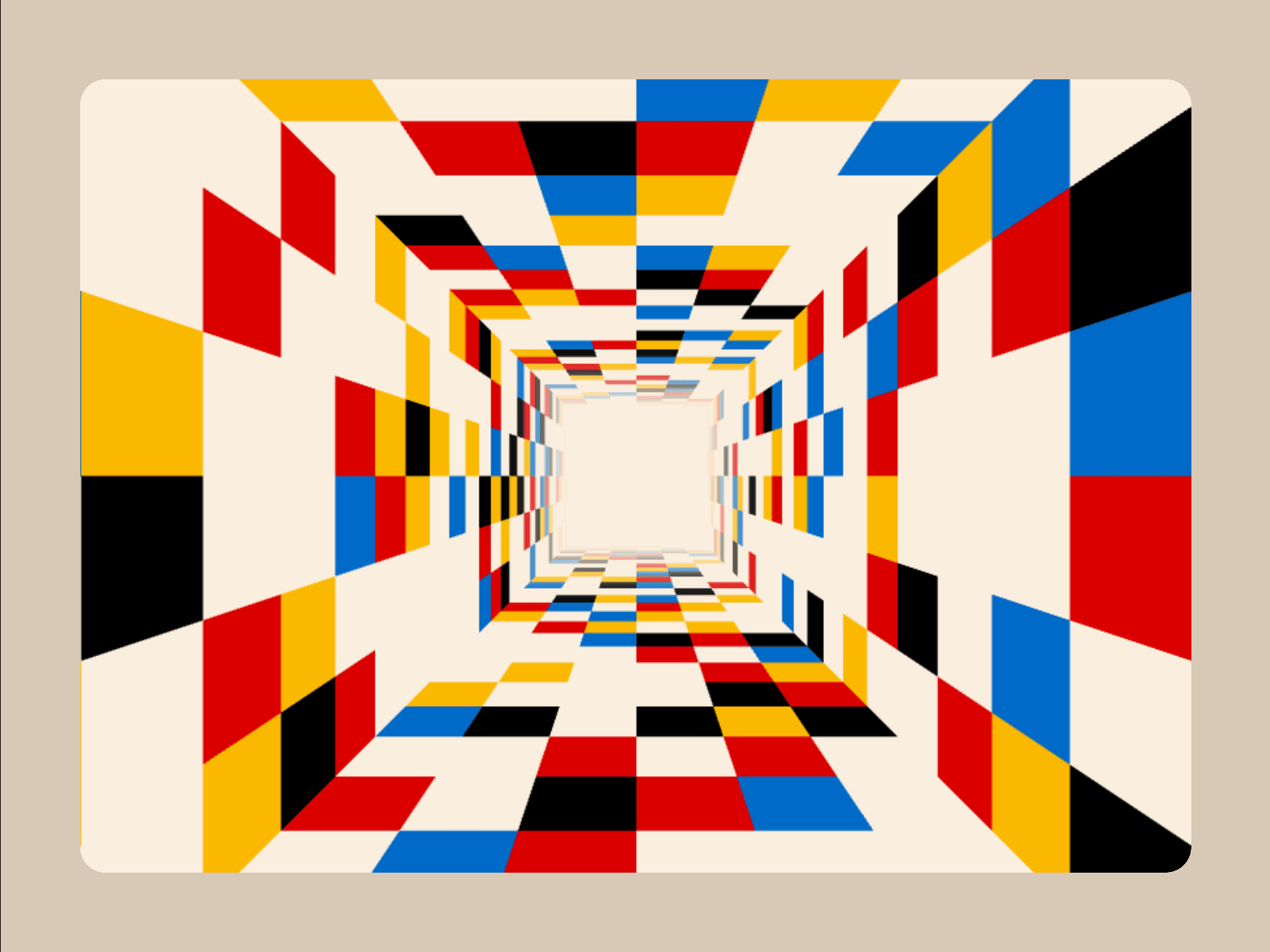
Turn any frame into an infinite 3D world. Combine bold perspective, seamless motion, custom colors, and uploaded media in one responsive WebGL effect.
Use it for:
Immersive hero sections
Portfolio and campaign intros
Product launches and event sites
Interactive galleries and media walls
Playful transitions, backgrounds, and portals
Customizable properties
Motion:
Autoplay: Start automatically or on interaction
Direction: Travel in or out
Speed: Travel rate
Spin: Rotation rate
Interaction: Click, hover, or none
Interaction Speed: Active travel rate
Interaction Spin: Active rotation rate
Tunnel
Depth: Tunnel length
Cell Width: Cell width
Cell Height: Depth-row height
Tunnel Walls: Choose 3–8 sides
Anchor: Camera framing
Vanishing: Convergence point
Distance Fade: Far-end fade
Content
Cell Colors: Custom palette
Media: Images, GIFs, and videos
Blank: Empty-cell weight
Color: Color-cell weight
Media Mix: Media-cell weight
Seed: Repeatable layout
Style
Cell Base Color: Empty-cell color
Background: Exterior and fade color
Grid Lines: Border color
Horizontal Lines: Toggle row lines
Vertical Lines: Toggle column lines
Border Thickness: Grid weight
Corner Radius: Frame rounding
Interaction
Hover Bubble: Toggle cursor label
Bubble Text: Label copy
Bubble Color: Label background
Bubble Text Color: Label color
Bubble Font: Label typography
Click URL: Destination
Open In: Current or new tab
Reduced Motion: Respect visitor settings
Features
Bring your own media: Mix unlimited colors with uploaded images, animated GIFs, and videos.
Shape the space: Build triangular, square, or multi-sided tunnels and move the vanishing point anywhere.
Make it interactive: Change speed and spin on click or hover, then send visitors to any destination.
Built for performance: Rendering pauses when idle or offscreen and resumes without animation jumps.
Technical note:
Animations play in Framer Preview and on published sites. The editing canvas displays a static preview for optimal performance.