About Image Cursor Trail
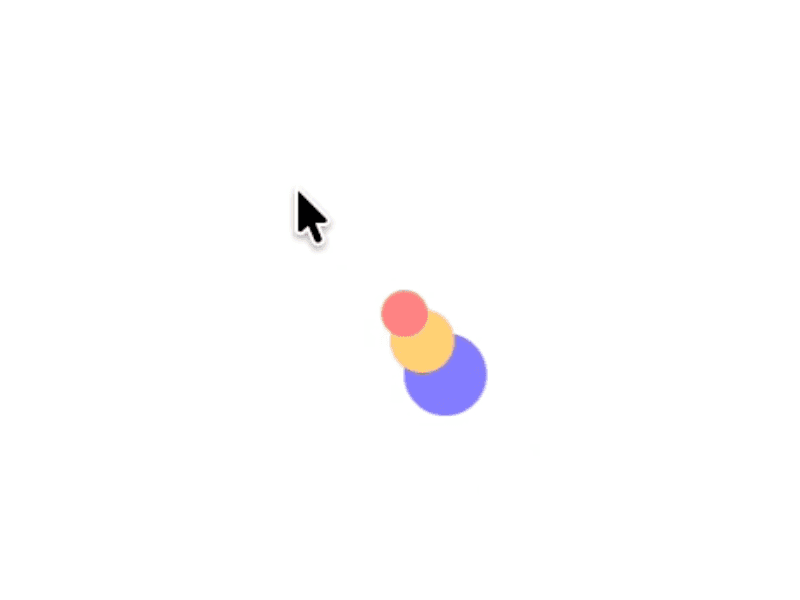
Bring your pages to life with a cursor-following image trail that showcases any set of images. On hover, thumbnails pop at the cursor and either stay, drift, or tumble with simple physics. Use it for portfolio hovers, emoji confetti, hero flourishes, or playful product details. It fills its frame, respects bounds, and is tuned for smooth performance.
Why you will like it
Fast setup, creative control, clean defaults
Cursor tracking stays inside the component bounds
Works with any images you provide
Modes
Pop: quick pop-in then fade
Drift: move in a set direction at a set speed for a set distance
Physics: fall under gravity, collide, bounce, and pile up
Key controls
Global
Images
Image Width, Image Height
Uniform Size
Border Radius
Animation style
Spawn Distance
Spawn Cooldown
Max Rotation Deg
Rotation Jitter
Lifespan ms
Drift
Drift Direction Degree
Drift Speed px/s
Drift Distance px
Physics
Max Items
Gravity px/s²
Bounce
Air Drag
Ground Friction
Stacking Collisions
Spawn Impulse
Spawn Speed px/s
Spawn Angle Deg
Angle Jitter Deg
Extra notes
If the Images list is empty, a small placeholder renders at runtime so you see the effect. The Framer panel will not auto prefill the array.
For best performance, prefer web-ready images and moderate image sizes.