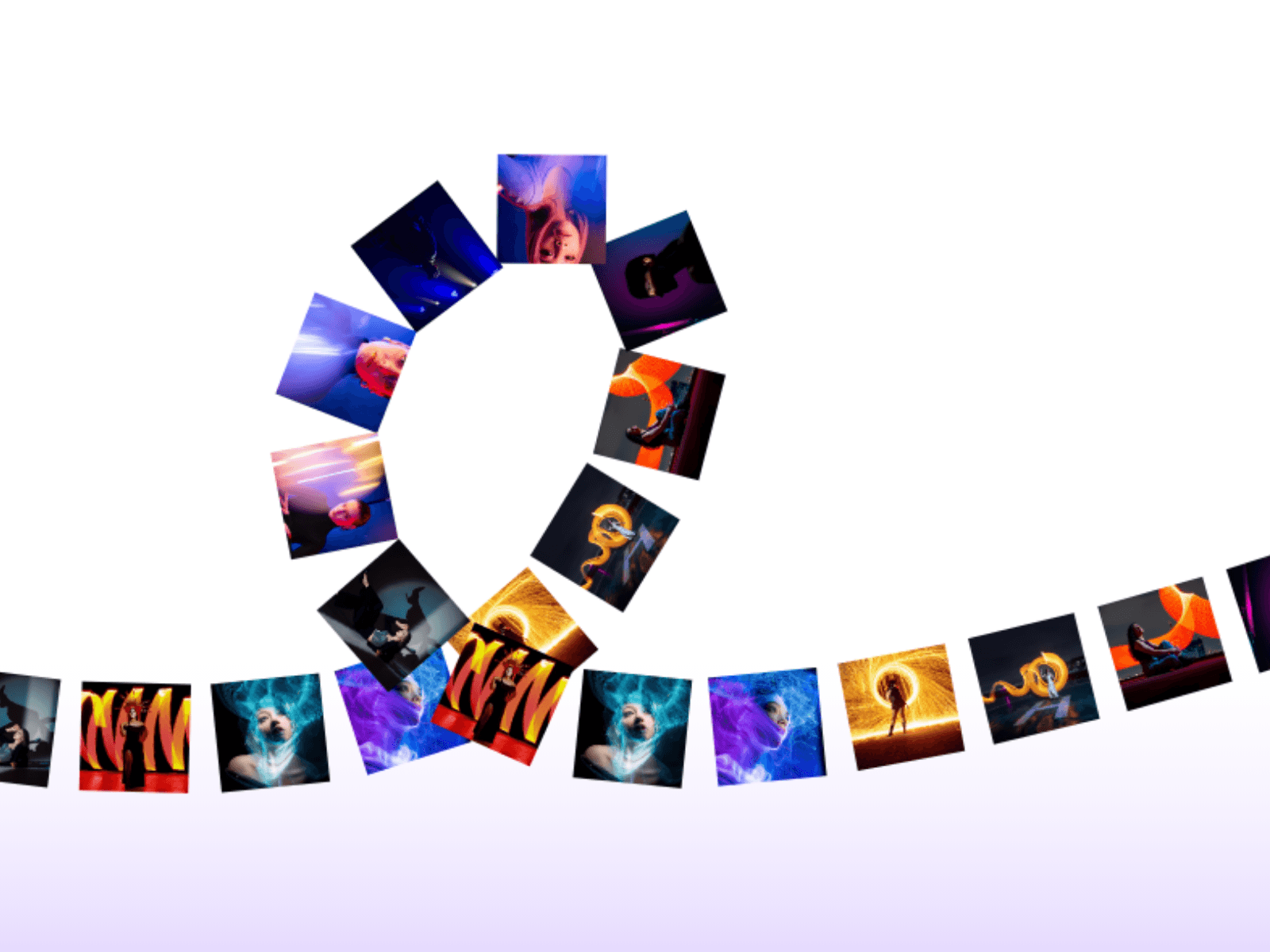
About GridShuffle
A dynamic image and video grid that shuffles its contents with smooth spring animations. Auto-shuffles on a configurable interval or responds instantly to clicks. Three grid formats, full media support, and zero dependencies. Built for portfolios, agencies, and anyone who wants their gallery to feel alive.
What's Included
One self-contained Framer code component. No third-party libraries, no external dependencies. Drop it on your canvas, add your media, and it works instantly. Full static renderer support means it previews cleanly on the Framer canvas without running animations.
Features
Dynamic shuffling with smooth Framer Motion spring animations
Auto-shuffle at a configurable interval from 1 to 30 seconds
Click anywhere on the grid to trigger a manual shuffle instantly
Three grid formats — 3×3, 4×4, and 5×5
Supports both images and videos — mix and match freely
File upload or external URL for every media item
Customizable gap between grid items
Customizable border radius on grid items
Customizable grid background color
Canvas-optimized — animations pause in Framer canvas preview
Up to 25 media items supported
Accessible — proper ARIA labels on all elements
Grid Formats
Choose the layout that fits your content and canvas size.
3×3 — 9 cells, bold and editorial
4×4 — 16 cells, balanced and versatile
5×5 — 25 cells, dense and immersive
Property Controls
Media Items Add up to 25 images or videos. Each item configures independently.
Media Type — image or video
Source Type — file upload or external URL
Image Upload · Image URL
Video Upload · Video URL (MP4, WebM, MOV supported)
Grid Format Select between 3×3, 4×4, and 5×5 grid layouts from a single dropdown.
Shuffle Behavior
Shuffle Interval — time between auto-shuffles in seconds (1–30)
Styling
Border Radius — rounded corners on each grid cell (0–32px)
Gap — spacing between grid cells (0–32px)
Background Color — grid container background
How It Works
Shuffle Engine On every shuffle — whether triggered automatically by the interval timer or manually by a click — the component generates a new randomized order for all media items and animates each cell to its new position using Framer Motion spring physics. The result feels natural and fluid rather than mechanical.
Auto-Shuffle A configurable interval timer fires a shuffle automatically at a set frequency. The timer resets cleanly when the user clicks to manually shuffle, preventing double-shuffles. Set the interval anywhere from 1 second to 30 seconds depending on the pacing your design needs.
Spring Animation Every cell moves to its new position driven by Framer Motion spring physics. Spring animations respond to interruption naturally — if a new shuffle fires mid-animation, cells course-correct smoothly without snapping or jumping.
Mixed Media Support Each grid cell independently declares its media type and source. Images and videos can be placed in any order and any combination within the same grid. Videos auto-play muted and loop silently as required by all modern browsers.
Canvas Optimization The component detects Framer's static renderer environment using useIsStaticRenderer and disables all animations when running on the canvas. This prevents performance issues during design and ensures a clean, accurate static preview of the grid layout.
React 18 Concurrent Rendering Shuffle state updates use startTransition to mark them as non-urgent, keeping the UI responsive during rapid interactions and preventing frame drops on lower-powered devices.
Technical Details
Framer Motion spring physics for all shuffle animations
useIsStaticRenderer pauses animations in canvas mode
startTransition for React 18 concurrent rendering
Handles both legacy and new Framer image format structures
Falls back to default Unsplash images if no media is provided
Videos auto-play, loop, and are muted by default
ARIA labels on grid container and individual cells
Fixed layout width and height via framerSupportedLayoutWidth
Default Settings
9 sample images in a 3×3 grid
3 second shuffle interval
8px gap · 8px border radius
White background color
Requirements
Framer Sites 2024 or later. Images and videos must be accessible via public URL or uploaded directly as Framer Assets. External media URLs require proper CORS headers on the host server. Videos play muted by default as required by all modern browsers for autoplay support.
Use Cases
Portfolio galleries · Agency homepages · Photography showcases · Product image grids · Mood boards · Creative intros · Media presentations · Brand campaign visuals · Editorial layouts
SEO Keywords
framer shuffle grid · framer animated grid · image grid framer · framer grid component · shuffle animation framer · framer motion grid · image shuffle framer · framer gallery grid · animated image grid framer · framer spring animation · video grid framer · framer media grid · framer interactive grid · framer code component · grid animation framer