About Heat Ink Trail
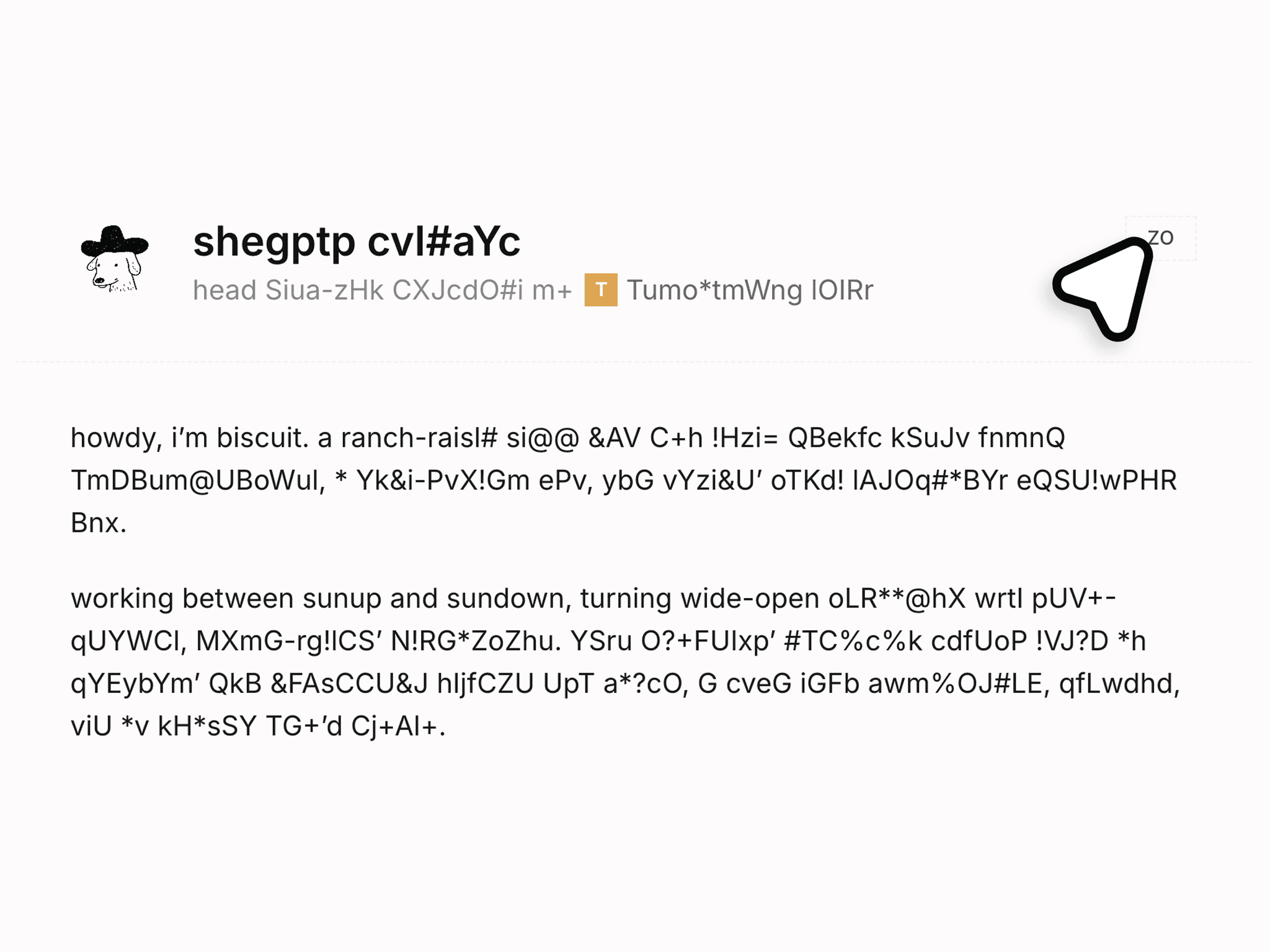
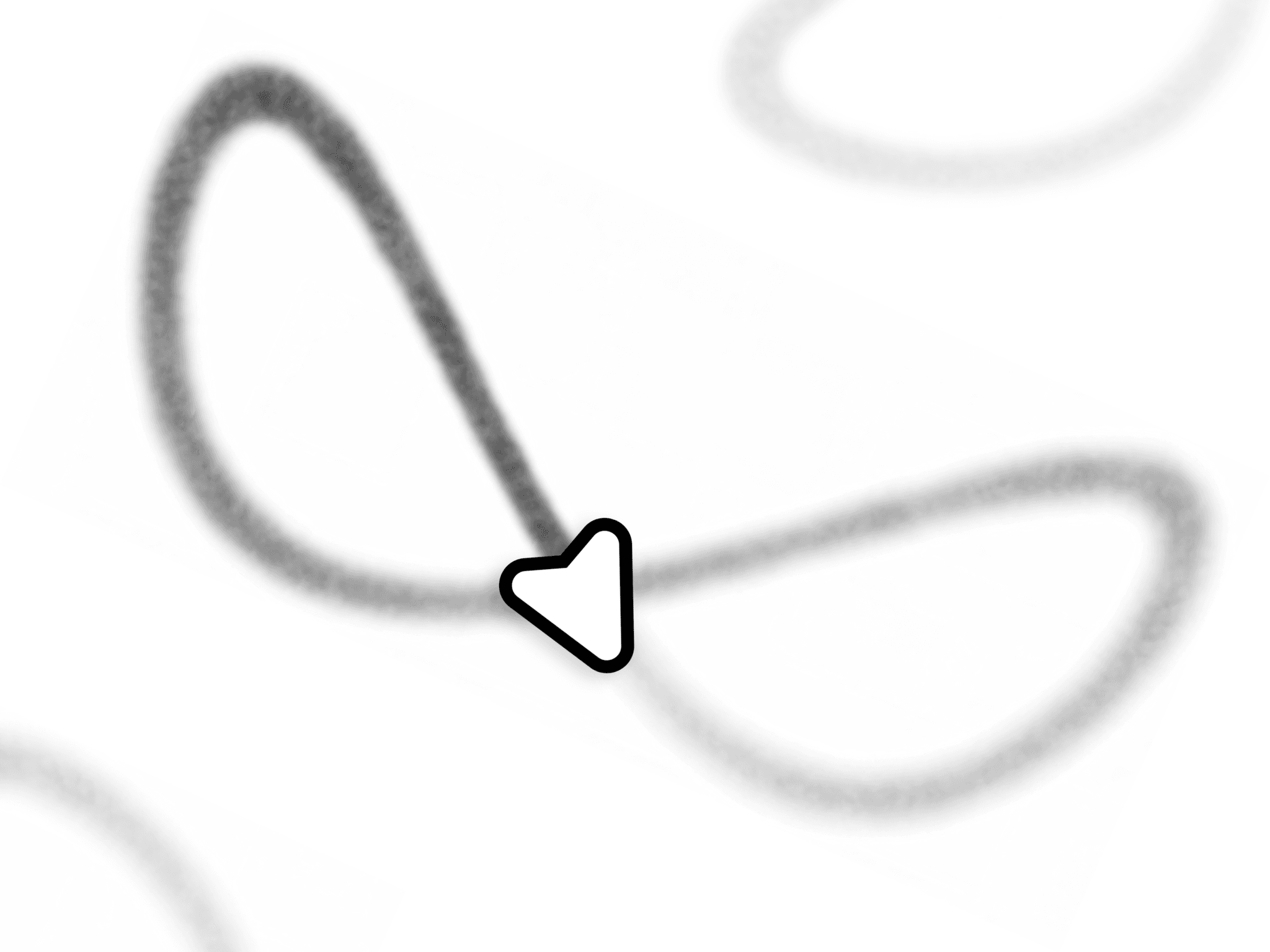
Heat Ink Trail is a responsive Framer component for cursor-reactive ink: a transparent overlay where slow movement lays down wide dark marks, fast movement thins them, overlapping strokes build density, and marks cool away on their own.
Use Cases
Works well for:
studio and agency homepages
portfolio heroes
editorial articles
photography and gallery sites
product launch pages
one-page sites
teaser pages
personal sites
404 pages
Perfect when you want a section that reacts to being read, not one that just sits there.
--------------------------------------------------------------
Customization
Fully customizable via the properties panel:
ink color
max opacity and blend mode
optional halo color
strength and spread
min and max brush radius
speed range
irregularity
fade
diffusion
hold strength
touch mode
reduced motion
render quality
max DPR
canvas preview
clear trigger
It draws nothing but ink, so the section underneath stays yours to design.
--------------------------------------------------------------
Responsive Behavior
Desktop: the cursor paints. Rest it or hold the button to bloom more heat.
Tablet: a tap leaves one bloom, the page still scrolls, stylus pressure is read.
Mobile: same tap bloom, or switch drawing off.
Fills its container at any size, never blocks links or buttons underneath, respects reduced motion, and pauses while the tab is hidden.
--------------------------------------------------------------
Preview: https://heat-ink-cursor-trail.framer.website/
Tutorial: https://heat-ink-cursor-trail.framer.website/tutorial
Included: the component and a live preview with setup steps. Support on X at @KullenJahnke.
Good to know: fade is a time constant, not a lifetime, so dense areas outlast the number you set. Diffusion cannot be turned off.
Use Quality: Low for a full-page overlay. Draw mode on touch suppresses scrolling inside the frame, so it is not the default. No splatter or droplets.