About Hero orbit pro
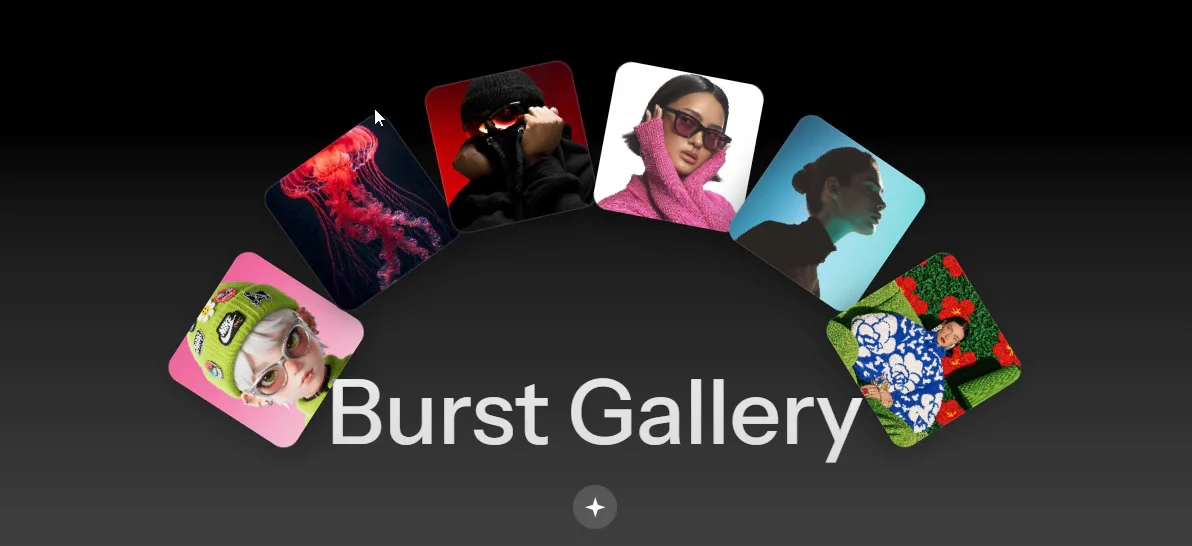
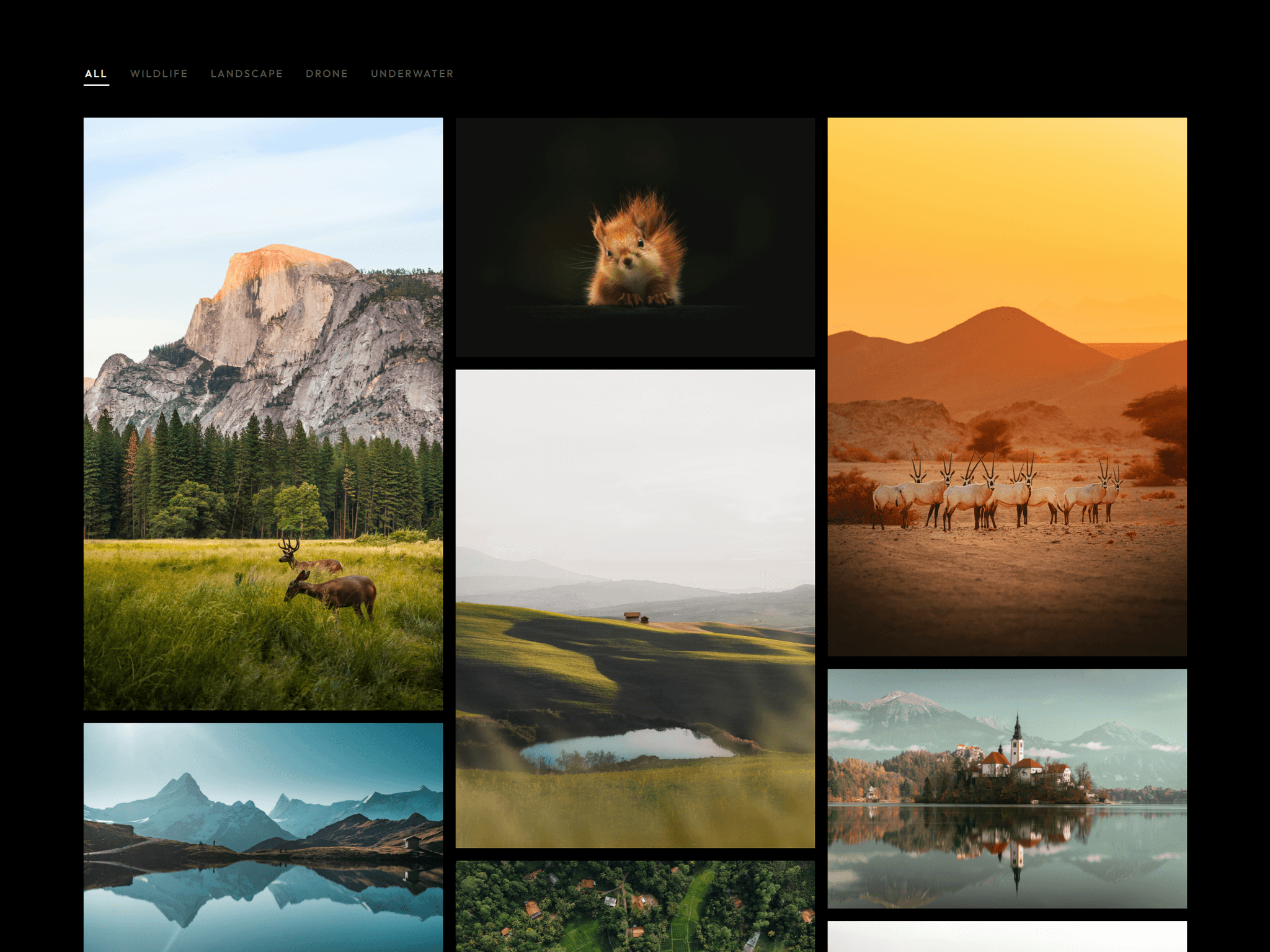
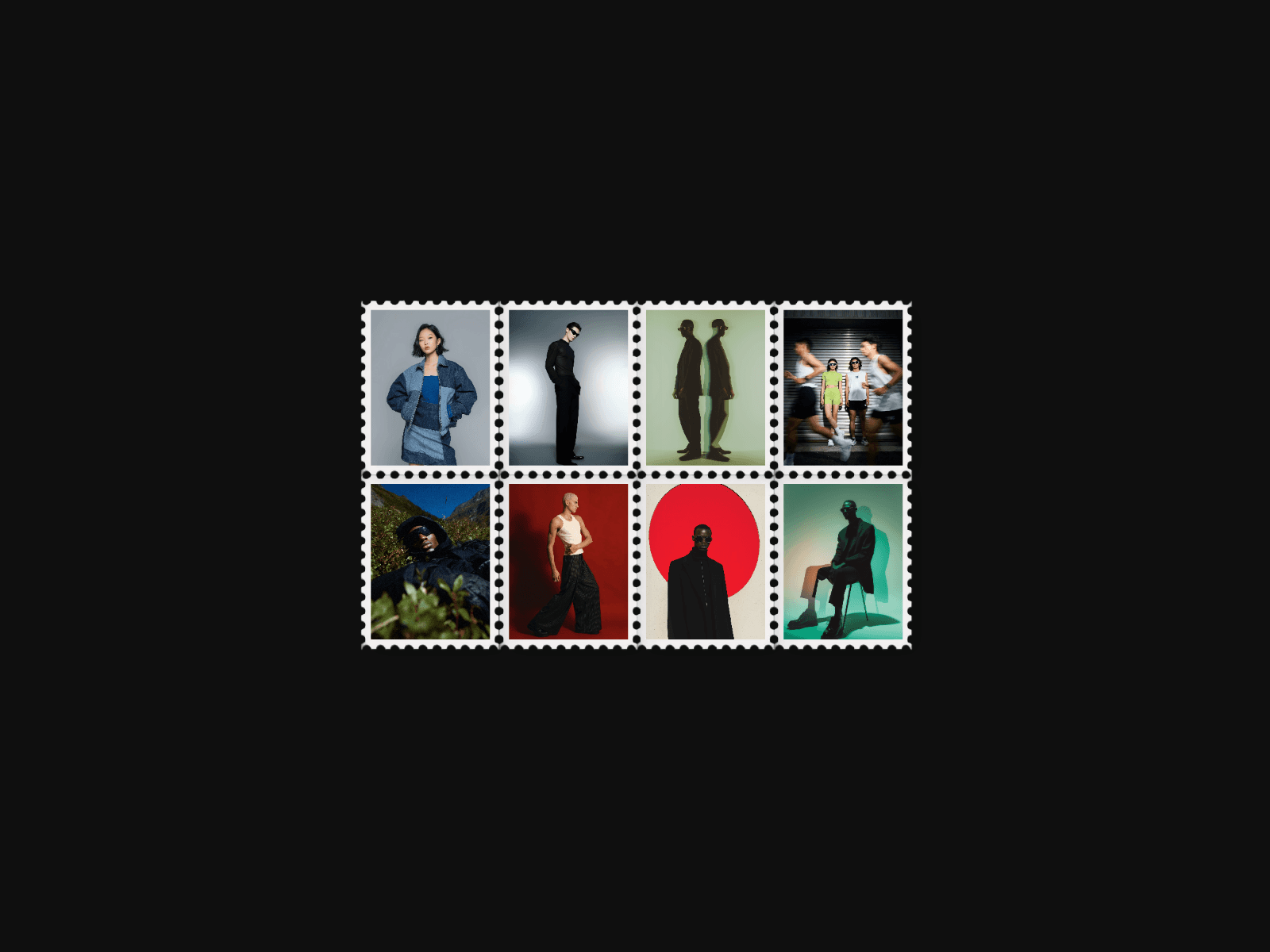
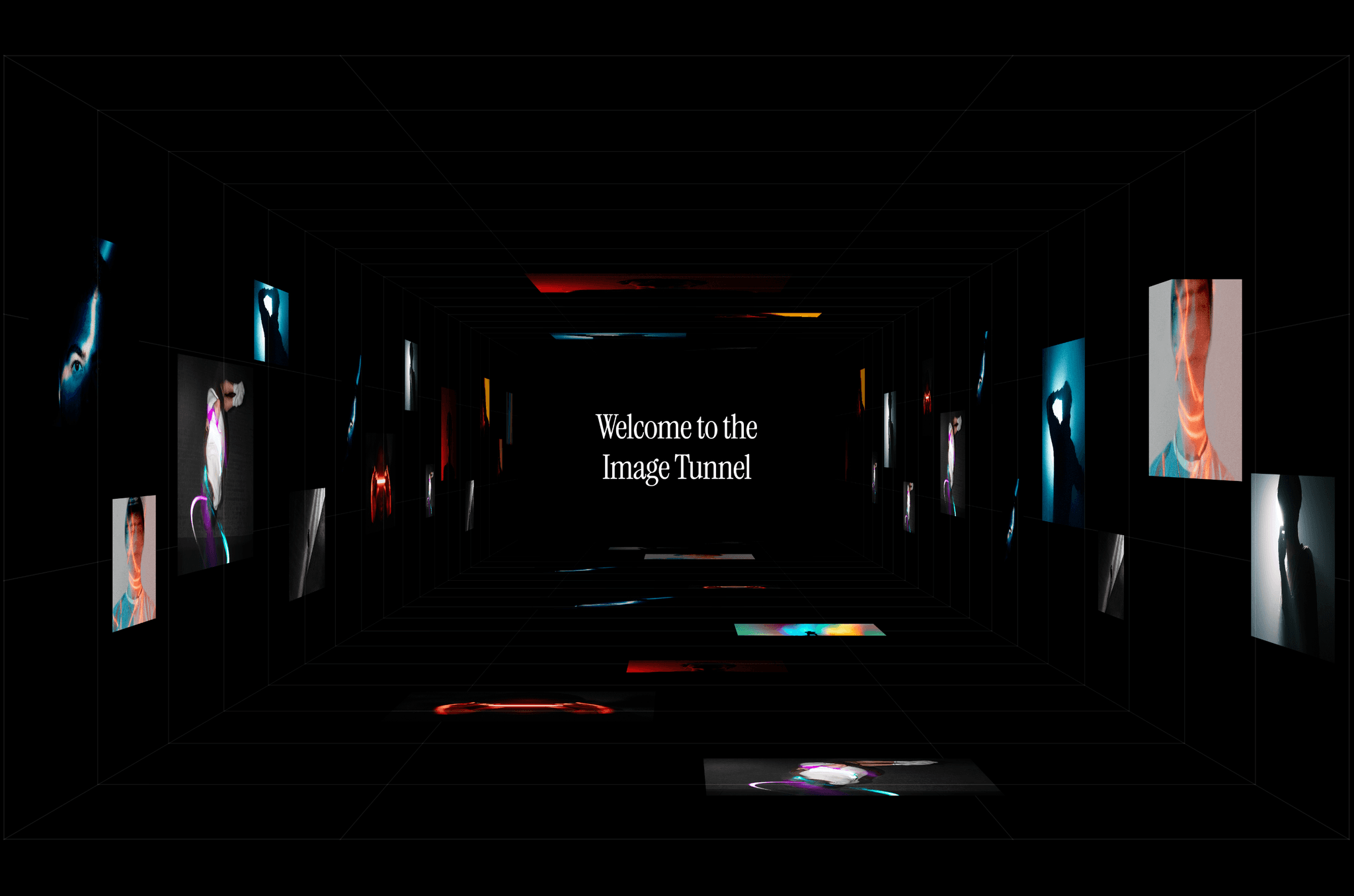
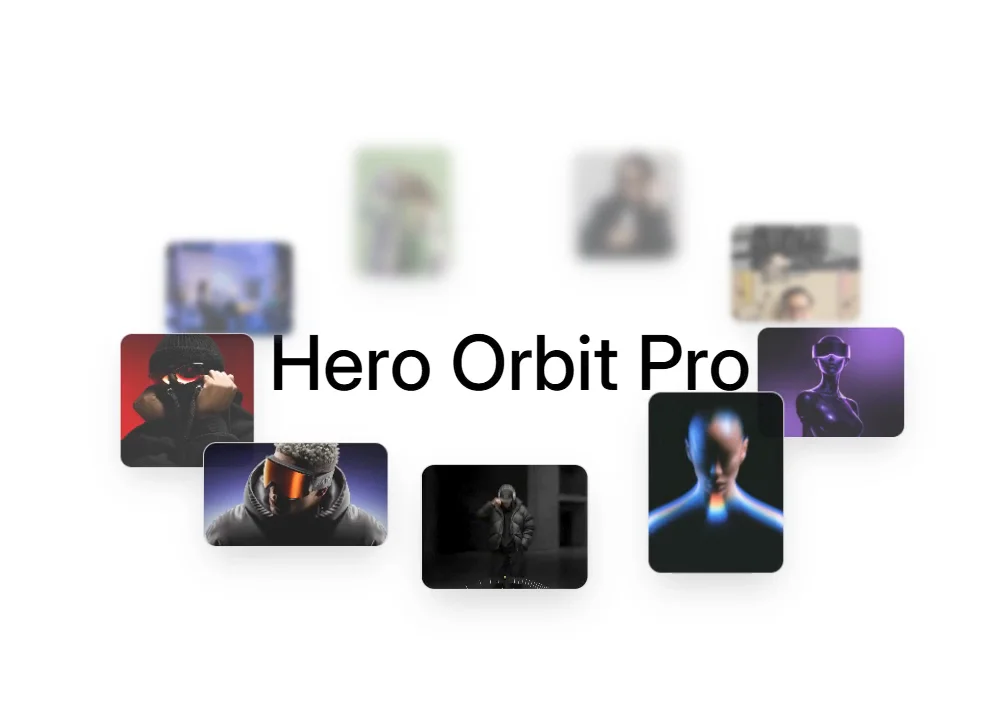
Hero Orbit Pro is an animated orbiting gallery. Photos and videos glide around a tilted ellipse, with cards at the back that are smaller, softer and slightly blurred. Placed over a hero section, it adds depth and movement without hiding your headline. Click any card to open it in a lightbox. It’s built for portfolios, studios, agencies and creative landing pages.
Features
Cards orbit smoothly, with adjustable speed, direction and plane tilt
Depth effect: back cards shrink, fade and blur for a 3D feel
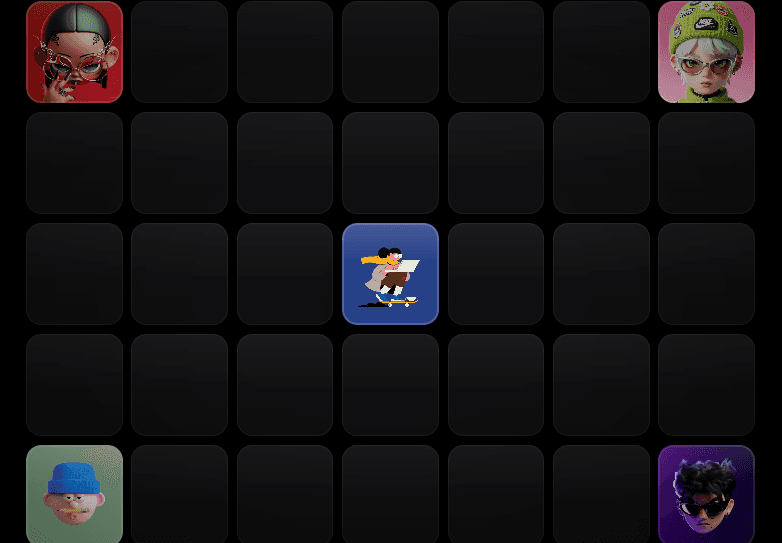
Mix images and looping videos in one orbit
Click a card to open it in a lightbox
Orbit pauses on hover
See-Through mode: empty space passes clicks to the layers beneath
Light, dark or auto theme, with a transparent background
Responsive desktop, tablet and mobile sizing, with fewer cards on mobile
Respects reduced-motion settings
What you can customize
Media: add as many images or videos as you like, each with a title and aspect ratio (4:3, 3:4, 1:1, 16:9)
Orbit: speed, direction, plane tilt, pause on hover, lightbox on or off
Depth: blur amount, back-card opacity and scale, optional backdrop blur and tint
Cards: corner radius, border, shadow, random tilt, mixed or fixed aspect ratio
Responsive: orbit radius, card size and item count for each screen size
Best for
Portfolio and agency hero sections
Photographers and filmmakers
Studios, architects and designers
Product teasers and look books
Pro Tip: How to get the look on the canvas Put the component inside your hero section and set it to Absolute position. Use Top, Right, Bottom and Left all at 0 (or Width and Height 100% centered). Keep your headline and buttons as normal layers in the section. With See-Through on, they stay clickable under the orbit. For the same feel as the demo, use speed 0.24, counter-clockwise, tilt -8°, and keep the section at least ~600px tall on desktop so the orbit has room.
Need help? Email wamukamau2021@gmail.com