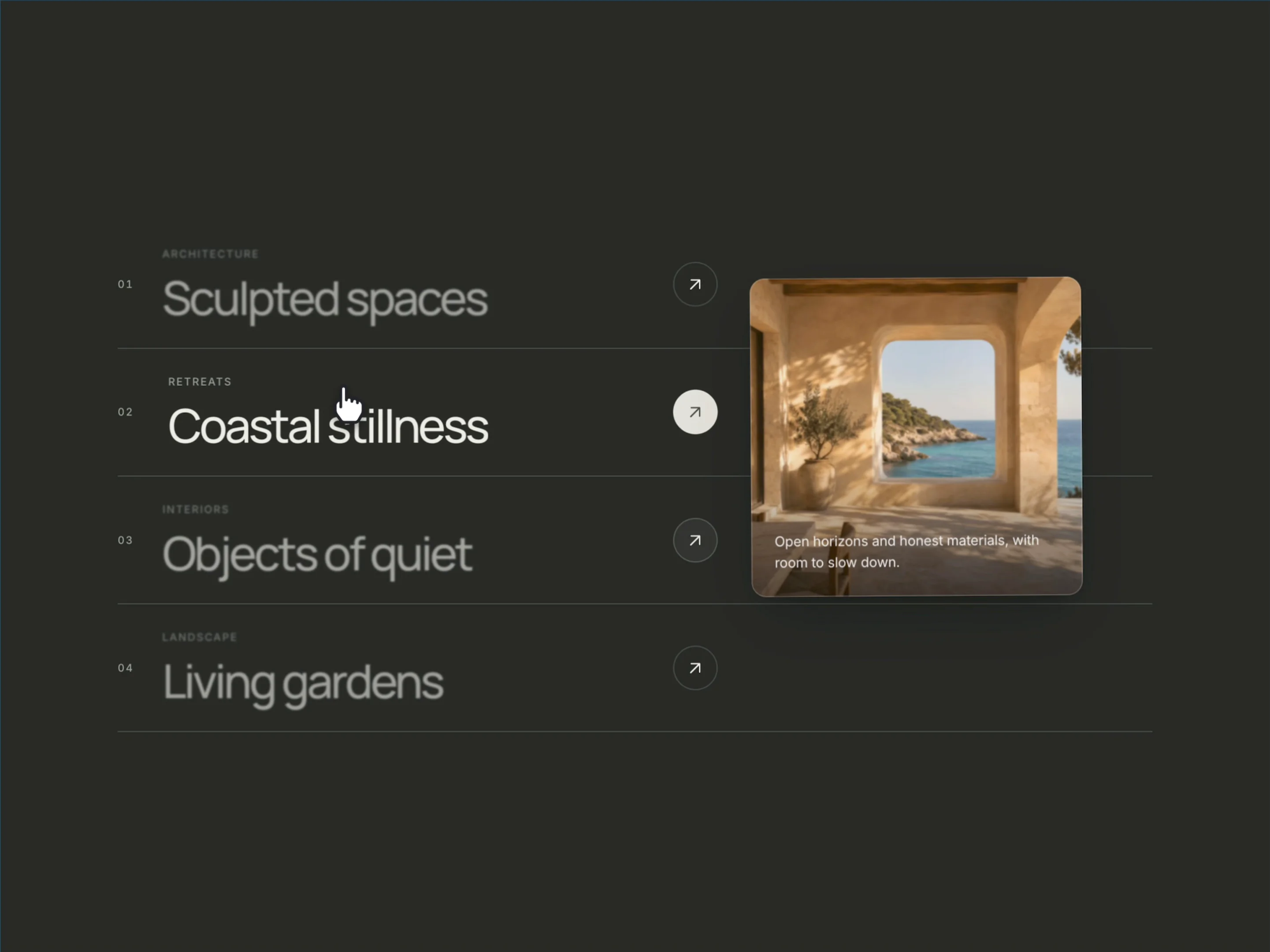
About Hover Blur List
About Hover Blur List
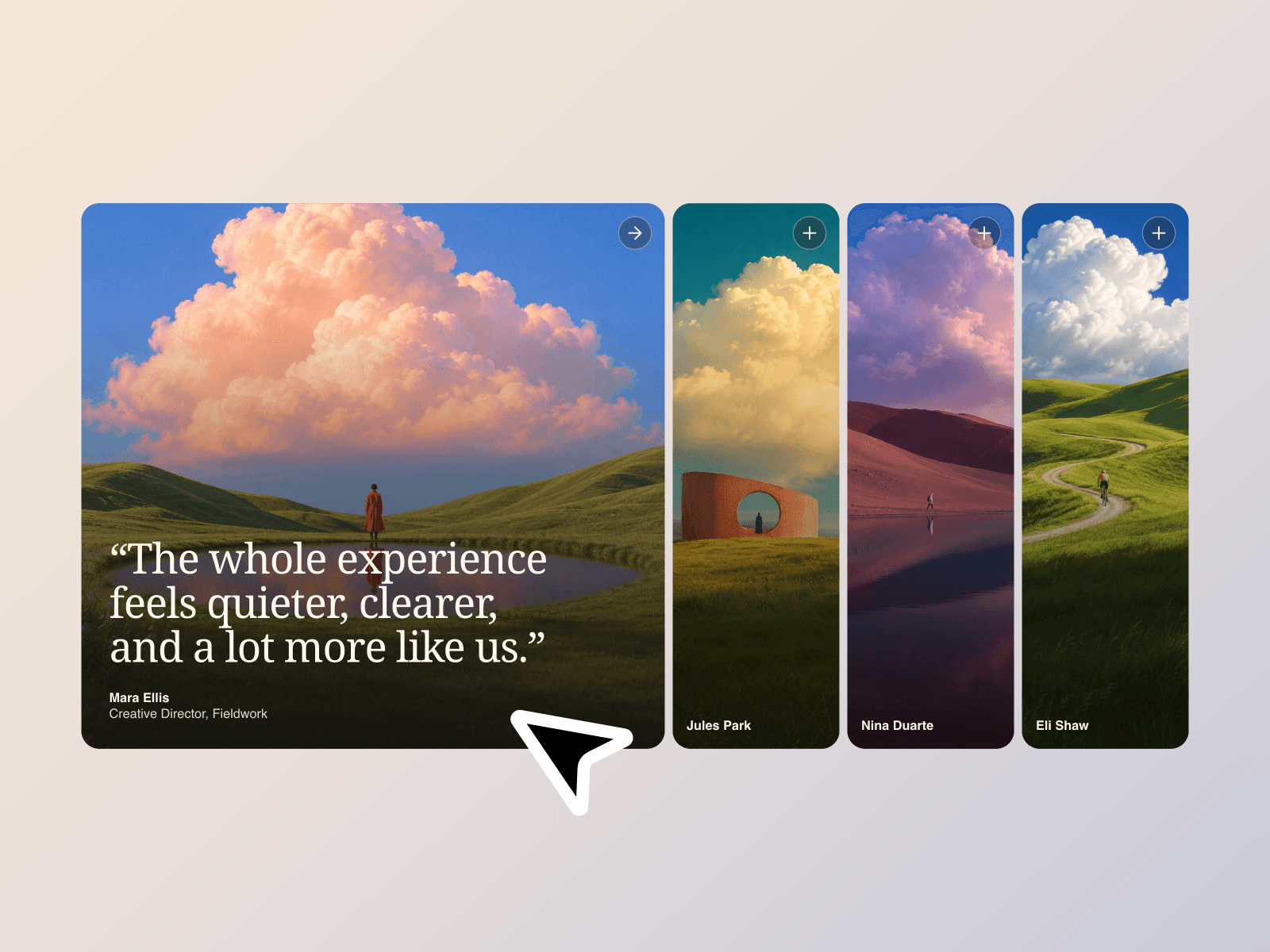
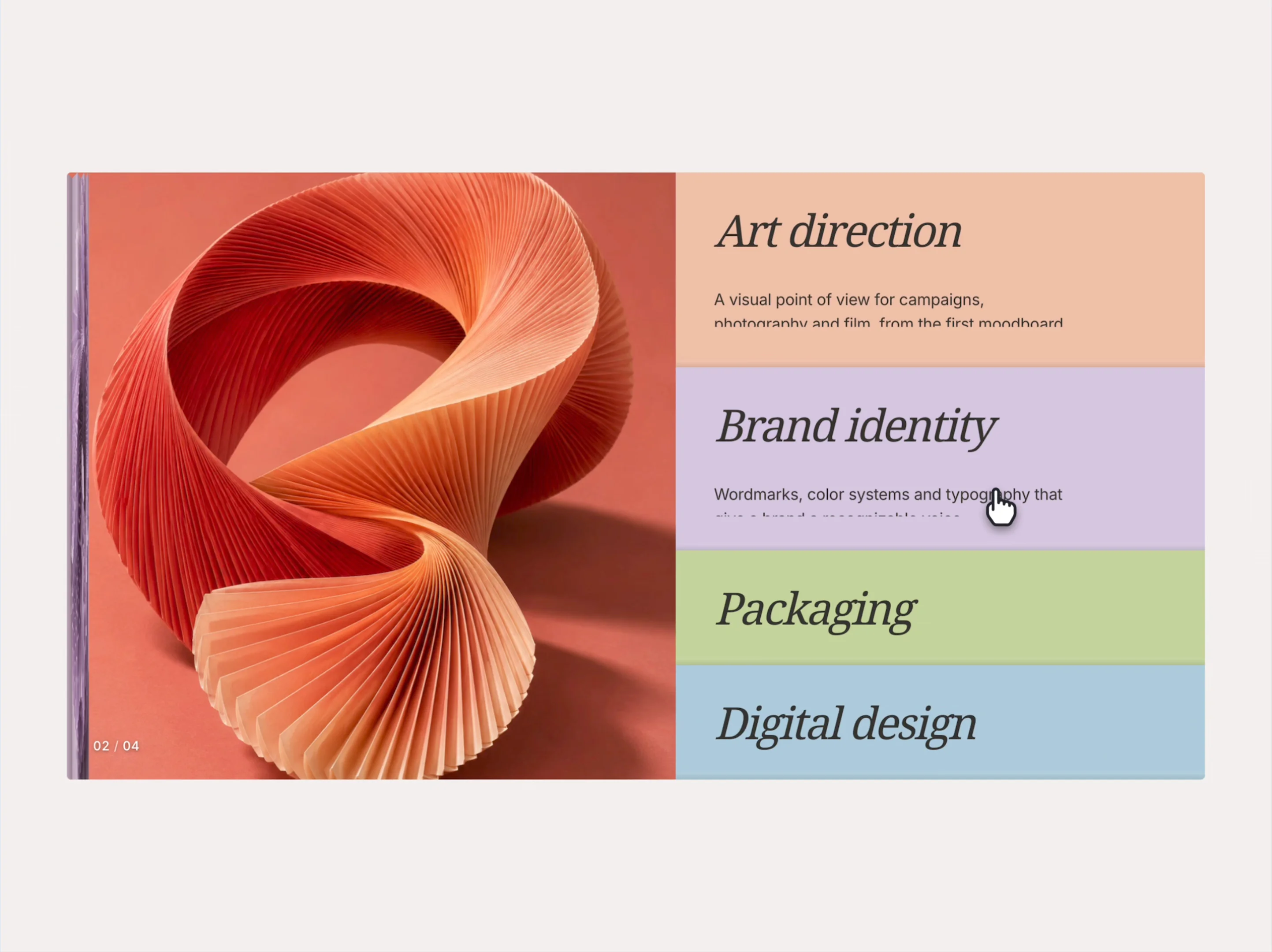
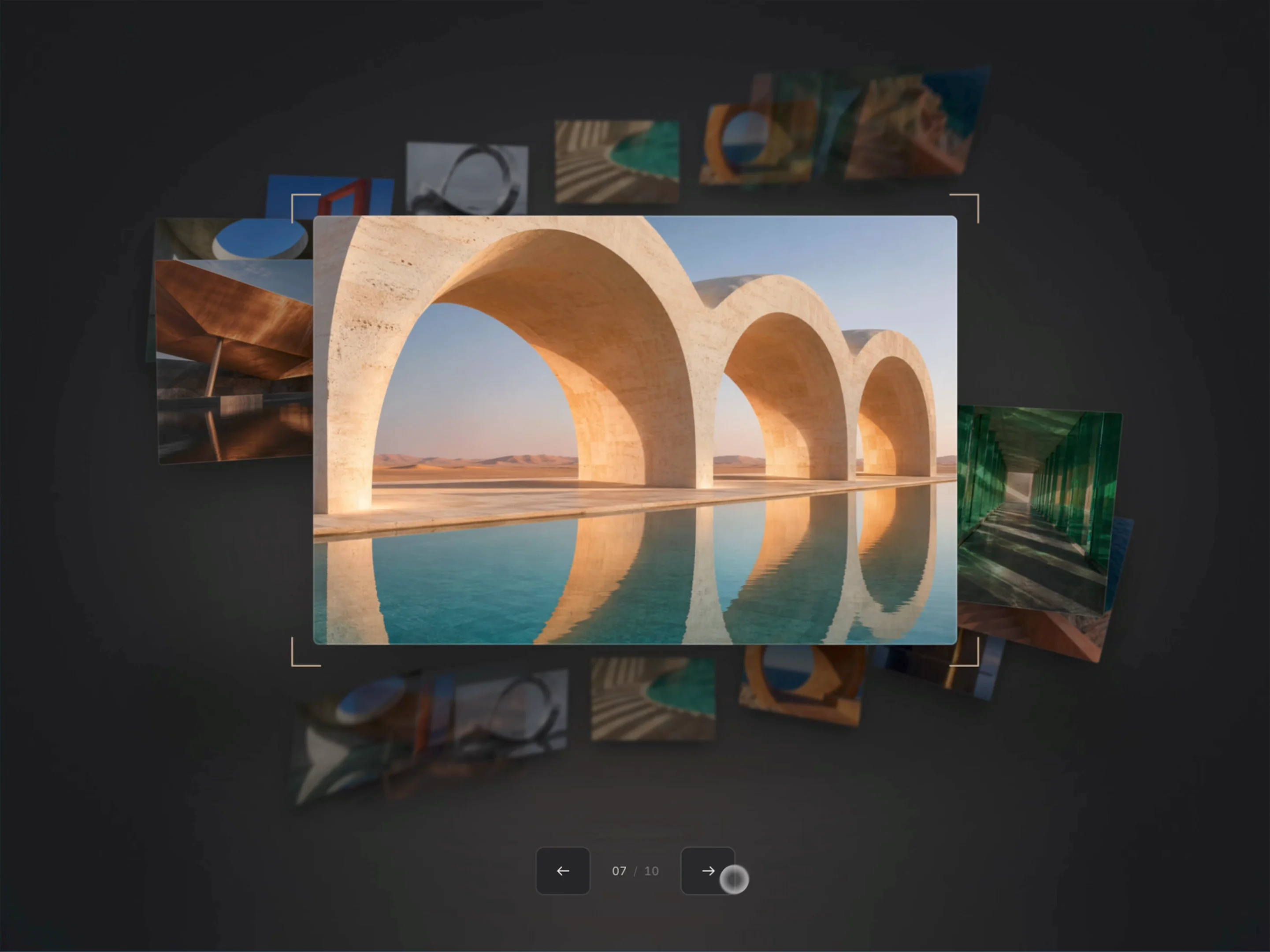
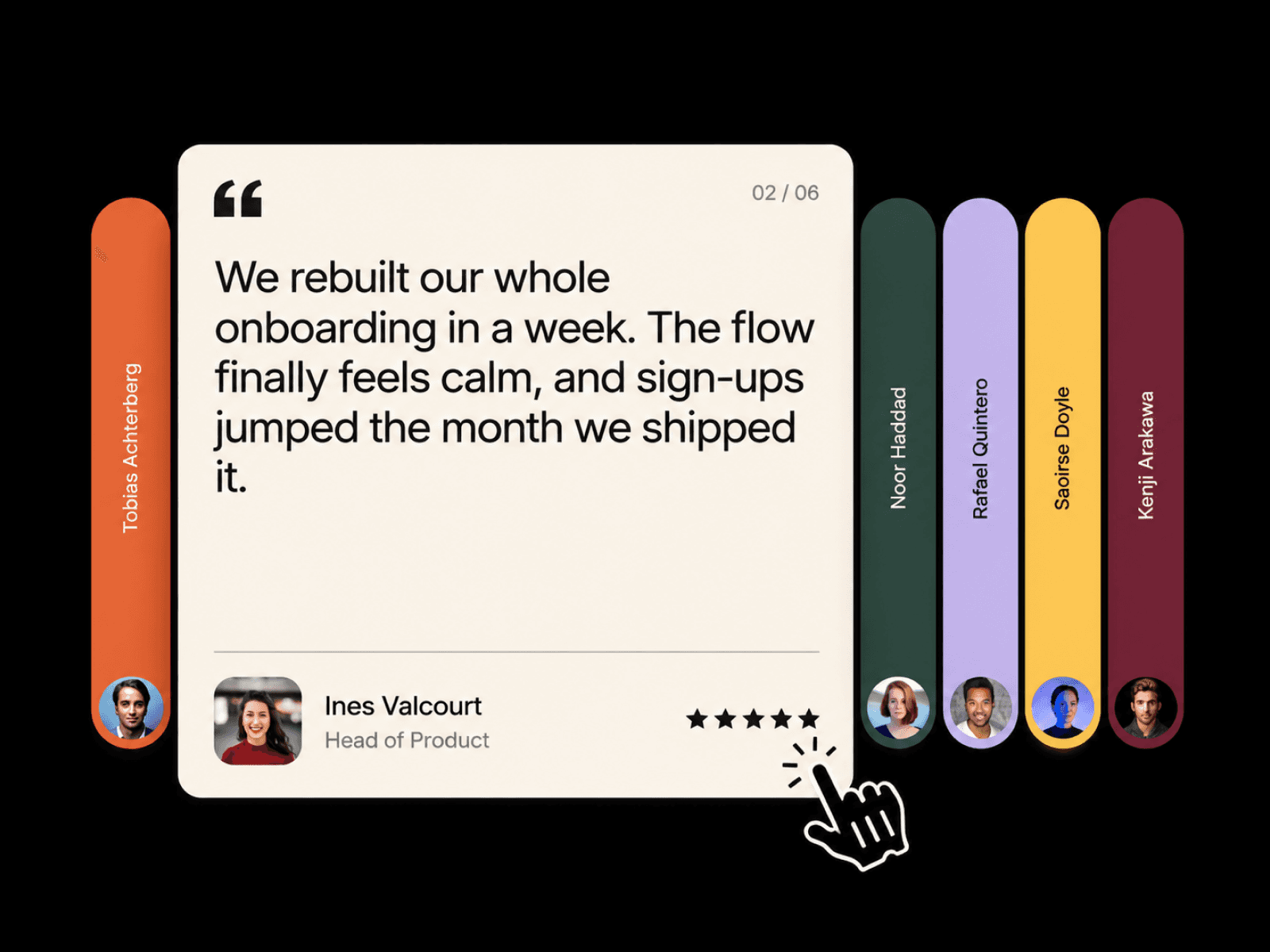
Hover Blur List is a responsive project list for Framer that pairs editorial typography with an interactive image preview. Move across a row to bring its image into focus while the surrounding titles softly blur and fade. The preview shifts between projects and gently follows the pointer, adding movement without taking attention away from the work.
A closer look at every project
Each row can feature a title, category, image, description and link. The active image appears beside the list, with an optional description overlaid on the photo. Link a project to a case study or another page and choose whether it opens in the same tab or a new one. Images can also be viewed without a destination link.
Make it yours
Adapt the list to your brand with editable content, colors, typography, dividers, padding and image corners. Add up to 12 items, select the first active row, and show or hide the numbers and descriptions. Choose the image width and aspect ratio, then adjust image blur, row blur, pointer-follow movement and transition timing to create a quieter or more expressive effect.
Made for every screen
On smaller screens, the list becomes a touch-friendly accordion: tap a title to open its image and description beneath it. Separate mobile typography and image proportions help the layout fit compact spaces. Keyboard navigation, visible focus and reduced-motion support are included.
Where it fits
Use it as a portfolio project list, creative agency work index, architecture showcase or interior design gallery. It also suits photography collections, studio services, editorial stories and visual case studies where each item deserves its own preview.
Made by Design Supply