About Hover Reveal Text
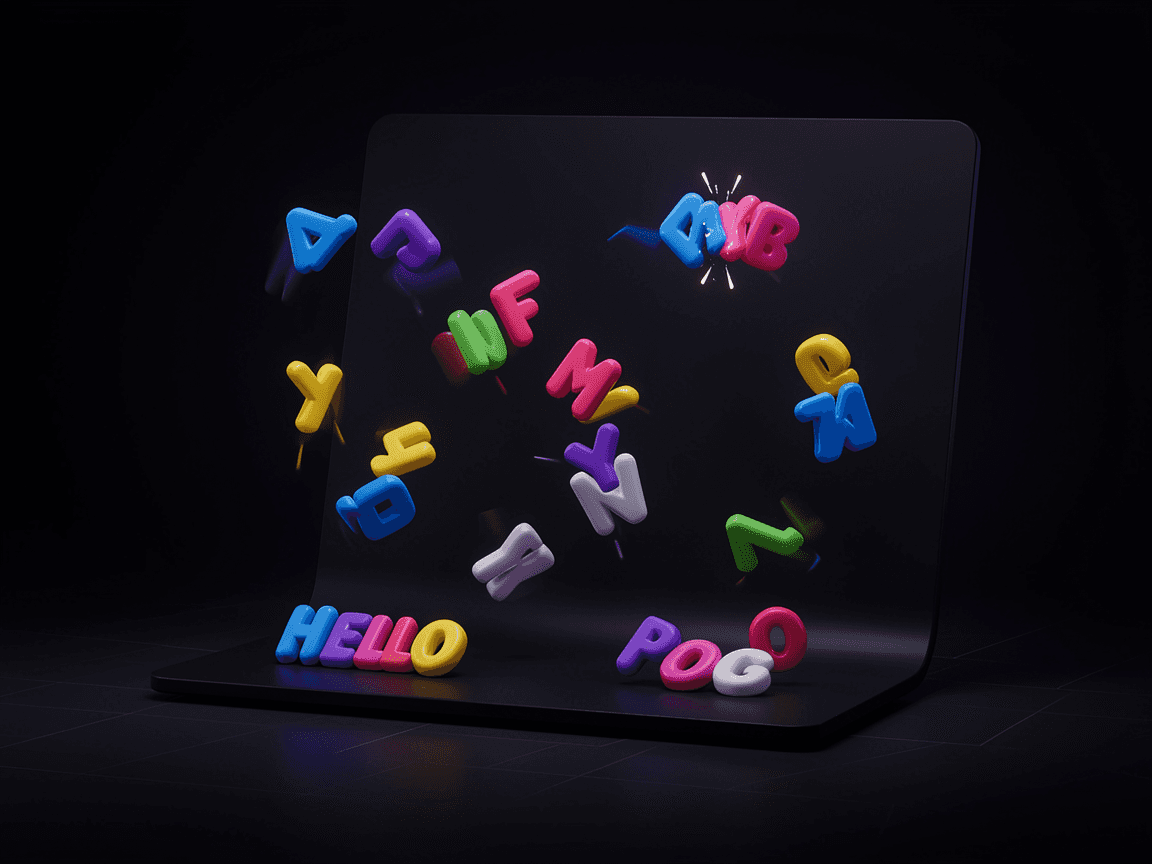
Engage your visitors with the Hover Reveal Text component. This interactive typography tool acts like a digital magnifying glass. As users move their cursor over the text, it instantly transforms the underlying characters or words into a new message.
It is the perfect interaction for bilingual websites (translating a headline on hover), creative portfolios (revealing hidden messages), or adding playful micro-interactions to your landing page. You have complete control over the transformation mode (Character or Word), the style of the hover "lens" (Circle, Square, Diamond), and how the text animates (Scale, Bounce, Slide, Rotate) when caught in the hover radius.
Functions (Key Features):
🔍 Magic Lens Effect: Transforms text dynamically only within the radius of the user's mouse cursor.
🔤 Dual Modes: Choose to transform the text Character-by-Character or Word-by-Word.
✨ Rich Animations: Add motion to the revealed text with options like Fade, Scale, Slide, Rotate, or Bounce.
🟢 Custom Cursor Shape: Display an optional tracking shape (Circle, Square, or Diamond) to act as the magnifying lens.
🎨 Full Styling Control: Customize the typography, base colors, hover colors, and animation speeds.