About Image Video Carousel
About this Component
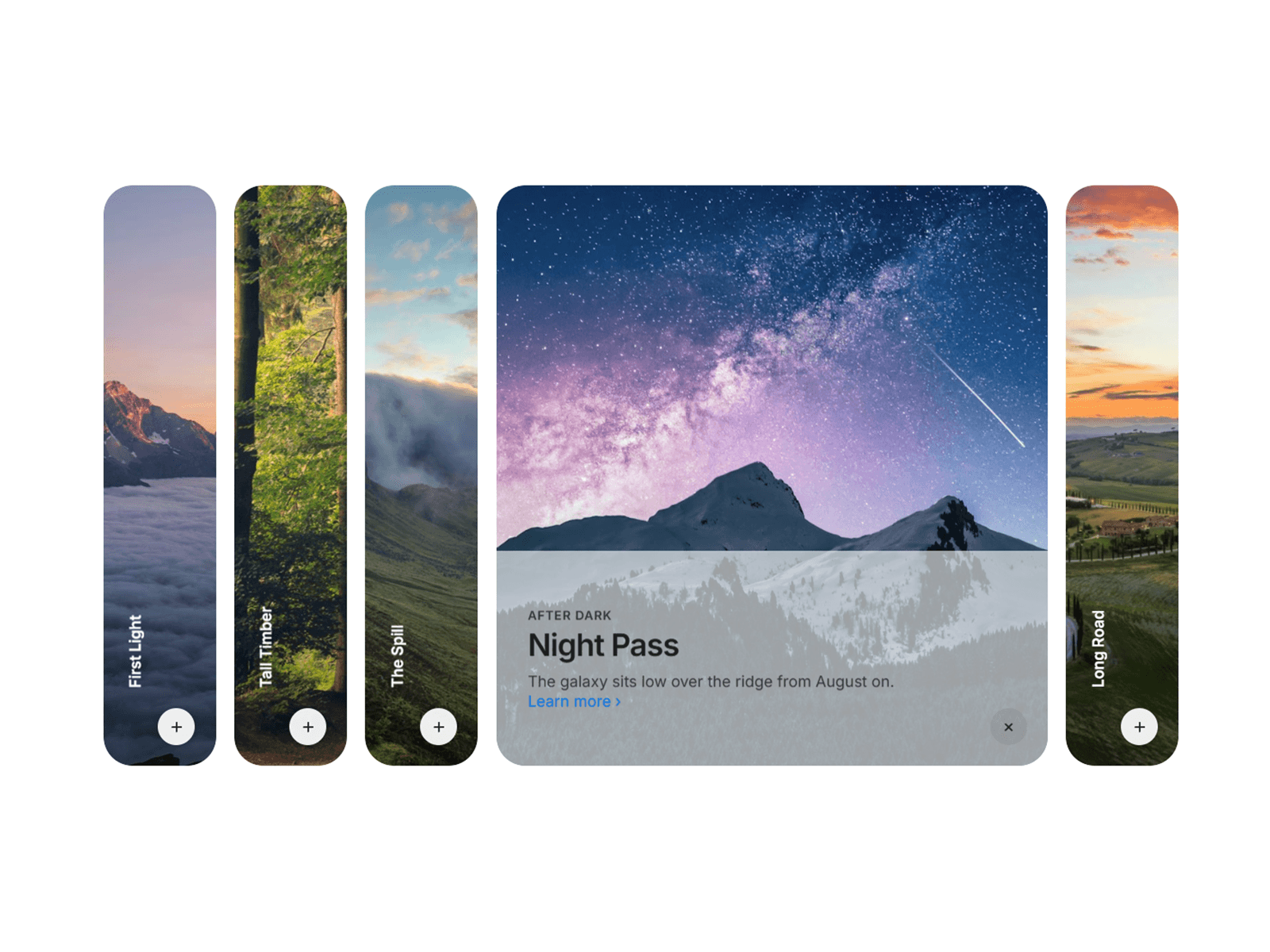
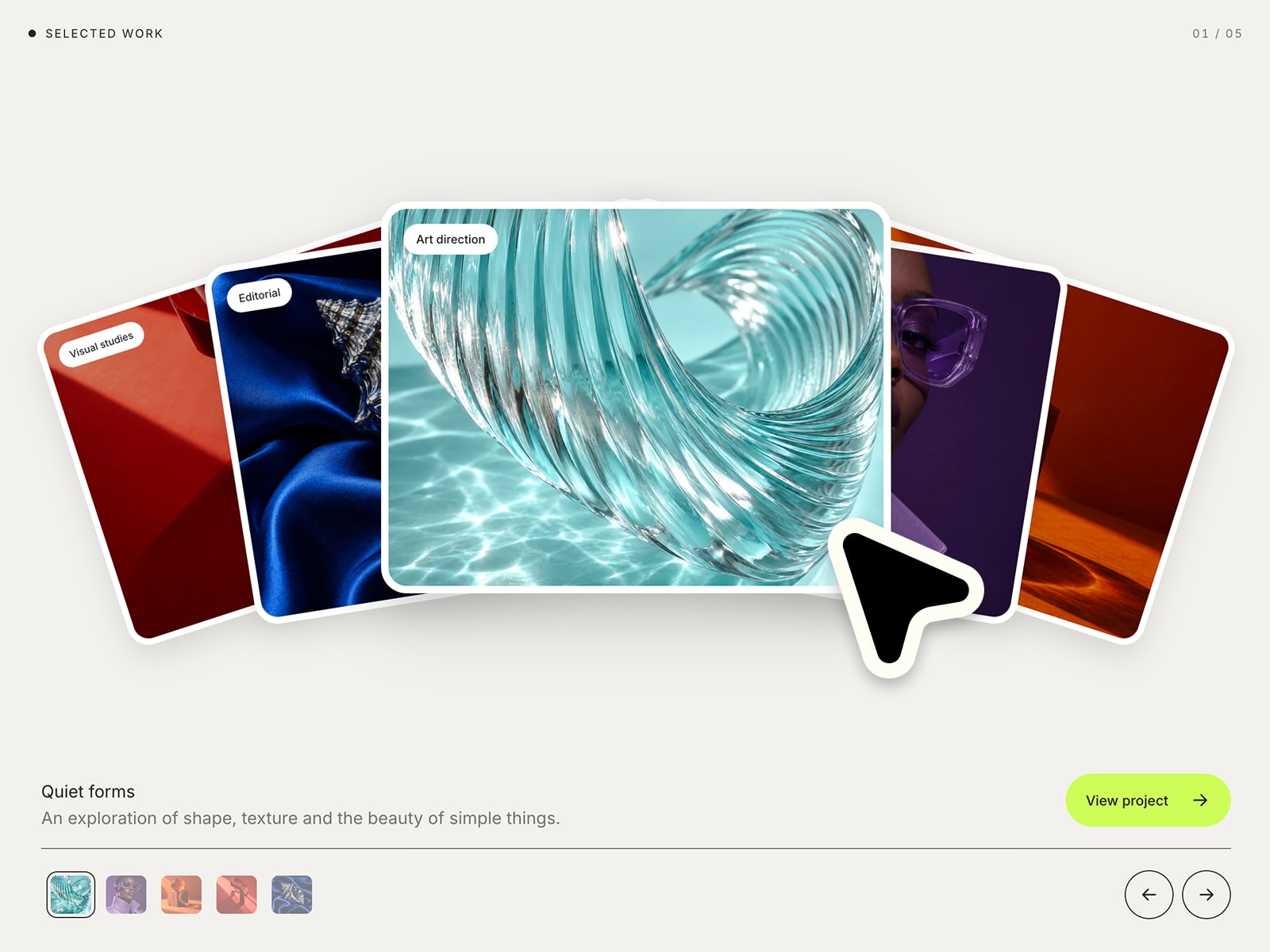
Image Video Carousel is the media presentation experience your portfolio or product page has been waiting for. It delivers a sophisticated three-panel carousel with a dynamically expanding focal card, a fully draggable infinite thumbnail navigation strip, a fullscreen lightbox with pinch-to-zoom for images, and seamless YouTube and video file playback — all tuned to feel like something a senior motion engineer spent weeks perfecting. Whether your client wants to showcase a property gallery, a product launch, or a creative reel, Image Video Carousel closes the gap between "static design mockup" and "jaw-dropping live experience" in minutes, not months.
Demo
https://imgvideocarousel.framer.website/playground
Perfect for
Creative Agencies & Studios: Showcase client work, campaign visuals, and reels in a presentation-grade format that impresses in the room and converts online.
Real Estate & Architecture: Display property galleries and architectural renders with cinematic transitions and fullscreen zoom — elevating every listing to luxury tier.
SaaS & Product Teams: Highlight product screenshots, feature walkthroughs, and video demos in a single cohesive component that keeps prospects engaged.
Freelance Designers & Portfolio Sites: Replace static image grids with a dynamic, interactive media experience that instantly communicates craft and attention to detail.
Feature Highlights
Cinematic Focus States: The active slide expands to 80% of the available width while side cards elegantly step back — creating natural visual hierarchy with every transition.
Infinite Thumbnail Navigator: A silky-smooth, infinitely looping thumbnail strip with inertia scrolling, hover lift animations, and auto-centering ensures your audience always knows where they are.
Fullscreen Lightbox with Smart Zoom: Click any image to open a 2.5× zoomable full-screen viewer, or launch YouTube and local video files in a polished cinematic overlay — with Escape-to-close and backdrop-dismiss support.
Gesture-Ready on Every Device: Drag, swipe, scroll, and keyboard navigation work flawlessly across desktop and mobile — with automatic layout adaptation below 810px for a native-feel experience everywhere.
Total Visual Control: Arrow colors, background overlays, card radius, gap spacing, thumbnail height, peek ratio, and hover animations are all exposed as simple Framer property controls — no code required.
The "Why"
Building a production-ready media carousel from scratch means weeks of wrestling with gesture systems, infinite loop math, responsive breakpoints, video embeds, and lightbox state management. Image Video Carousel has already solved every one of those problems. It's battle-tested, fully responsive, and ships with sensible defaults that look exceptional out of the box — while giving you the customization depth to match any brand or design system. Stop rebuilding the same carousel for every project and start delivering results that make clients say "how did you build that so fast?"
🛠 How to Use (3 Simple Steps)
Set Your Foundation: Drag Image Video Carousel onto your Framer canvas and add your media items — upload images or paste YouTube links directly in the property panel.
Define the Aesthetic: Adjust card radius, gap, thumbnail height, arrow colors, and hover animation to match your project's visual identity — all without touching a line of code.
Preview & Deploy: Switch to Preview mode to experience the full gesture and animation system, then publish. Your audience gets a world-class media experience on day one.