About ImageGalleryTouch
About
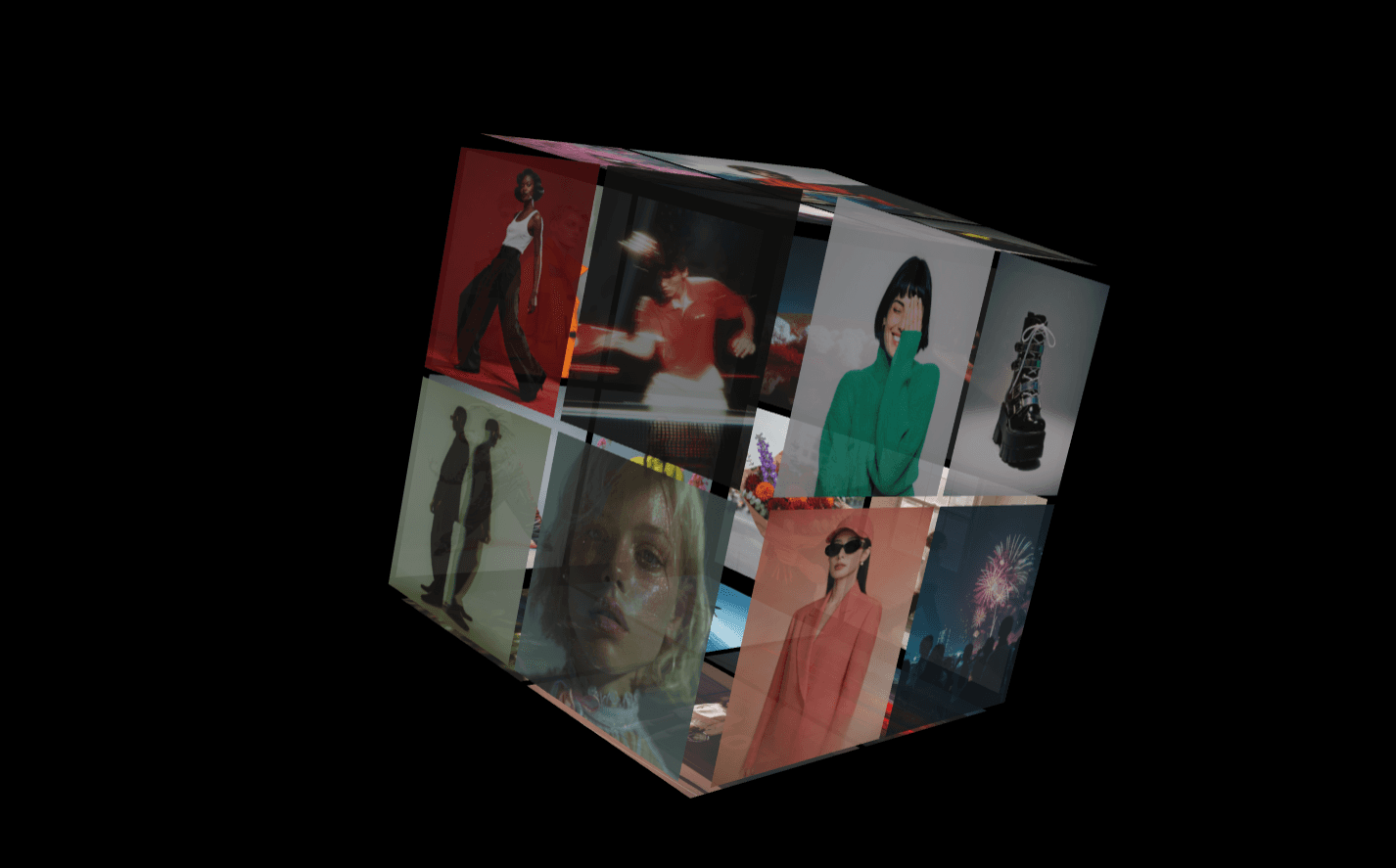
TouchGallery brings a completely fluid, interactive image slider to your Framer projects. Drop it straight into a portfolio showcase, a hero section, or a product highlight page and give your visitors a beautiful way to swipe through visual content. It features built-in navigation toggles, custom interactive buttons, and smooth transitions that adapt naturally to any screen size.
What it does
It renders a dynamic image slider with support for multiple uploads, handling smooth transitions between slides with options like fade, slide, or scale. The component gives you complete control over interactions, offering a customizable "View More" button link target, adjustable border radiuses, and elegant backdrop blur effects to effortlessly elevate your project visual aesthetic.
What you can customize
Gallery layout: Easily upload your list of image items and choose whether to show or hide navigation arrows.
Action button: Toggle the call to action button, edit the text label, pick your brand fonts, modify text or background colors, and set links to open in a new tab or the same tab.
Transitions & effects: Fine-tune the animation styles using slide, fade, or scale transitions, set the precise animation duration, and tweak the corner radius.
Styling: Customize the overall container background color and adjust background blur filters with a dedicated slider.
Great for
Design portfolios and case studies
Product feature showcases
Landing page hero sections
Photography grids and lookbooks
Creative studio websites
Share your build
If you design something awesome with this component, please share it on X and tag me @Dulajweb.
Need help?
Have any questions or feedback? You can reach out to me anytime at dulajdilshan766@gmail.com or find me on X @Dulajweb.