About ImageScreenToggle
ImageScreenToggle Component Details
Overview
ImageScreenToggle is a modern interactive image comparison and toggle component designed to switch between two images with smooth animated transitions. It is ideal for showcasing before/after states, UI variations, product comparisons, or visual storytelling.
Core Functionalities
1. Dual Image Toggle System
Supports seamless switching between Image A and Image B using click interactions, buttons, or combined modes for flexible user control.
2. Multiple Interaction Modes
Users can toggle images via direct click on the image, dedicated buttons, or both methods for enhanced usability.
Visual Transition Effects
1. None
Simple fade transition for clean and minimal switching.
2. Soft Zoom
Subtle zoom-in and zoom-out animation for smooth visual focus shift.
3. Soft Blur
Blurring effect during transitions for soft visual separation between images.
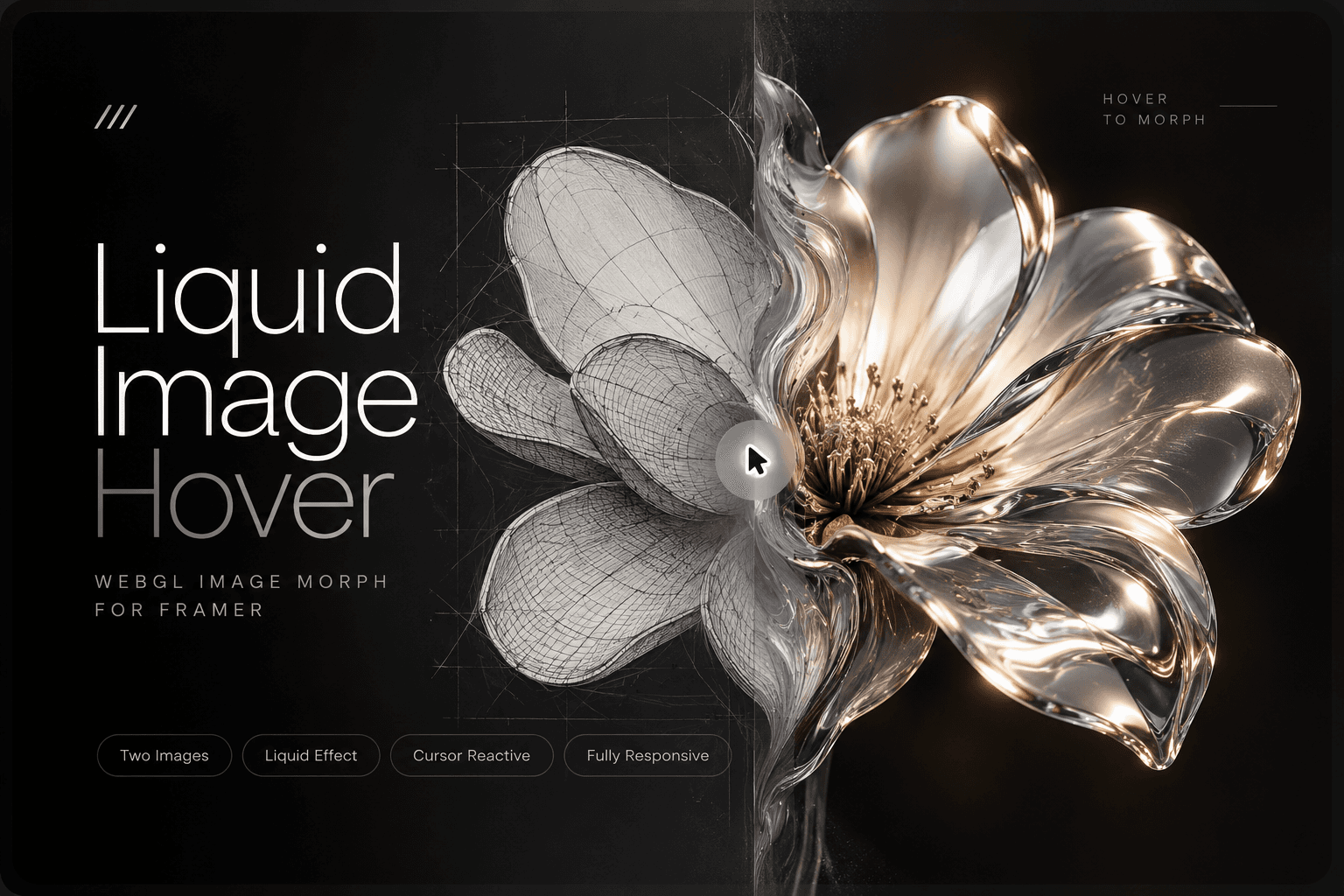
4. Layer Wipe
Directional wipe animation that reveals images like layered surfaces.
5. Scan Glow Effect
Advanced cinematic effect with animated scanning lines and glowing highlights moving across the image.
Scan Effect System
Moving horizontal scan lines across the image surface
Animated glow sweep from top to bottom
Fully customizable scan color and glow color
Adjustable opacity, speed, and intensity
Fine-tuned effect control for visual precision
Styling & Design Options
Custom background color
Adjustable border radius
Border styling (width, color, type)
Shadow effects for depth
Fully customizable layout appearance
Hint & Label System
Optional hint text (e.g., “Click to toggle”)
Custom background and text colors
Typography controls (size, weight, spacing, line height)
Padding and border radius customization
Smooth visual hint positioning
Transition Controls
Adjustable animation duration
Custom easing functions
Smooth state transitions between images
Accessibility Features
Full keyboard support (Enter & Space)
ARIA roles and labels
Semantic HTML structure
Screen-reader friendly design
Performance Optimization
Auto-pauses animations when offscreen
Lightweight rendering with React optimizations
Static thumbnail rendering support
Fully responsive across all screen sizes
Smooth performance on low-end devices
Best Use Cases
Before/After image comparisons
Product UI variations
Design A/B previews
Portfolio showcases
Marketing landing pages
Interactive storytelling sections
UI/UX demonstrations
SaaS feature comparisons