About Index Sync Tab Panel
Index Sync Tab Panel – Three Numbered Items That Change the Image
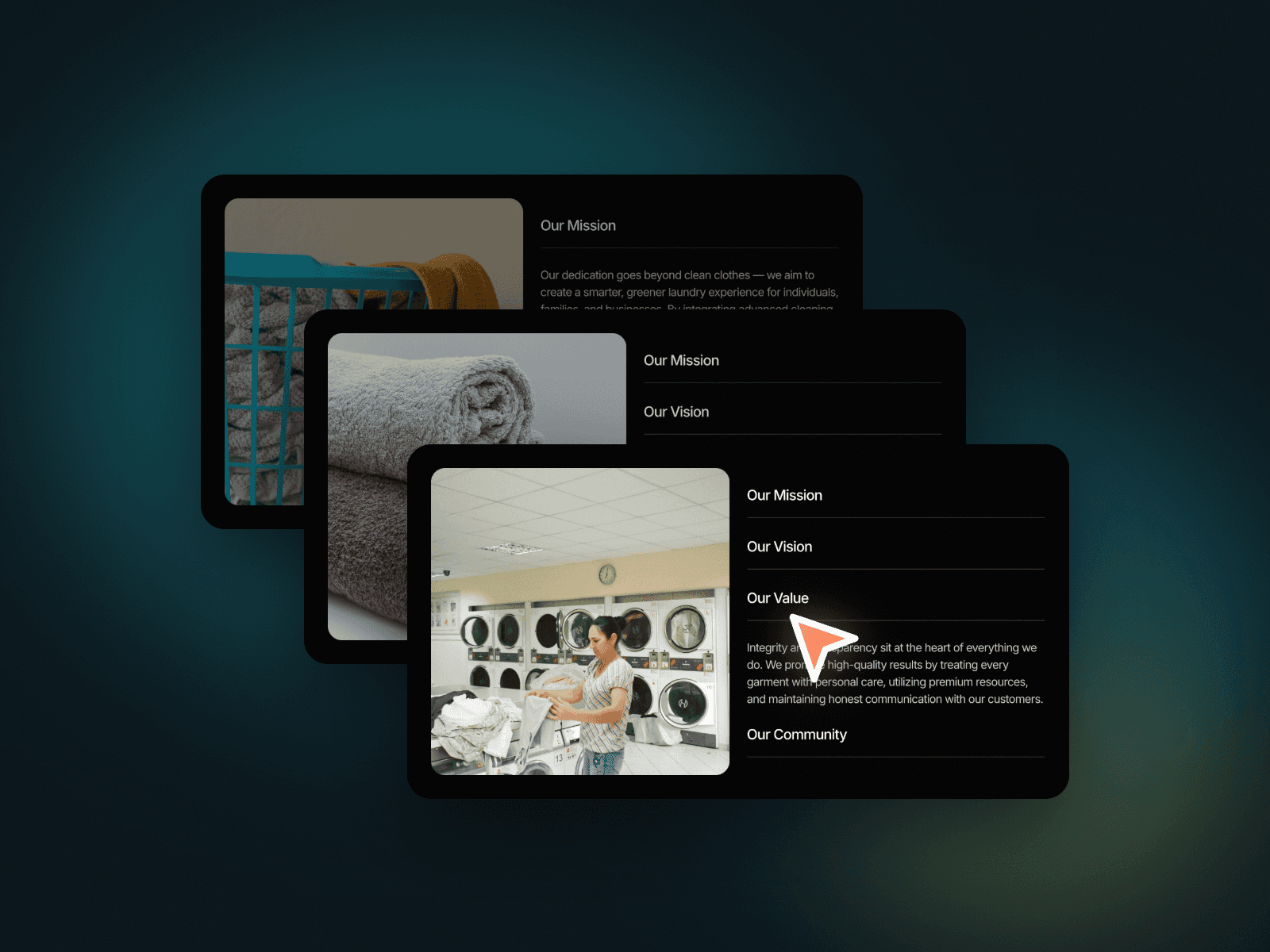
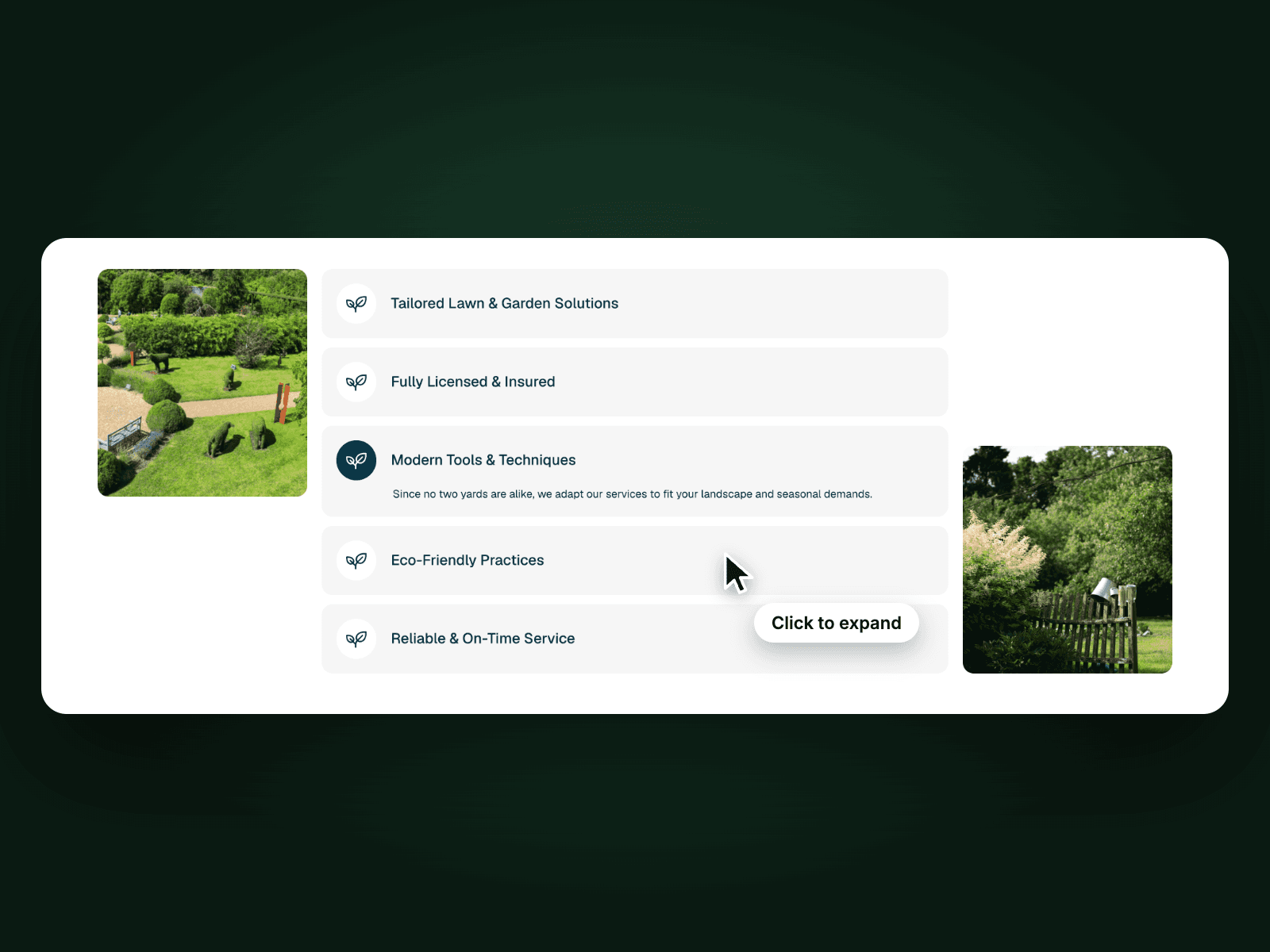
Index Sync Tab Panel shows a large photo next to three numbered items (/001, /002, /003). Click an item and its text and button open below the title while the photo slides to the matching image. It presents services, values or process steps in one clean card.
How it works
Three numbered items, the first one open on load.
Click an item to open its text and button and slide in its image.
Each item has its own View Details button and link.
Includes a Mobile variant.
Easy to customize
Edit the three numbers, titles, texts, images and links.
Use it for services, approach, process steps or features.
Drop it into any Framer page and edit it from the properties panel or with your AI agent.