About Tab Sync Story Panel
Tab Sync Story Panel – Four Titles That Change the Text and the Image
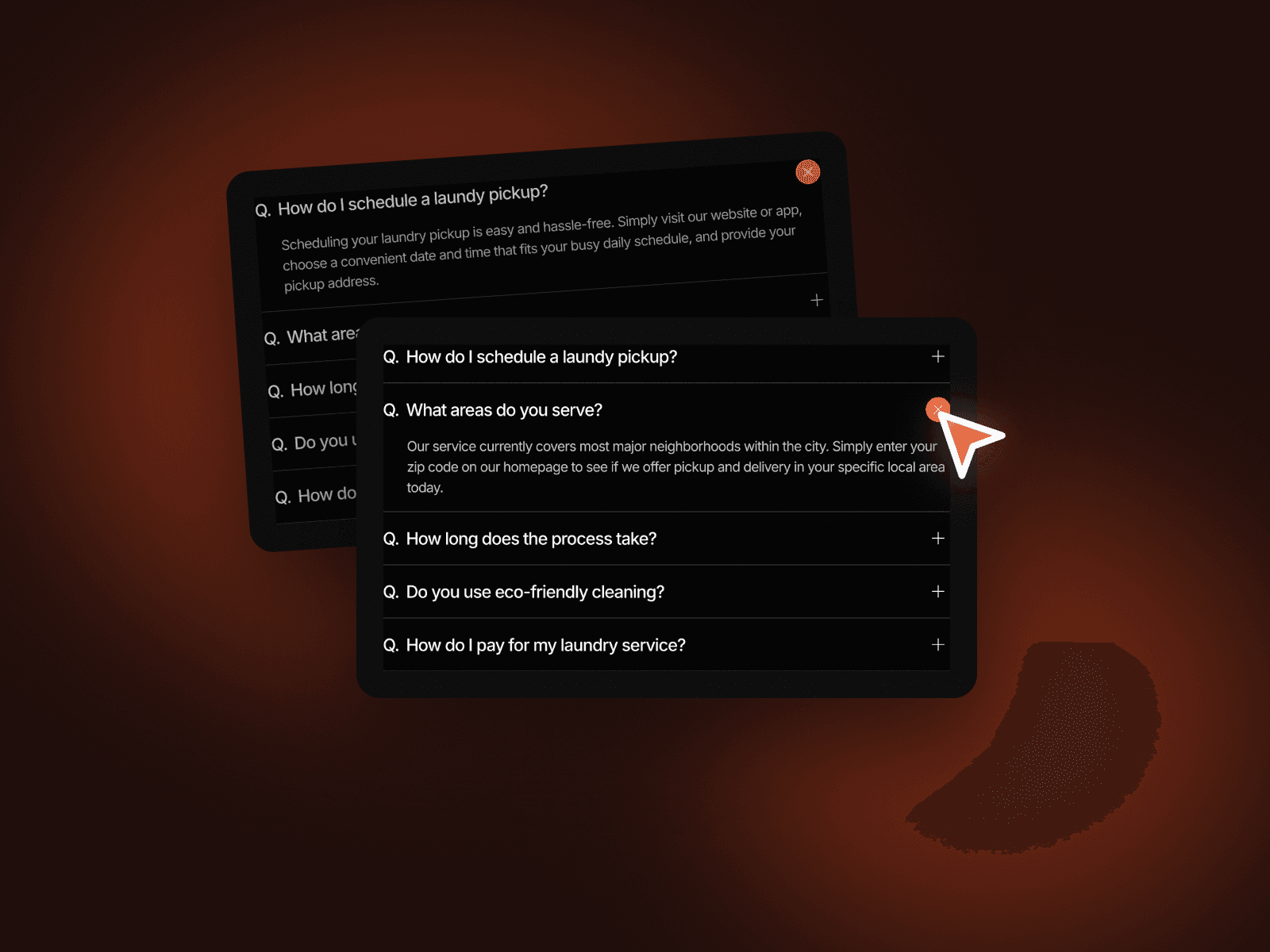
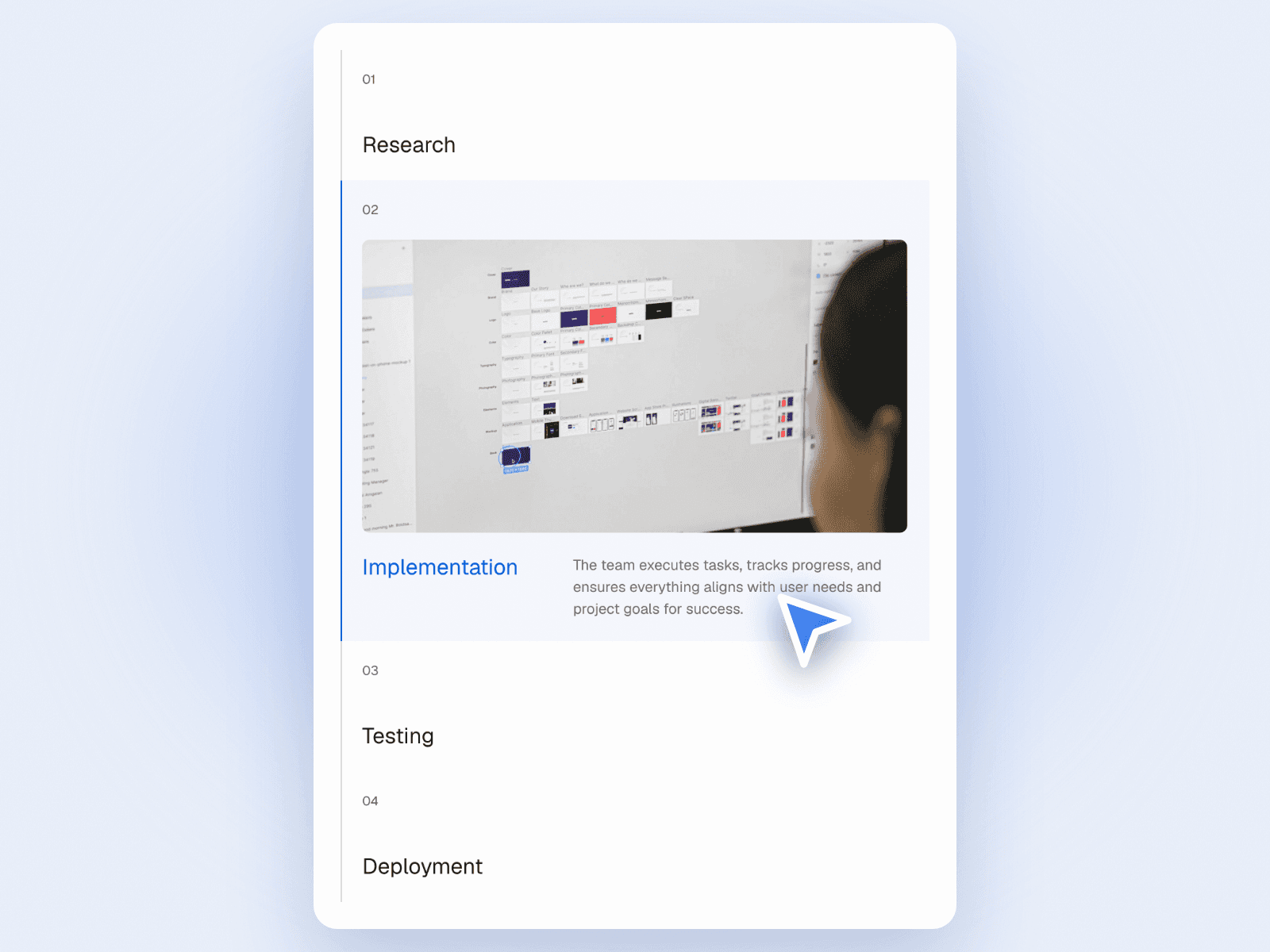
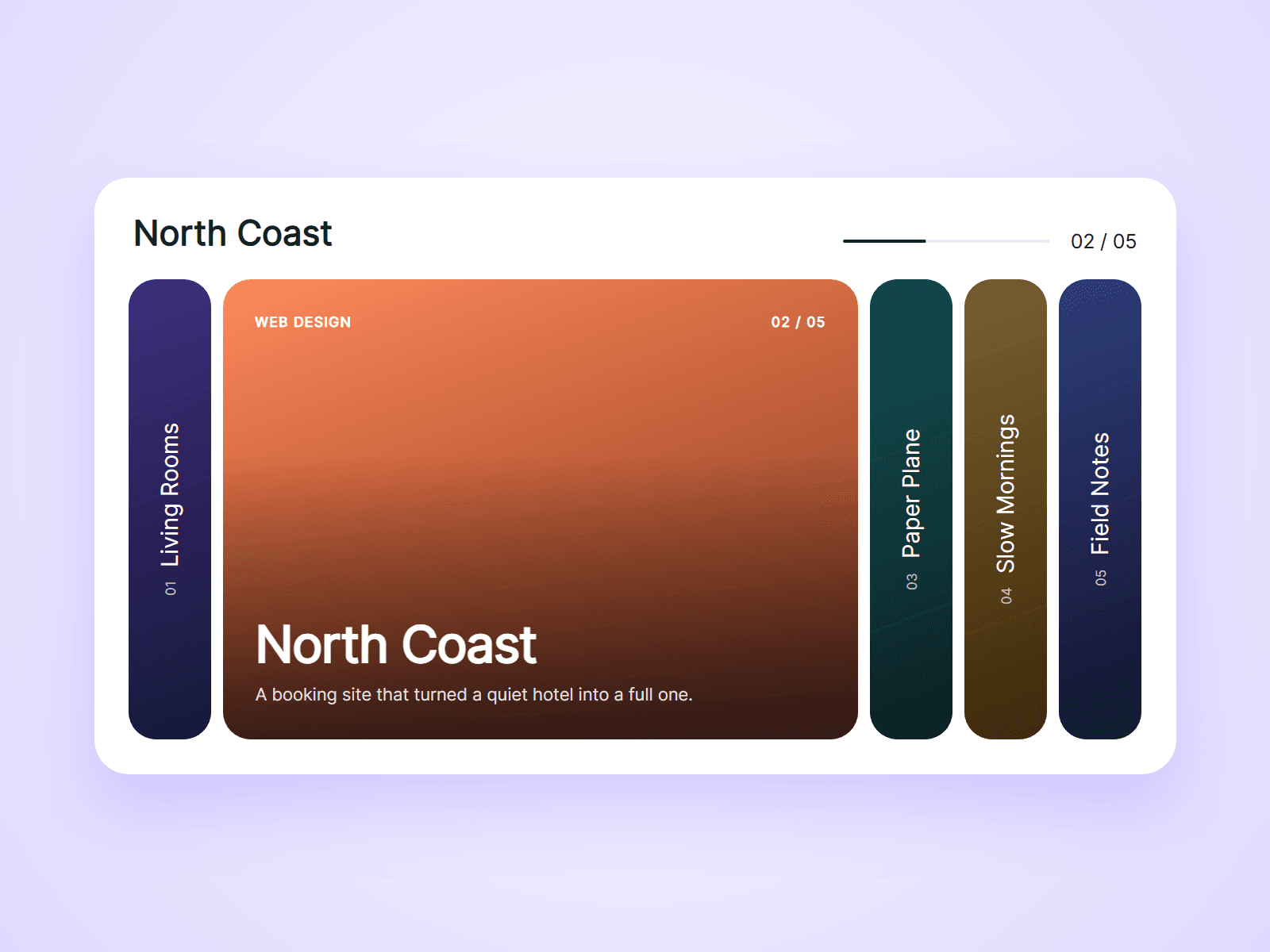
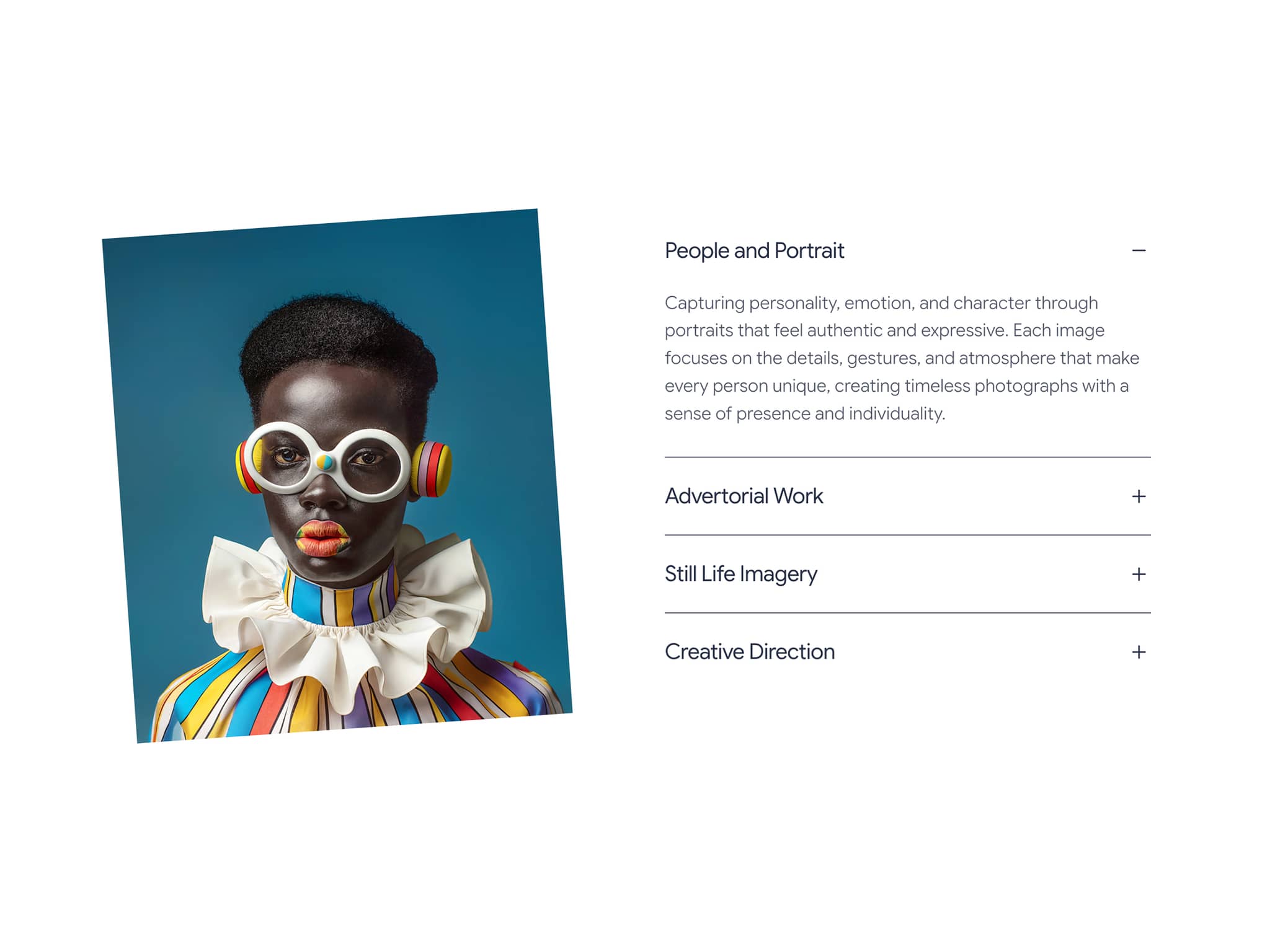
Tab Sync Story Panel pairs a large photo with four titles stacked on the right. Click a title and its text opens below it while the photo on the left switches to match. It tells a mission, vision and values story in one compact block.
How it works
Four titles, the first one open on load.
Click a title to open its text and swap the image.
Only one item is open at a time.
Includes a Mobile variant.
Easy to customize
Edit all four titles, texts and images.
Use it for about sections, services, process steps or features.
Drop it into any Framer page and edit it from the properties panel or with your AI agent.