About Inline Media Text
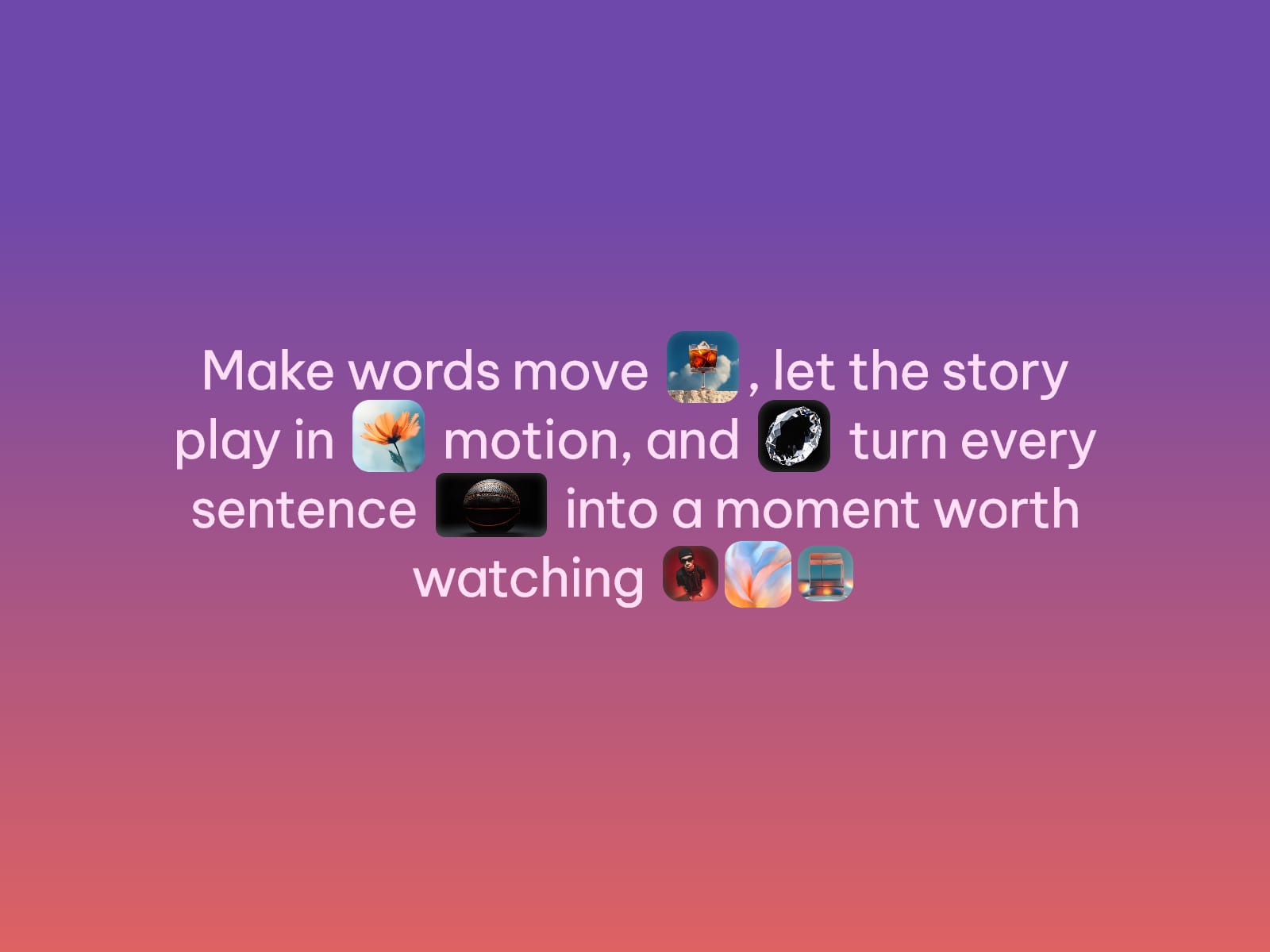
Inline Media Text drops photos and videos inside a sentence — numbered tokens like [1], [2], [3] mark exactly where each one appears, and the text wraps naturally around them like any other word.
Reorder the Media list to change what fills each slot, no text edits needed. Give every item its own size, radius, and rotation to mix squares, pills, and circles in one sentence.
Usage Note
Videos autoplay muted and looped once visible, so keep clips short and light. Every media slot needs a matching numbered token in Text, or it won't render.
Key Features
Text
Numbered tokens like [1], [2], [3] mark where media appears, in order
Reorder Media to swap what fills each slot, text stays untouched
Adjacent tokens like [3][4] sit tight together, using their own Media Gap
Media — up to 10 slots
Photo or video per slot, uploaded or linked by URL
Optional poster image for video, shown while it loads
Independent Width, Height, Radius, Fit, Rotation, and vertical Offset
Typography
Native Framer font picker — size, weight, spacing, line height, alignment
Uppercase toggle, adjustable Text Color
Style
Separate Text Gap and Media Gap spacing
Native Border and Shadow controls
Optional background color behind the whole block
Animation
Optional fade + scale entrance, on load or on scroll into view
Duration, Delay, and Stagger for a cascading reveal
Media pops in without reflowing the surrounding text
Accessibility
A missing slot shows a warning badge on canvas only, never in production.
How to Set Up
Drag Inline Media Text onto your canvas
Write your sentence in Text, placing [1], [2], [3]... where you want media
Add matching items to Media, in the same order as your tokens
Style typography, spacing, and animation to match your design
Publish
Refund Policy
All sales of digital products are final and non-refundable. Questions? Contact hellonostromostudio@gmail.com before purchasing. Enjoy!