About Video Word Mask
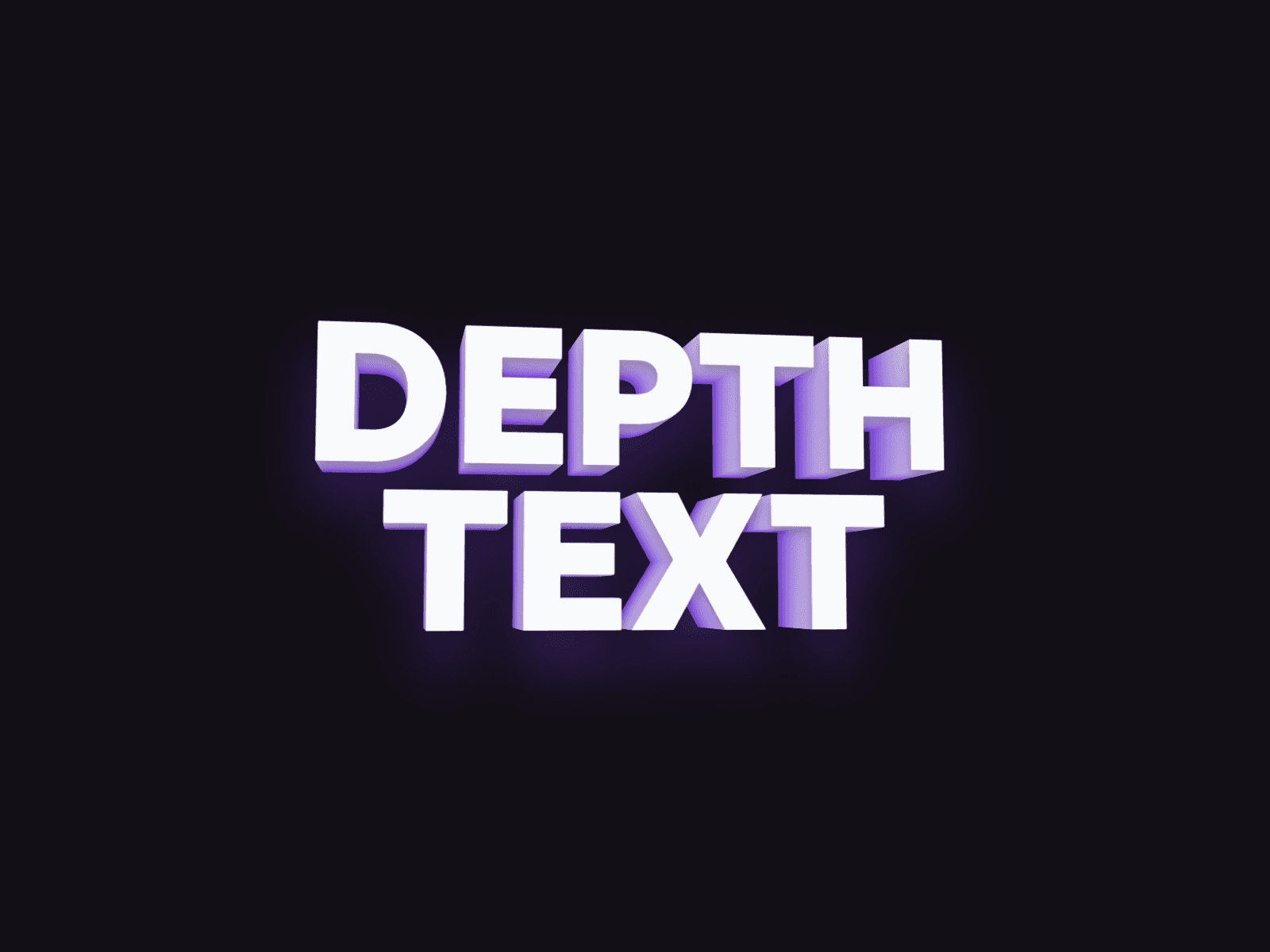
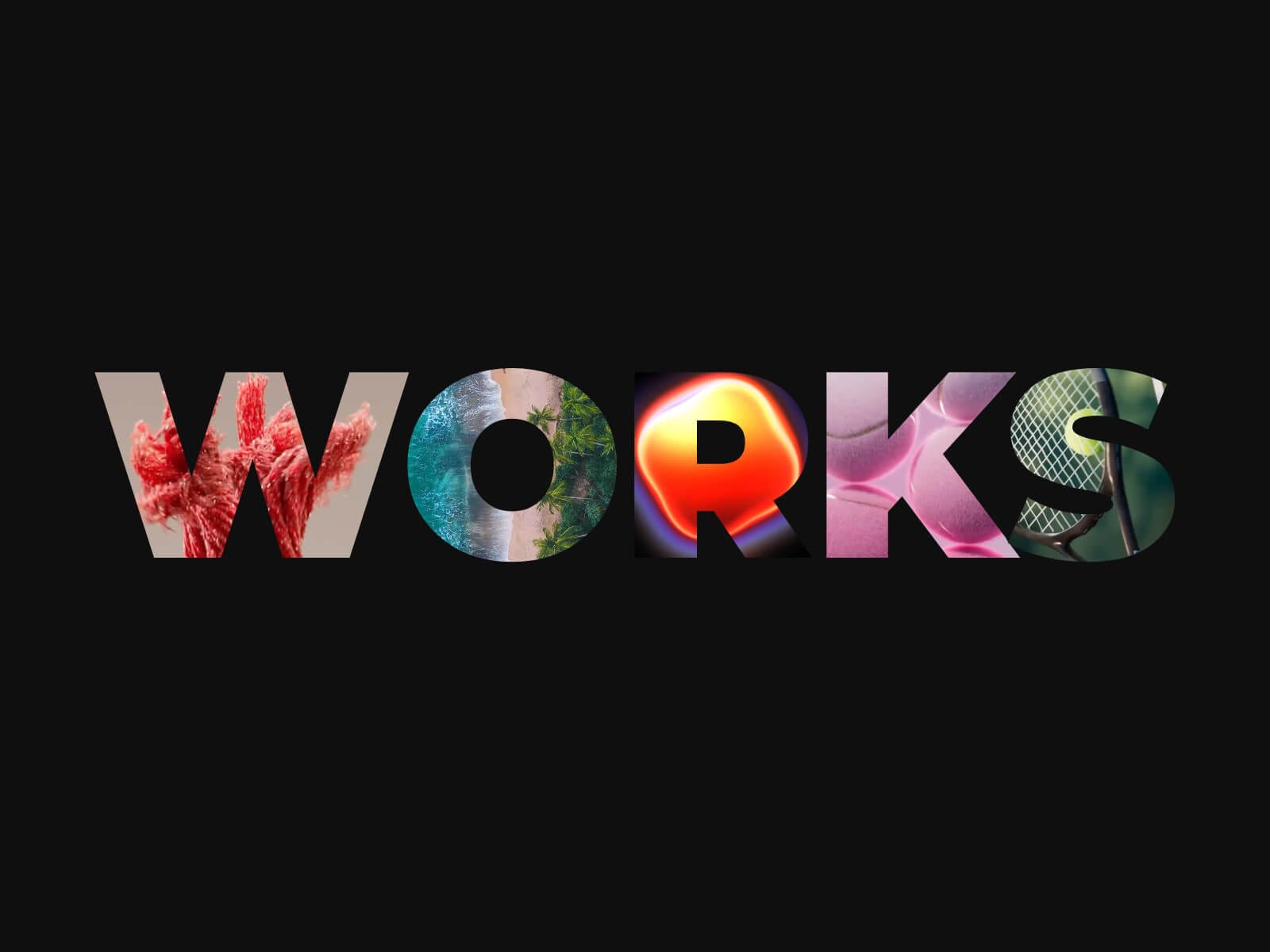
Video Word Mask turns bold display text into a window for your media: every letter becomes its own mask, revealing a video or photo underneath — one clip per letter, or a single video shared across the whole word.
Made to Be Yours
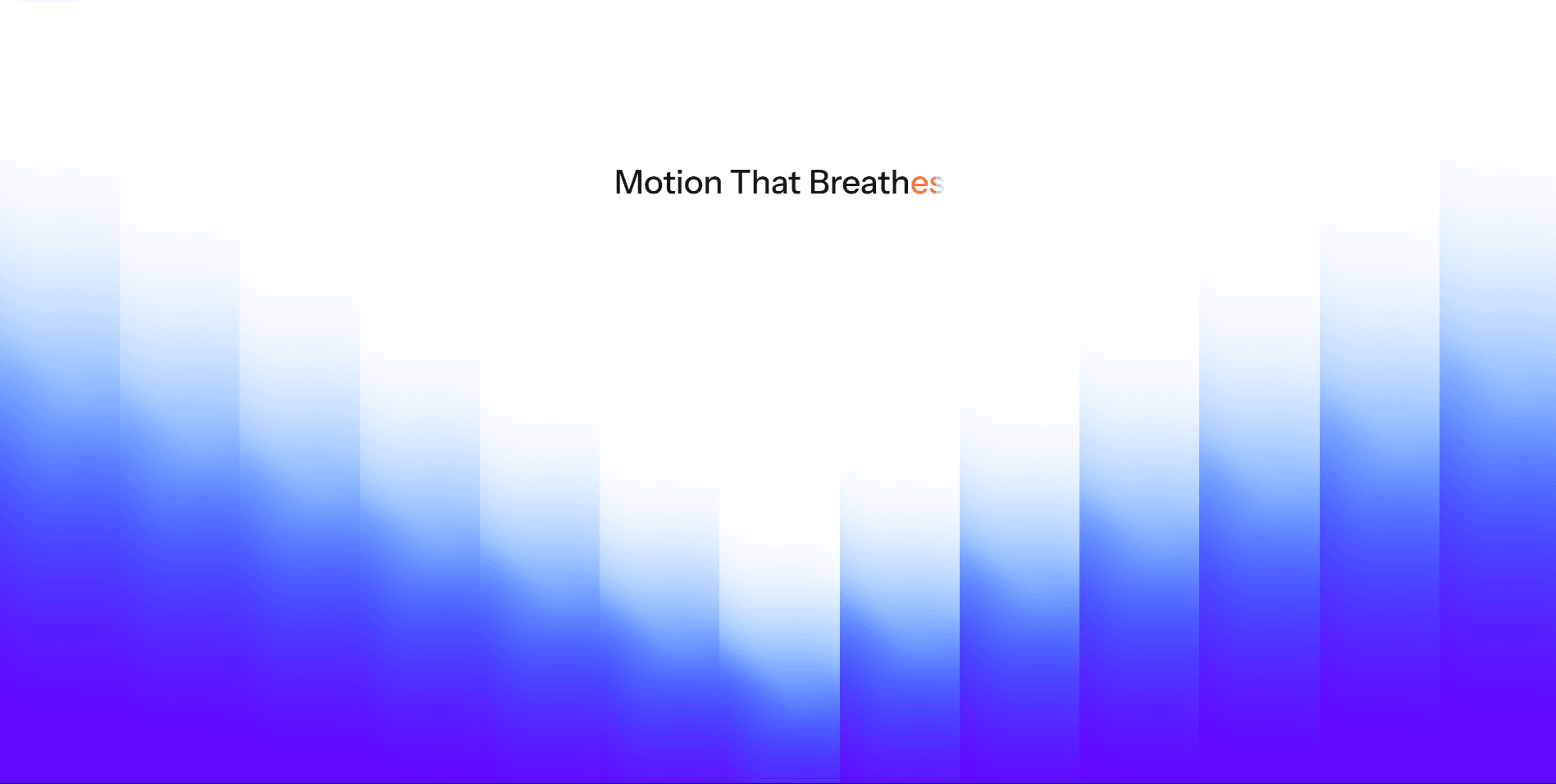
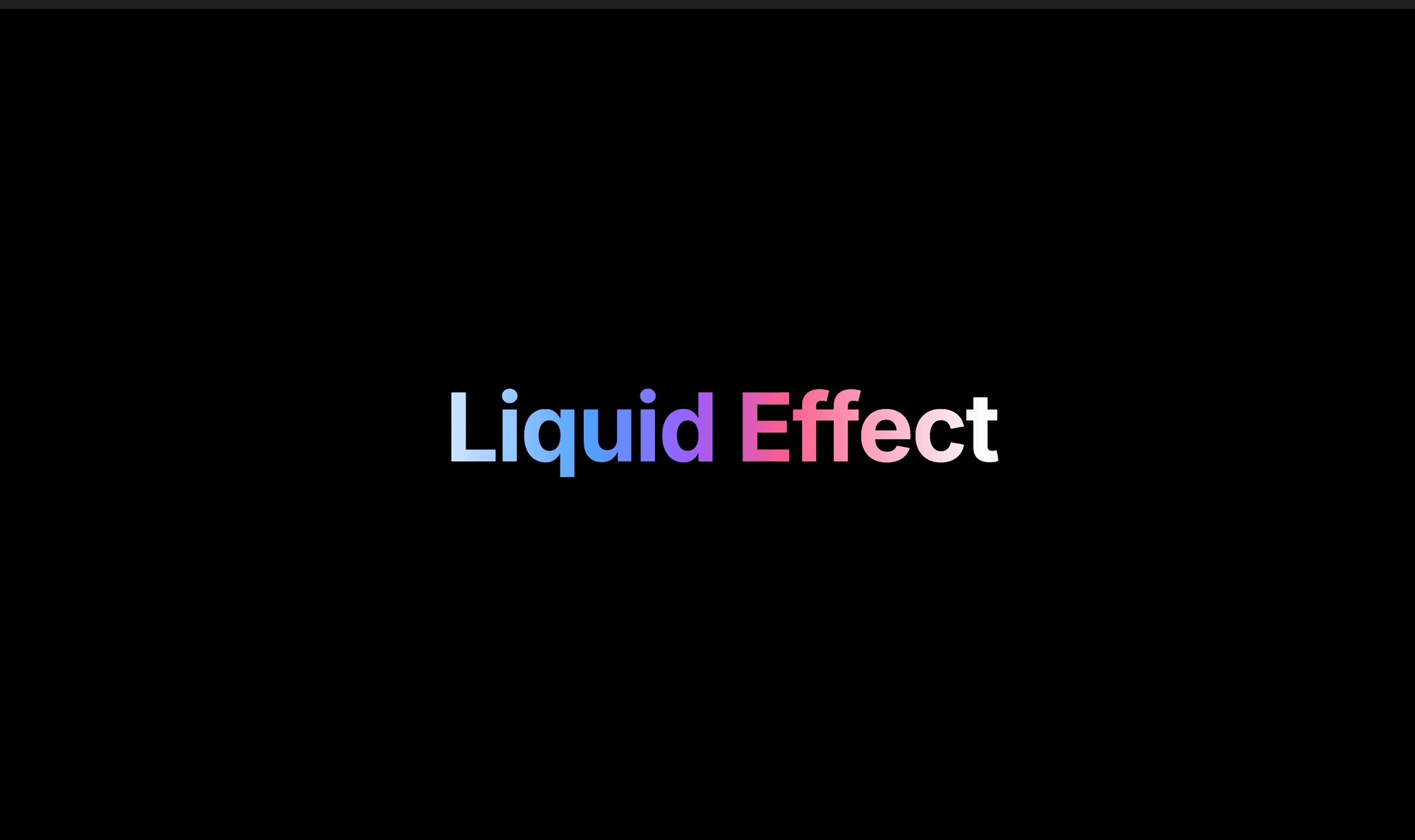
Video Word Mask is built for full creative control: pick any font, any letter color, and let Fit Width scale the type to fill any container. Add a Stroke outline, a Shadow, or a color Overlay with blend modes — every layer is yours to style.
Key Features
Media
Multiple mode: up to one video or photo per letter
Single mode: one shared video revealed across every letter at once, Per Letter or Whole Word hover trigger
Mix Video and Photo per item, each with its own Poster
Upload files directly, or link external Video/Photo/Poster URLs
Reveal
Always Visible or On Hover
Autoplay, or Play on Hover to keep videos paused until interaction
Sticky Reveal keeps a letter open once hovered
Adjustable fade duration for hover crossfades
Style
Stroke gives resting letters an outline-only look, with adjustable width and an option to keep it framing the revealed media
Add a text shadow with adjustable offset, blur, and color
Overlay a color veil with adjustable blend mode and hover fade
Fit Width auto-scales the font size to fill any layout
Performance
Videos pause automatically once scrolled out of view
Off-screen videos only preload lightweight metadata, not full video
How to Set Up
Drag Video Word Mask onto your canvas
Type your word and custom the font
Add your videos or photos under Media
Adjust Reveal and Style to match your design
Publish
Refund Policy
All sales of digital products are final and non-refundable. Questions? Contact hellonostromostudio@gmail.com before purchasing. Enjoy!