About Key Master
▶︎ Preview
Key Master — Keyboard Shortcuts for Framer
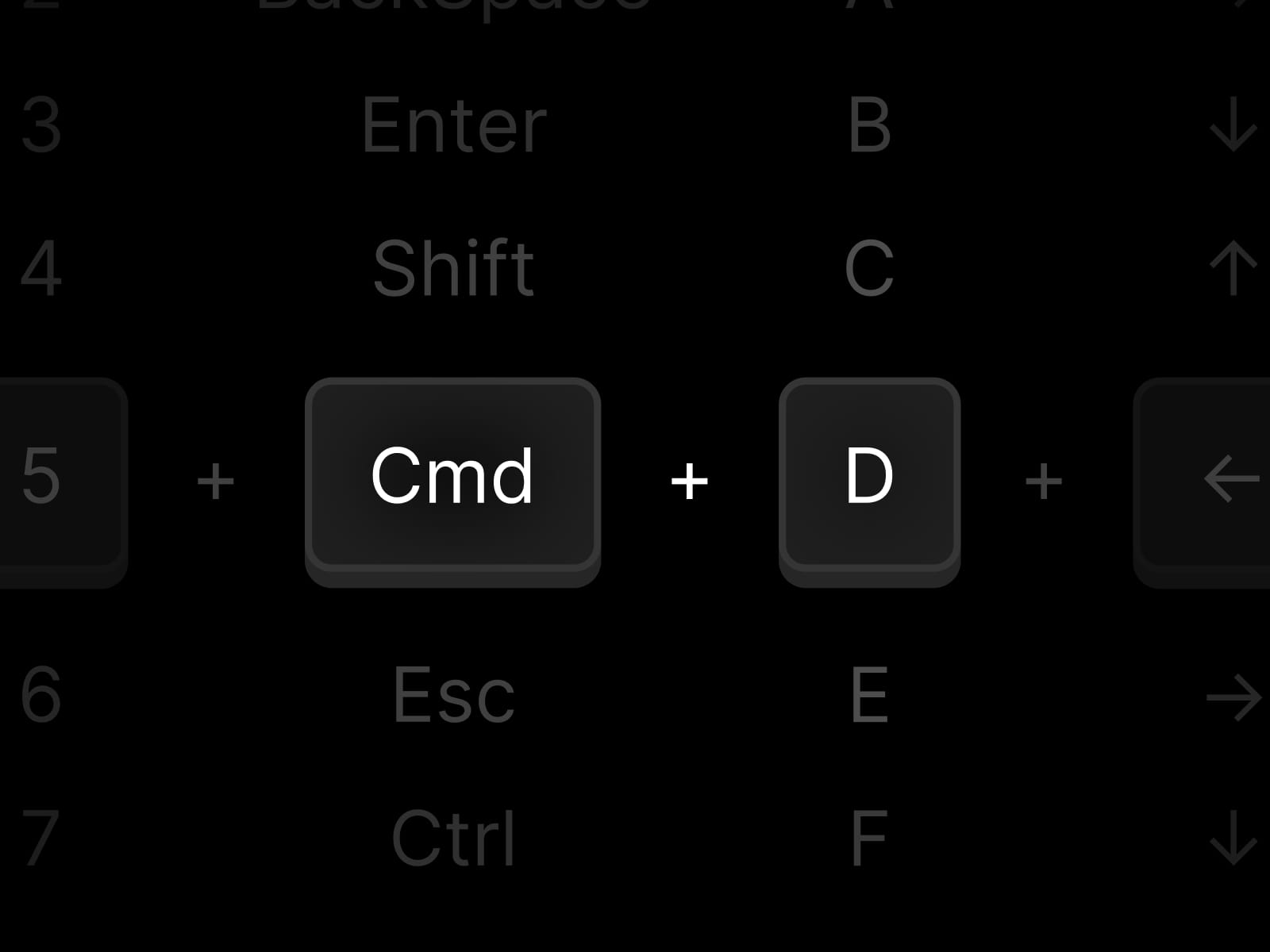
Add powerful keyboard shortcuts to any Framer site without writing code. Choose a key or combination, select an action, and Key Master handles the rest.
What it can do:
🔗 Open internal pages, anchors, or external links
🖱 Trigger click, hover, focus, and other interactions on parent or sibling elements
📋 Copy text or images to the clipboard
📥 Download files with a custom filename
Flexible shortcut input Use letters, numbers, arrow keys, special keys like Enter or Escape, or complete combinations such as ⌘K and Ctrl+K—with separate shortcuts for macOS and Windows/Linux.
Built for real-world projects
Ignores shortcuts while visitors are typing in form fields
Supports optional animated scroll-to-top before an action
Prepares images for more reliable clipboard copying
Includes browser-aware interaction handling for Safari and iOS
Runs invisibly without affecting your page design
Keeps the console clean during normal use
Perfect for:
Command palettes and search dialogs
Keyboard-driven navigation
Interactive presentations and product demos
Quick copy and download actions
Power-user workflows for dashboards, documentation, and portfolios
Place Key Master inside your layout, configure a shortcut, choose what it should do.
Refund Policy
Due to the nature of digital products, we do not offer refunds. Once a component is purchased, it cannot be returned. Please review the details before purchasing.
If you need any clarification about the component, happy to help beforehand:
hello-arkus[at]protonmail[dot]com