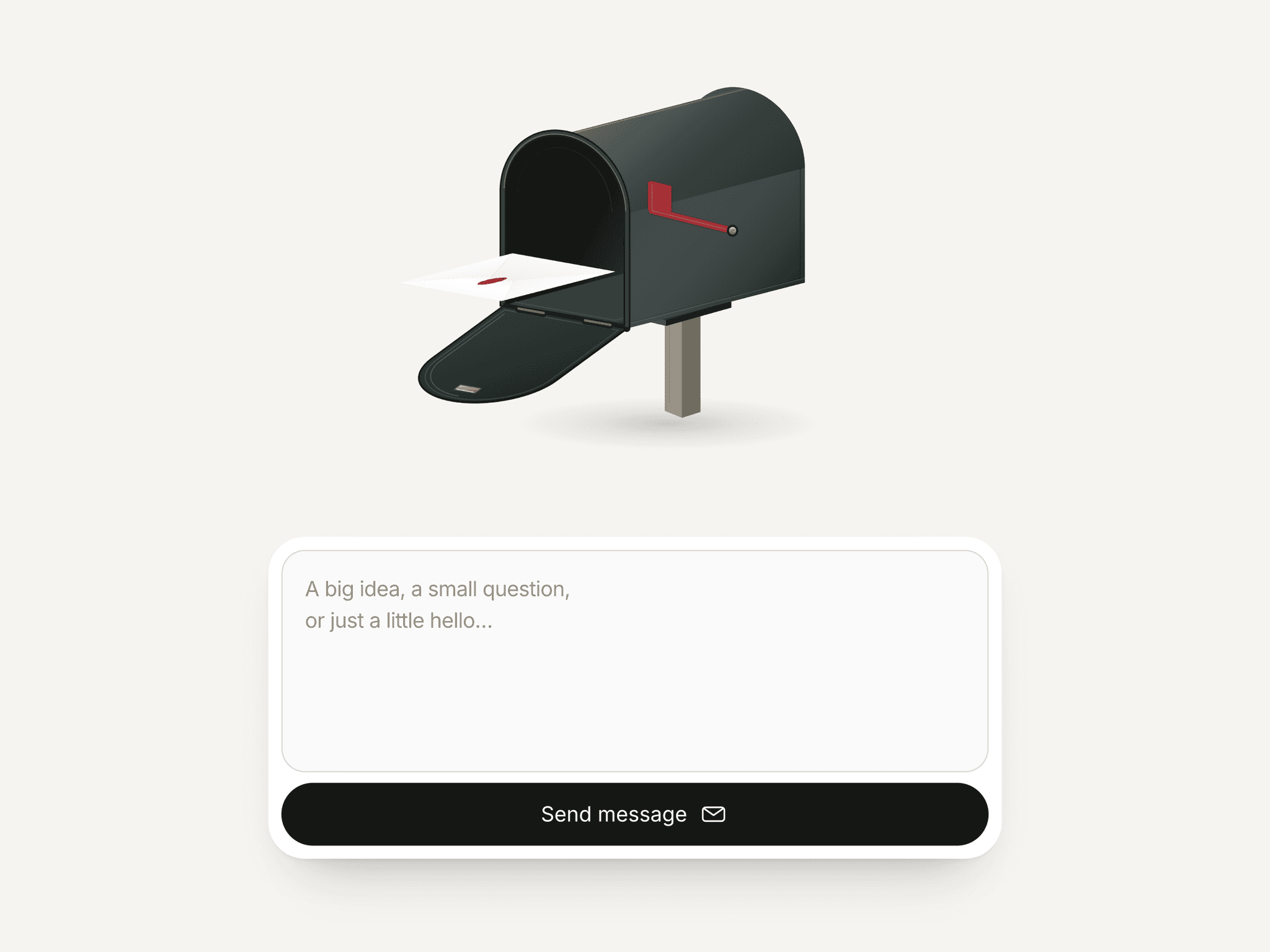
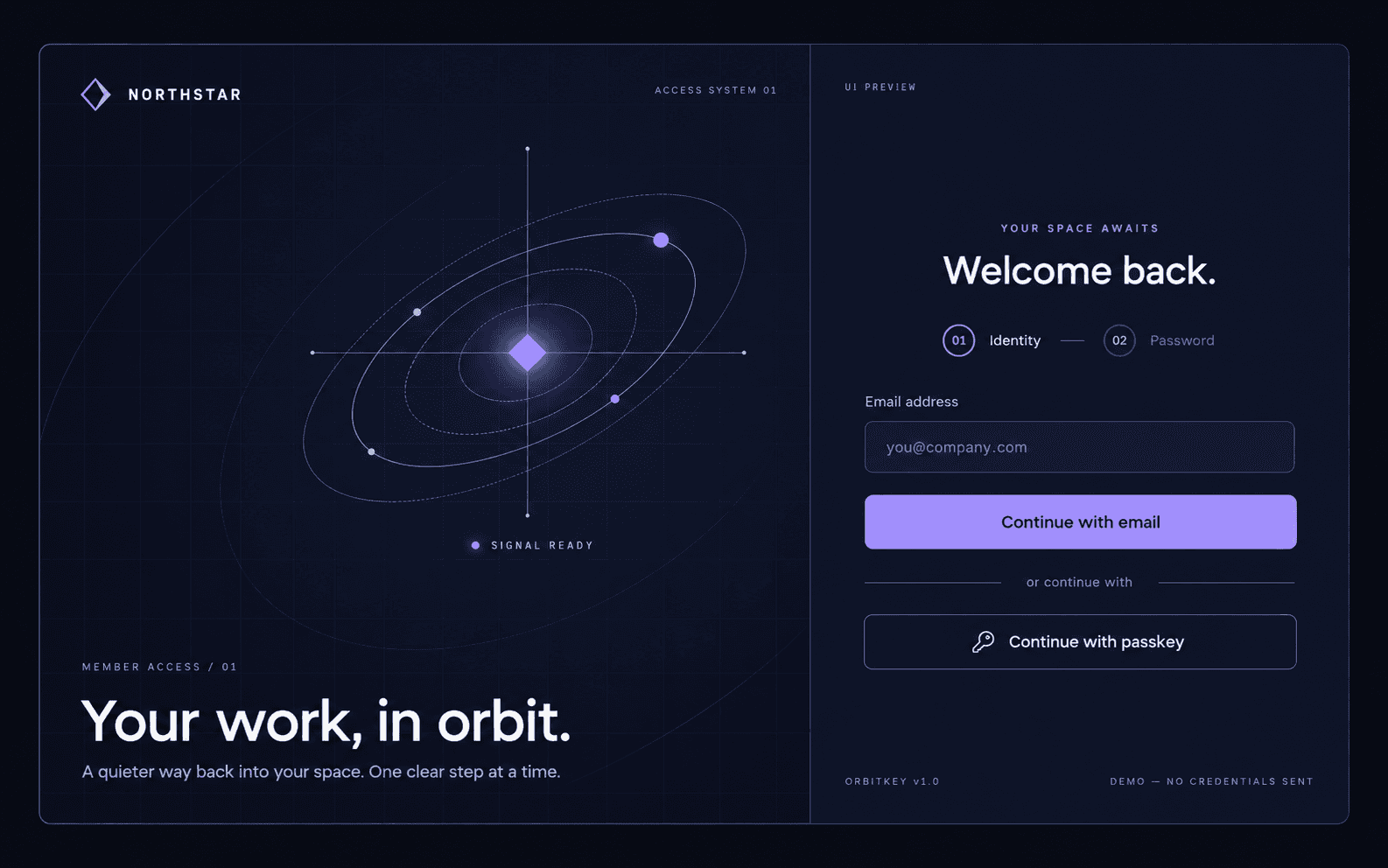
About Klaviyo Email Signup
Send subscribers straight to your Klaviyo list — no code, no backend. The form uses Klaviyo's official browser-safe Client API, so you only ever paste your public key. Your private key always stays private.
CONNECT IN 60 SECONDS
1. In Klaviyo, go to Settings → API Keys and copy your Public API Key (6 characters, e.g. XyZ123).
2. In Klaviyo, go to Audience → Lists & Segments → your list → Settings and copy the List ID (e.g. Y6nRLr).
3. Paste both into the form's Klaviyo panel. Done — new signups land in your list.
Double opt-in is respected automatically. Leave the keys empty or turn on Test Mode to preview without sending real data.
FEATURES
• Email, plus optional name & phone (SMS opt-in with automatic E.164 formatting)
• Optional marketing / GDPR consent checkbox
• Real-time validation with custom error messages
• 3 layouts, with stacked or side-by-side fields
• Pill-ready radius, transparent background, removable title / subtitle / footer
• 18 colors, 6 fonts, and full control of padding, spacing, sizing & chrome
• Animated success screen and friendly error states
• On Success / On Error events for redirects or tracking
• Fully responsive and canvas-safe
COMPATIBILITY
Framer (latest) · Responsive · No CMS · Works in canvas preview (demo mode)
No backend, no Zapier, no middleman — just your form and Klaviyo.