About Offer Wizard
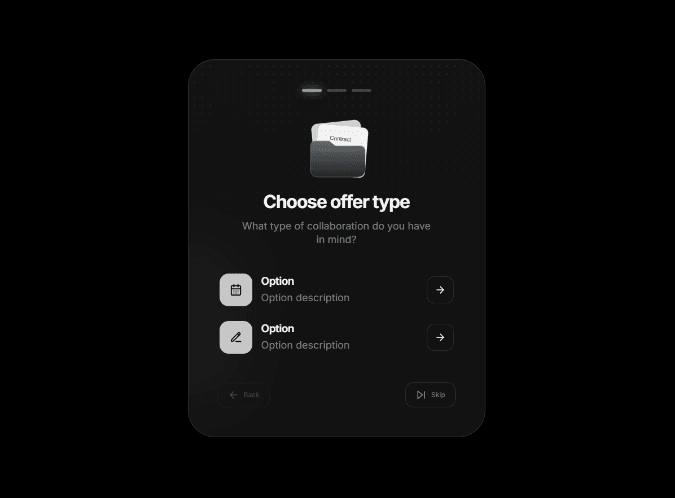
Offer Wizard is a customizable multi-step form component for Framer. Guide visitors through a series of questions, collect their contact and project details, and send the completed submission to your chosen provider—without building a separate server.
How it works
Visitors select an option at each step, enter their details, and submit the form. The provider receives the wizard questions and answers, name, email, enabled project details, and custom field values. Skipped questions are marked as skipped.
Choose one submission provider:
Formspree — connect a form endpoint
Web3Forms — connect with an access key
JSON webhook — send data to a compatible HTTPS endpoint
Customize the wizard
Add and edit steps, option titles, and descriptions
Upload images or paste SVG code for step illustrations and option icons
Use built-in Lucide icons or replace the Back, Skip, and Go icons
Adjust icon colors, backgrounds, sizes, corner radii, and image fit
Edit button labels, colors, backgrounds, and radius
Customize the card and page background, text colors, accent, border, padding, and typography
Choose a dotted texture, uploaded image, custom CSS gradient, or no texture
Adjust texture opacity and image fit
Show or hide progress, Back, and Skip controls
Customize the form
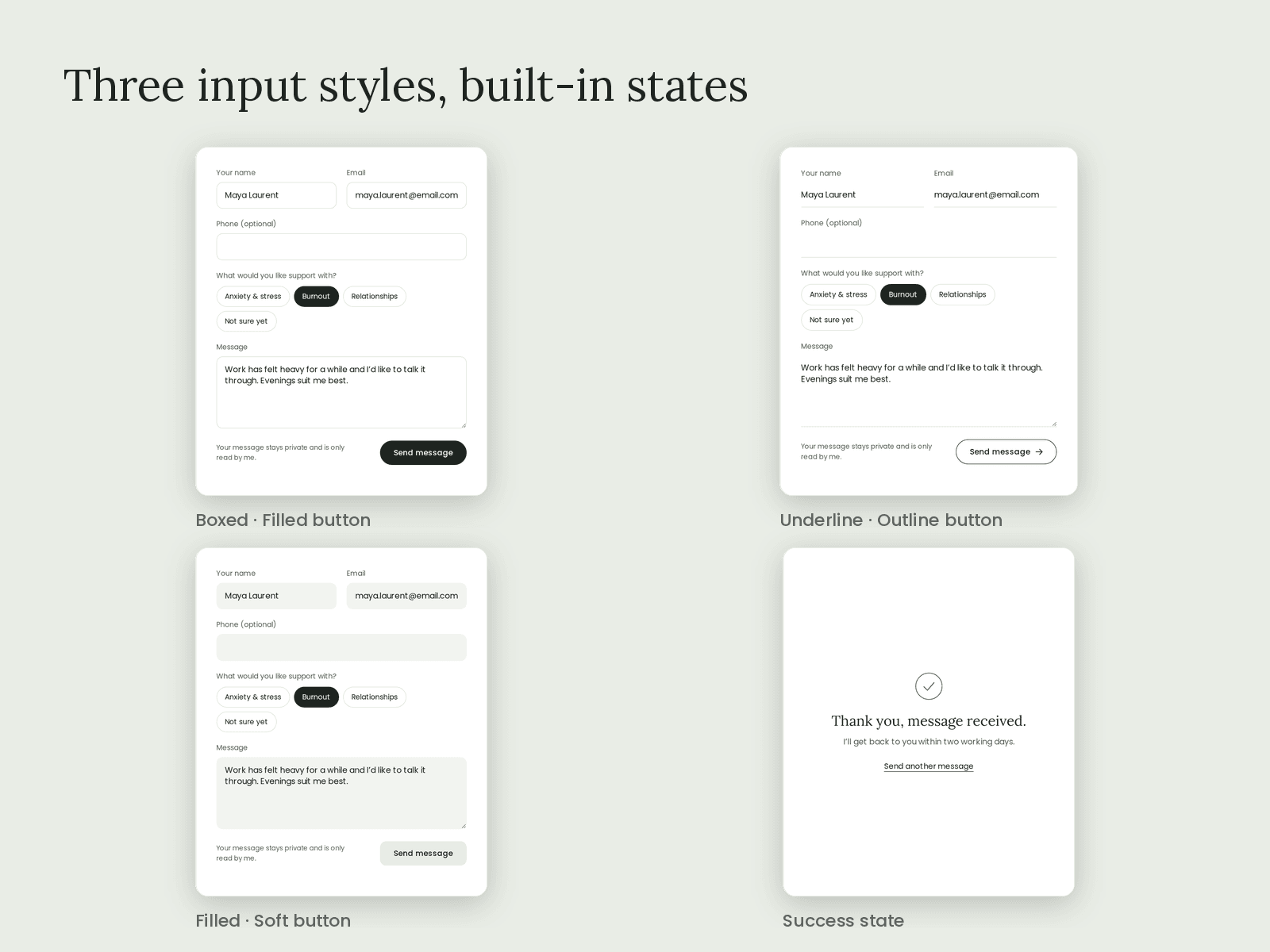
Collect name and email, and optionally enable company, budget, and project description fields. Add your own text, email, or long-text fields and choose whether each is required.
You can also edit the form title, subtitle, submit label, completion message, restart label, and optional finish link.
Setup note: Webhooks must accept browser requests and allow CORS from your site. Component settings are visible in the browser, so don’t enter secret credentials. Test your provider after publishing.