About Lantern Reveal
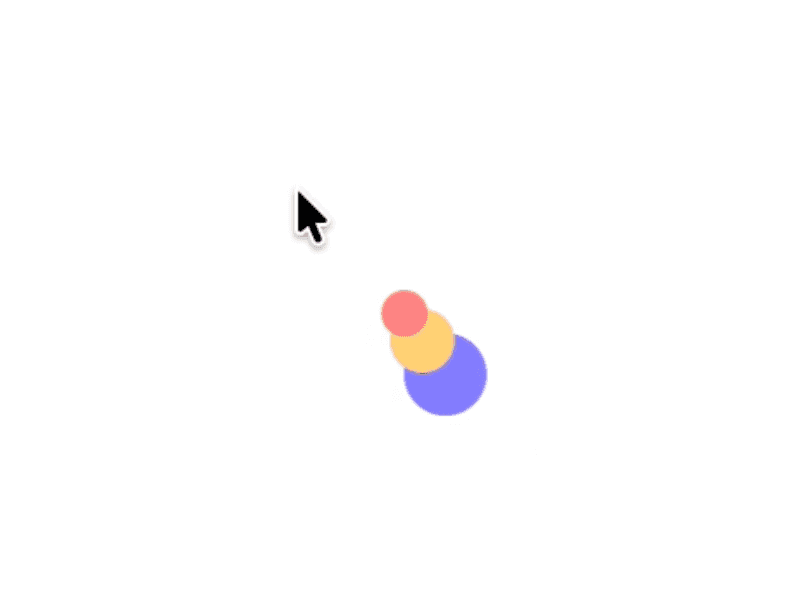
Spotlight Text turns any block of copy into an interactive reveal. Show the polished, public-facing version of a story by default, then let the reader hover to discover the unedited version underneath — same opening words, completely different meaning. A soft circular spotlight follows the cursor, a tiny center pin marks the exact spot, and a lazy outline ring trails behind for tactile feedback.
Features
Two independent text layers - base and hover - each with its own font, size, line-height, letter-spacing and alignment via the Framer Font picker.
Free-form hover content: write a different message under the spotlight, or repeat the base text for a classic reveal.
Hover style preset: None, Bold, Italic, Bold Italic, Uppercase, Underline, Small Caps - applied only to the hover layer.
Soft-edged spotlight with adjustable radius and edge softness.
Lagging outline ring with tunable spring lag and fade.
Center pin (1-frame follow) for crisp cursor anchoring.
Optional corner label (text + position) for editorial captions.
Hide-cursor toggle for a fully immersive stage.
Marketplace-safe: static-render fallback (renders only the base text on canvas/export), viewport pause, tab-visibility pause, pointer-only animation that stops once the ring spring settles, no runtime CDN imports.
What you can customise
Colors are exposed flat at the top so you can bind each one to a Framer Color Style for instant theming:
Background - stage background.
Base Color - color of the dim base text layer.
Hover Color - color of the bright text revealed by the spotlight.
Ring Color - outline color of the lagging ring.
Pin Color - fill of the cursor-centered pin dot.
Label Color - color of the optional corner label.
Grouped controls:
Typography - full Framer Font picker for both base and hover layers, plus inner padding and automatic hyphenation.
Hover Style - single-pick preset that styles only the hover layer.
Spotlight - radius and edge softness of the circular reveal.
Ring - show toggle, diameter, stroke thickness, spring lag, and fade-in/out duration.
Pin - show toggle and dot size.
Label - show toggle, label text, and corner position.
Hide Cursor - hide the system cursor inside the stage for a fully immersive look.
Hide Base on Hover - cut the base text out from inside the spotlight area only (base stays visible everywhere else). Recommended when Base Text and Hover Text are different so the two messages don't overlap. On by default.
How to use
Drop the component on the canvas. It appears at its default 480 × 320 size with a built-in two-voice demo (a polished take on photography vs. the unvarnished truth) - resize freely from the corners and the text auto-reflows inside the padding box.
Replace Base Text with the version you want visible by default - the polished, public-facing copy. Replace Hover Text with the version that should appear under the cursor - the truth, the price tag, the punchline. The two can share an opening to set up the contrast.
Keep Hide Base on Hover on (the default) when the two texts differ so the spotlight cuts a clean window through the base. Turn it off when both texts are identical for a magnified-print effect instead.
Pick fonts with the Framer Font picker. For best results pair an elegant serif for the base with a slightly larger or bolder hover font (defaults are 12.5px / 13.5px).
Tune Spotlight Radius and Edge Softness to match the size of your type - bigger type, bigger radius.
Bind colors to a Framer Color Style to support light and dark theming out of the box.
The cursor is hidden by default for a clean editorial look — the lagging Ring and the small center Pin replace the system cursor and tell the reader exactly where they are. Toggle Hide Cursor off if you'd rather show the system cursor too.
Refund Policy: All sales are final. No refunds.
Free email support: framer@muhmad.me
More Components: sbarah.com
Thanks 🌵🎉