About Lenticular Gallery
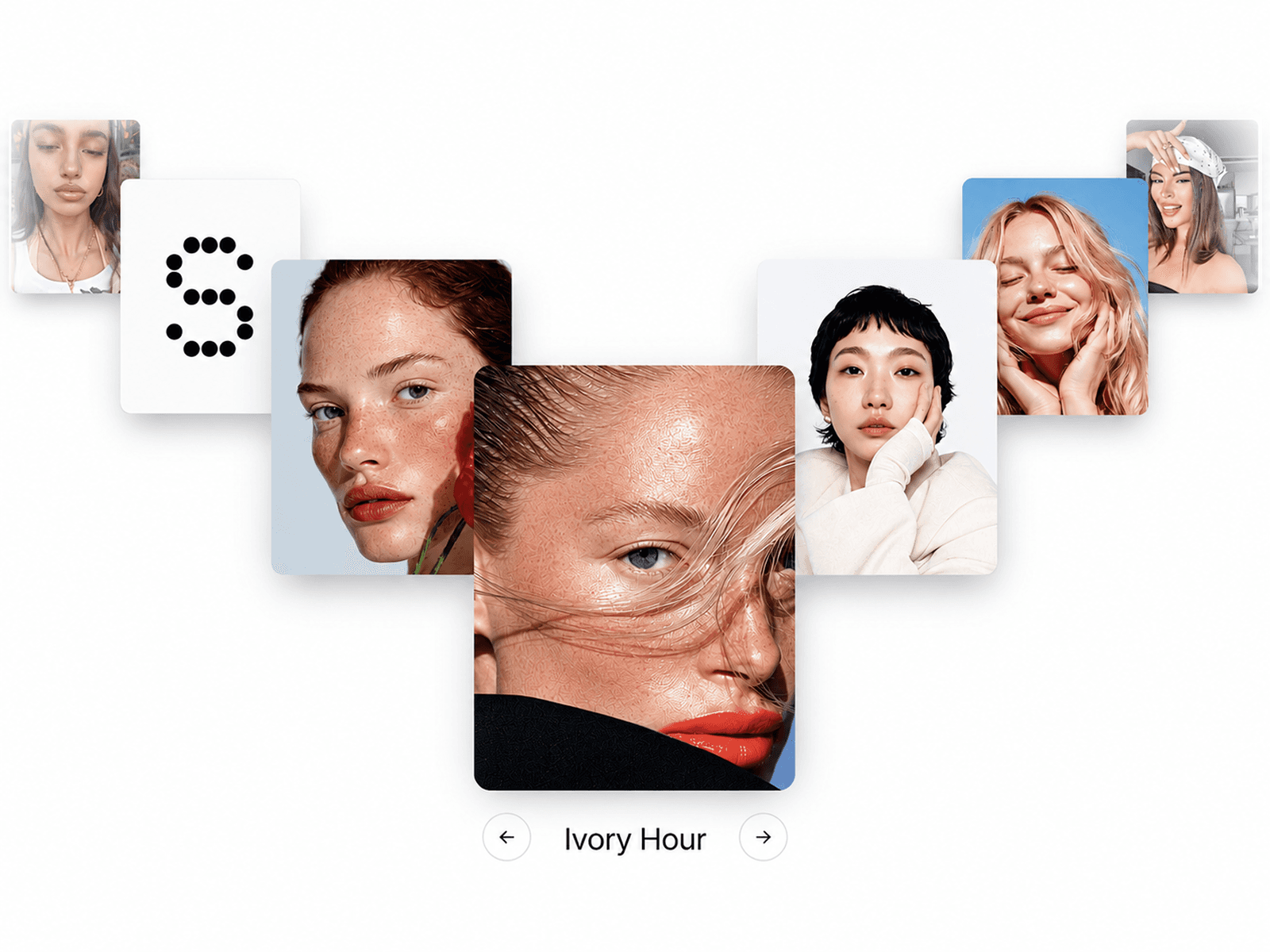
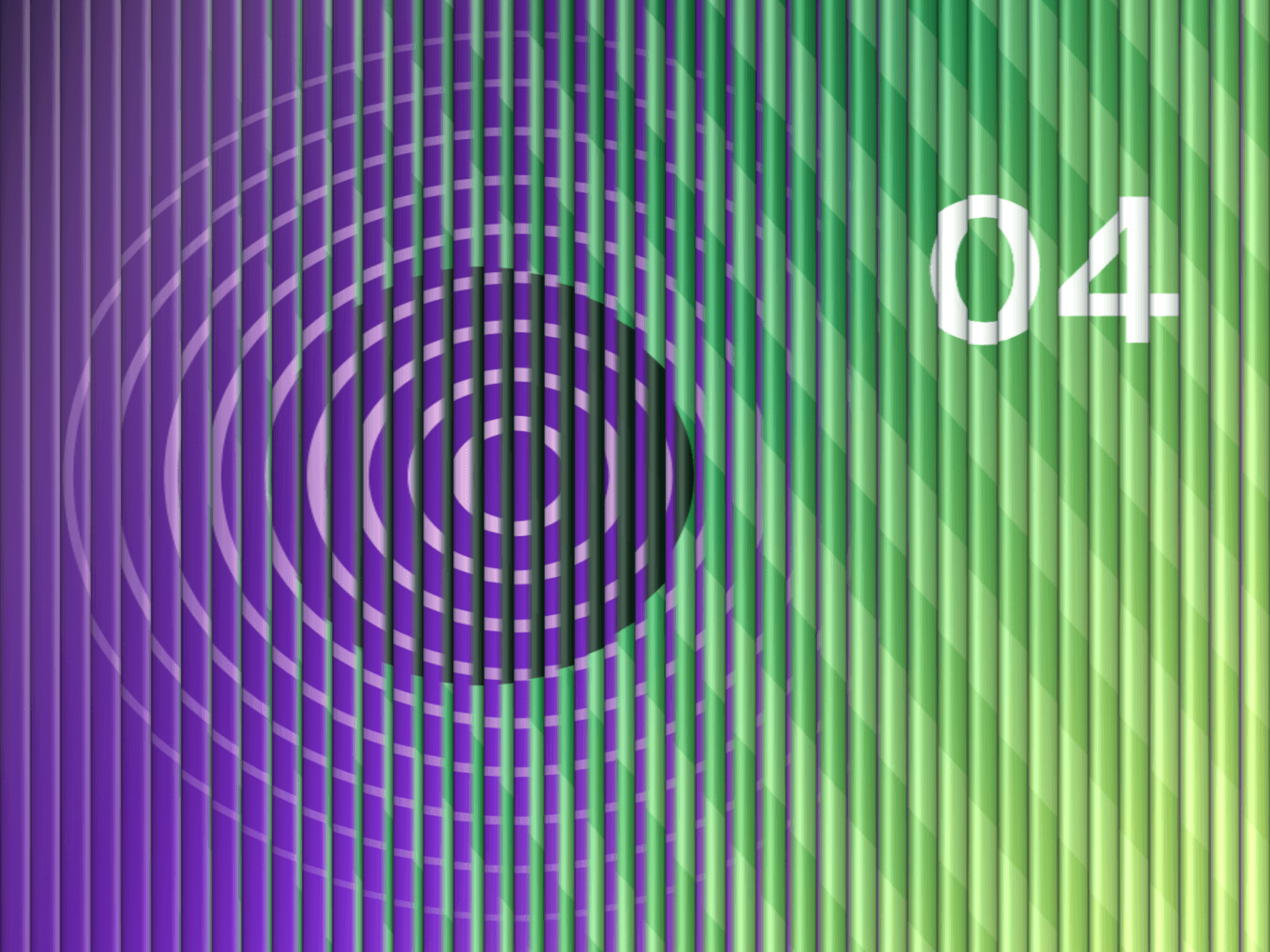
Lenticular Gallery prints up to six images on one ridged lenticular sheet, like the flip cards and postcards that change picture as you tilt them. Move the cursor across it, drag it, scroll past it or let it autoplay, and every strip flips to the next image in a wave that starts at the pointer. It renders in WebGL with rounded lens shading, a dark groove between lenses, refraction that slides the images through each strip, and a sheen that follows the viewing angle. Drop it in with no setup and it shows four built-in demo prints; add your own images when you are ready.
Customizations
Images: up to 6 responsive images, cover or contain fit, background color, corner radius, accessible label
Trigger: Cursor (scrub across the print), Drag (with inertia and snap), Scroll (progress through the viewport), Autoplay (interval, pause on hover)
Lens: strip count (4 to 160), vertical or horizontal strips, ridge depth, refraction, edge sharpness
Wave: how staggered the flip is, and where it starts (pointer, start, center, end)
Sheen: color, intensity, width, idle shimmer
Motion: speed, hold (how long each image rests in cursor and scroll modes), click to go to the next image, loop, reduced motion (respect or ignore)
Keyboard: arrow keys change the image (except in Scroll mode); a polite live region announces the current image
Performance: pauses off-screen and in hidden tabs, caps pixel ratio at 2, downsizes images over 2048 px
Static fallback: a CSS ridged print of the first image for thumbnails and the static renderer
Use cases
Hero sections that show several product shots in one spot
Portfolio covers and case-study headers
Before and after comparisons with a tactile feel
Event, album or poster promos with alternate artwork
Scroll-driven storytelling where each image reveals the next