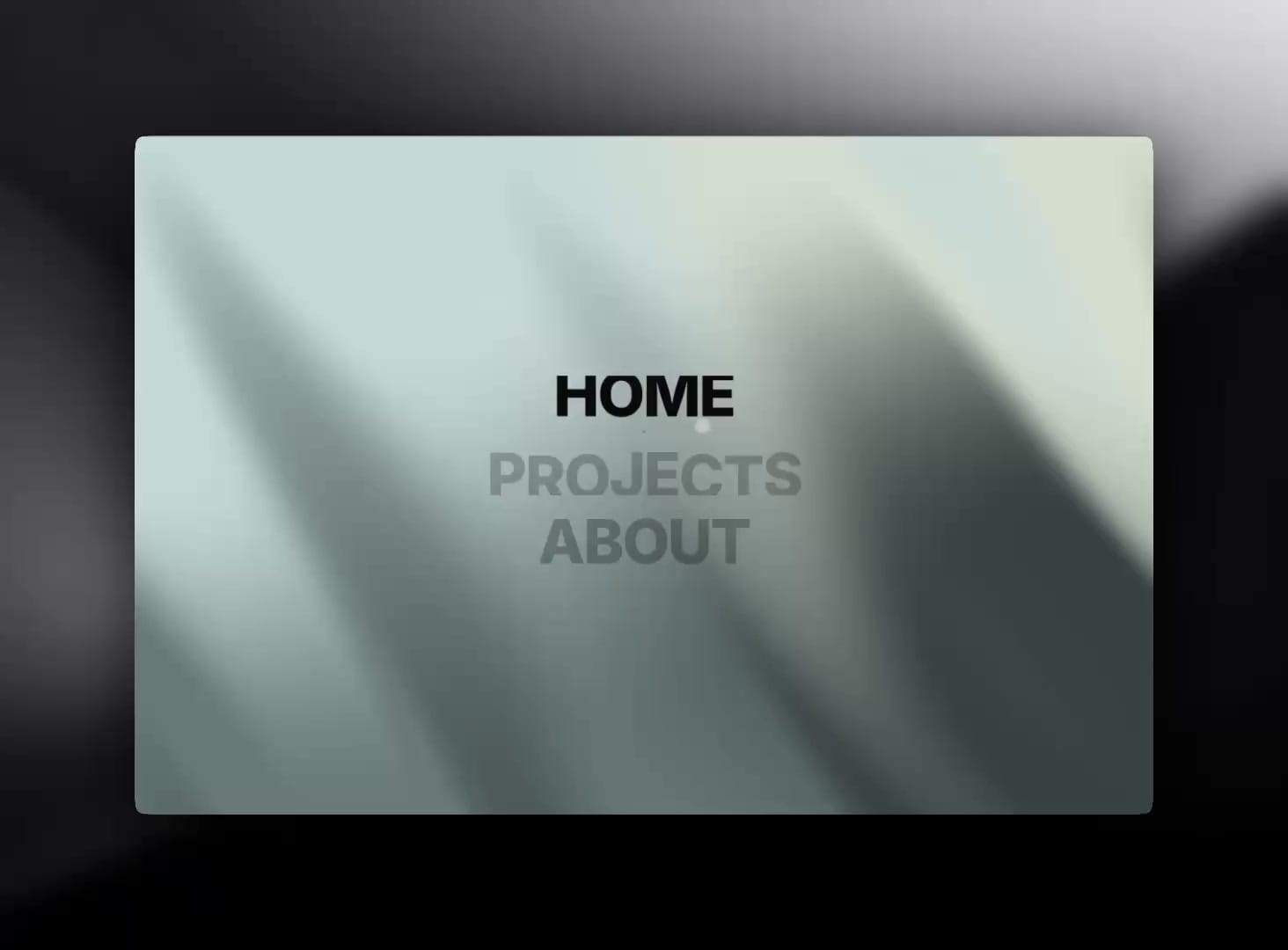
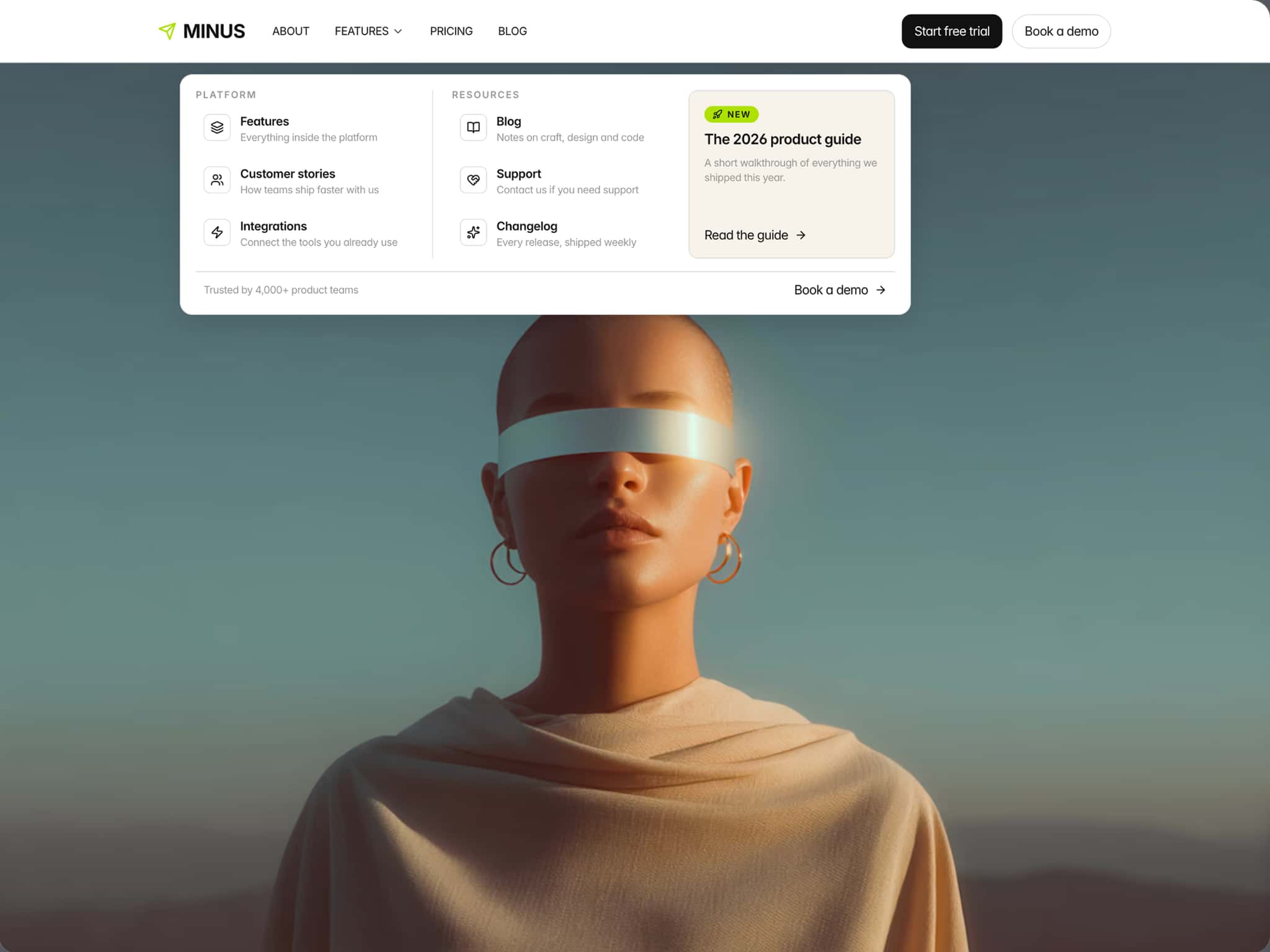
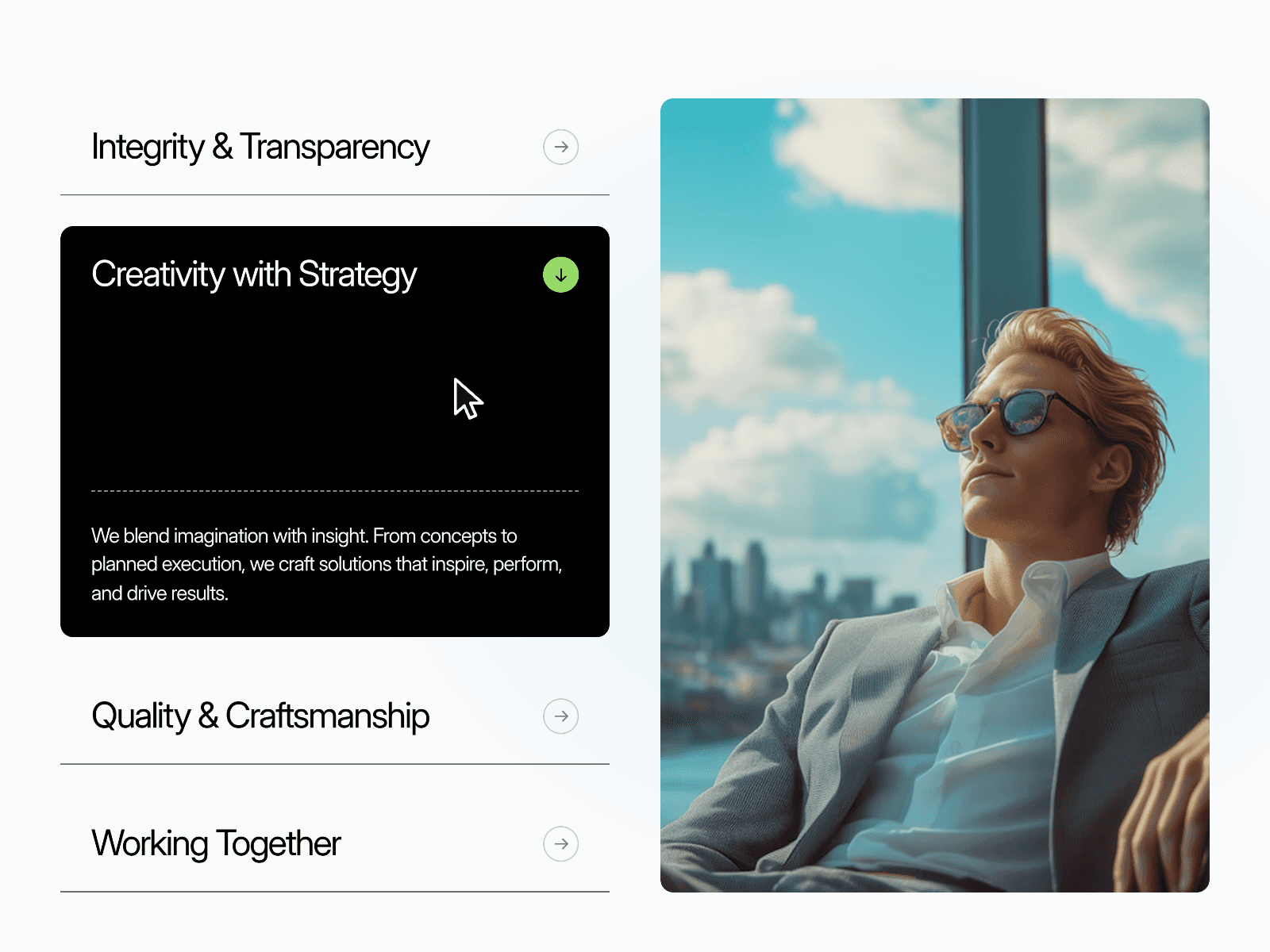
LetterRollMenu is a short-nav code component (3–5 labels ideal) built for studio and portfolio layouts—not a generic link list.
On row focus, every glyph runs its own spring choreography. Choose Roll (classic vertical dual-layer swap), Wave (alternating phase per letter), or Flip (per-character 3D rotateX with perspective and a second face in your hover color). Motion presets—Editorial, Premium, Snap, Kinetic, Instant—retune letter springs, row motion, focus rail, stagger multiplier, and roll distance in one click.
A focus rail slides to the active row using measured geometry and spring physics (optional glow). Dim Others lowers inactive rows. Entrance stagger plays when the block enters the viewport. Typography scales across desktop, tablet, and mobile via clamp. Links, row indexes, colors, spacing, flip angle, and perspective are all editable in the panel.Full DescriptionMost Framer sites still use static vertical menus. Native hover states cannot run per-letter spring rolls, 3D glyph flips, center-weighted stagger, and a measured focus rail in one system—without custom code.LetterRollMenu targets editorial navigation: three default items (Home, Projects, About), expandable to five short labels. Activation is row-level (hover or keyboard focus), so letter animation stays in sync with dimming and the focus rail. Stagger can radiate from the word center, propagate from the start, or from the end.Three roll signatures: Roll (vertical swap), Wave (alternating vertical phase), Flip (3D perspective dual-face per character with tunable angle and perspective).
Five motion presets: Editorial, Premium, Snap, Kinetic, Instant—unified letter + menu + rail physics.
Stagger + intensity: Char stagger, stagger direction, roll intensity (Roll mode), flip angle and perspective (Flip mode).
Focus rail: Spring-tracked marker on active row geometry; optional accent glow.
Menu orchestration: Dim inactive rows, in-view entrance stagger, master animation toggle.
Reduced motion: Static (no motion) or fade-only row feedback.
Production guardrails: Static render on Framer canvas, useInView gate on published site, semantic <nav>, configurable aria label.Designer panel: 45+ controls across items, interaction, typography, animation, layout, style, accessibility.FAQ
Q: How many menu items work best?A: 3–5 short words. Long labels add many animated glyphs and feel heavy.
Q: Which roll style should I use?A: Roll for classic KERN editorial swap. Wave for rhythmic alternation. Flip for 3D typographic impact in hero nav or fullscreen overlays.
Q: Why does Flip look wrong on canvas?A: Canvas shows static text for performance. Test Flip in preview/published mode only.
Q: Can I change font family during the roll?A: Not in this component. KERN ships a separate Type Cycle Nav product for Inter-style multi-font rolls.
Q: Reduced motion?A: Static disables animation. Fade keeps opacity-only row feedback.
Q: Replicable in Framer without code?A: No—per-glyph springs, 3D flip cells, measured rail, and menu-wide dimming require this code component.