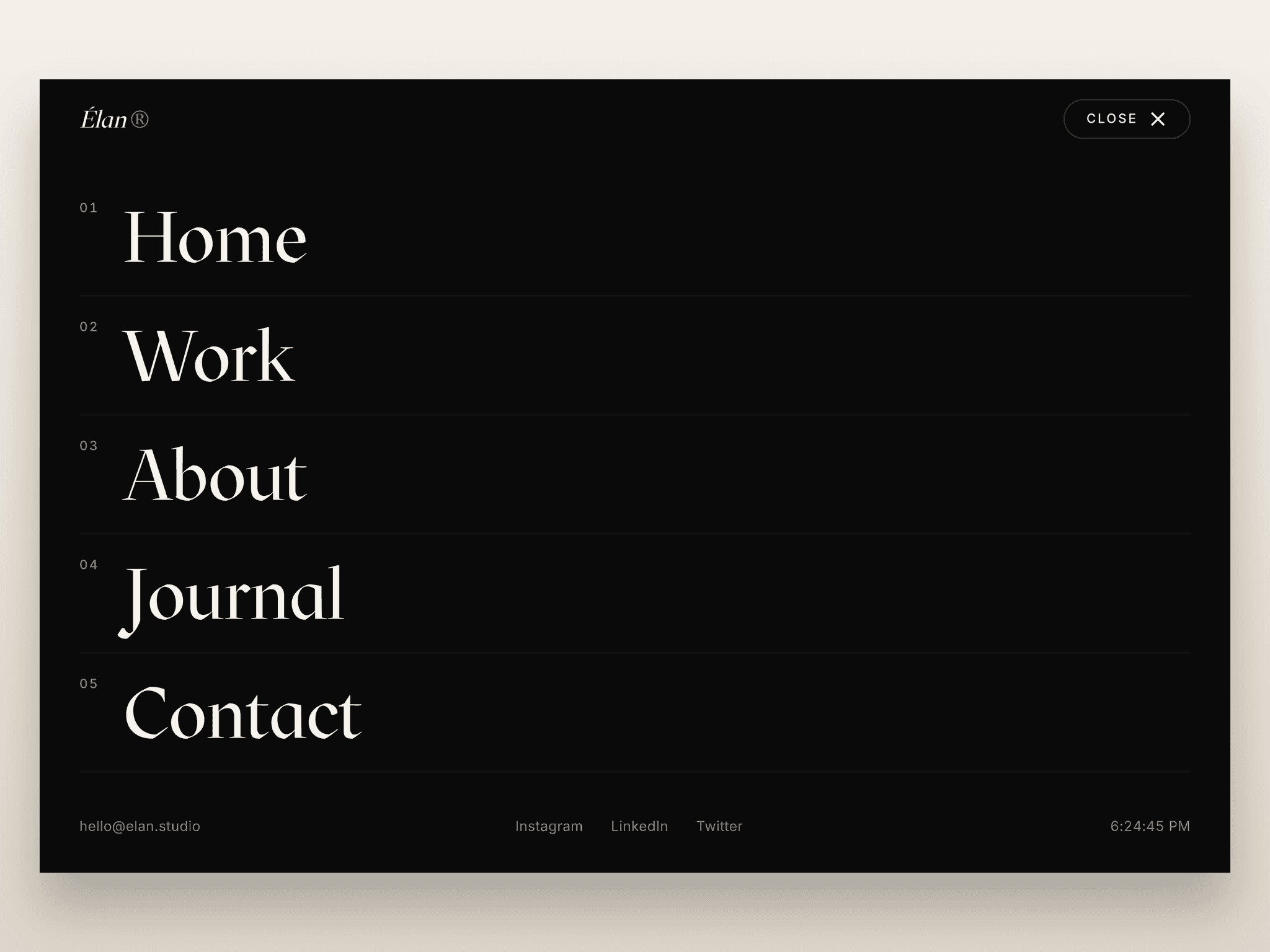
About Vertical Tab OnClick
Vertical Tabs – Responsive Animated Tabs for Framer
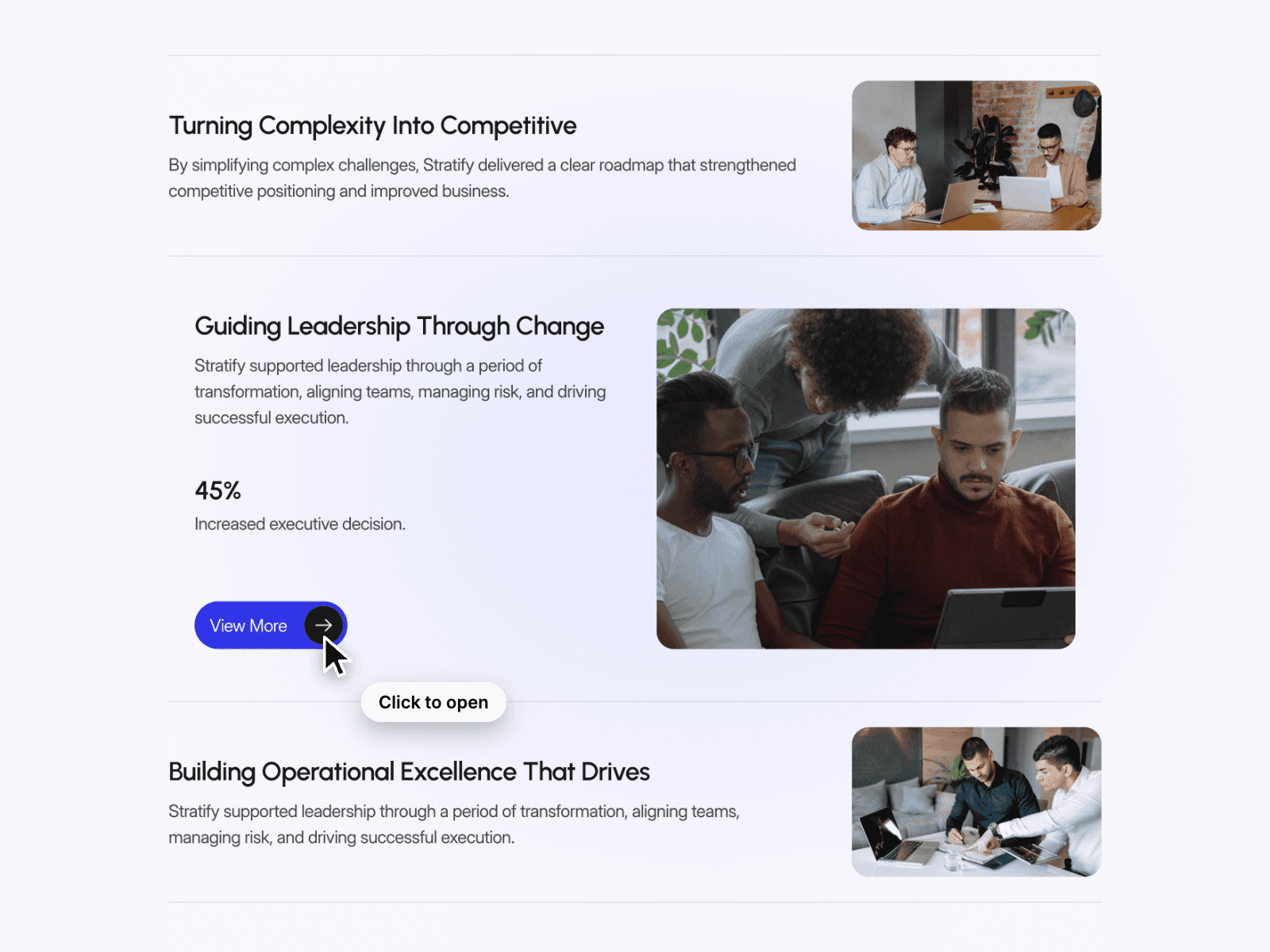
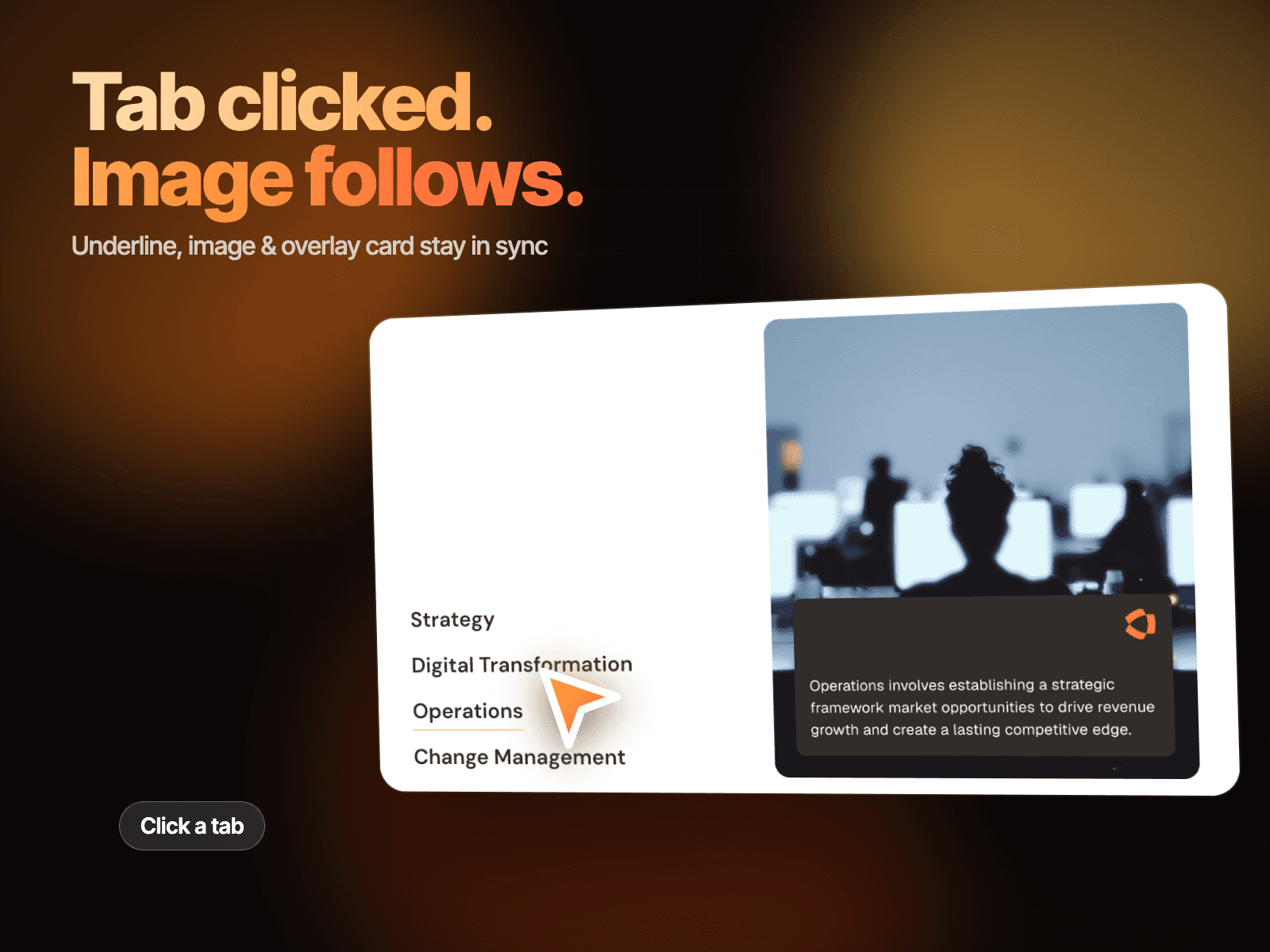
Vertical Tabs is a modern, interactive Framer component that helps organize large amounts of content into a clean, easy-to-navigate interface. Instead of displaying everything at once, visitors can switch between vertical tabs to instantly reveal the corresponding content with smooth animations. Perfect for showcasing services, features, pricing, FAQs, portfolios, or product details, this component delivers a polished user experience with minimal setup.
Interactive Tab Experience
Switch between tabs with smooth, fluid transitions.
Only the active tab displays its associated content.
Responsive layout optimized for desktop, tablet, and mobile.
Lightweight and performance-friendly animations.
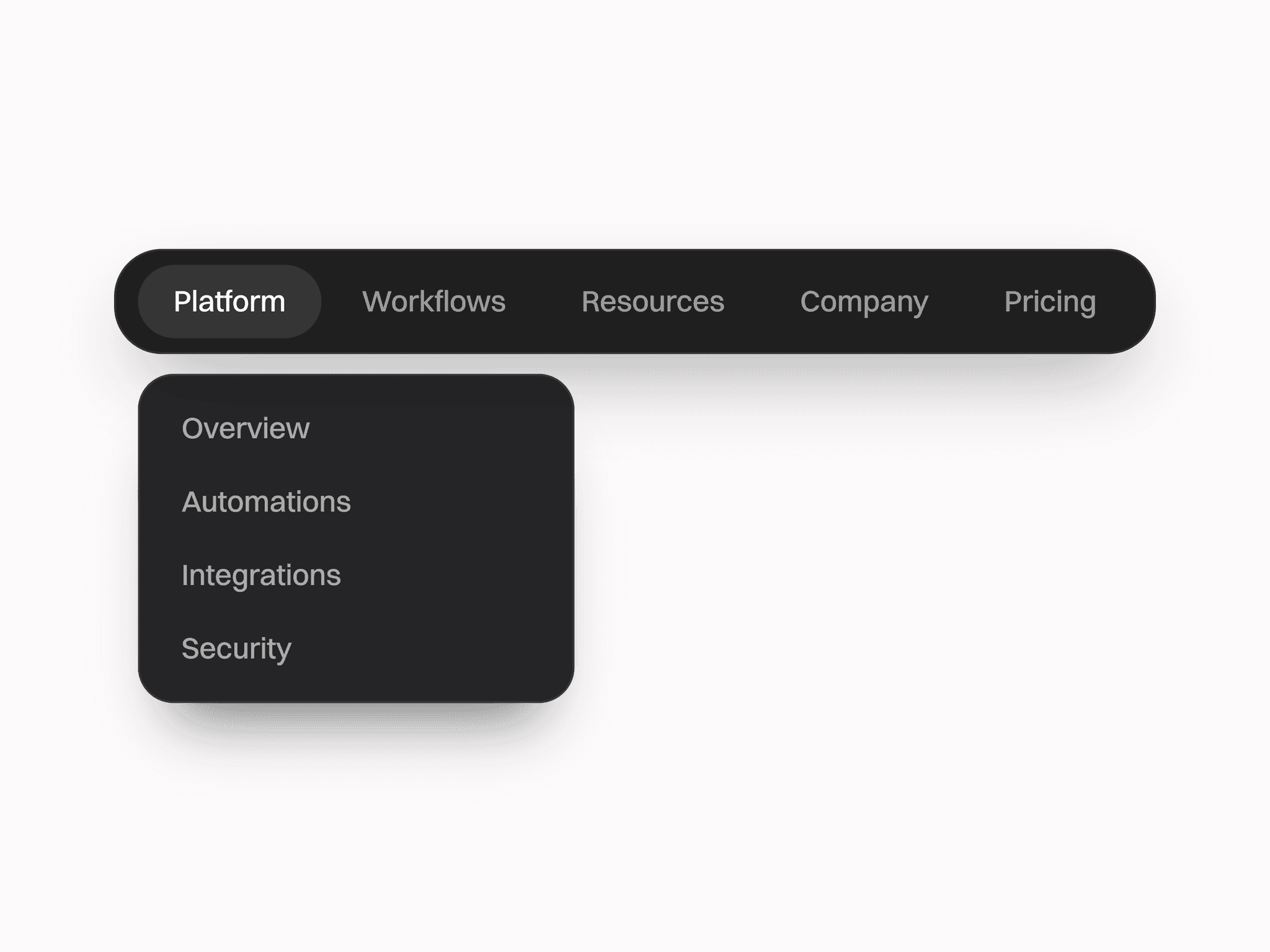
Clean vertical navigation for better content organization.
Designed for modern Framer websites and landing pages.
Fully Customizable
Vertical Tabs includes complete Framer property controls, allowing you to match the component to any brand or design system.
Customize
Tab Items — Add, remove, or reorder tabs with ease.
Titles & Content — Edit headings, descriptions, and rich content.
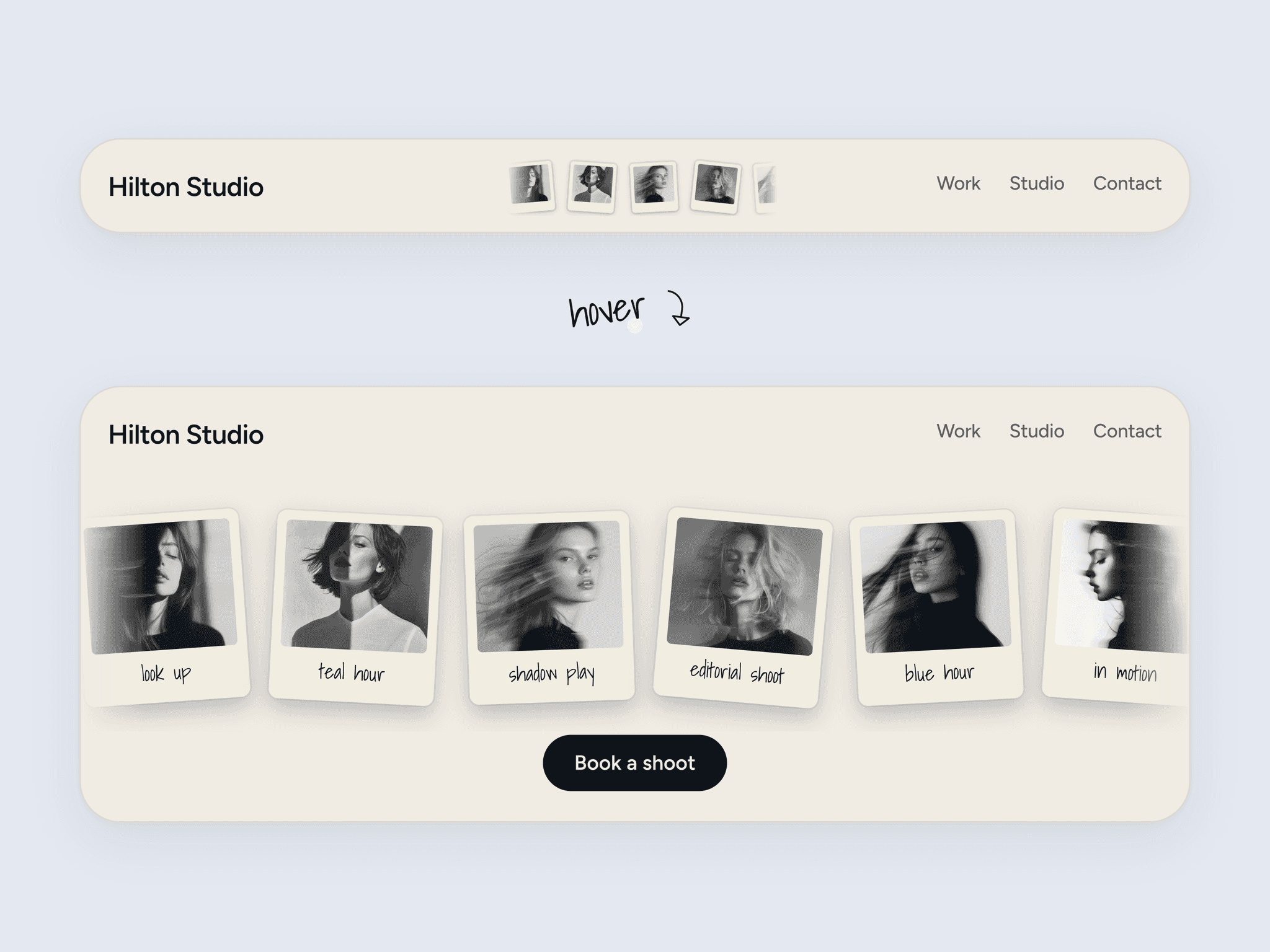
Images & Media — Display images or visuals inside each tab.
Colors — Customize backgrounds, text, borders, and active states.
Typography — Adjust fonts, sizes, spacing, and weights.
Spacing & Layout — Fine-tune padding, gaps, and alignment.
How It Works
Vertical Tabs displays a vertical list of navigation items alongside dynamic content. When a visitor selects a tab, the previously active content smoothly transitions out while the new content animates into view. The component automatically manages active states, making it easy to build engaging, responsive layouts that improve readability and user interaction without requiring any custom code.