About Lightbox - CMS
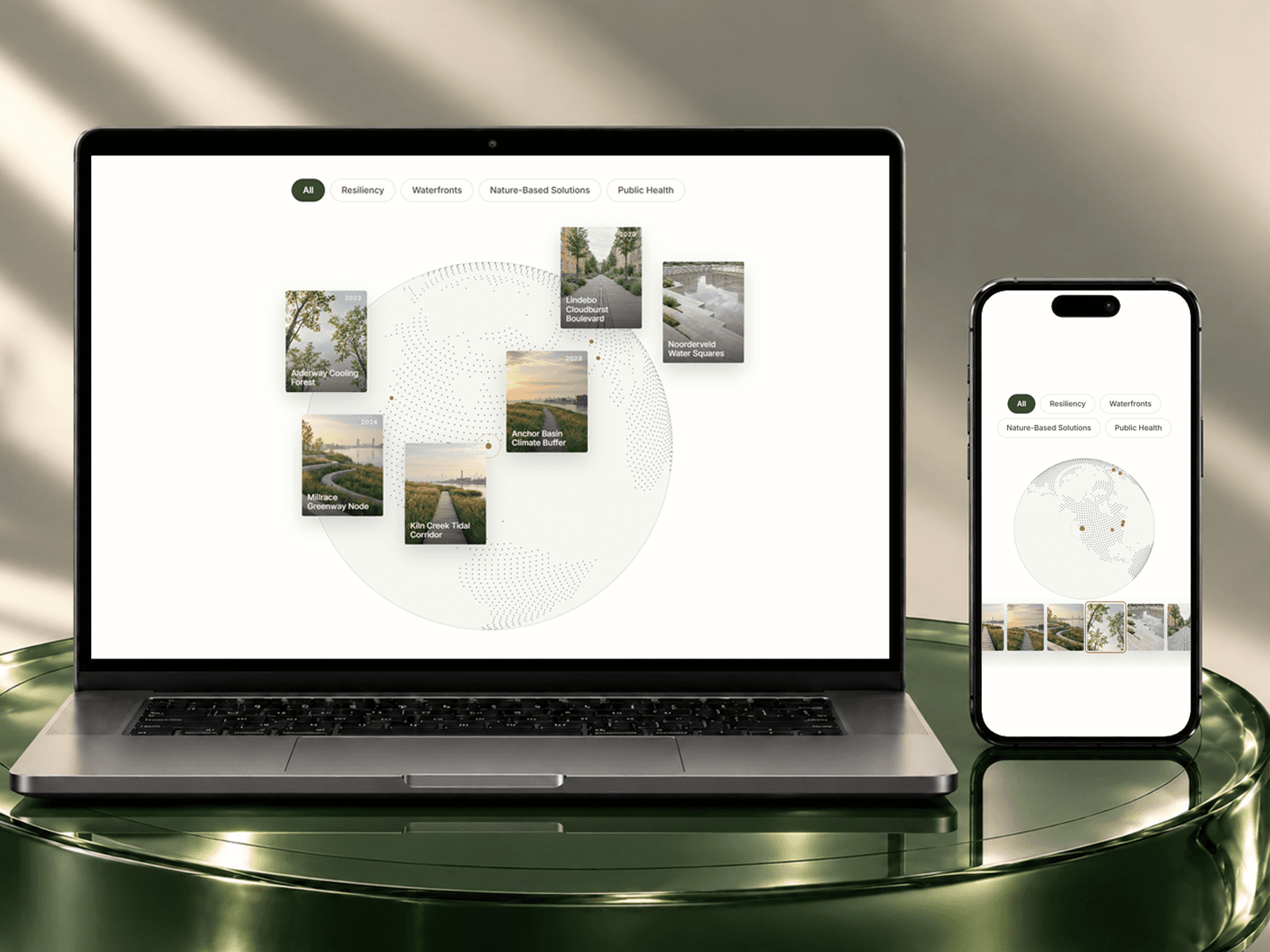
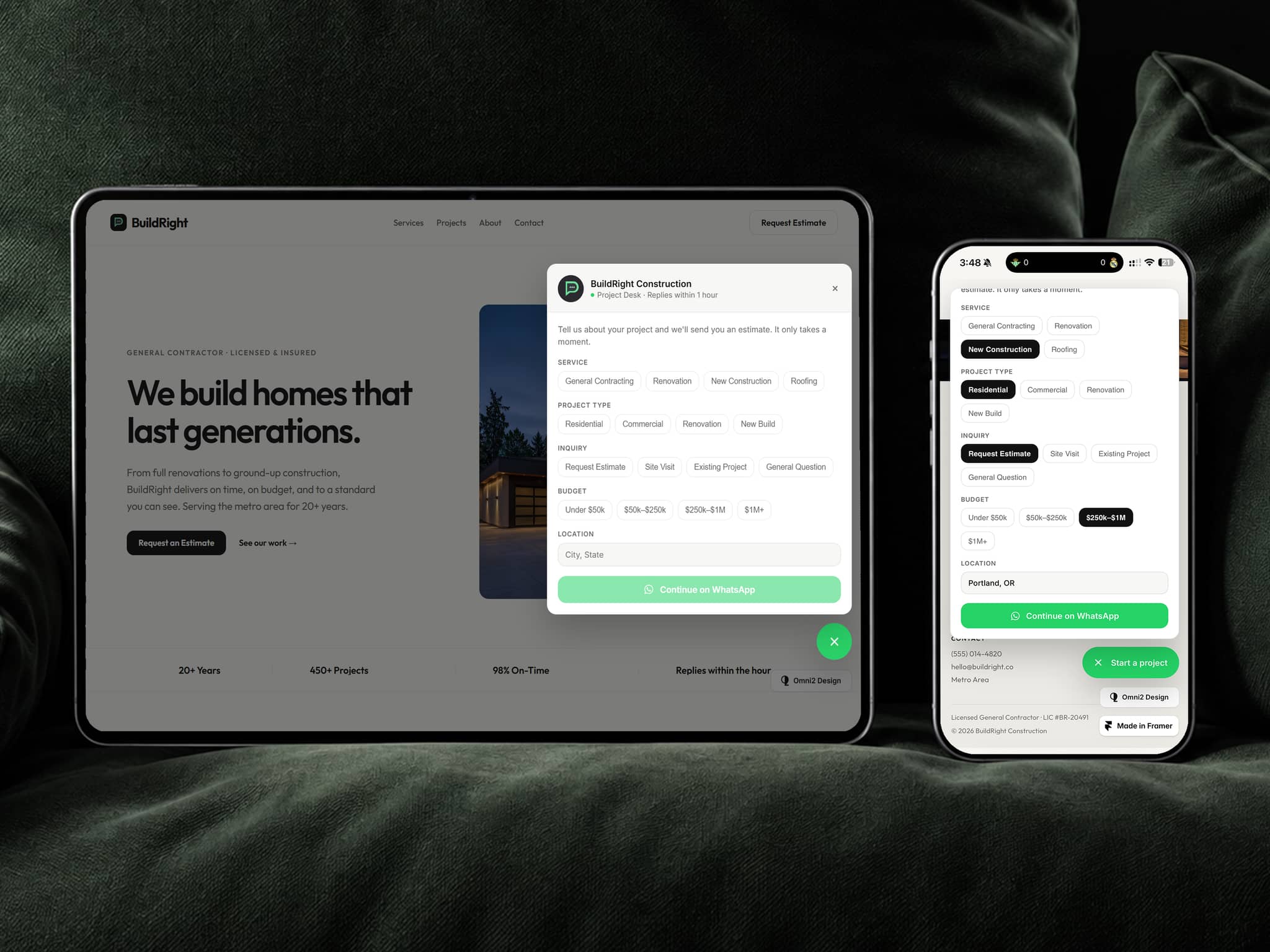
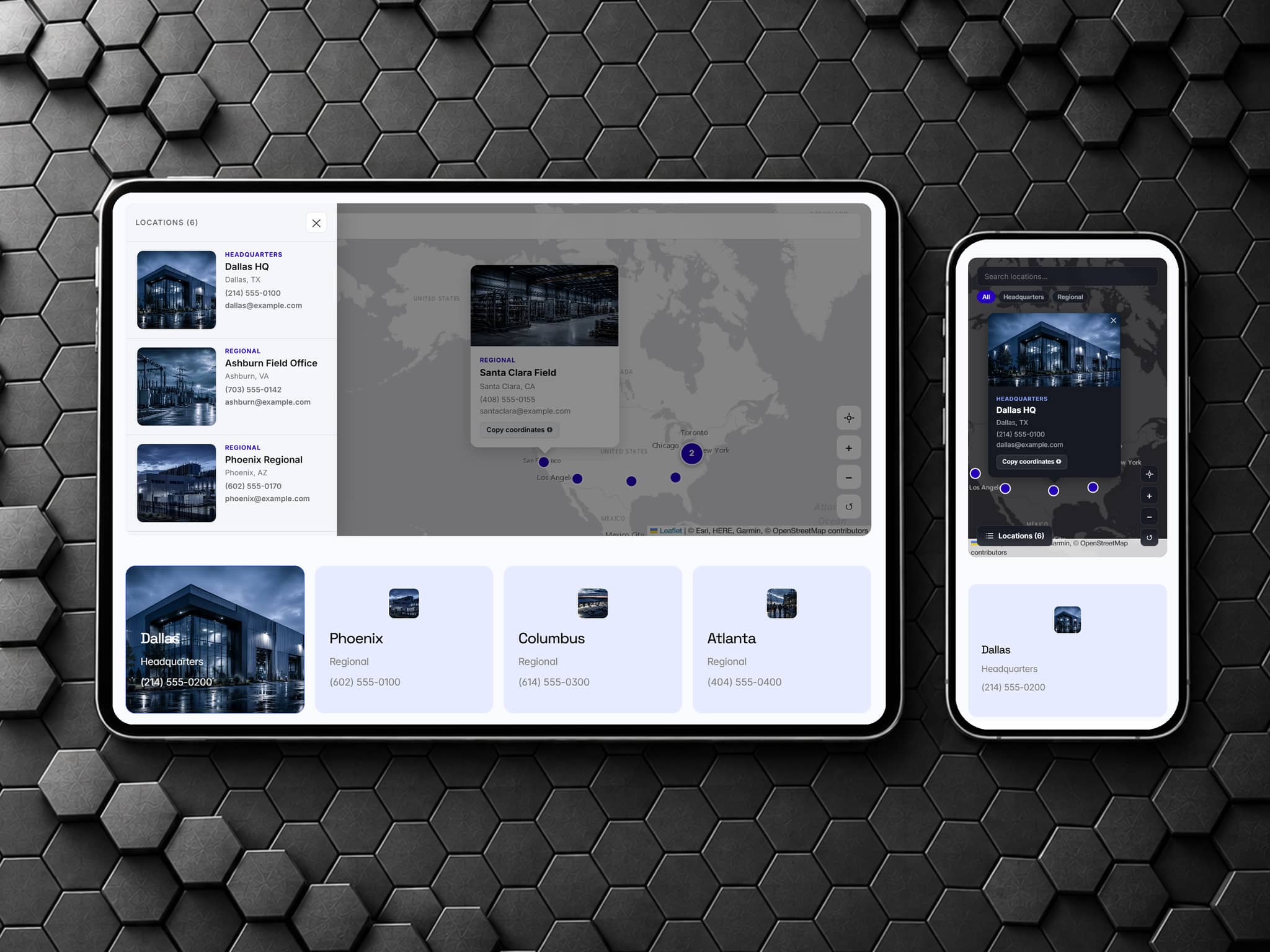
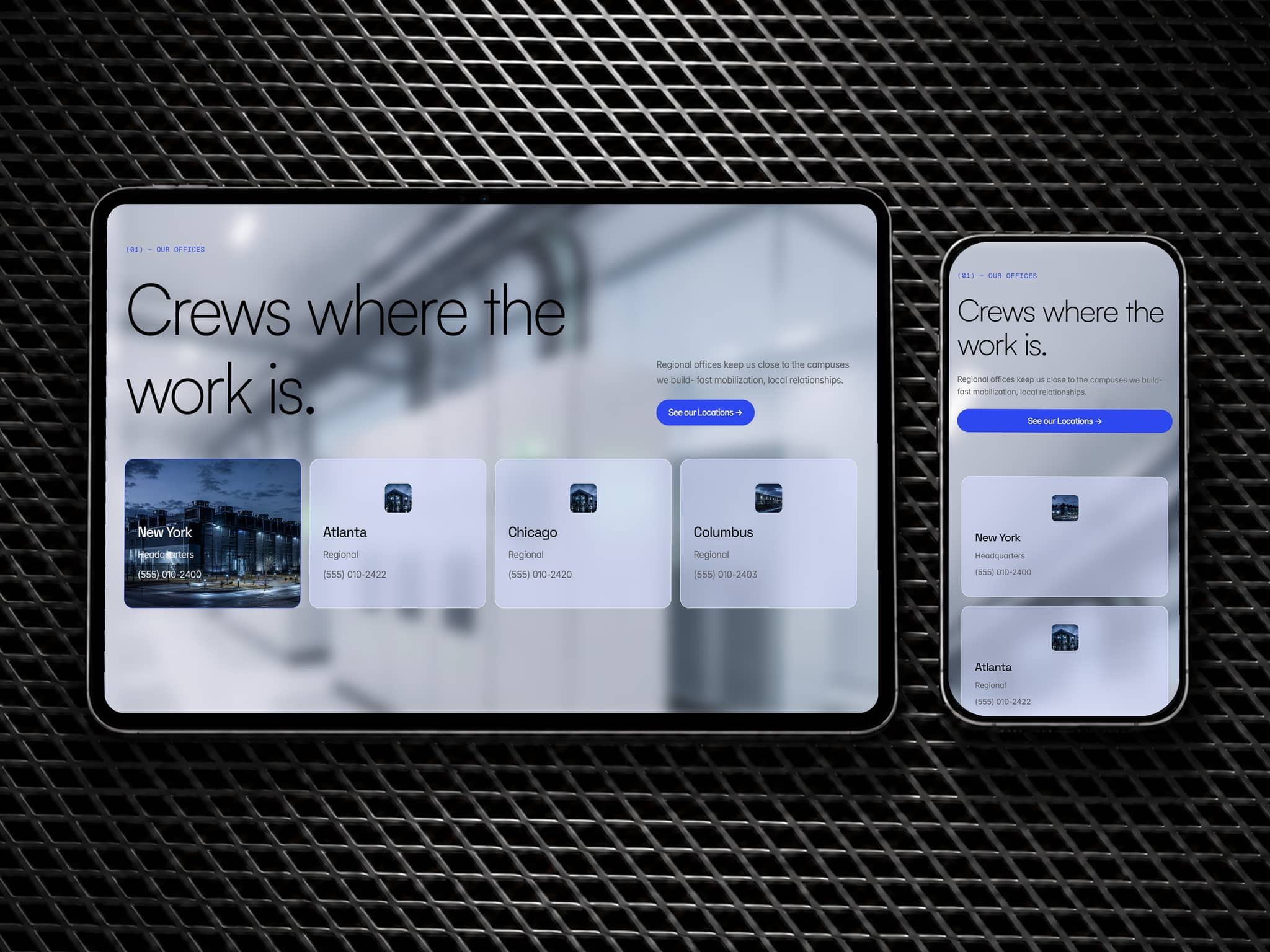
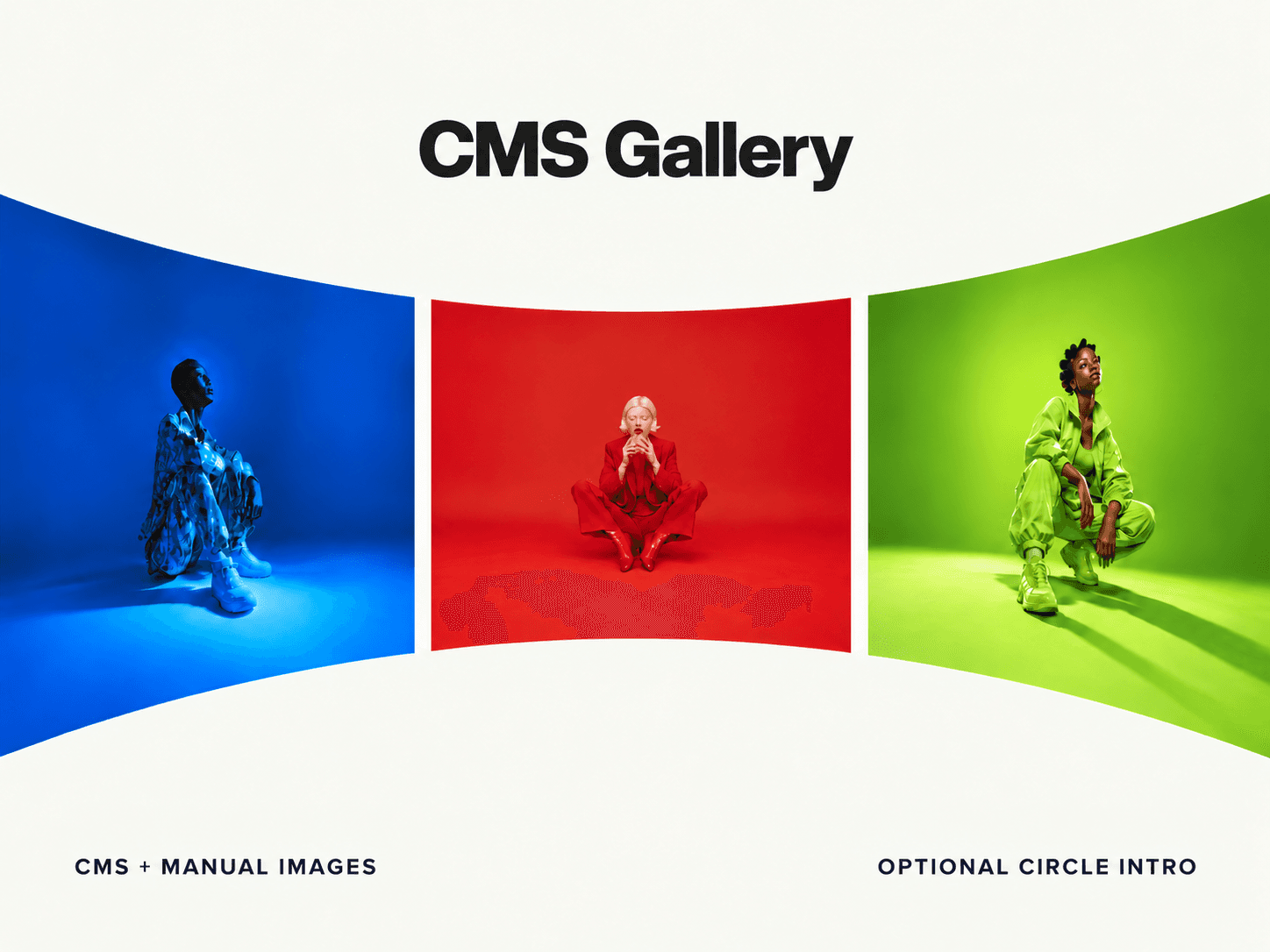
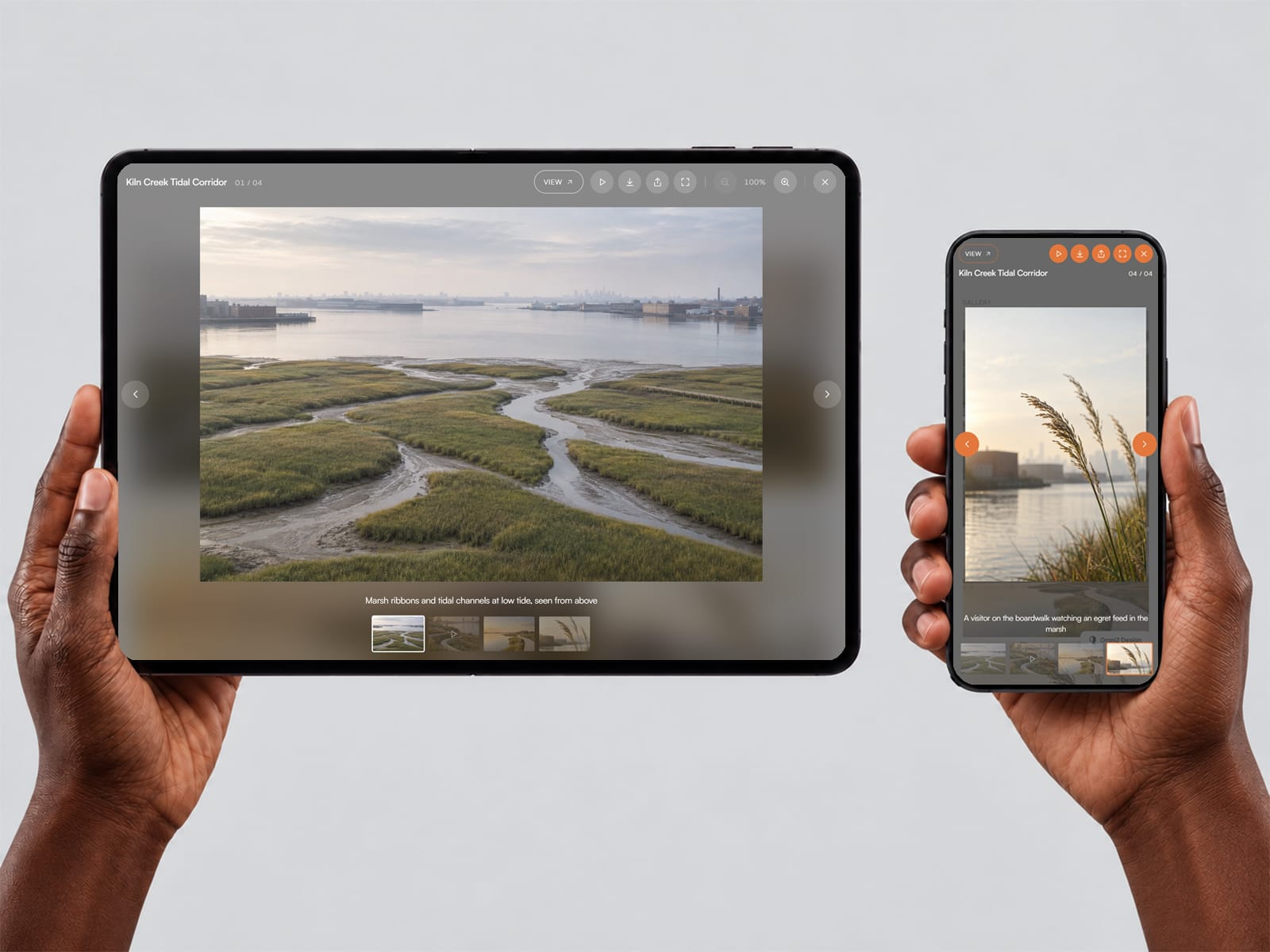
Lightbox-CMS is a full-screen viewer for your images and videos. Visitors click, pinch, swipe, or share to explore. Use it three ways: on your own canvas gallery layers, one tile per CMS item, or one project's images on its detail page. No API keys.
Everything it does
Three modes - your own manual layers, a Collection List tile, or a project's List field; no limit on items
Images and video, mixed - uploaded video (even from a CMS file field), YouTube, and Vimeo in one gallery
Zoom and pan - mouse wheel, pinch, double-tap, drag; keyboard shortcuts
Mobile gestures - swipe to move on, swipe down to close; every button on one row on phones
Share links - the address follows the viewer, so Share sends the exact image
Slideshow - play and pause, set the seconds, optional auto-start
Video options - autoplay, loop, muted, and start time
Download, Share and Full Screen - switch on only what you need
Optional link button - a "View project" button per item; if no link, no button
Various looks - Dark, Light, Glass and Editorial, or your own colors and fonts
Opens from the tile animation- the picture grows out of the one you clicked
Filter-aware - works with Framer's own CMS filters
Thumbnails, captions, counter - loop, fade or slide transitions
Accessible - keyboard and screen-reader friendly, focus stays in the viewer, reduced-motion aware
Editor preview - see the open viewer on the canvas while you style it
Works for any site that shows photos or video: portfolios, projects, products, listings, galleries and blogs.
No code required - a step-by-step setup guide is included.
Two licenses at checkout: Standard ($28) for your own or one client project, and Template ($79) to include it in one template you sell.
Questions? Email christian@omni2design.com.
🚩Enjoying our work? If you’re new to Framer, sign up for free through our referral link to support Omni2 Design. We may earn a commission if you later subscribe, at no extra cost to you.