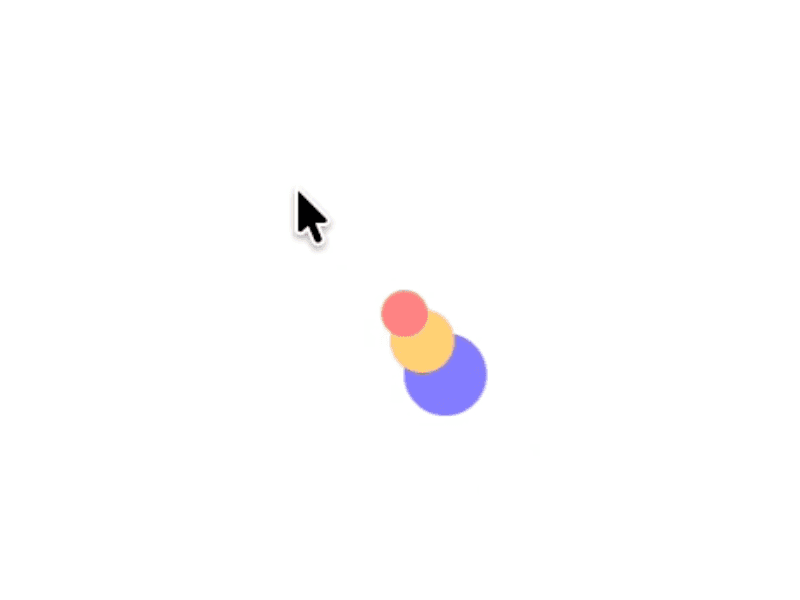
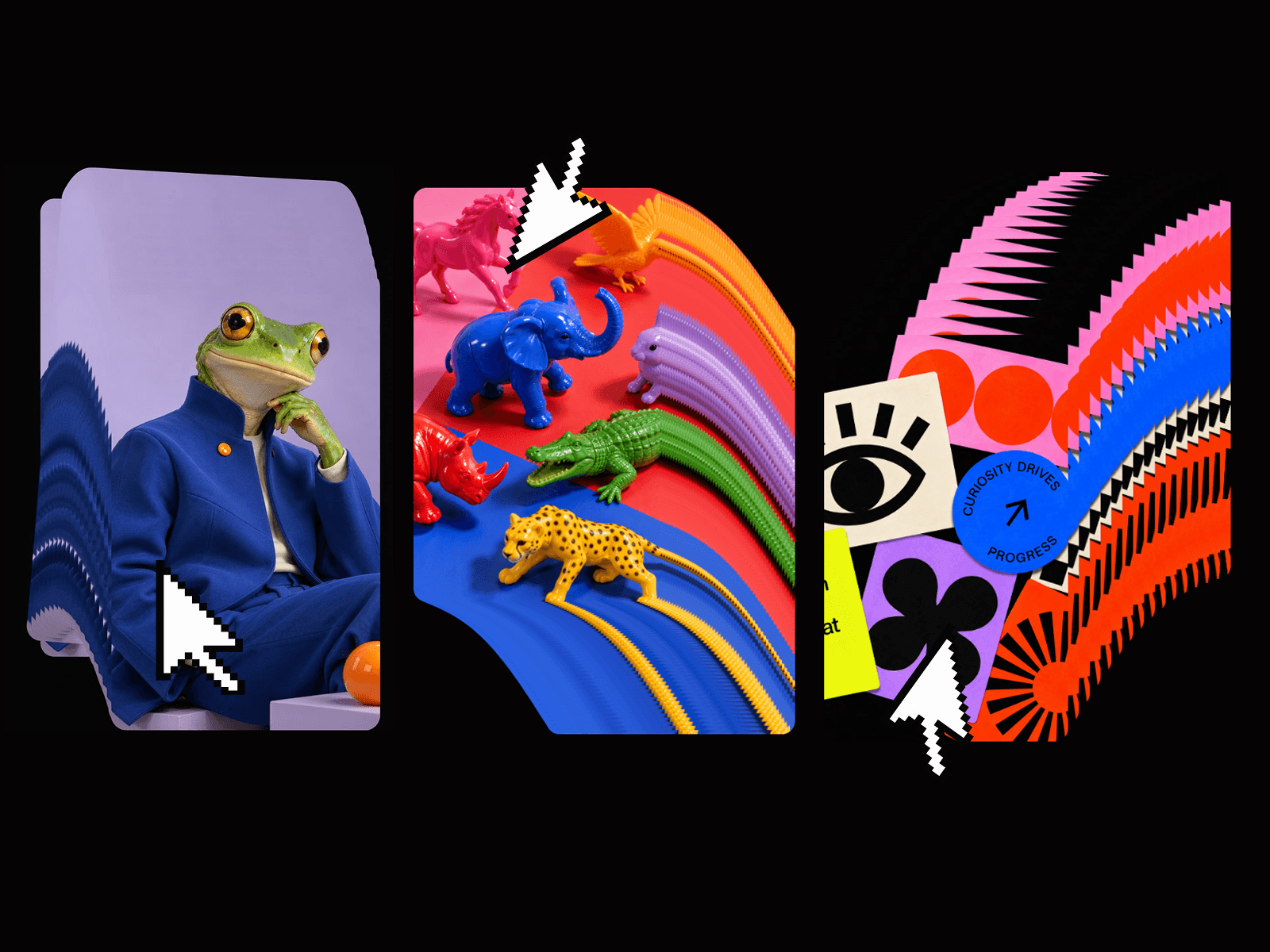
About Liquid Cursor
Liquid Cursor brings cinematic, fluid motion to any Framer page using real-time WebGL fluid simulation. Instead of simple particle trails, it renders true liquid behavior that swirls, stretches, and dissipates in response to pointer movement.
With built-in presets, metallic looks, and color-reactive modes, you can go from subtle ambient motion to loud, expressive effects in seconds; all controlled through a no-code property panel. It’s designed to feel expensive and custom while staying performant across modern devices.
Features
GPU-accelerated fluid simulation for smooth, high-fidelity trails
Metallic presets (Gold, Silver, Bronze, Diamond) for luxury, reflective looks
Velocity-reactive colors that shift based on cursor speed and direction
Rainbow + brand color modes for spectrum sweeps or locked brand hues
Shading and blend modes (Normal / Invert) to dial in depth and contrast
Full simulation controls – resolution, dissipation, pressure, curl, splat radius, and force
No-code controls exposed in Framer’s right panel; no shaders or JS needed
Pointer-safe overlay – designed to sit behind your UI without blocking clicks or hovers
Responsive by design – fills sections or full-screen layouts with constraint-based sizing
Use Cases
Premium hero sections and landing pages that need a bespoke, animated feel
Portfolio and studio sites looking for high-end interaction without custom GLSL work
Brand or product intros where motion and mood carry the story
Music, art, or event pages that benefit from expressive ambient visuals
Experimental microsites and interactive playgrounds to showcase creative direction
Quick Setup
Add Liquid Cursor to your page.
Place it under your main content in the Layers panel.
Set Position to Absolute and pin Left / Top / Right / Bottom to 0 so it fills the section.
In Styles, set Pointer Events to None so your buttons and links stay clickable.
Choose a Preset or switch to Custom to tweak metallic, rainbow, velocity, and physics settings.