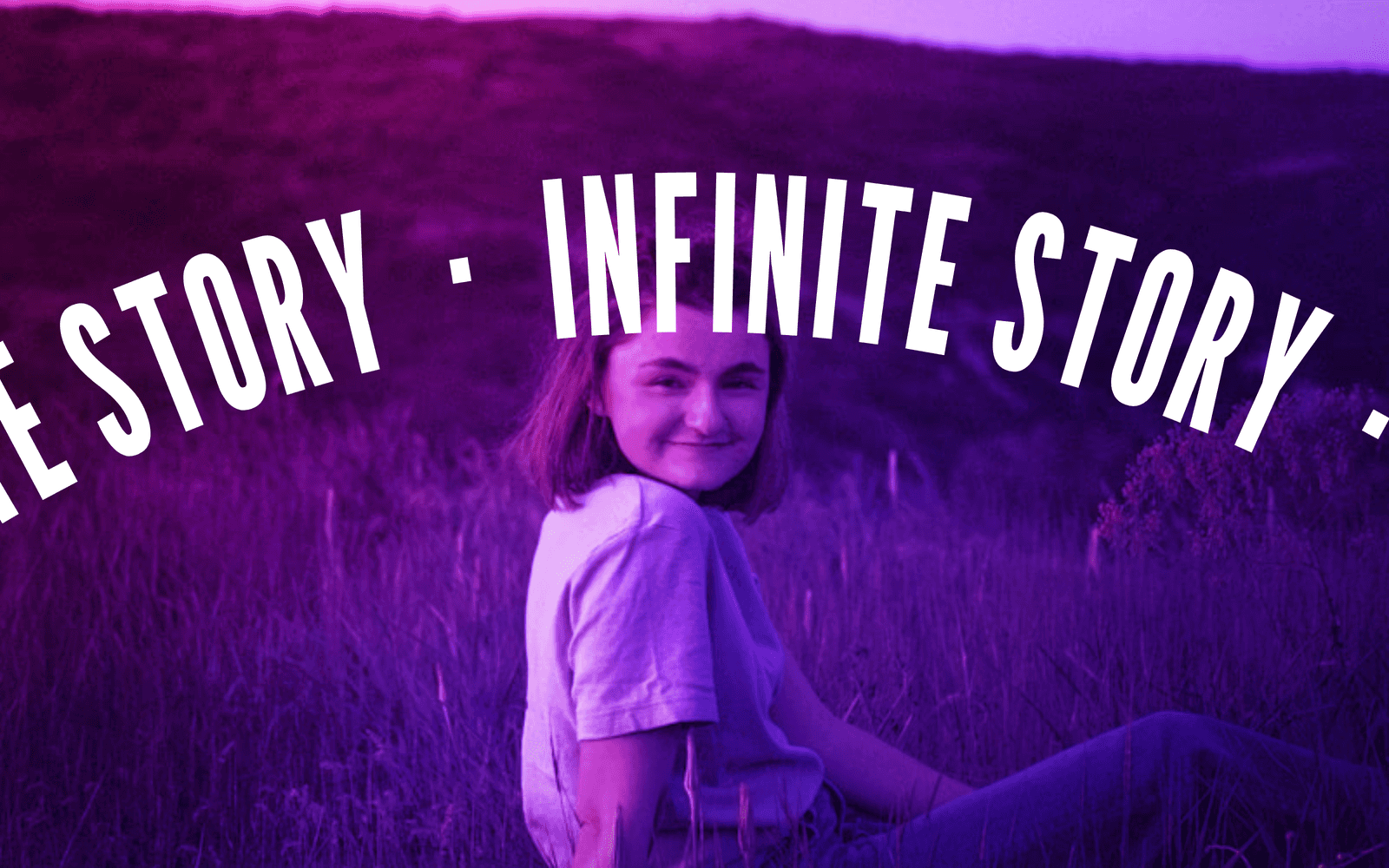
Gravity Mouse Trail is a Framer cursor effect that turns the cursor into a physics-driven image trail. Drop it on a hero, a portfolio header, or a landing page, and every cursor movement spawns an image that falls under real gravity. The effect is grounded, editorial, and built to feel physical rather than decorative.
The mouse trail does not tween. It integrates. Each frame the vertical velocity gains a constant pull, the floor reflects with a restitution factor, and every image settles when its motion drops below a threshold. The result is a cursor animation that actually obeys physics, not a script replaying a curve.
This Framer component is built for the moments where the cursor should feel like it carries something. Use it on a hero section, a portfolio header, a 404 page, a personal site opener, or any landing page where a small interactive flourish is more memorable than a static layout. It pairs especially well with editorial photography, product shots, and case study openers.
The effect is intentional rather than ambient, so it lands hardest in a single section the visitor arrives on, not as a site-wide background.
Five physics behaviors ship inside the same component. Switching the Mode dropdown hot-swaps the rule that governs every spawned image, so five different cursor trails can be prototyped in a single drag.
Bounce is the default and the most readable variant. Images drop from the cursor position, accelerate, hit the floor, and rebound with a configurable restitution. After two or three bounces they settle and fade. Best for portfolios and case study openers where the visitor expects gravity to behave the way it does in the real world.
Free Fall removes the floor. Images drop from the cursor position and exit the frame at the bottom edge. Best for full-bleed heroes where the page fold sits at the bottom of the section.
Float Up inverts gravity. Images rise toward the top of the frame as if lighter than air, then drift out the top edge. Best for sections with copy below the hero, since the upward motion pulls the eye into the reading flow.
Zero-G Drift removes vertical pull entirely. Each image carries the sideways velocity it inherited from the cursor, so the trail drifts in whatever direction the cursor was last moving. Best for exploratory layouts and hover-heavy sections.
Burst is the most aggressive of the five. Each cursor flick fires a radial spray of images, each carrying its own randomized vector. The spray then obeys gravity. Best for stings, interactive states, and animated CTAs that need a single decisive moment.
Any images you want
The component accepts a Framer image array. Drop in any number of images from project assets, Unsplash, or your own uploads, and the trail cycles through them in order as the cursor moves. The rhythm of the effect can be shaped by ordering the image set deliberately. Bare string URLs are also handled, and a placeholder image is rendered when the array is empty, so the effect always animates on drop-in.
Every control in the property panel
The property panel is grouped for clarity, not stacked as a flat list.
Mode. A single dropdown switches between Bounce, Free Fall, Float Up, Zero-G Drift, and Burst.
Images. A Framer image array control accepts every visual the trail will cycle through.
Physics. Gravity strength, restitution, spawn rate, image size, and lifetime are exposed as sliders and numeric inputs. The feel of the trail can be tuned without touching code.
Style. A trailing Style group at the bottom of the panel collects radius, background, and shadow for the spawned images, so each image picks up your site's visual language.
Every control carries its own one-line description in the helper-text style used across the rest of the community library, so the panel reads as a guided setup rather than a dump of sliders.
A single Framer code component, ready to drop on the canvas. Five physics modes. Full image-array support. Tunable gravity, restitution, spawn rate, image size, and lifetime. A Style group for visual fit. No npm dependencies. A calm static preview. Free updates as the component evolves.