About Liquid Glass Refract
Customizations available in Framer
Content & color
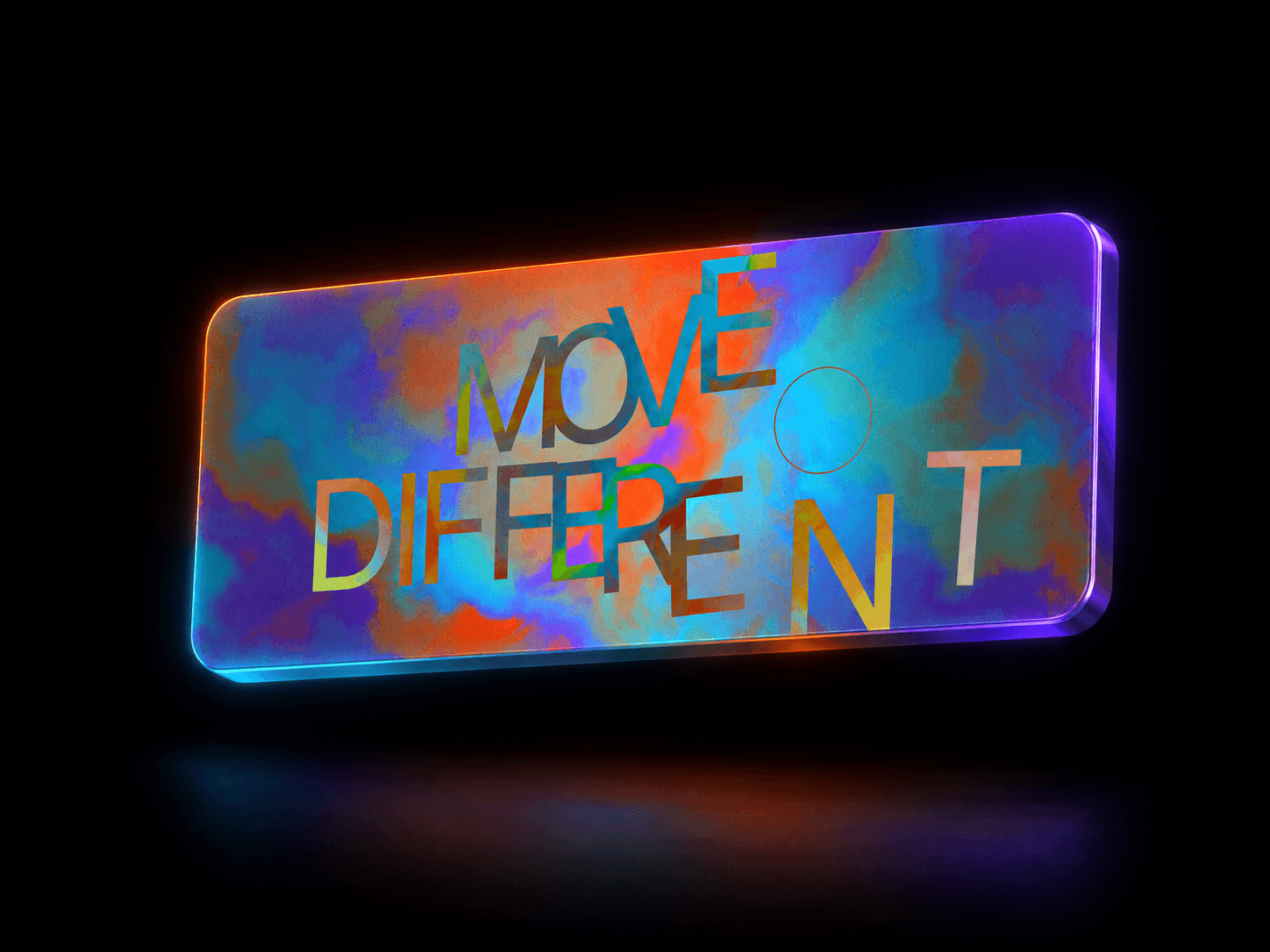
Colors — up to five gradient stops, each with its own colour and position. This is the surface the glass refracts.
Angle — direction the colour ramp travels across the frame, 0–360°.
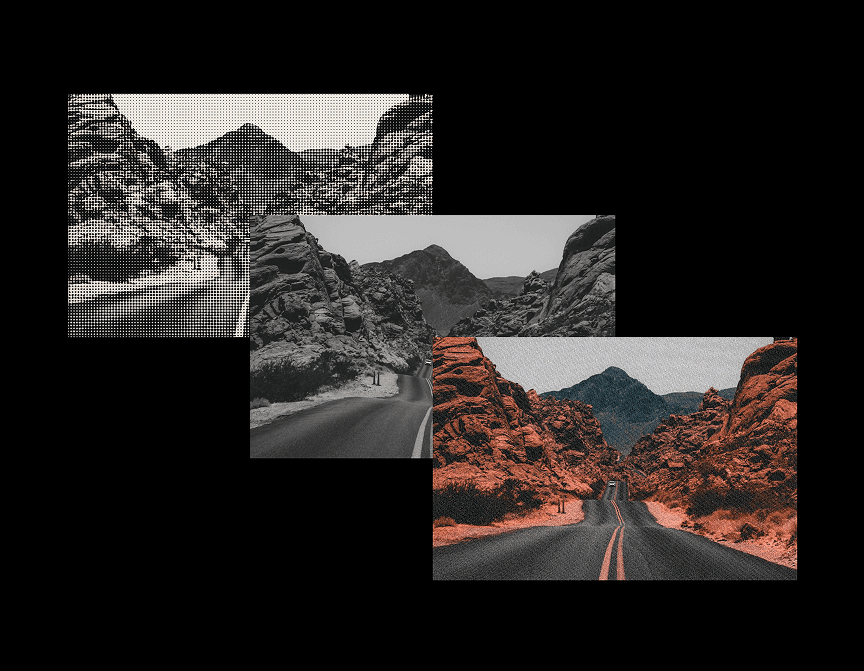
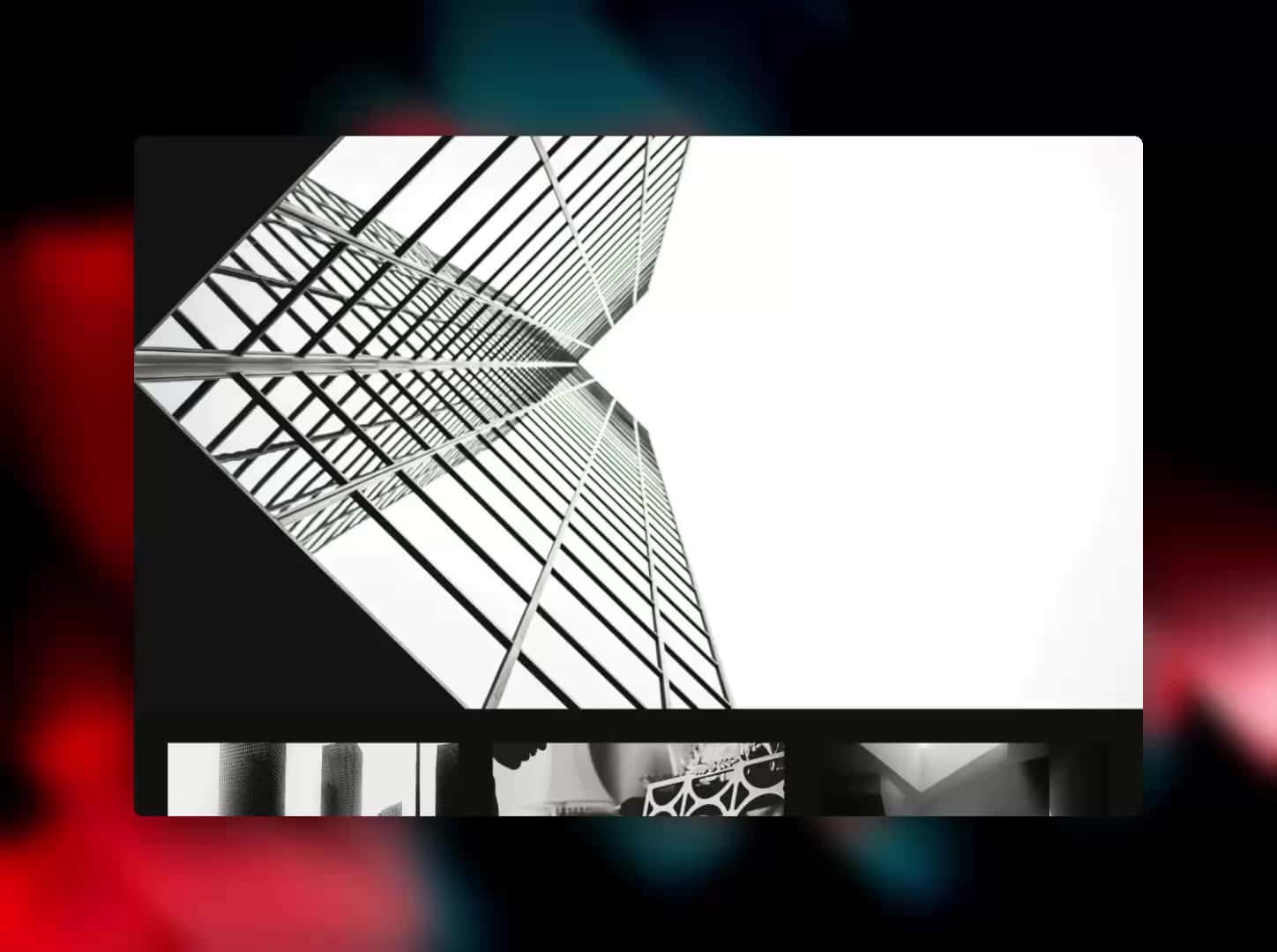
Image — optional. When set, the glass refracts this image instead of the gradient, which makes it CMS-friendly for hero art.
Liquid motion
Distortion — how hard the glass bends what sits behind it.
Scale — size of the flowing cells; low is broad and calm, high is fine and busy.
Speed — ambient flow speed. Set to 0 for a frozen pane.
Glass character
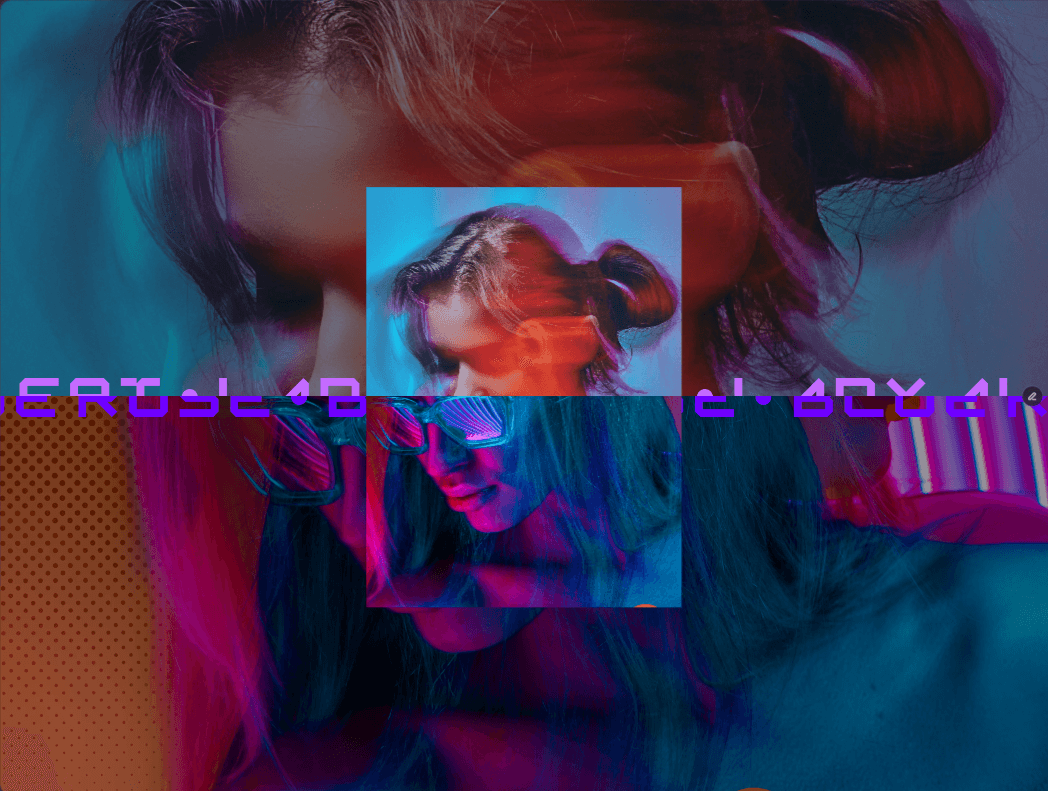
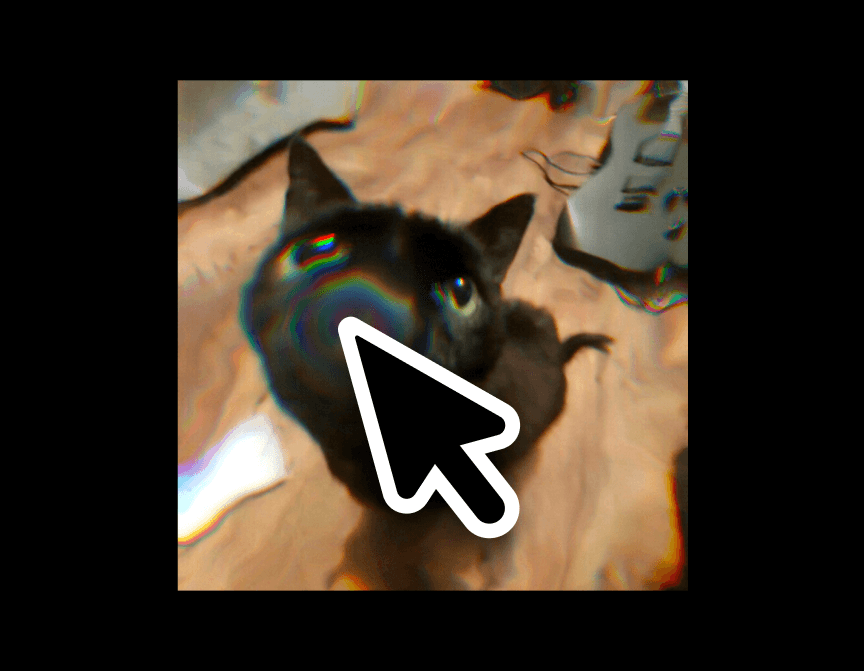
Dispersion — prismatic red/blue split at the edges of the bend.
Sheen — specular light catching the folds.
Edge Refraction — extra bending near the frame edges, mimicking a thicker glass rim.
Grain — fine film grain, which also helps against gradient banding.
Interaction
Trigger — Ambient only, Cursor only, or both.
Cursor Size — radius of the lens under the pointer, relative to the frame.
Cursor Strength — how strongly the pointer pulls and lights the glass.
Click Ripples — sends a ring of light outward on click or tap.
Layout
Radius — corner rounding; 0 for a full-bleed section background.
Performance & accessibility
Quality — internal render resolution (High / Balanced / Low). Layout size is unaffected.
Pause Offscreen — stops rendering while scrolled out of view.
Reduced Motion — shows a still frame to visitors with reduced motion enabled in their OS.