About Liquid Lens
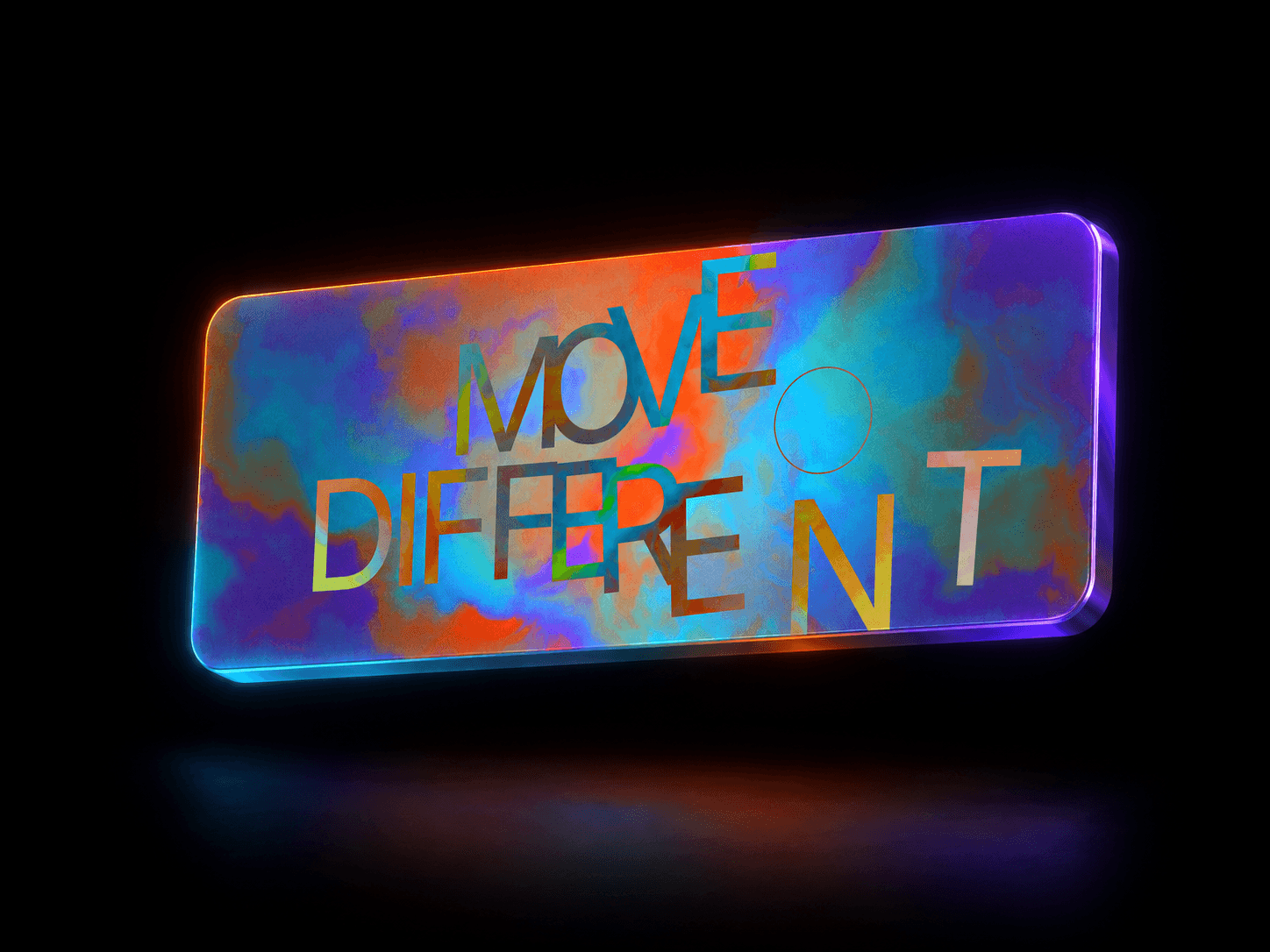
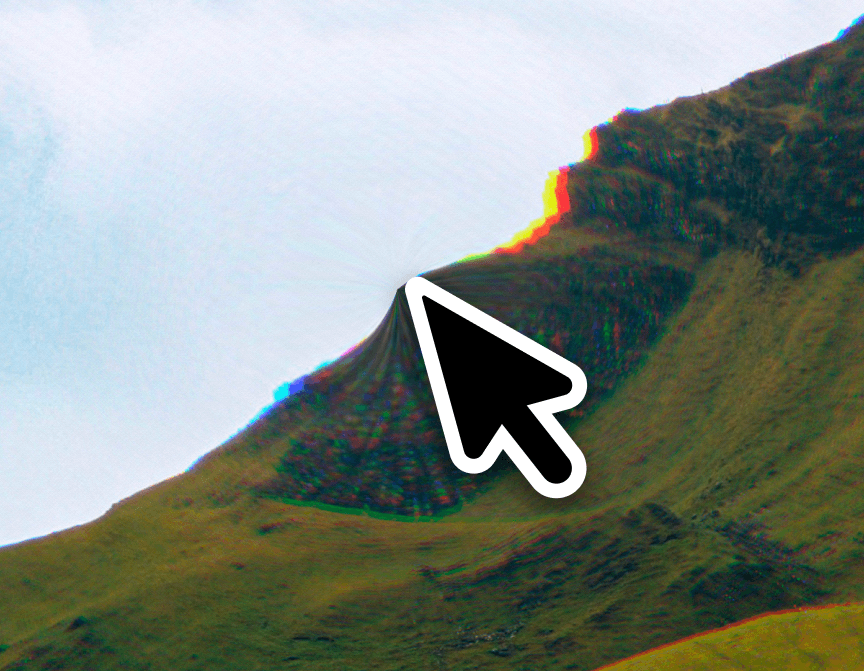
LiquidLens is a WebGL shader component that turns any image — or, with no image at all, a generated two-color gradient — into an interactive liquid-glass surface. A ripple distortion moves across the content with chromatic aberration and animated film grain layered on top, driven by whichever trigger fits the layout: cursor hover, a click pulse, scroll velocity, or a self-animating ambient drift.
It solves the "every shader background looks the same" problem by working with real content instead of only decorative backdrops: drop it over a hero photo, a portfolio thumbnail, or a product shot and it behaves like a lens on that image, not a fixed animation loop sitting behind it. With no image supplied it still looks intentional out of the box, thanks to the built-in gradient fallback.
Customizations available in Framer
Image — the photo or artwork the effect distorts. Optional; leave empty to use the gradient colors instead.
Gradient Start / Gradient End — the two colors used to build the default animated background when no image is set.
Trigger — what drives the ripple: Hover, Click Pulse, Scroll Reactive, or Ambient (auto).
Intensity — overall strength of the liquid distortion.
Ripple Density — how many ripple rings appear across the surface.
Speed — animation speed of the ripple wave.
Color Fringe — amount of chromatic (RGB) aberration at the ripple edges.
Grain — amount of animated film grain layered over the effect.
Overlay Tint — an optional color wash; the color's own alpha sets the opacity.
Corner Radius — rounds the component's corners.
Enable Effect — toggles the shader off in favor of a plain static image/gradient.