About Liquid Glass Tabs
About
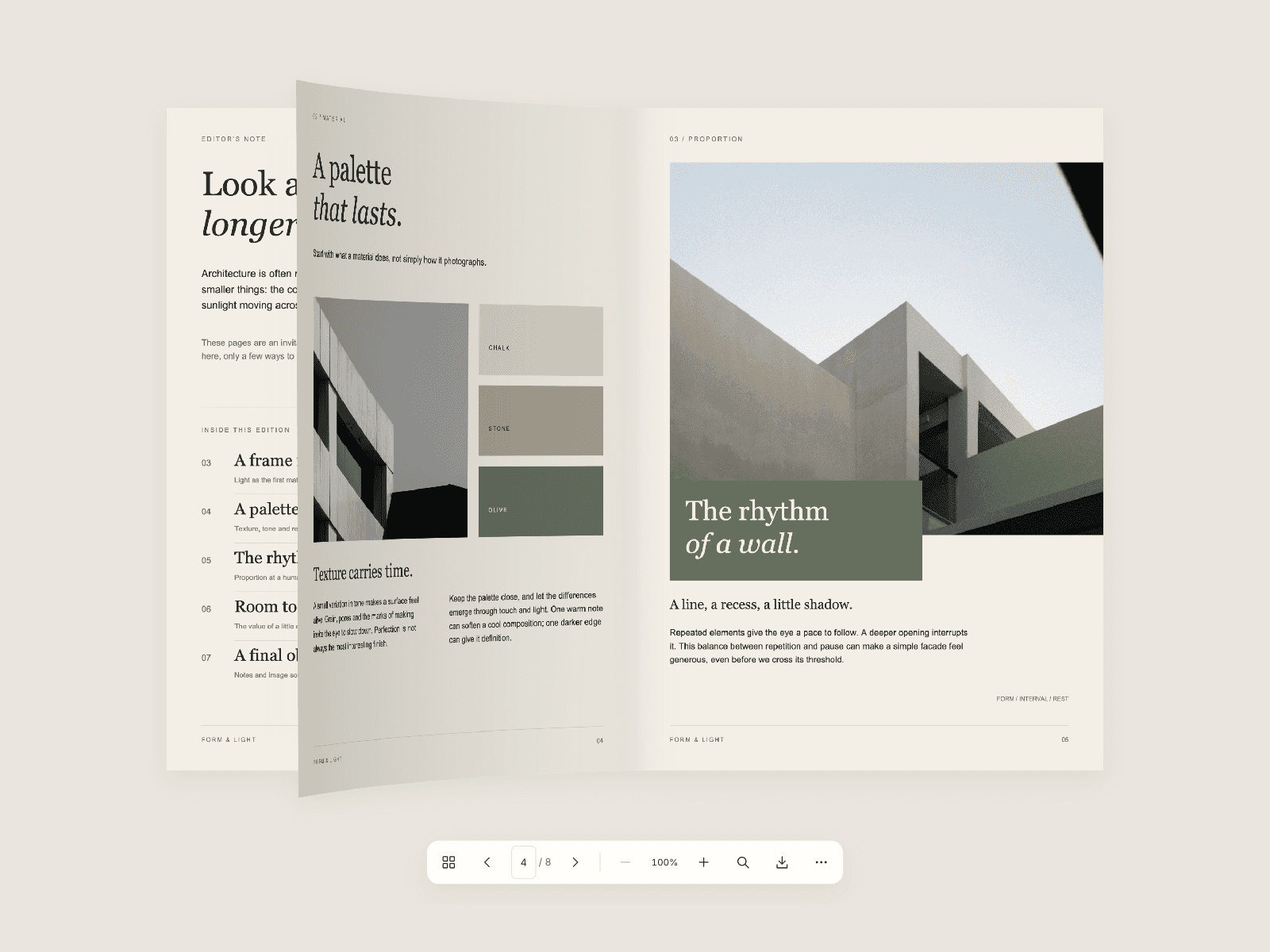
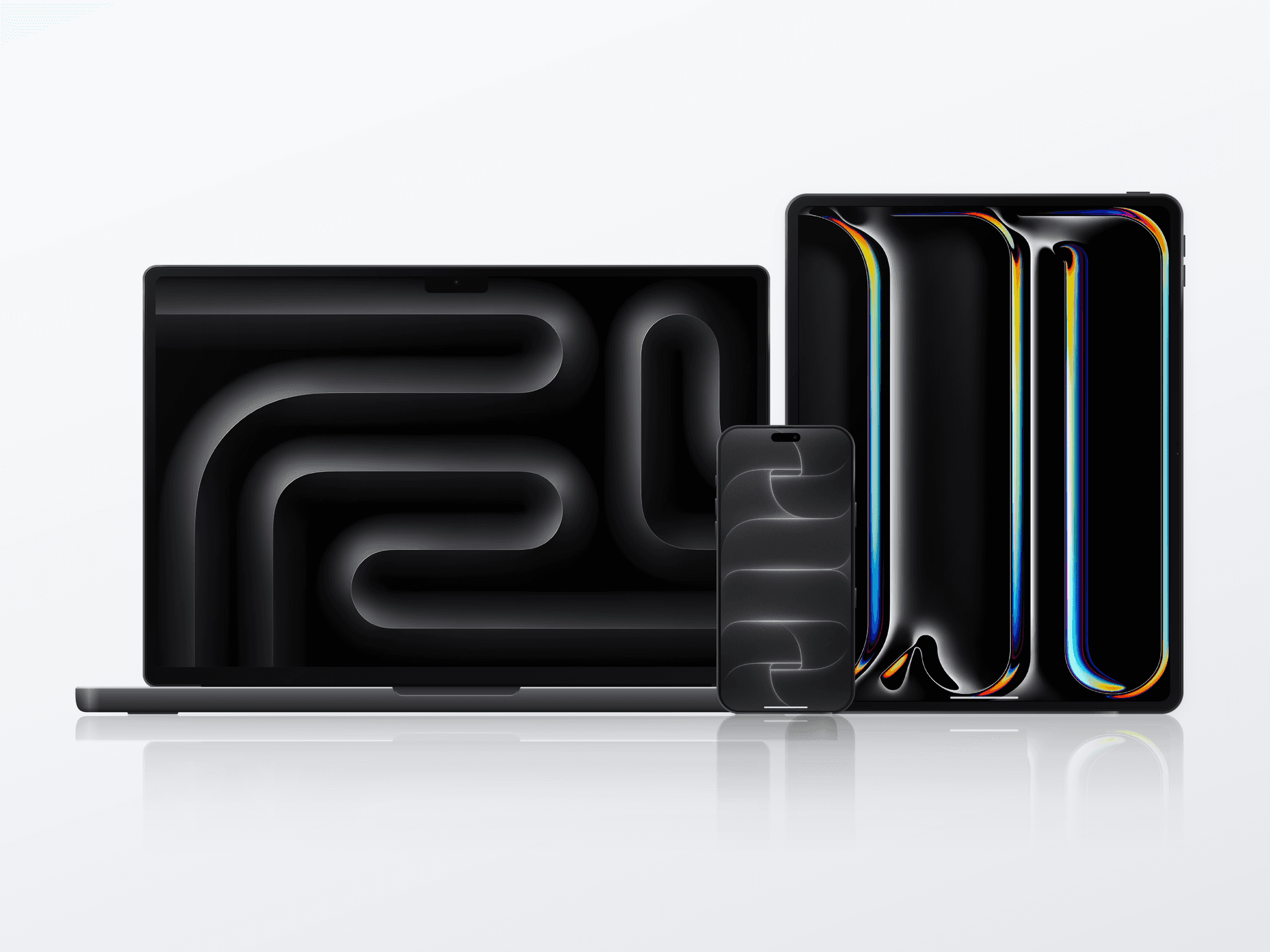
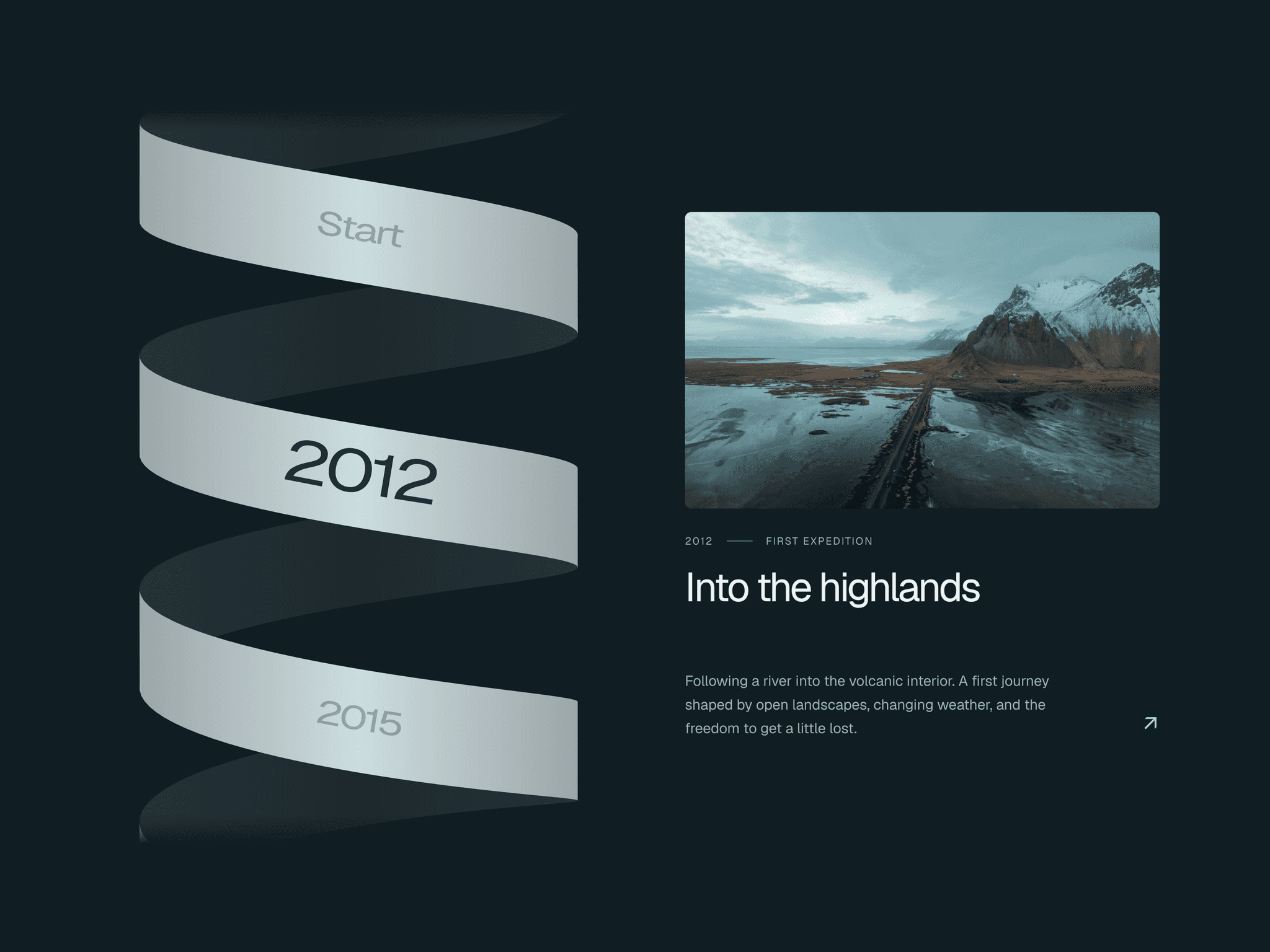
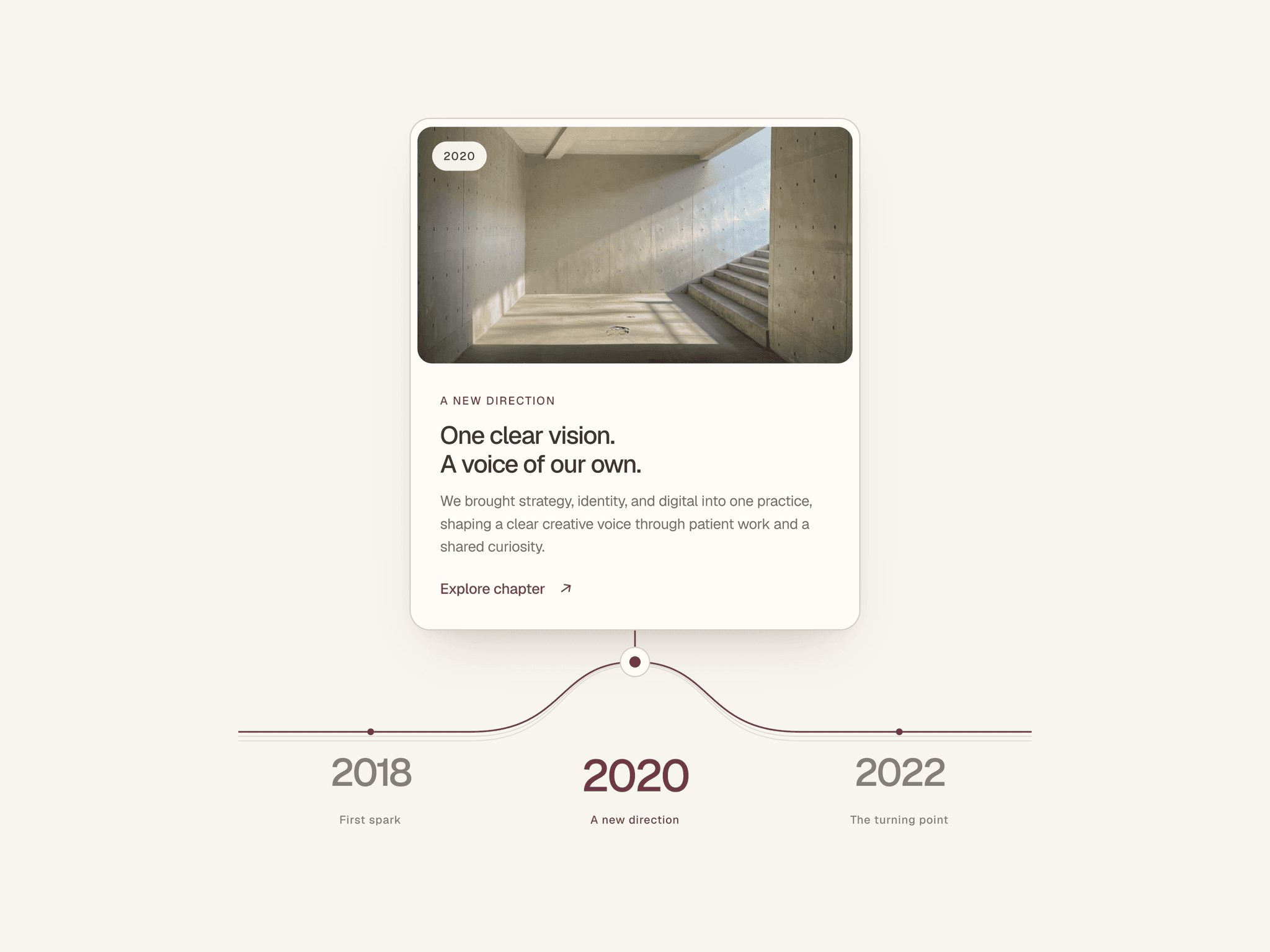
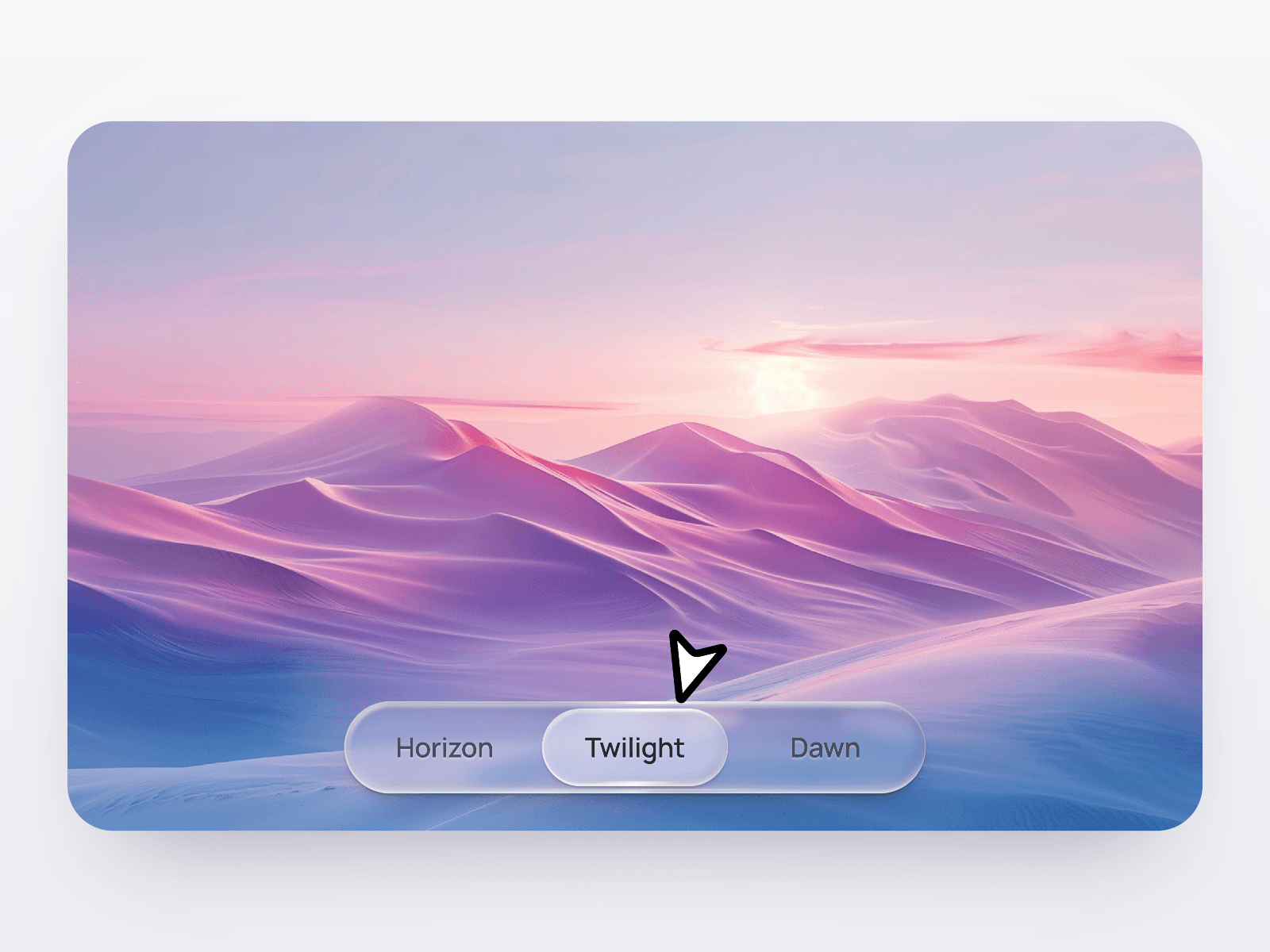
Liquid Glass Tabs is a free, responsive Framer tab switcher for content, links and in-page navigation. Its glass lens stretches toward each new tab, then settles with a soft squash and moving highlight. Each switch feels tactile.
Use it as a standalone segmented control or connect your own Framer layers to switch content. Place the tabs above the panels or float them over imagery. Visitors can select by hover, click or drag, while content changes with Slide, Fade, Zoom or no effect.
What you can customize
Build it around your content: add up to 12 tabs with labels, badges, 27 built-in icons or custom images. Set links, a starting tab and Framer actions, or connect one layer per tab.
Make the layout your own with Hug or Fill width, natural or equal tab sizing, alignment, typography, icon placement, padding, spacing, inset and radius. Choose Clear, Frosted or Tinted glass for light or dark surfaces. Then fine-tune the tint, text, shadows, frost, depth, refraction, prism and lighting. Shape the feel with spring motion, liquid stretch, hover magnetism and drag behavior. Keyboard access, visible focus and reduced-motion handling are included.
Great for (examples)
Organize content or give navigation a distinctive glass finish:
SaaS feature sections and product demos
Pricing plans and option selectors
Portfolio projects and case studies
Editorial and photography galleries
In-page navigation and section links
Media showcases with floating controls
Glassmorphism dashboards and icon docks
Share your build
If you ship something cool with it, post it on X and tag me @Matthias_Oel, or send it over. I’d love to see what you create.
Need help?
Questions or feedback? Reach me anytime: matthias@lmvision.de or on X @Matthias_Oel.
Need a matching component?
Carry the glass aesthetic from your tabs into the rest of your site: