About Liquid Metal Button+
Explore the best Framer components ↗
About
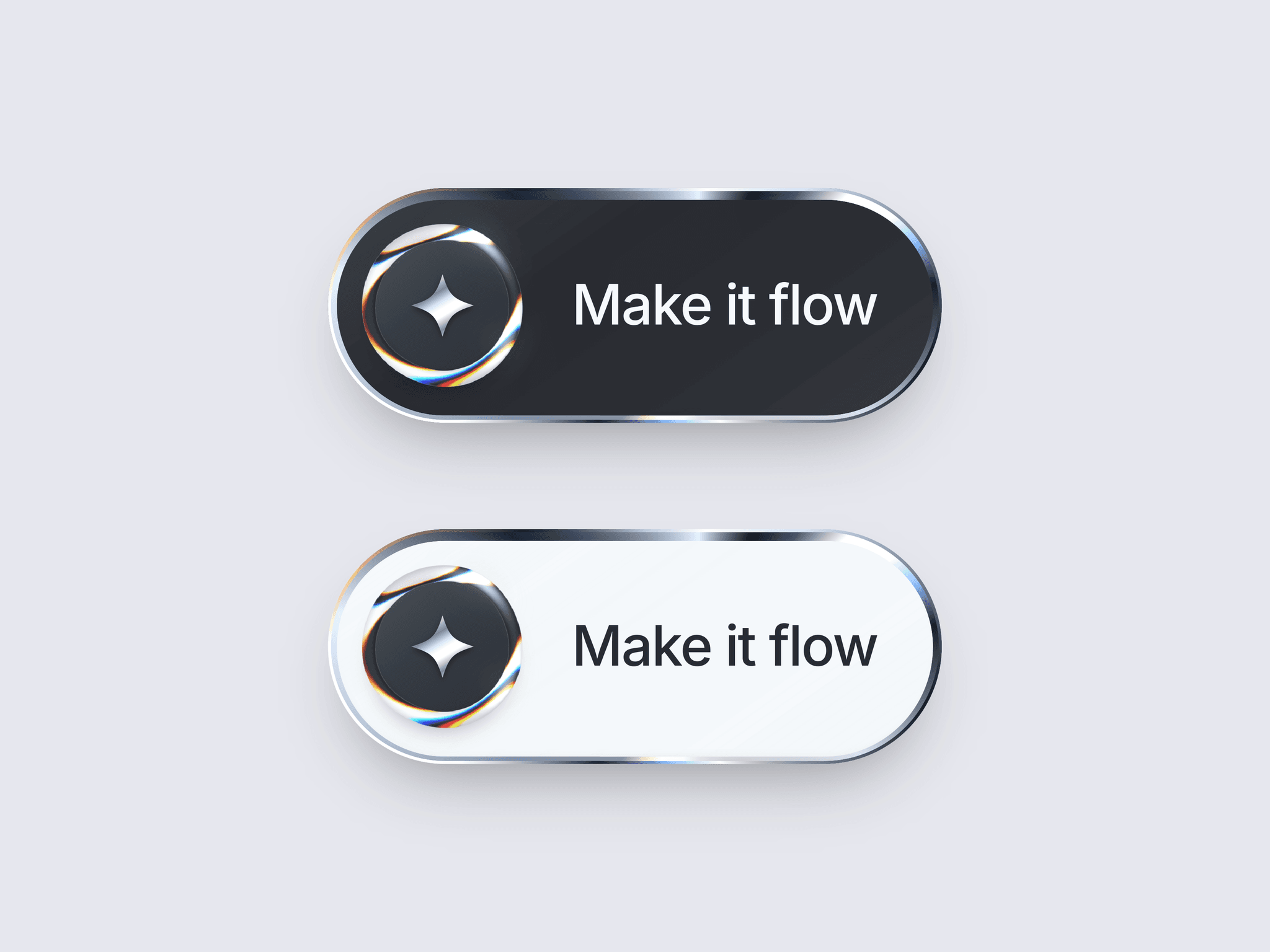
Liquid Metal Button+ gives any CTA a responsive chrome finish. A flowing WebGL metal ring surrounds the icon while a separate animated edge travels around the glass surface. Hover can brighten or darken the material, follow the pointer, reshape the ring, and release a soft wave. Choose Frost, Obsidian, Pearl, or create your own custom style.
What you can customize
Set the label, link, new-tab behavior, typography, colors, built-in or uploaded icon, layout, glass surface, spacing, shadows, accessibility label, and tap event from Framer’s properties panel. Control the metal ring and animated edge separately, including hover style, intensity, motion mode, speed, attraction, pressure, and release wave. The responsive Code Component supports fit and fill widths, long labels, reduced motion, and a static fallback when WebGL is unavailable. Transparent SVG or PNG icons work best for custom metallic fills.
Great for (examples)
Use it where one primary action deserves a premium, responsive finish:
Liquid metal, chrome, and glass buttons
Animated CTAs and interactive buttons
Hero sections and landing-page CTAs
AI, SaaS, and technology websites
Product launches, apps, and waitlists
Luxury, automotive, and fashion brands
Creative portfolios and design studios
Gaming, Web3, and futuristic interfaces
Pointer-reactive and WebGL interactions
Premium Framer templates
Need help?
Questions or feedback? Reach me anytime: matthias@lmvision.de or on X @Matthias_Oel.
Need a matching component?
Pair it with: