About Listen to Article
Listen to Article
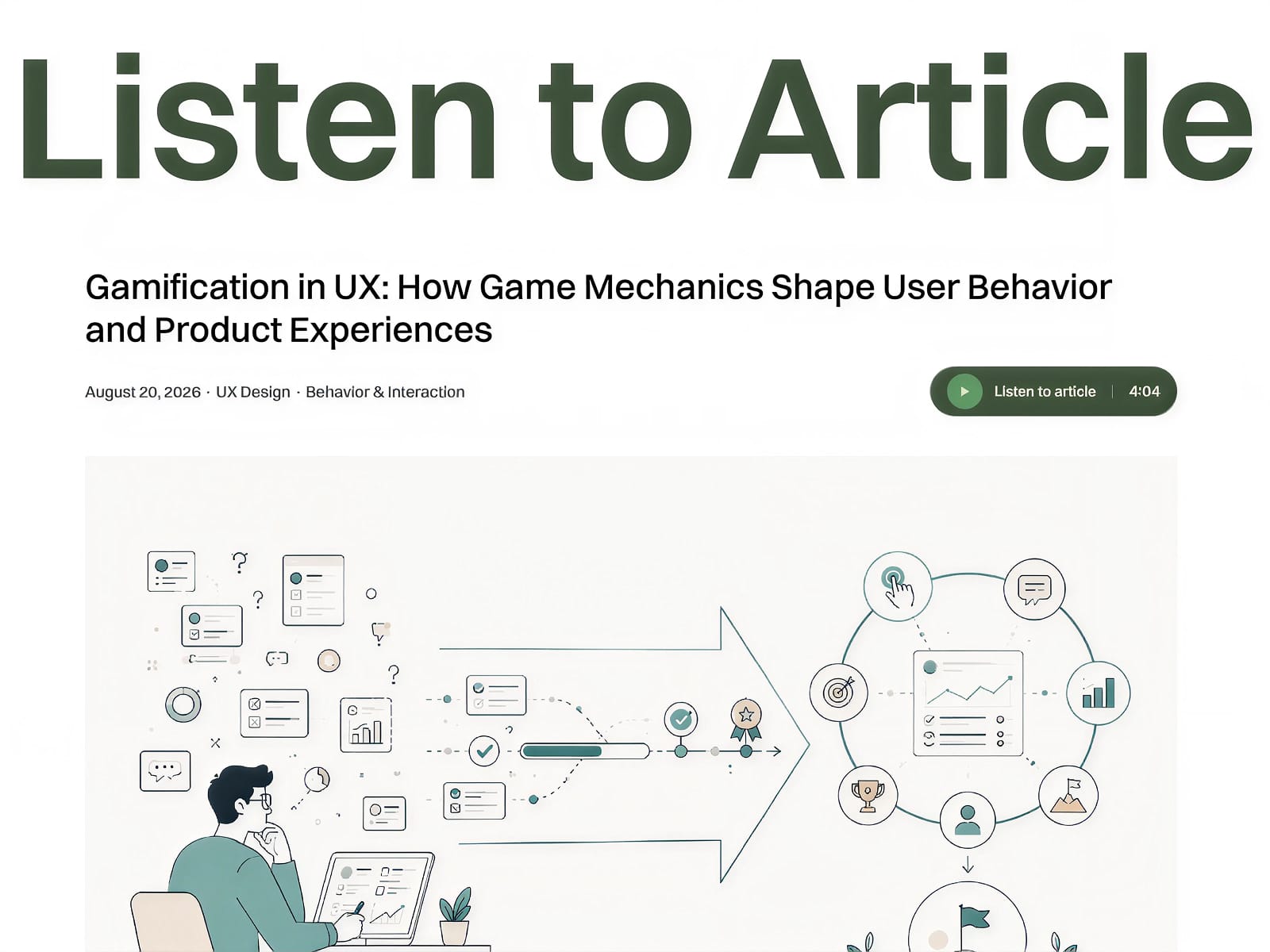
Add a clean, native-feeling audio experience to any Framer article.
Listen to Article is a customizable Framer Code Component that lets visitors listen to your content instead of reading it. Upload your own MP3 narration, add the component to your page, and give users full control over playback.
Features
Play and pause controls
Real-time playback progress
Seek through the audio timeline
Skip forward or backward by 15 seconds
Adjustable playback speed: 1×, 1.25×, 1.5×, and 2×
Automatically resets when playback ends
Smooth animations and interactions
Customizable directly from the Framer properties panel
Customize
You can easily configure:
Audio file
Component title
Autoplay behavior
Background color
Corner radius
Padding
Bring Your Own Audio
This component does not convert article text into speech automatically. Simply generate your narration using your preferred text-to-speech tool, export it as an MP3, and upload it through the component's Audio property.
A lightweight solution for making long-form content more accessible and easier to consume.