About Live Pricing Toggle
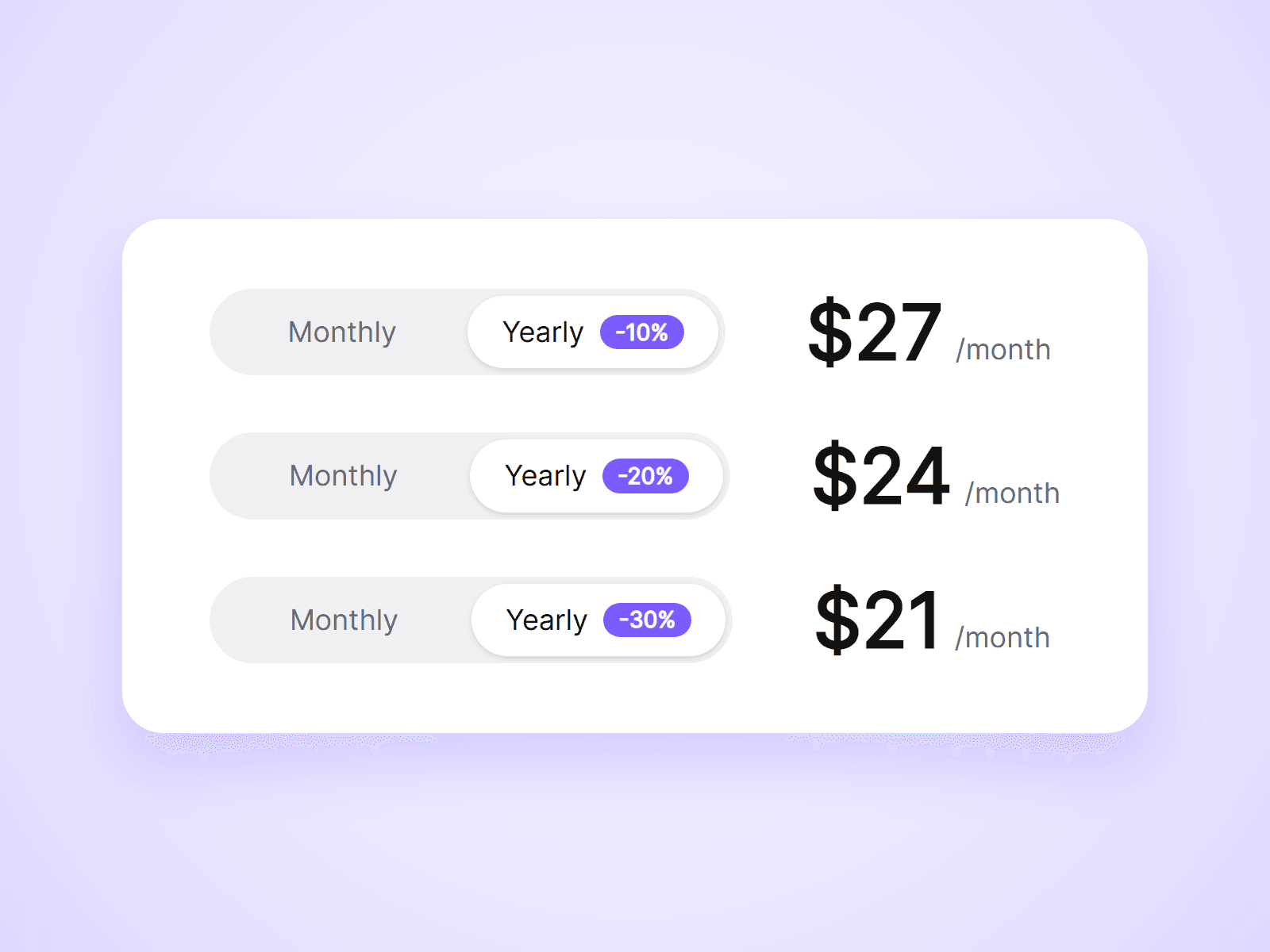
A monthly / yearly pricing toggle that actually changes your prices. Place one toggle on the page and one price in each plan card. When a visitor clicks the toggle, every price switches with it.
What you can customize
Everything is set from the property panel. No code needed.
- Type: Toggle or Price, from the same component
- Toggle labels, so it works for any two price sets
- Default option when the page loads
- Badge text and colors, such as -20% or 2 months free
- Track, thumb and label colors
- Font, radius, inset and padding
- Thumb transition
- Monthly and yearly price text, in any currency or format
- Suffix for each option, such as /month
- Optional crossed-out monthly price next to the yearly price
- Price and suffix fonts and colors
Details
- A toggle changes every price on the page with the same Group name. No variants or interactions to wire up.
- Use different Group names to run separate pricing tables on one page.
- Prices switch with a short fade and respect the visitor's reduced motion setting.
- The toggle works with mouse, touch and keyboard.
- The component changes the prices shown. It does not change checkout links.
How to use
Add the component to your pricing page. That is your toggle. Then drag another copy into each plan card, set its Type to Price, and type in the monthly and yearly prices. On the canvas the toggle cannot be clicked. Set Default to Yearly to see your yearly prices while designing, or open the preview.
Code
This is a code component. Unlinking is not available, so the source cannot be viewed or edited. When an update is released, an Update button appears next to the component in your Assets panel.
Support
Email joviseo1106@gmail.com. Replies usually take up to 3 business days.
More components, including four free ones, are at https://joviseo.vercel.app