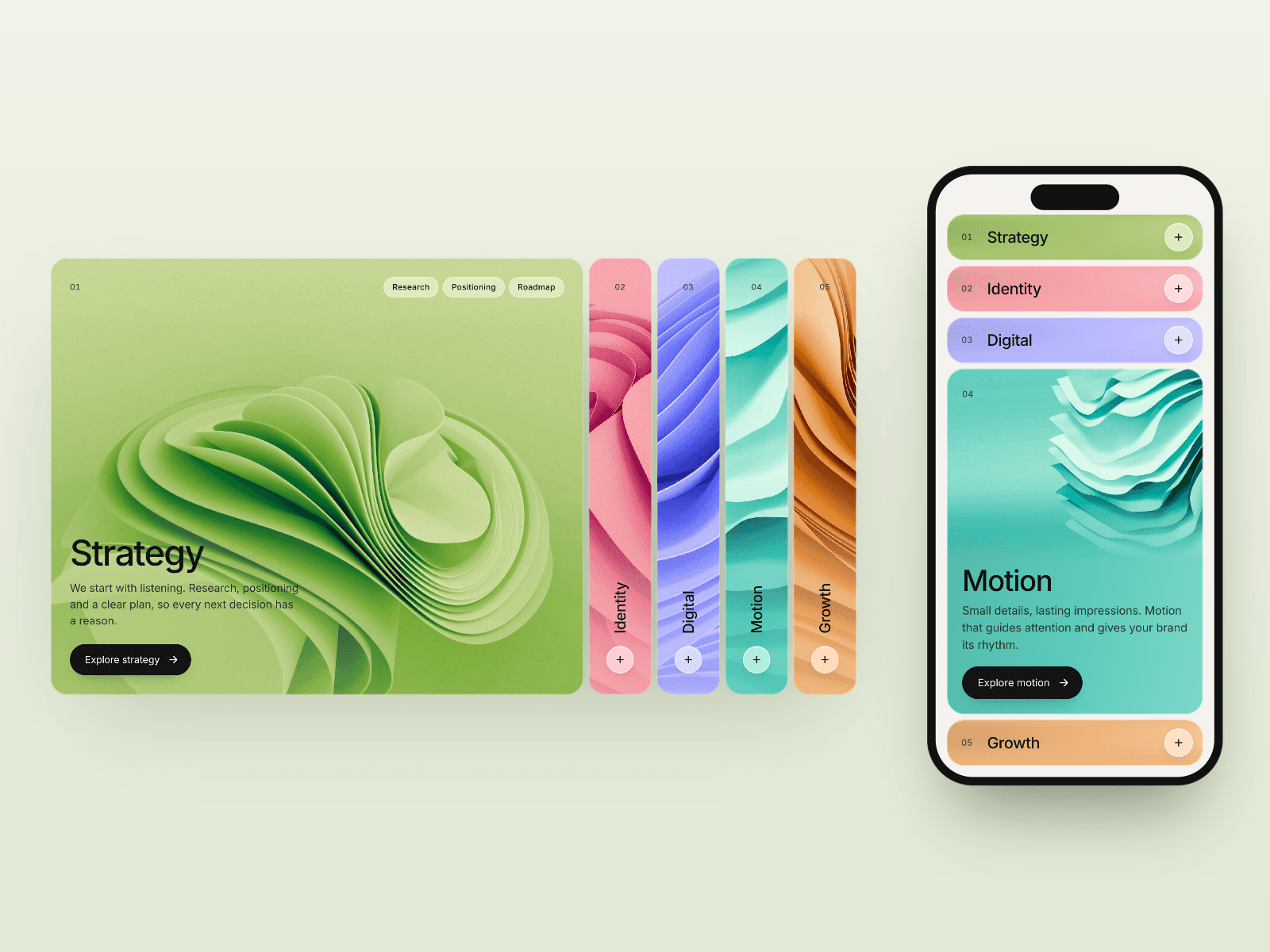
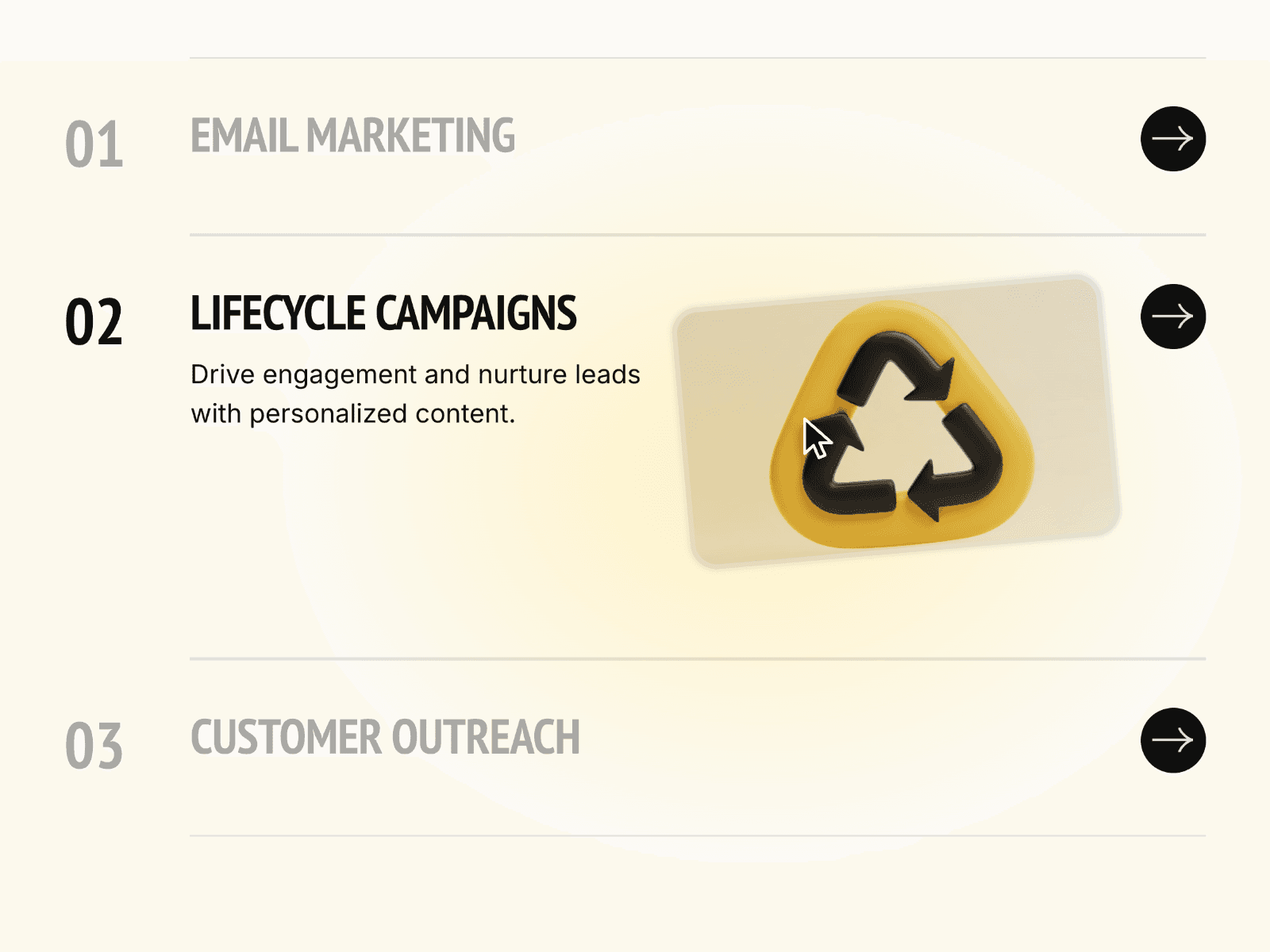
About Location Accordion
Location Accordion is a typography-forward component that turns a simple list of cities into a polished, interactive experience.
Each city displays its live local time and optional status badge, while hovering smoothly expands the row to reveal contact details such as phone numbers and addresses. The interaction feels lightweight yet deliberate, using subtle motion, spacing, and color transitions to guide attention.
The layout stays centered and balanced, making it ideal for landing pages, contact sections, or “global presence” showcases. Everything is driven from the Framer property panel—no manual layout duplication, no complex setup.
Typography is a core feature: city names and details can be styled independently, allowing bold headlines paired with refined supporting text. Colors adapt automatically between active and inactive states, giving the component a clean visual hierarchy.
A minimal cursor-follower effect enhances the interaction, adding polish without distraction.
Key Features
Interactive accordion behavior on hover
Live timezone-based clocks per city
Optional badges for roles or departments (e.g. Sales, HQ)
Smooth slide-down reveal for phone and address details
Independent font controls for city names and details
Active and inactive color states for visual clarity
Fully data-driven city list
Clean, centered layout suitable for premium designs
How to Use
Drag Location Accordion onto your canvas.
Add your cities using the Cities list in the properties panel.
Set each city’s name, timezone, phone number, address, and optional badge.
Adjust typography for city names and details to match your brand.
Customize active and inactive colors to fit your theme.
Resize the component freely—it adapts automatically.
Hover over a city to see its details animate into view. Perfect for agencies, global brands, portfolios, and premium corporate sites.