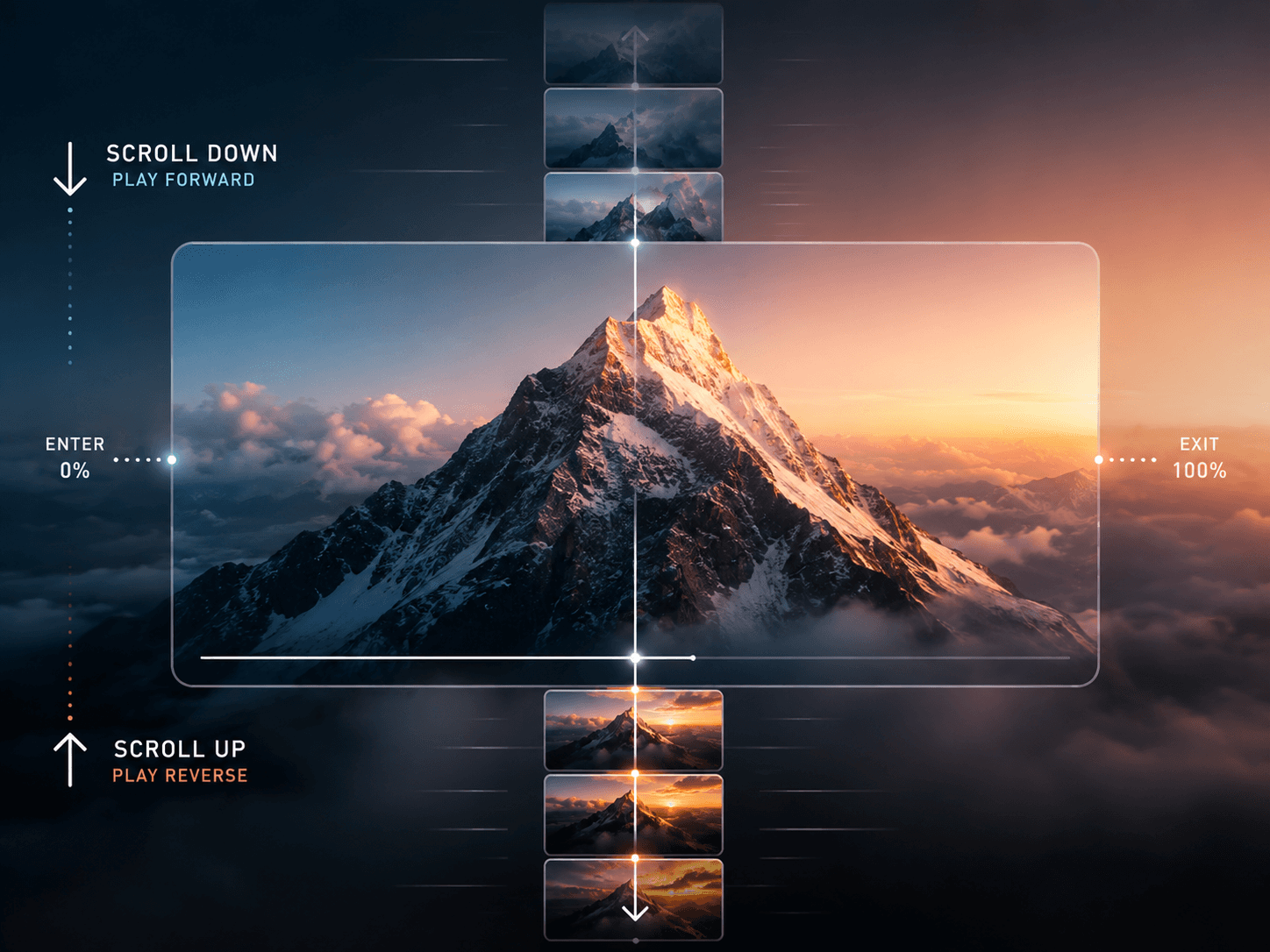
About LumiPlayer
A glass-style video player with automatic light and dark theme switching, buffering indicator, and fully customizable controls. Upload separate light and dark videos or a single universal file. Built for product pages, hero media, portfolios, and marketing sites that need a premium playback experience.
Features
Theme-aware playback — auto-switches between light and dark videos
Single universal video or separate light/dark file support
Glass effect — blurred translucent control bar
Buffering indicator with spinner and progress hint
Autoplay, loop and mute toggle controls
Buffer-safe seeking — prevents jumpy seeks while loading
Buffered range display on progress bar
Keyboard controls — spacebar play/pause, arrow keys seek
Touch-friendly controls and gestures for mobile
Adjustable background color, icon color, border radius, shadow
Responsive layout across all screen sizes
MP4 and WebM support with graceful fallback
ARIA attributes and visible focus states for accessibility
No code needed — all controls in Framer panel
Property Controls
Video — light video upload, dark video upload, universal video upload
Playback — autoplay, loop, mute defaults
Styling — background color, icon color, border radius, shadow toggle
Theme — light, dark, auto switching
Use Cases
Product pages · Hero media sections · Portfolio showcases · Marketing sites · App demos · Brand videos · Course platforms · Interactive presentations
SEO Keywords
framer video player · framer glass video · framer video component · framer dark mode video · framer theme video player · framer custom video player · framer video controls · framer media player · framer video hero · framer autoplay video · framer glass component · framer video showcase · framer accessible video · framer code component · framer premium video player