About Magnetic Follow
About
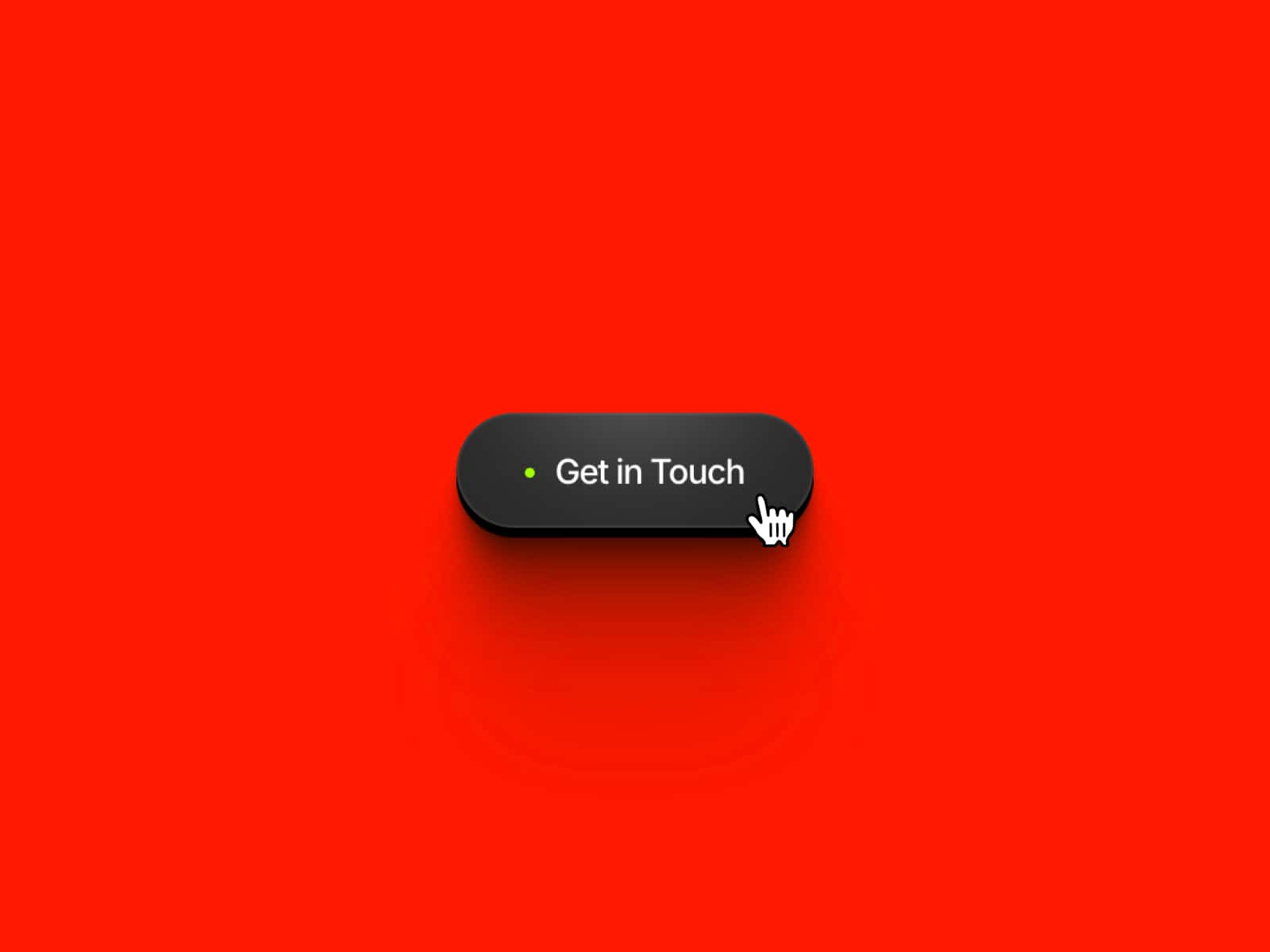
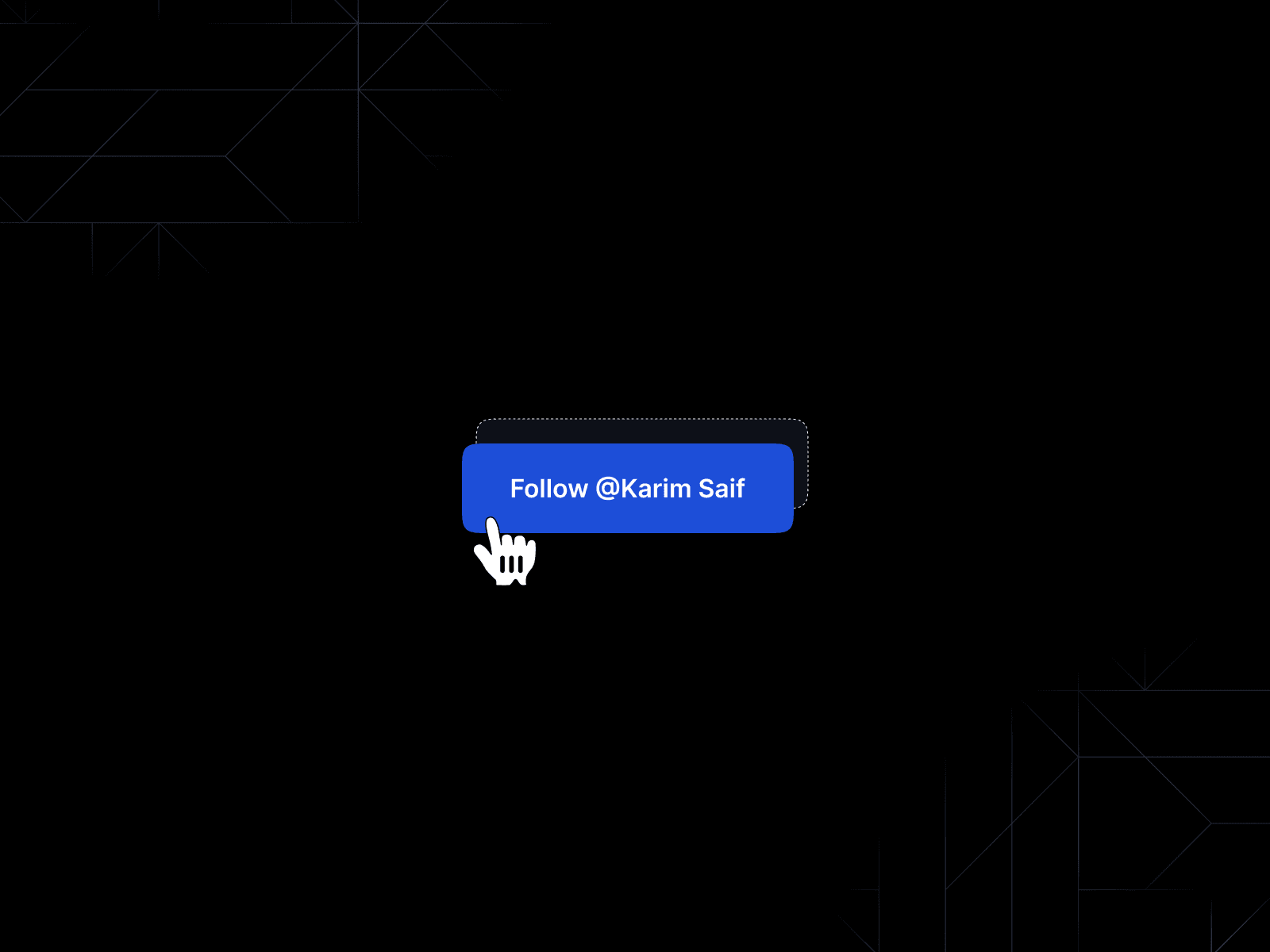
Magnetic Follow Button is a social follow CTA with a real magnetic interaction — on hover, the button physically follows your cursor's movement, pulling toward it like a magnet and snapping back smoothly when the cursor leaves. It is the kind of micro-interaction that makes visitors stop scrolling.
What it does
The button tracks your cursor position in real time and shifts its X and Y position to follow the mouse within its hover zone, creating a tactile magnetic pull effect. On hover the background darkens slightly to confirm the interaction, and the button returns to its original position with a spring animation when the cursor exits.
What you can customize
[Image: MagneticFollowButton properties panel]
Full control from the Framer panel — no code needed:
- Text — button label (e.g. "Follow @Karim Saif")
- Link URL — destination link (e.g. your X profile)
- Font — Poppins by default, change to any font
- Font Size — default 16px
- Text Color — default #FFFFFF
- Button Bg — resting background color, default #2563EB
- Hover Bg — background on hover, default #1D4ED8
- Outline Color — border/outline color, default #FFFFFF at 40% opacity
- Radius — border radius, default 8px
- Padding H — horizontal padding, default 22px
- Padding V — vertical padding, default 16px
Great for (examples)
Use it anywhere you want a CTA that actually gets clicked:
* social follow buttons (X, Instagram, LinkedIn)
* hero sections on personal brand and portfolio sites
* creator and influencer landing pages
* newsletter signup CTAs
* agency and studio websites
* profile or about pages
* Framer template previews
Share your build
If you ship something cool with it, post it on X and tag me @karimsaif0 (https://x.com/karimsaif0), or send it over. I would love to see what you create.
Need help?
Questions or feedback? Reach me anytime: karimsaif010@gmail.com or on X @karimsaif0 (https://x.com/karimsaif0)