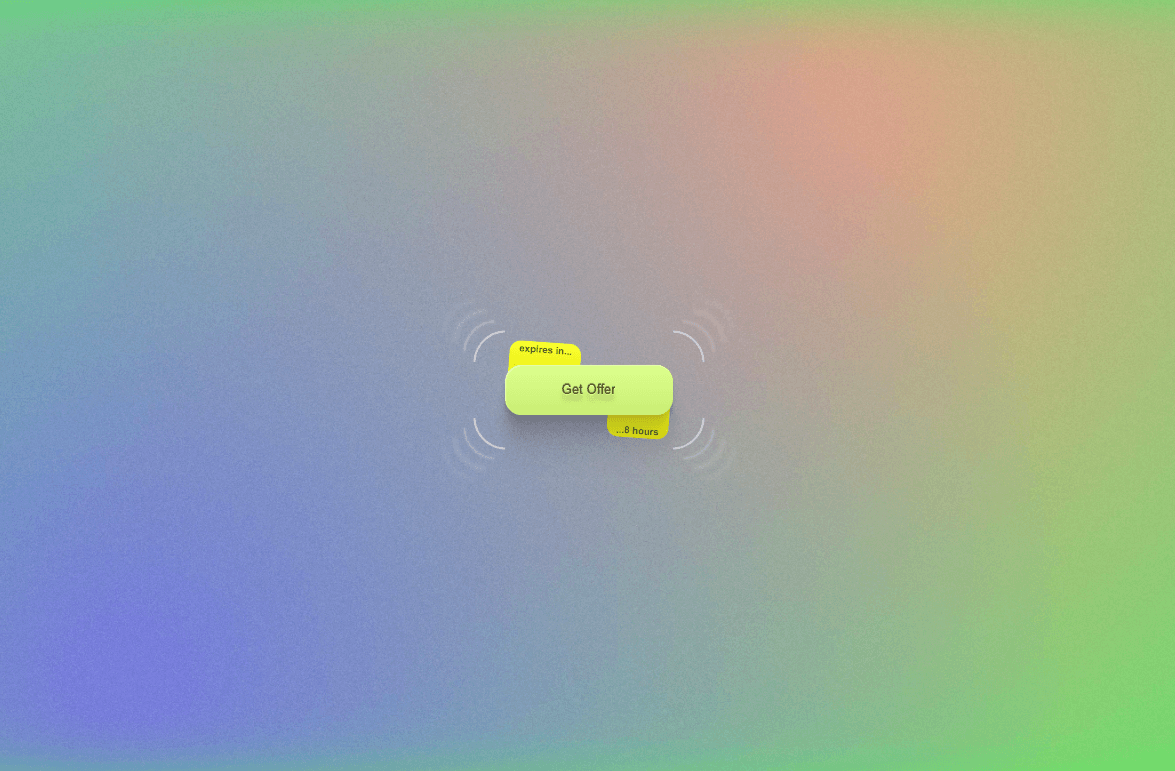
About Cutout Button
Add a bold, tactile feel to your Framer projects with Cutout Button, a customizable button component featuring dynamic corner notches and a playful edge-burst animation on hover.
Designed to make simple CTAs feel more interactive, the button combines layered cutout shapes, subtle scaling, staggered motion, and responsive hover/focus states without requiring any extra setup.
Great For
🚀 SaaS landing pages and product websites
🎨 Creative portfolios and personal websites
🕹 Gaming and entertainment interfaces
⚡ Bold call-to-action sections
🧪 Experimental and interactive web designs
🖤 Brutalist and editorial-inspired websites
✨ Hero sections and promotional banners
Customize Everything
Use Framer's property controls to quickly adapt the button to your design.
Appearance
Background color
Text color
Cutout color
Hover cutout color
Cutouts
Corner cutout size
Inner cutout size
Number of inner cutouts
Animation
Hover scale
Animation duration
Stagger delay
Typography & Layout
Font size
Font weight
Horizontal padding
Vertical padding
Border radius
Accessibility
Custom ARIA label
Create anything from a minimal CTA to a loud, experimental interaction — all directly from the Framer property panel.
Support
Need help customizing the component or found an issue?
📧 Email: karimsaif010@gmail.com 𝕏 X: @karimsaif0
If you enjoy the component, feel free to share your work and tag me on X. I'd love to see what you create with it.
Made with 💛 by Karim Saif