About MagneticButton
What it does
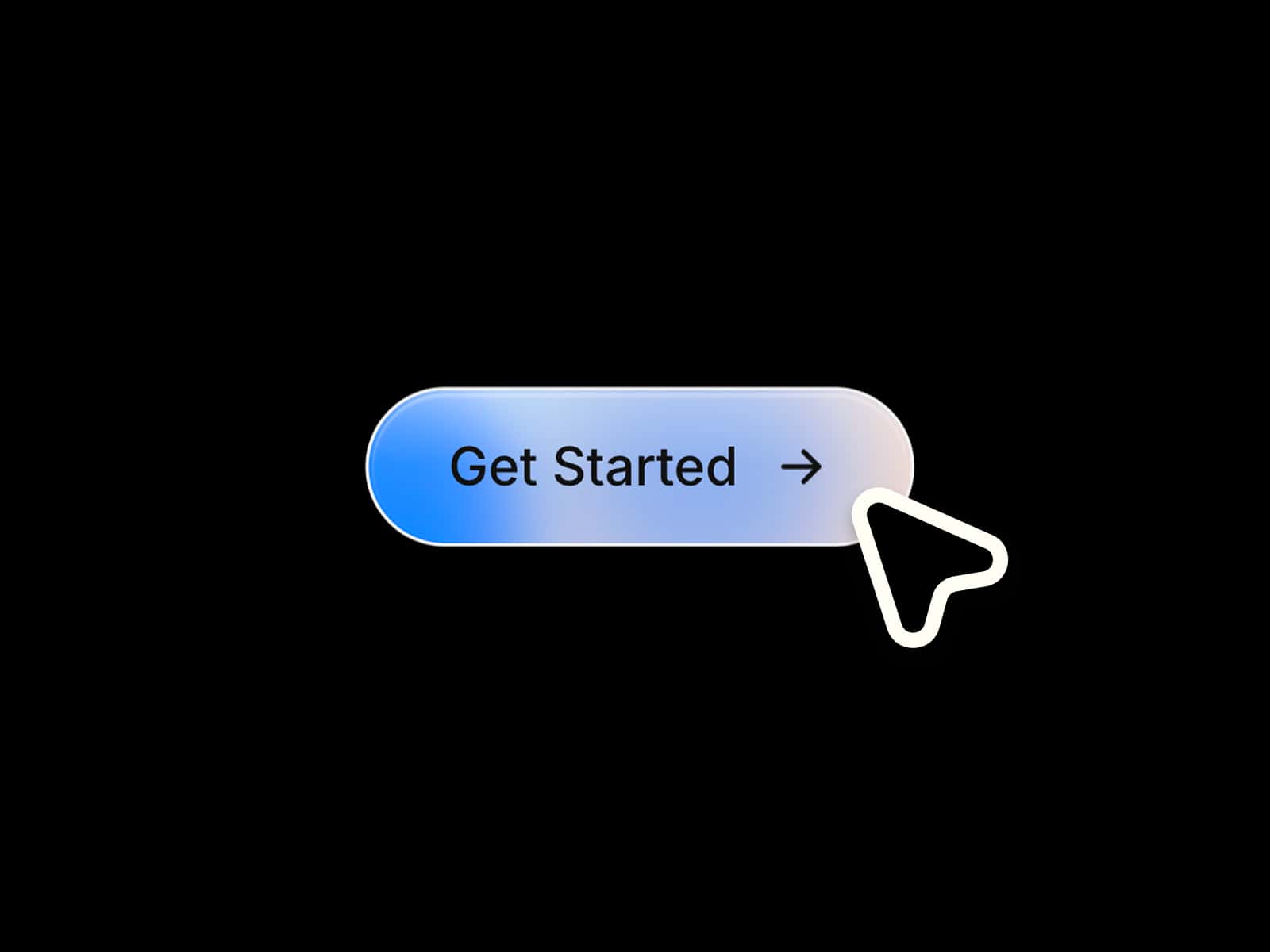
MagneticButton gives your Framer site a premium interactive CTA button that subtly follows the visitor’s cursor on hover. It combines magnetic movement, a shine sweep animation, hover color changes, and an animated arrow to make simple calls to action feel more polished and tactile.
Features
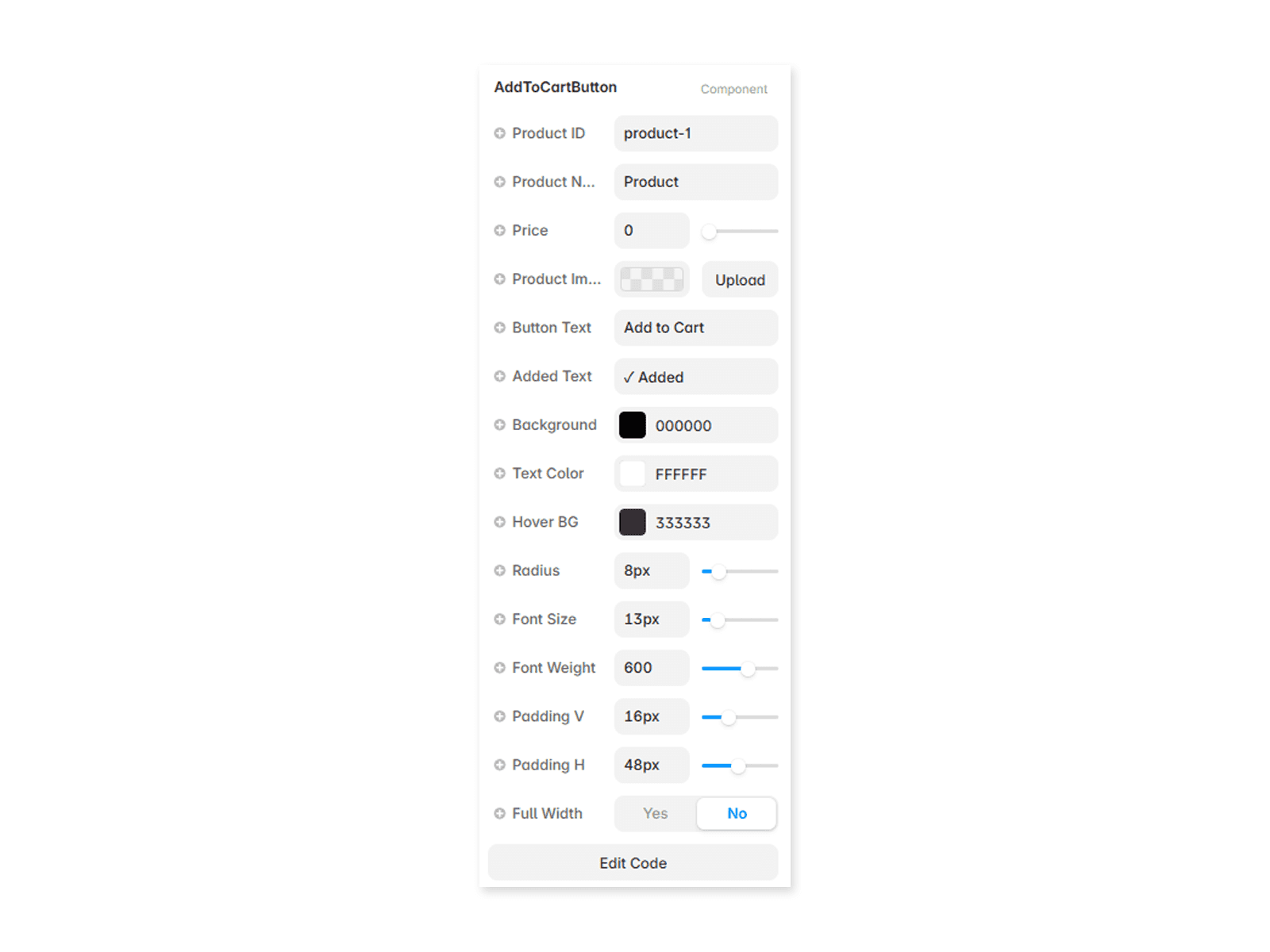
Magnetic cursor pull that moves the button toward the pointer based on configurable strength. Hover shine sweep across the button surface with editable shine color. Optional animated arrow that slides forward on hover. Smooth spring-style motion using cubic-bezier easing. Editable label, link, new-tab behavior, background color, text color, hover background, hover text color, border radius, horizontal padding, vertical padding, typography, magnet strength, shine visibility, and arrow visibility. Static renderer support disables motion inside Framer’s static context. Setting magnet strength to 0disables the magnetic pull entirely.
How to use
Add MagneticButton to your Framer canvas and set the button label. Add a link if you want it to navigate to another page or external URL. Adjust the background, text color, hover colors, radius, padding, font, and magnetic strength to match your brand. Keep shine and arrow enabled for a more premium CTA, or turn them off for a cleaner minimal button.
Ideal for
Hero CTAs, landing pages, SaaS signup buttons, product launch pages, pricing sections, portfolio links, waitlist buttons, download CTAs, agency websites, app promos, newsletter signup sections, and any Framer project that needs a simple button with high-end hover interaction.