About Menu Icon
Overview
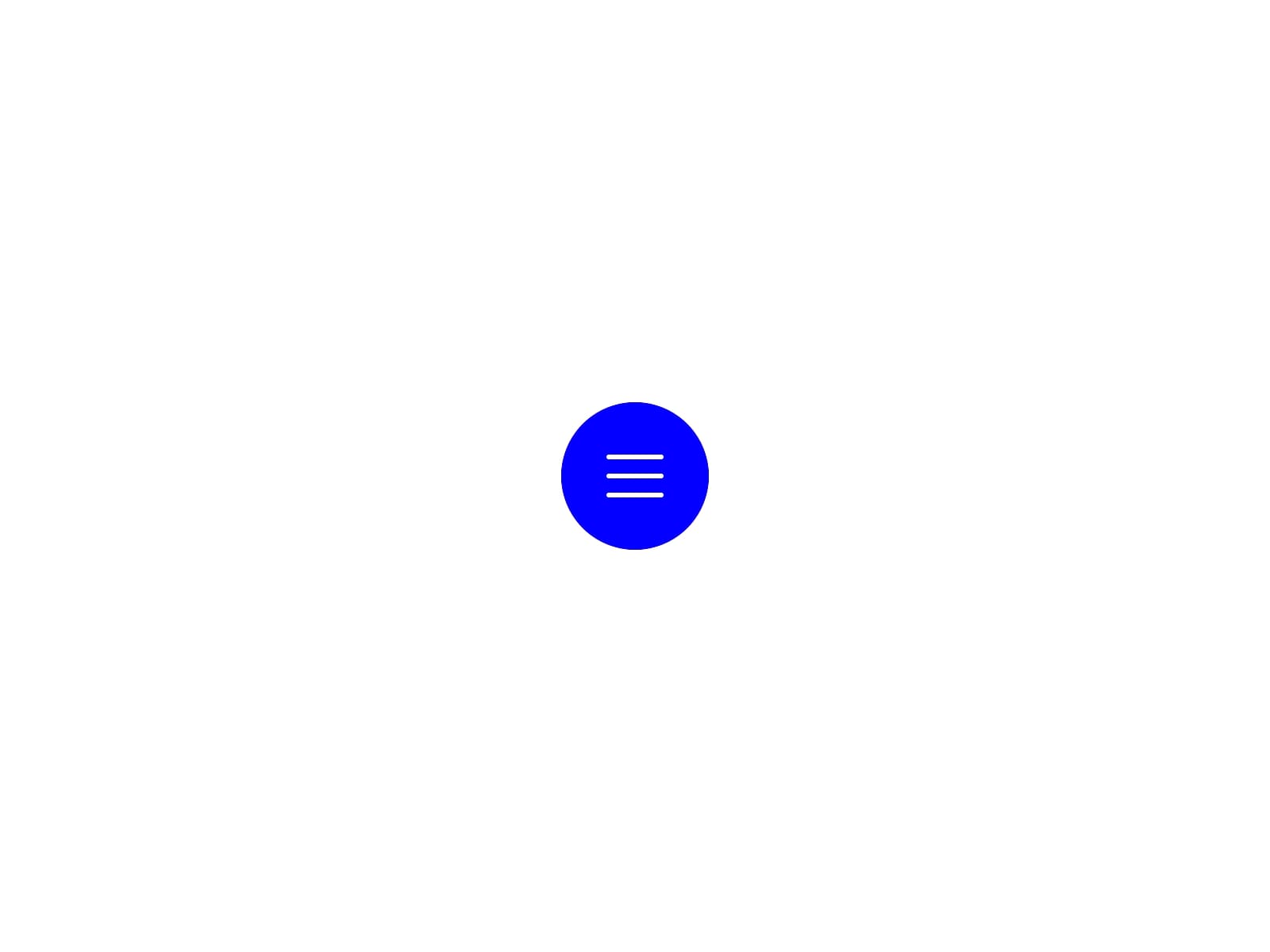
Menu Icon is a minimal interface component built to create clean and responsive navigation interactions. The smooth transition between menu and close states improves usability while maintaining a modern and lightweight visual style.
Getting Started
Add the component to your canvas
Customize menu and close icon colors easily
Update background colors directly from the property panel
Adjust transition behavior for different motion styles
Use it inside navigation bars, overlays, or mobile menus
Customization
Customize menu icon background and icon colors
Customize close icon background and icon colors
Choose different transition behaviors from the property panel
Easily match the component with your website style
Property Controls
Use Cases
Mobile navigation menus
Fullscreen overlays
Expandable side menus
Dashboard interfaces
Floating menu buttons
Modern landing pages
Notes
Built using native Framer properties
Smooth toggle interaction
Lightweight and responsive structure
Minimal modern interface style
Support
If you have any questions or need custom components, feel free to reach out at s.senthil2206@gmail.com