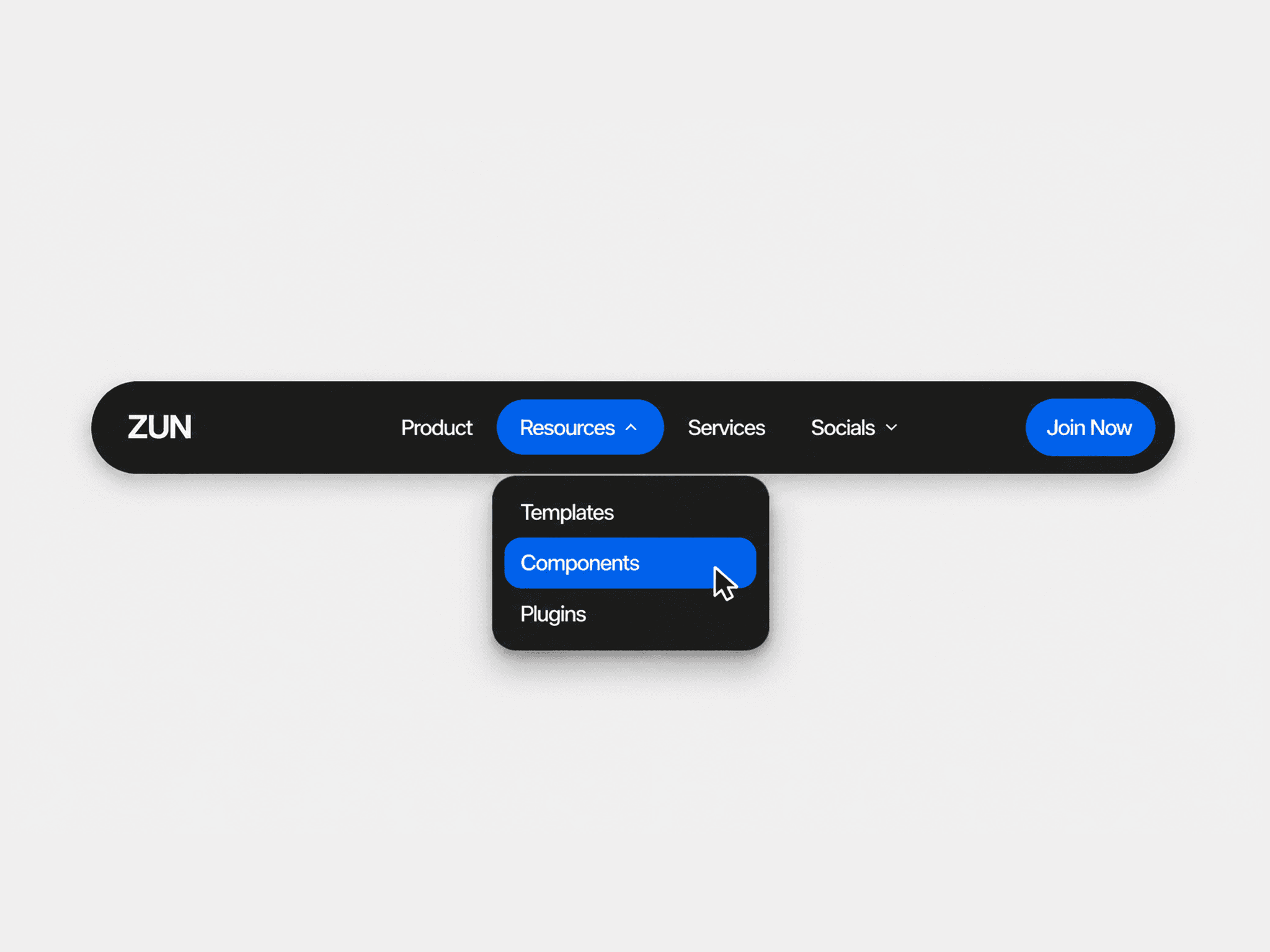
About Minimal Hover Navbar
About
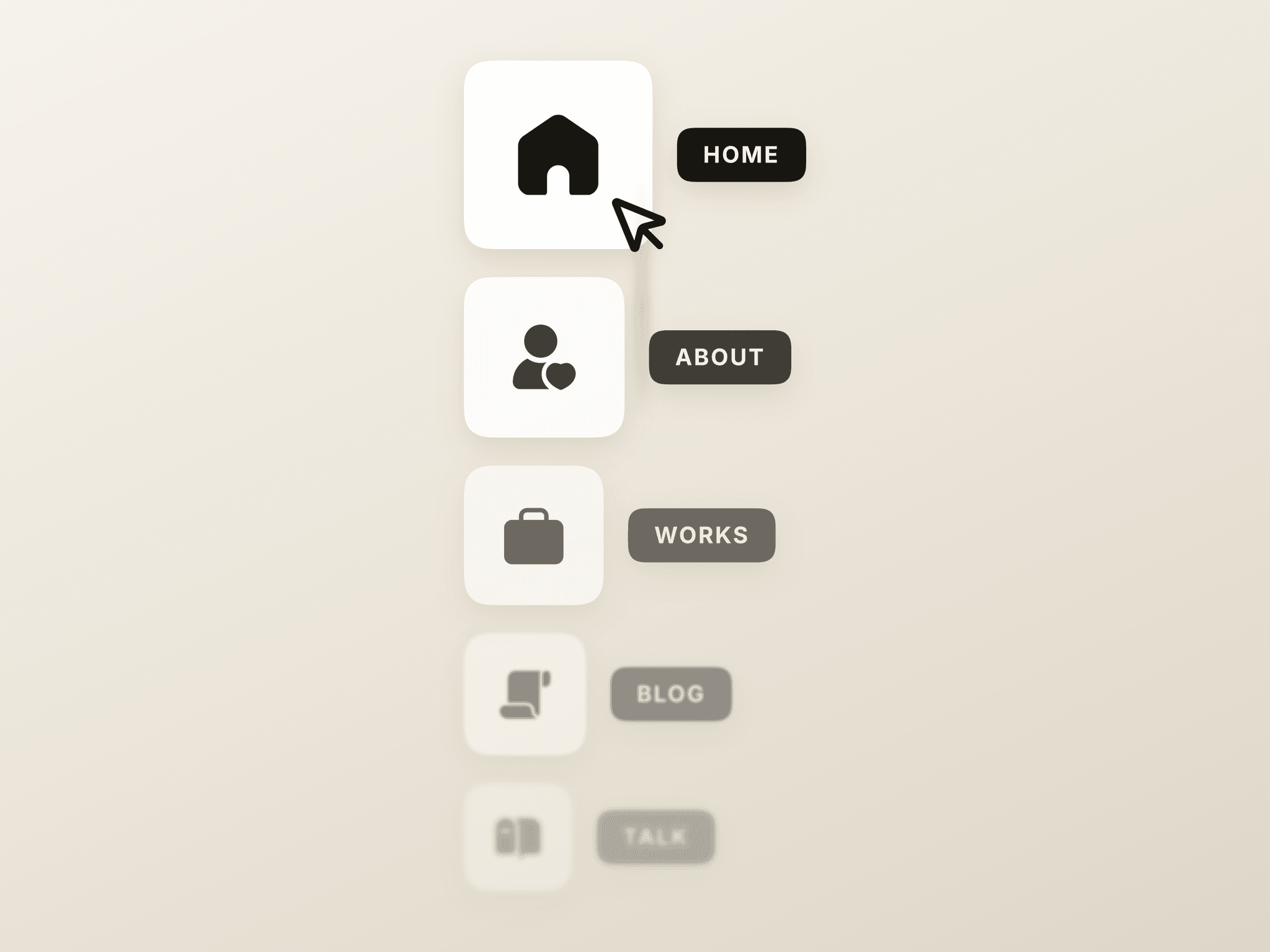
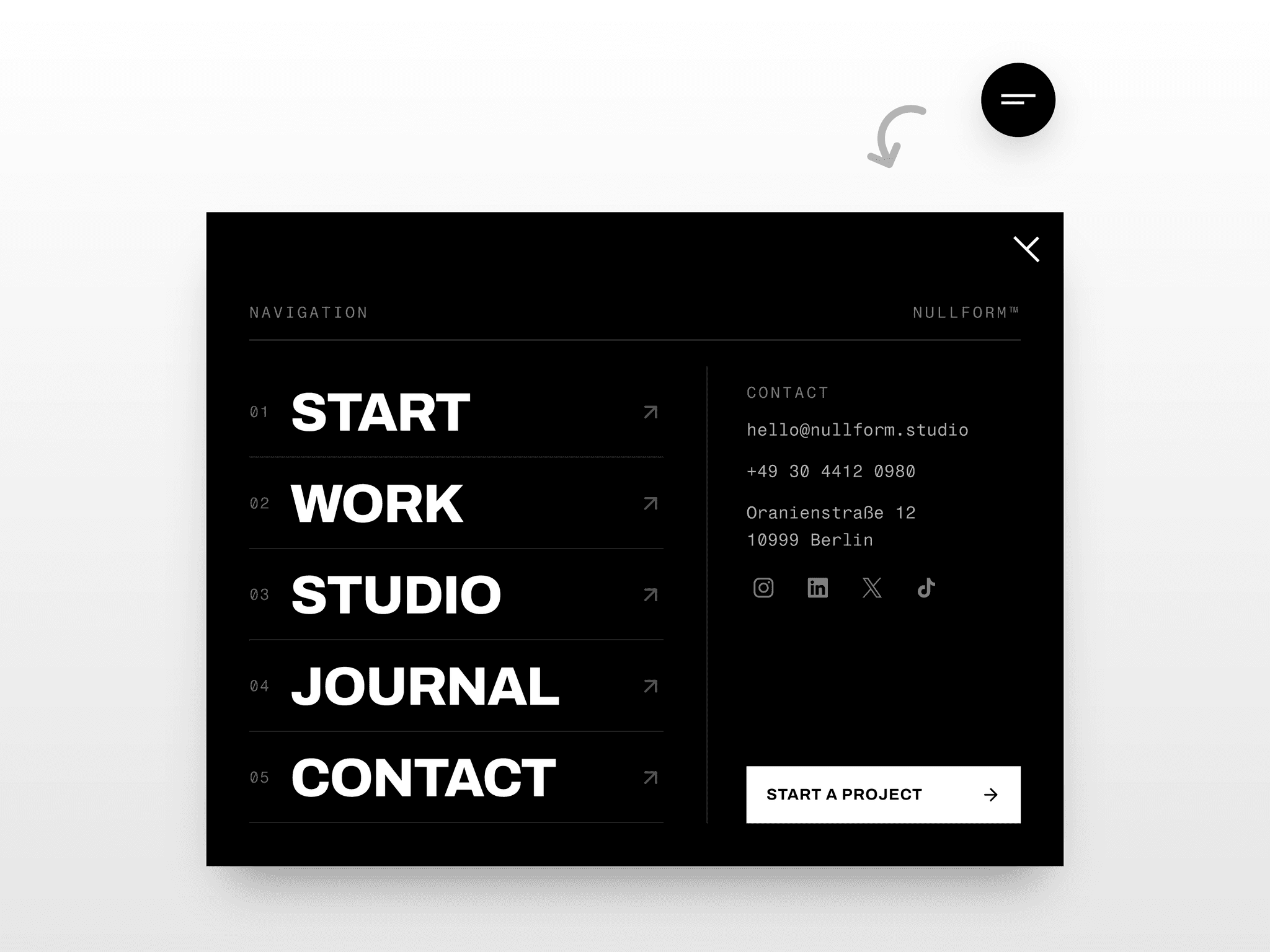
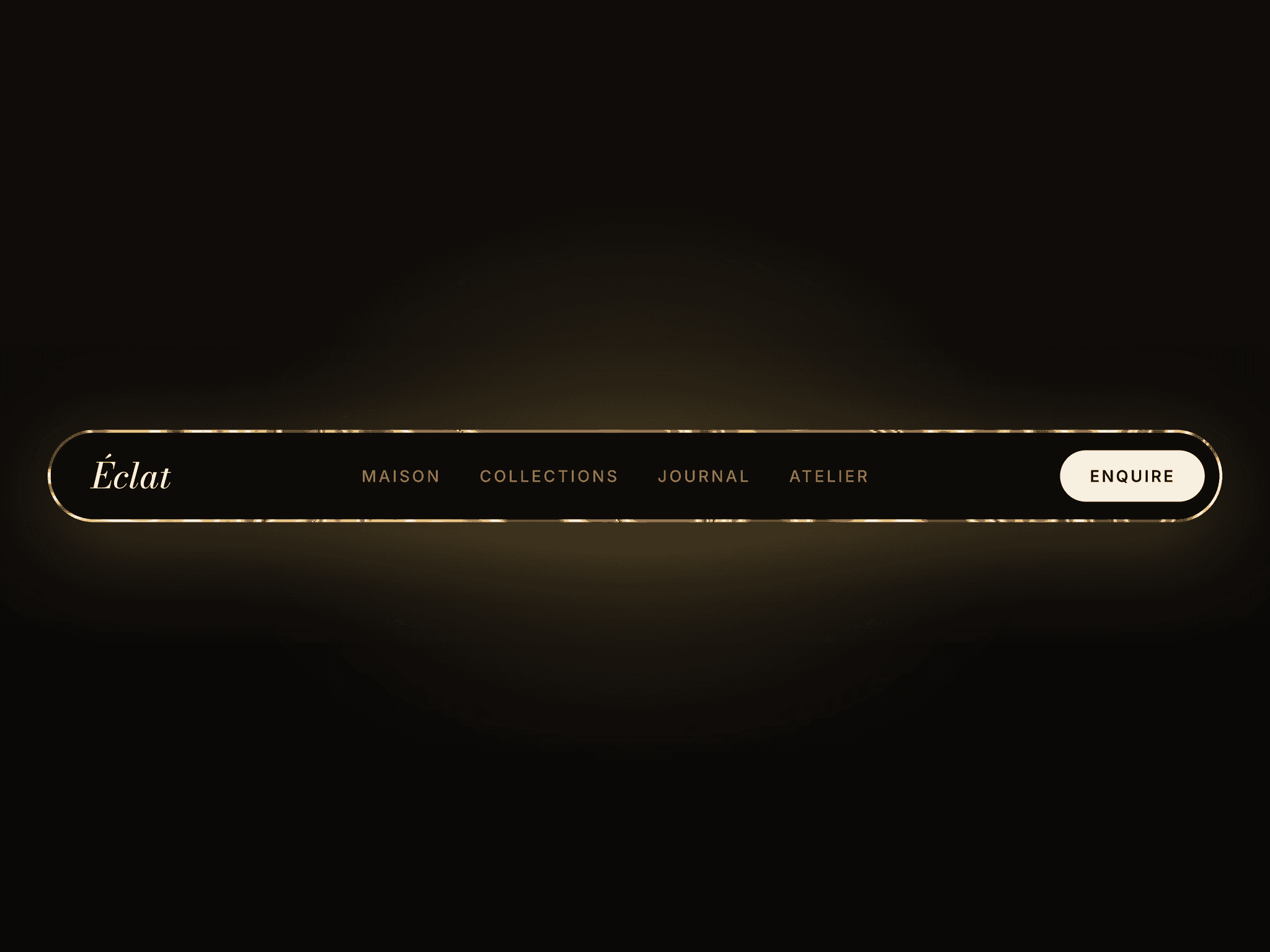
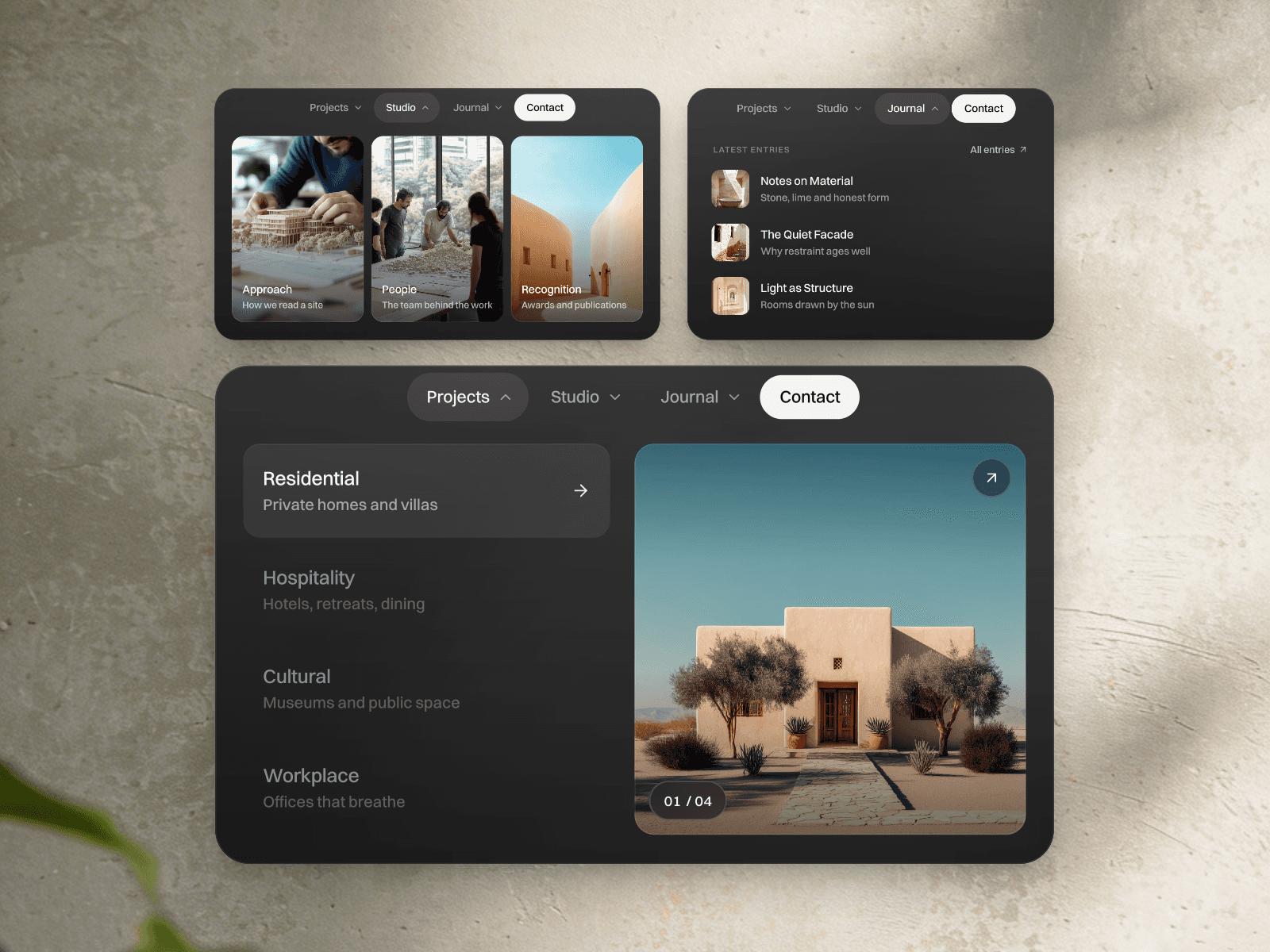
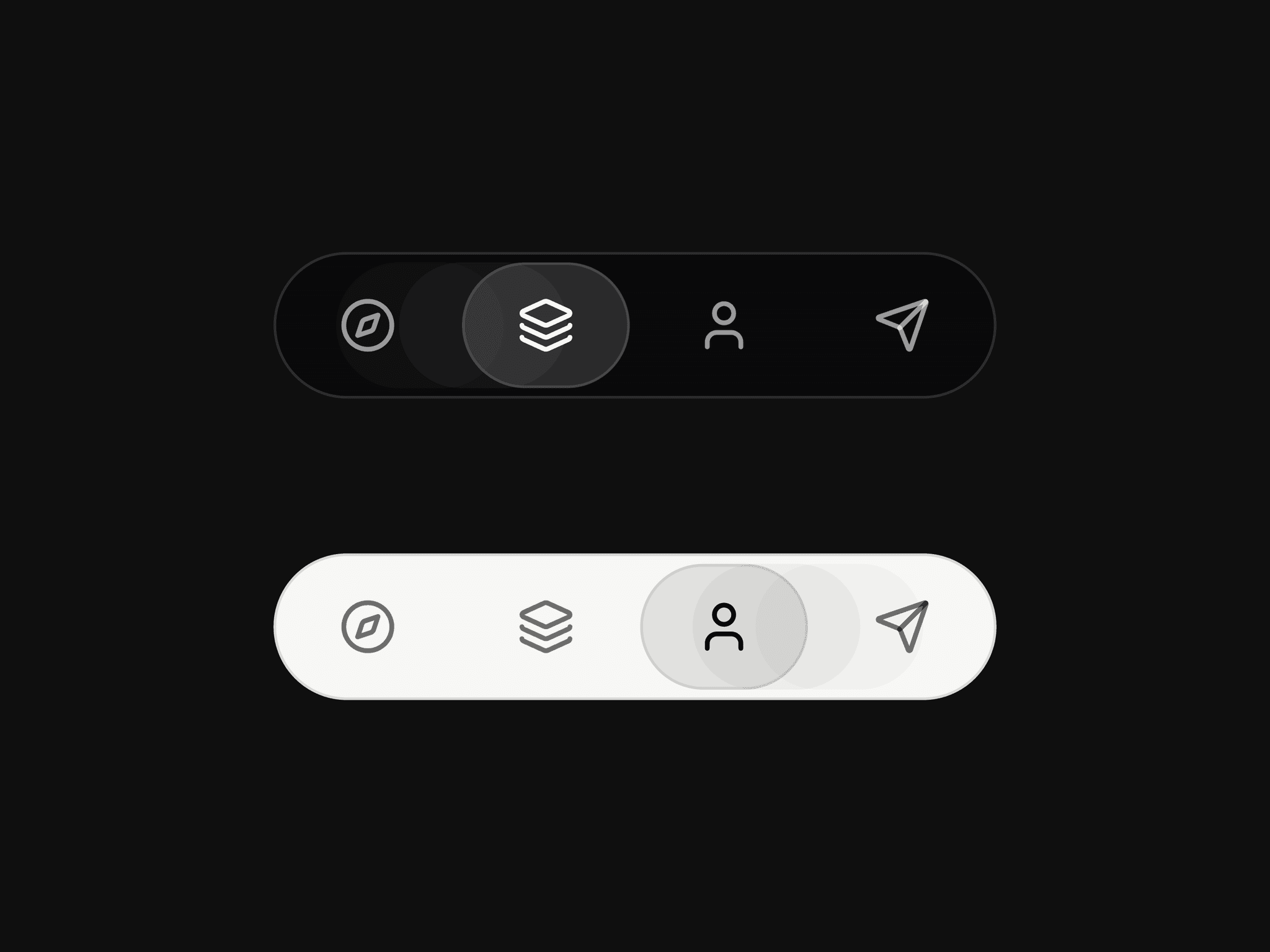
Minimal Hover Navbar is a compact floating icon navigation that lets visitors move between page sections simply by hovering. A smooth indicator glides between items while an intent delay prevents accidental scrolling and stops when the visitor takes control. Each item can also link to another page, section, or external destination.
What you can customize
Choose the light or dark theme, initial active item, destinations, and new-tab behavior. Built with native Framer elements, so you can also edit the icons, labels, colors, borders, spacing, active indicator, item count, and spring transitions. A lightweight included override powers the hover-based section scrolling.
Great for (examples)
Just a few ideas, use it anywhere you need compact hover navigation or smooth section scrolling:
Hover navigation and smooth scrolling
Section navigation and one-page websites
Floating, fixed, and sticky navbars
Minimal icon and pill navigation
Creative portfolios and personal websites
Designer and developer portfolios
Agency and design studio websites
SaaS and product landing pages
Case studies and editorial showcases
Affiliate and component demonstrations
Dark and light website interfaces
Desktop, tablet, and mobile layouts
Premium Framer templates
Share your build
If you ship something cool with it, post it on X and tag me @Matthias_Oel, or send it over. I’d love to see what you create.
Need help?
Questions or feedback? Reach me anytime: matthias@lmvision.de or on X @Matthias_Oel.
Need a matching component?
Explore more navigation components for your next project: