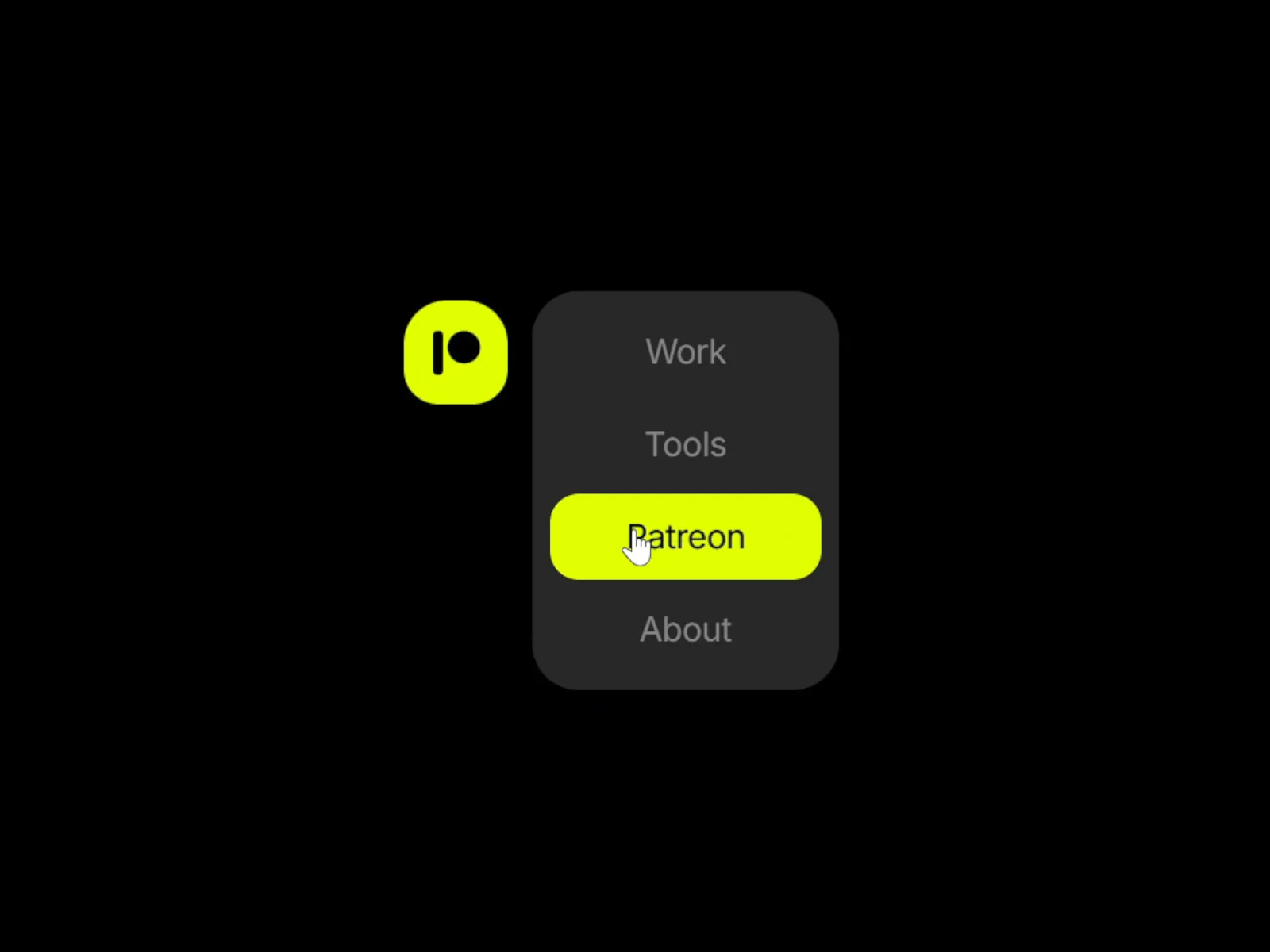
About Morph Icon Nav
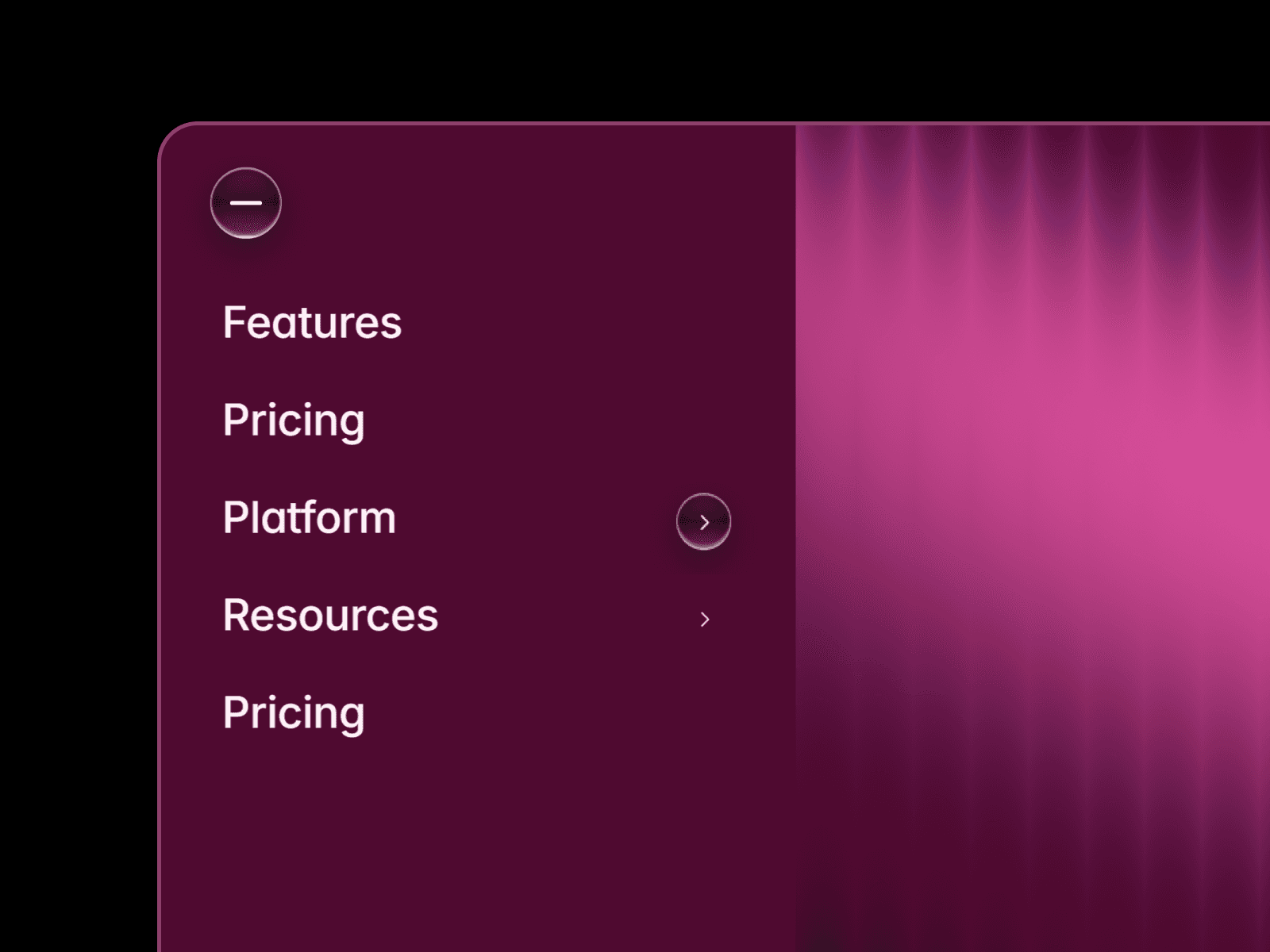
A tactile navigation pill where every hover morphs the trigger icon to match your destination.
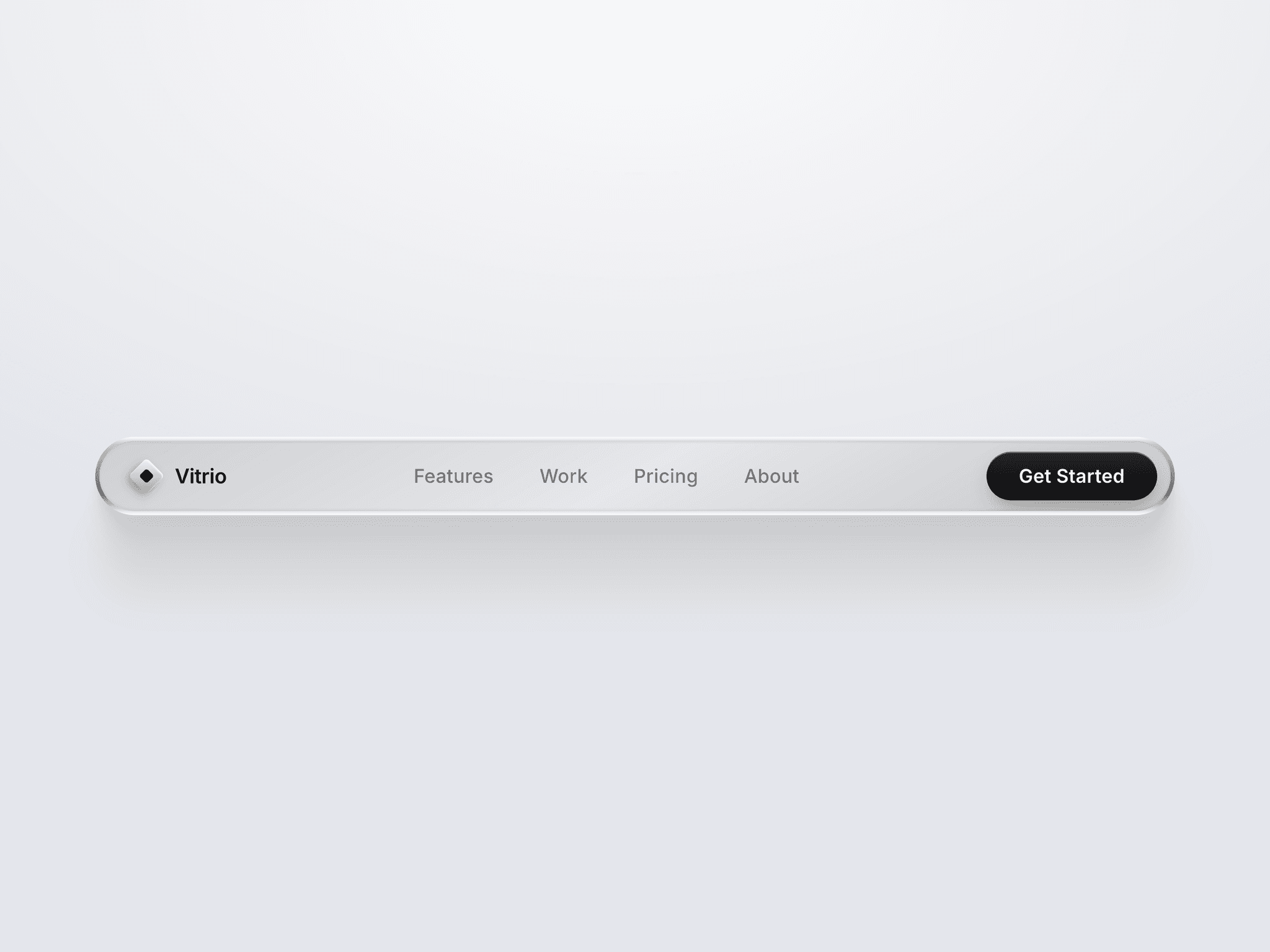
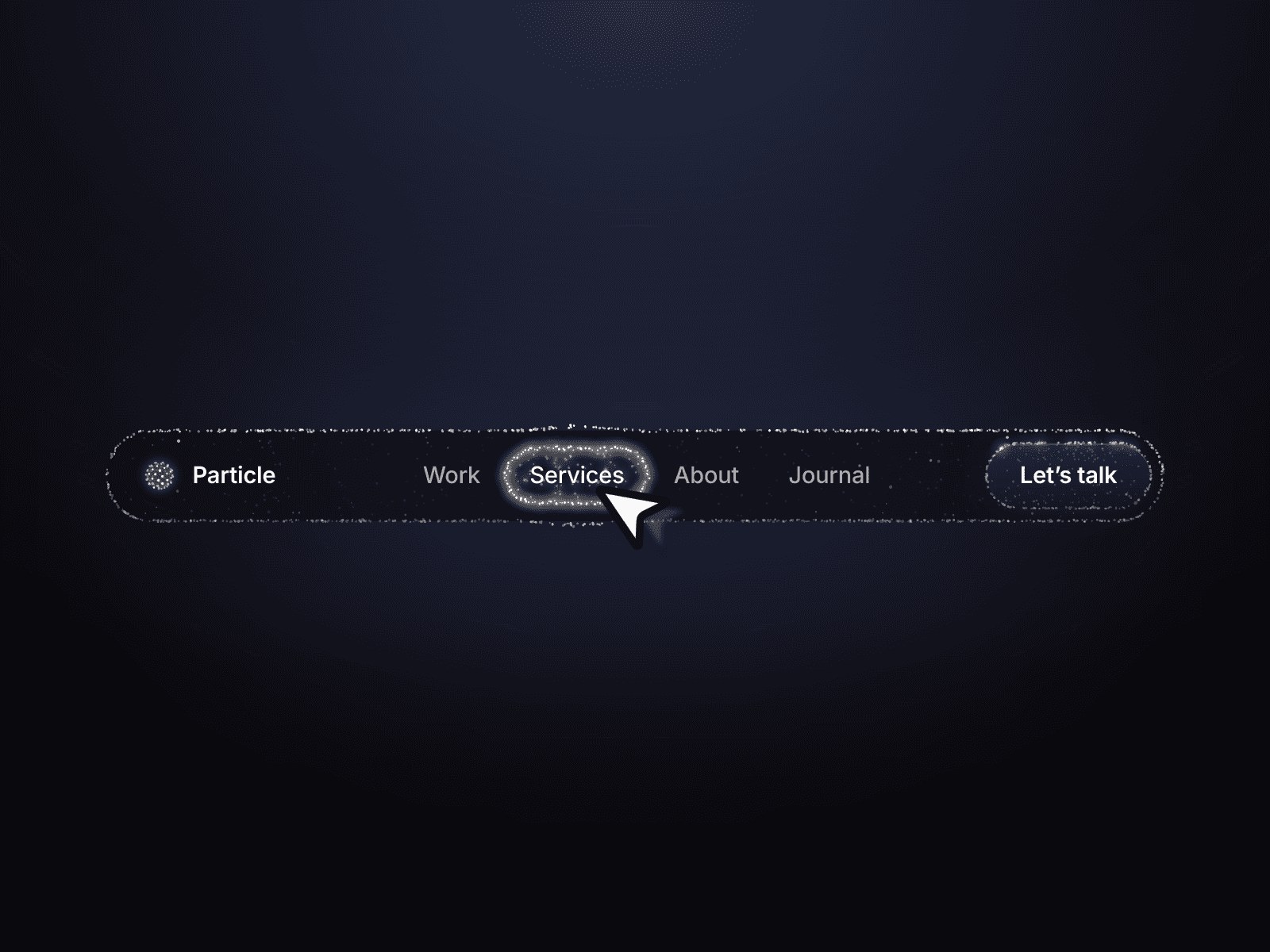
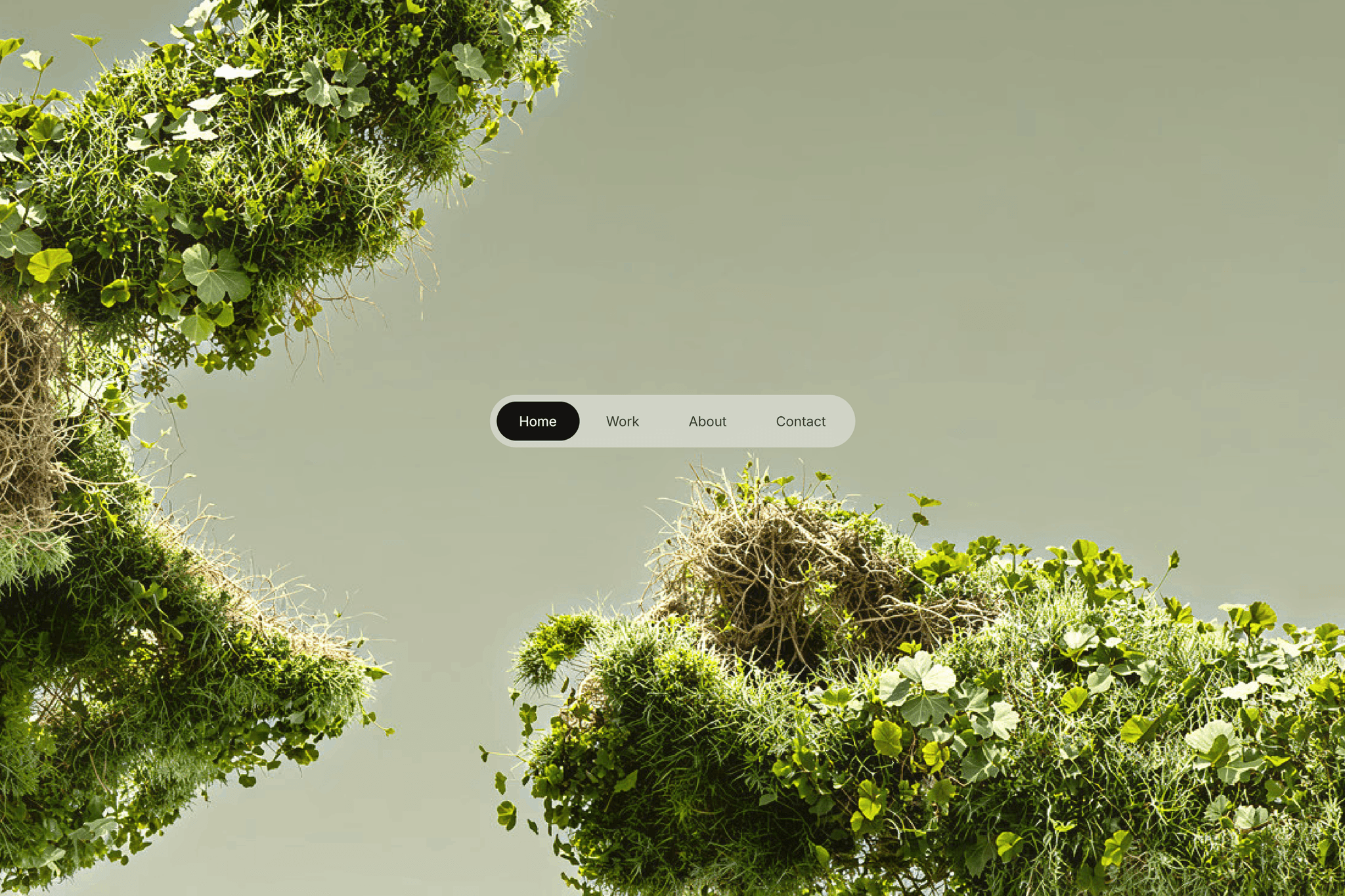
Designed for portfolios, creative studios, and modern product sites, Morph Icon Nav pairs a compact action trigger with a floating vertical menu card. As your cursor glides across links, a spring-driven highlight pill tracks your movement while the detached trigger button dynamically morphs its icon to preview each destination. Free to use in personal and commercial Framer projects.
Key Features
Live Icon Morphing: The trigger button smoothly transitions between home, close, and destination-specific icons as you hover across menu items.
Gliding Active Pill: A continuous spring-animated highlight tracks cursor movement vertically across links without jitter.
Rive-Snappy Motion Physics: Tuned spring presets deliver crisp, responsive expansion and collapse transitions.
Full Visual Control: Customize every color token, font family, alignment, and icon state directly from Framer's right-hand panel.
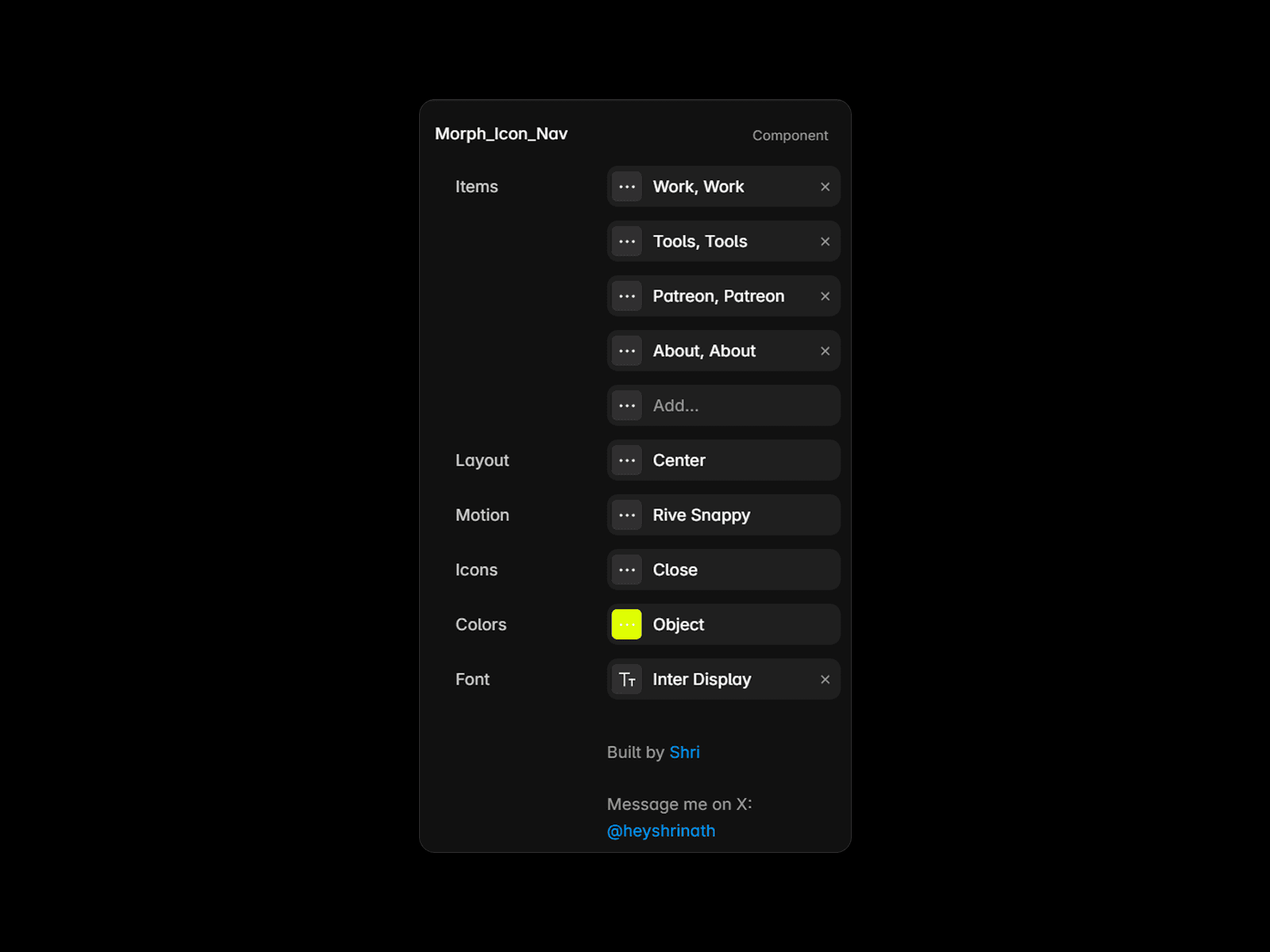
Property Controls
Items— Add, edit, or reorder navigation links alongside their matching destination icons.Layout— Control menu alignment (Center,Left,Right) to anchor cleanly anywhere on your canvas.Motion— Switch between spring presets includingRive Snappyfor responsive tactile feedback.Icons— Configure the trigger button's idle and close icon state (Closeand preset modes).Colors— Customize trigger fill, icon contrast, menu surface, active pill accent, and text states in one object.Font— Pair any custom or Google Font with full weight, size, and tracking control.
Quick Setup
Drag Morph Icon Nav onto your canvas or navigation frame.
Open
Itemsto set your page labels, icons, and destination links.Adjust
Colors,Layout, andFontto match your site's palette.
Built by Shri.
Have a question, feature request, or need support? Follow and DM @heyshrinath on X.
Explore More Framer Components.