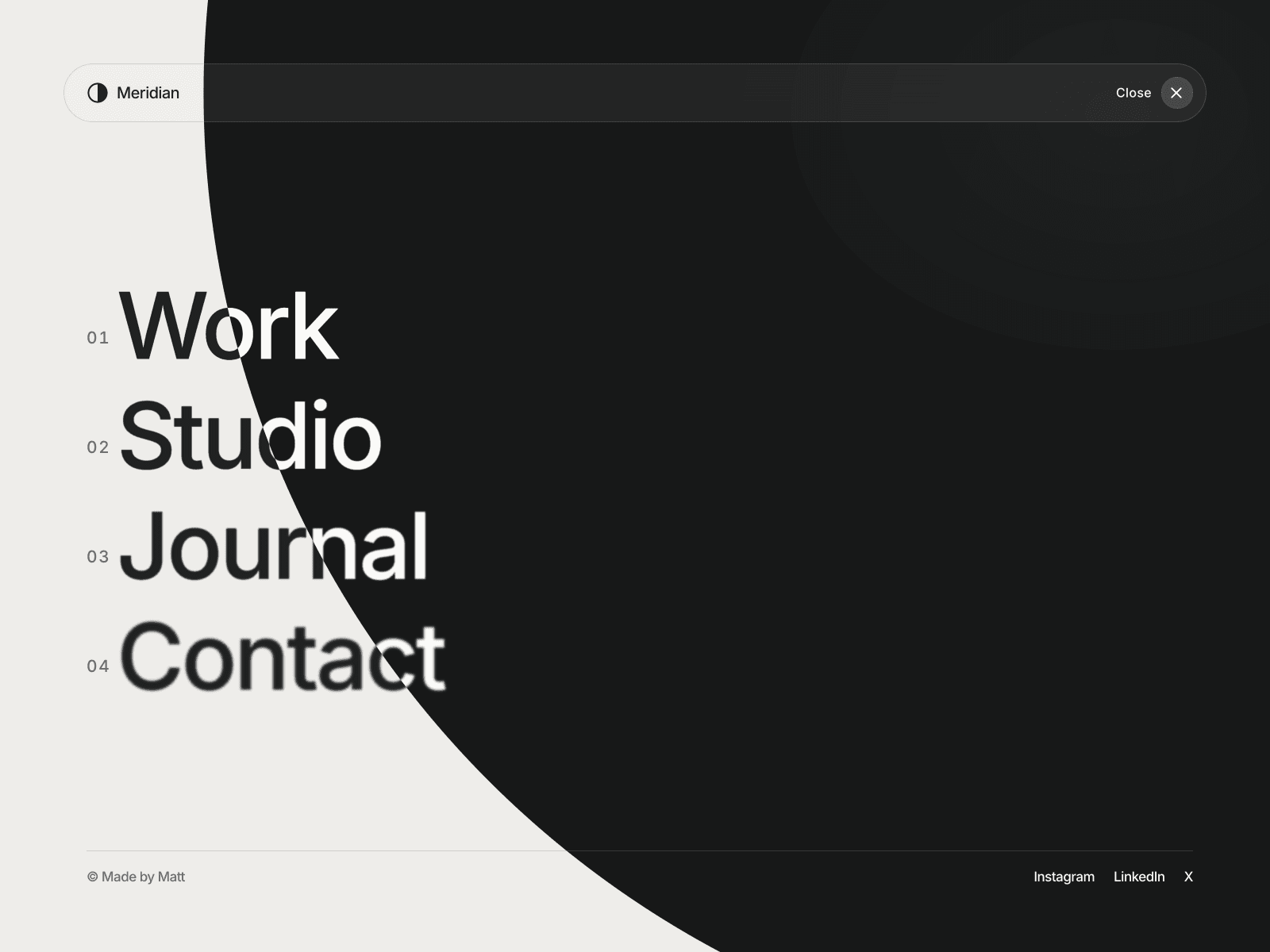
About Motion Overlay Menu
About
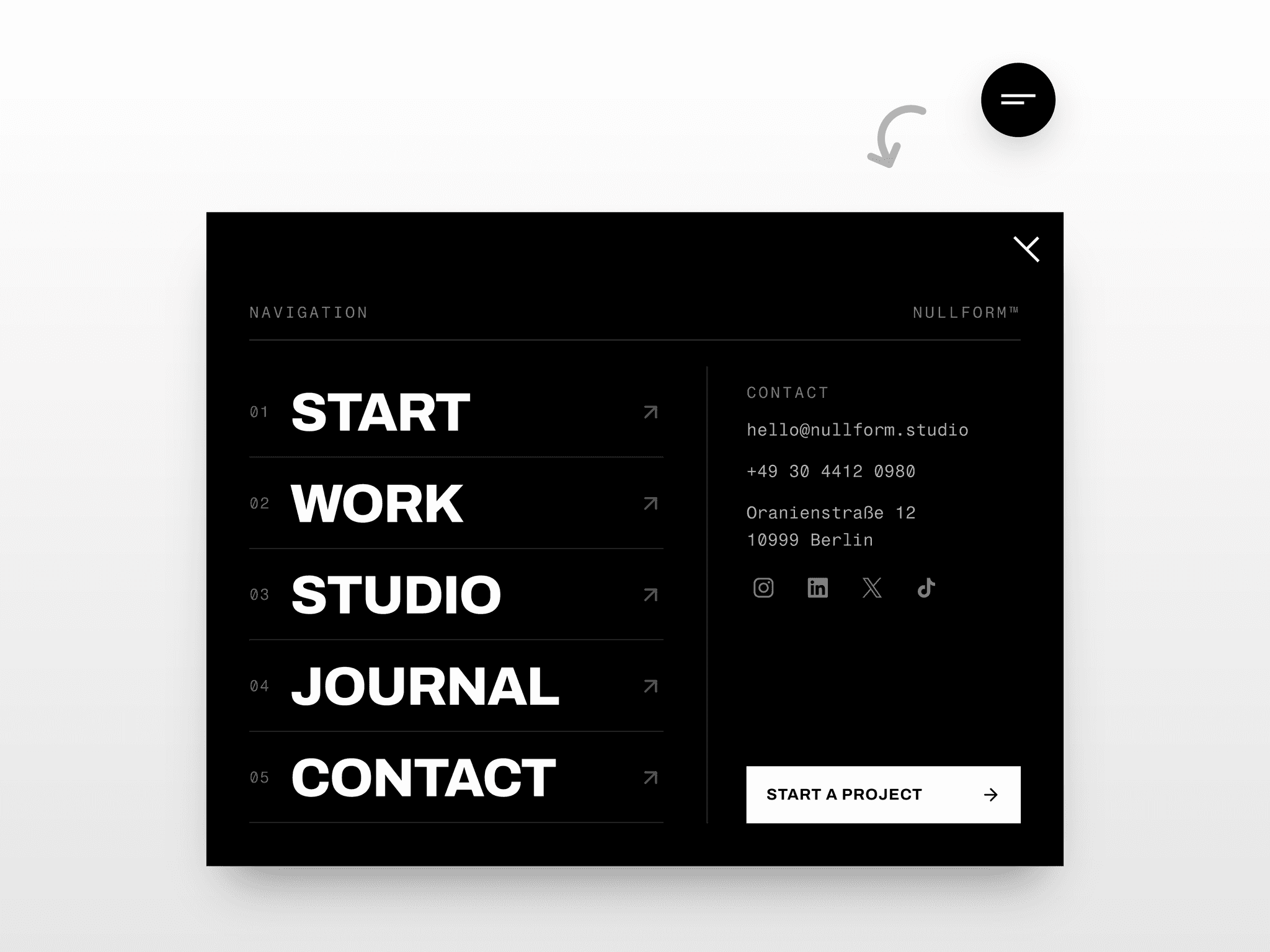
Motion Overlay Menu transforms a rounded navbar into an animated fullscreen navigation for Framer. Choose a circular reveal from the menu button, a vertical wipe or a fade. Main links appear in a staggered sequence, rising from a soft blur into sharp text while the hamburger morphs into a close icon.
Hover motion and optional dimming bring attention to individual links, while animated underlines finish the secondary navigation. Responsive typography and scrollable content keep the overlay suited to desktop and mobile layouts.
What you can customize
Set your brand name, built-in or custom logo, menu and close labels, optional numbering, up to 12 main links, a footer note and eight secondary links. Each destination has its own new-tab setting.
Adjust fonts, colors, alignment, logo size, corner radius, border, shadow, background blur and spacing. Choose the reveal style, duration, link stagger, hover movement and dimming. Preview the open menu directly on the canvas.
Built as a Framer code component with property controls, keyboard focus management, Escape-to-close, background scroll locking and reduced-motion support.
Great for (examples)
Use it wherever navigation deserves a little more space:
Designer portfolios and personal websites
Creative studios and branding agencies
Architecture and interior design practices
Photography and film portfolios
Fashion labels and lifestyle brands
Editorial websites and digital magazines
Product launches and immersive landing pages
Boutique hospitality and cultural projects
Share your build
If you ship something cool with it, post it on X and tag me @Matthias_Oel, or send it over. I’d love to see what you create.
Need help?
Questions or feedback? Reach me anytime: matthias@lmvision.de or on X @Matthias_Oel.
Need a matching component?
Add personality to your projects and footer: