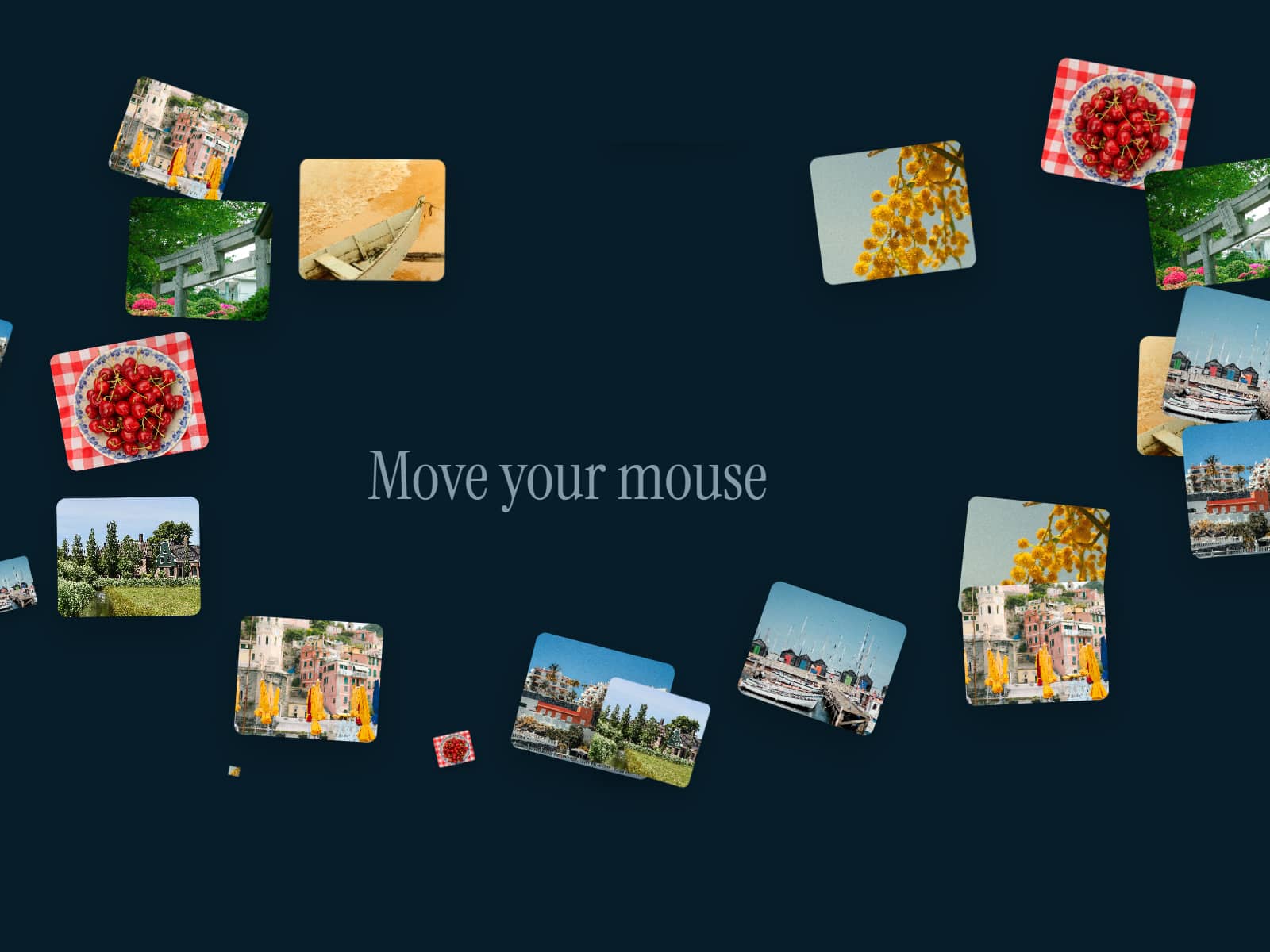
About Mouse Trail Block
About MouseTrail Component
MouseTrail adds a playful, kinetic motion effect to your Framer project by generating a chain of animated blocks that smoothly follow the user’s cursor. Each block inherits delay, speed, and styling settings — creating a dynamic trail that feels fluid, expressive, and perfectly responsive.All hover, click, and scroll interactions on underlying elements remain fully usable.Preview: https://mouse-trail-snake.framer.website
Features & Controls
Block System
Set the number of blocks in the trail
Customize Block Width and Block Height
Adjust Block Radius for sharp or fully rounded shapes
Assign multi-color sequences using Block Colors
Visual Styling
Add Stroke and Stroke Width for defined edges
Enable or disable Shadow for depth
Modify Offset X & Offset Y to shift trail position relative to the cursor
Motion Behavior
Control Follow Speed to define how quickly blocks catch up
Adjust Delay for a more elastic or snappy motion feel
Lead Block Text
Add optional Lead Text that stays attached to the first block
Customize Text Font and Text Color
Perfect for callouts like “Move your cursor,” tooltips, or playful micro-interactions
Uses
Add dynamic motion to hero sections and landing pages
Create playful, interactive backgrounds for portfolio or studio websites
Add cursor-reactive effects to enhance storytelling
Guide user attention using the optional lead text
Build unique interactive experiences without blocking normal UI behavior