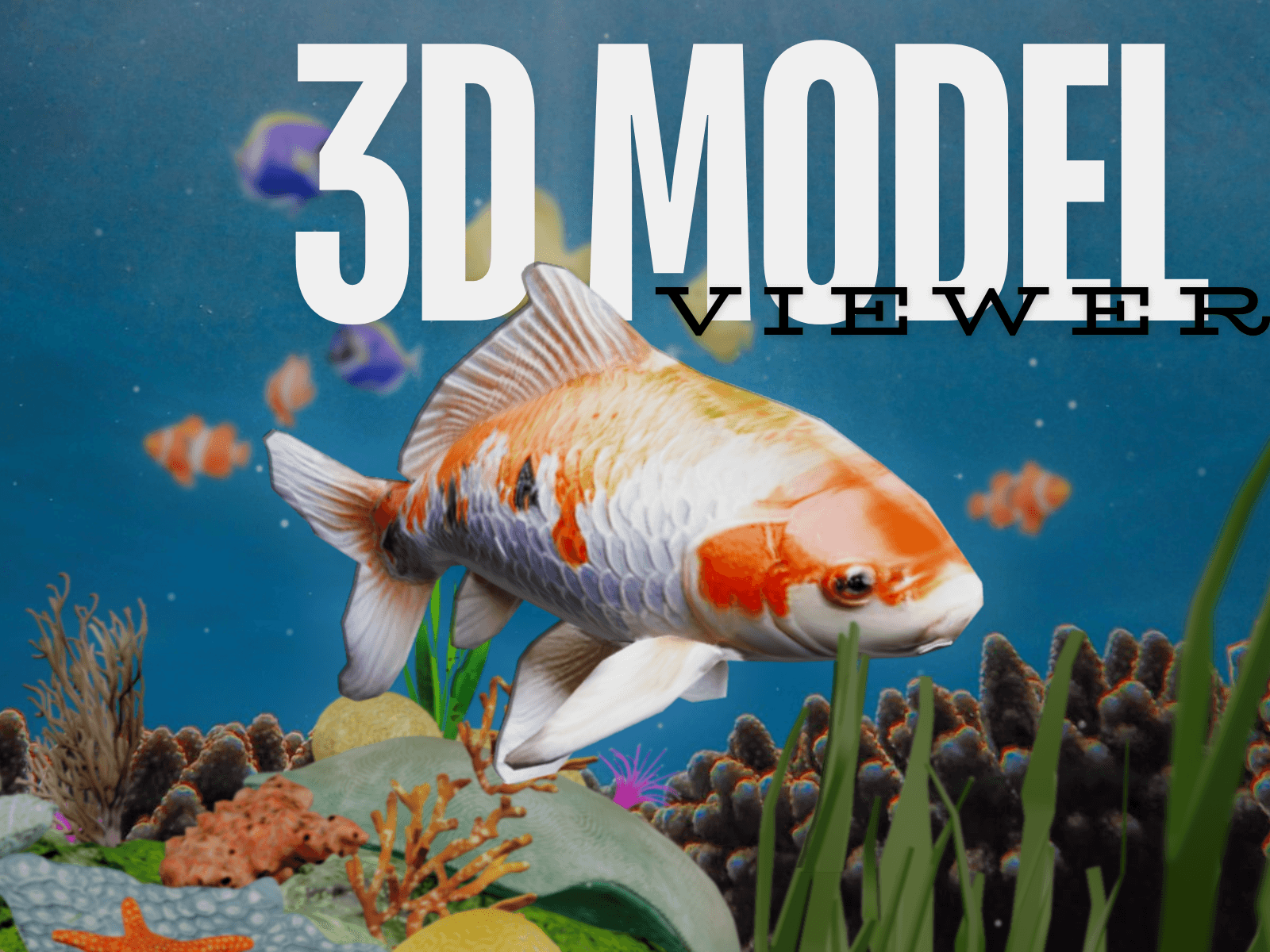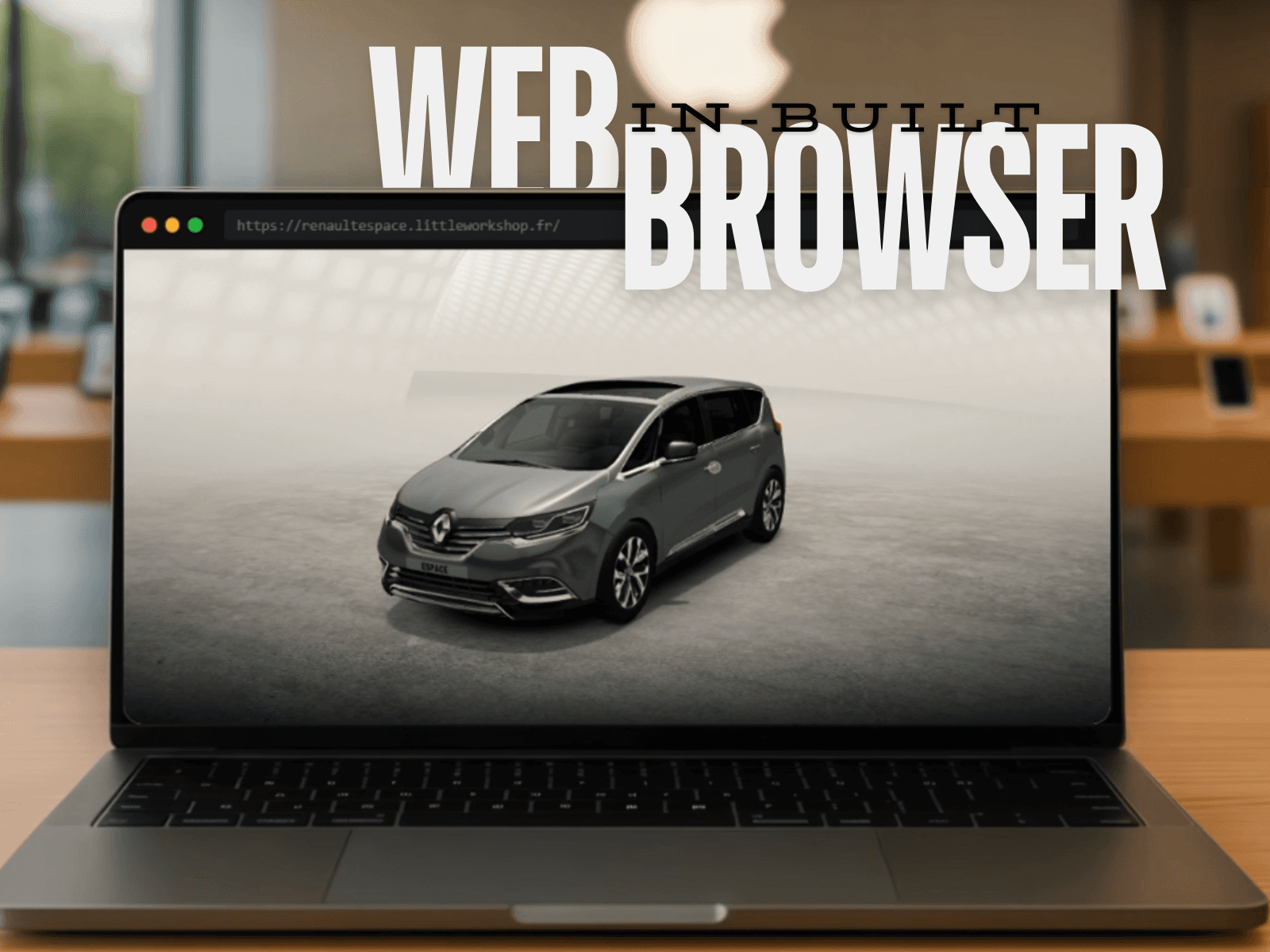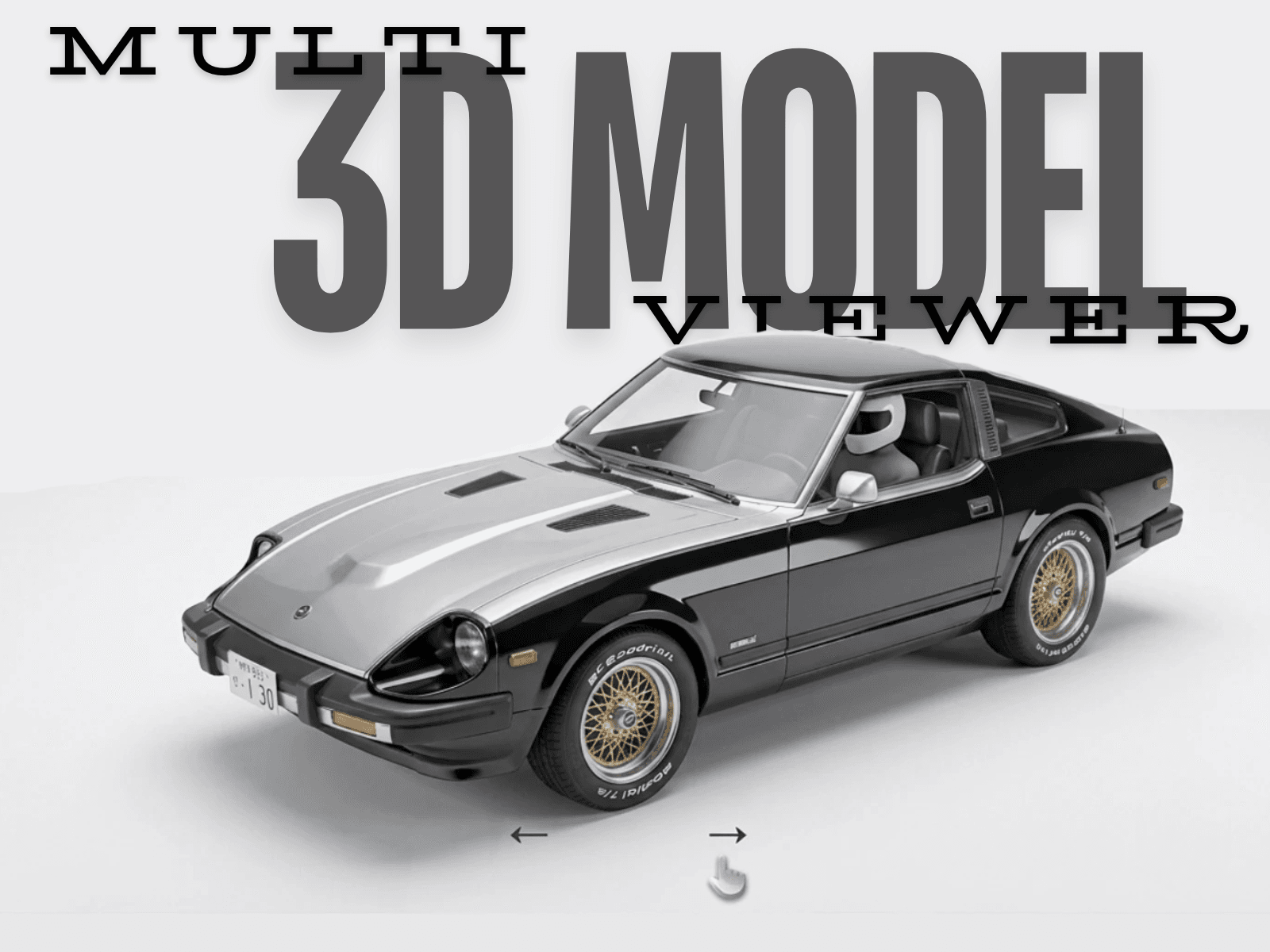
About Multi 3D ModelViewer
Instruction to use
Getting Started: The component includes a default Astronaut model so that you can see it in action immediately.
Adding Your Models:
Open the Models section in the properties panel
For each model, you have two options:
Model URL: Paste a direct link to a .glb/.gltf file
Or Upload File: Click to upload a local .glb/.gltf file from your computer
Camera & Position Controls: Fine-tune how each model appears:
camH (Horizontal): Rotate camera left/right (-180 to 180)
camV (Vertical): Camera height angle (0-180, default 75)
camDist: Zoom in/out (higher = further away, default 2)
rotX/Y/Z: Rotate the model itself
scale: Make the model bigger/smaller
posX/Y/Z: Shift model position
Multiple Models:
Click + to add more models
Use the arrow buttons (← →) at the bottom to switch between them
Choose animation style: None, Fade In, or Pop Out
Tips:
Start with the default model and tweak camera settings
The upload file takes priority over the URL if both are set
Adjust camDist first for proper framing (try 3-5 for most models)
Key features:
Supports multiple GLB / GLTF 3D models in one component
Smooth model switching with selectable transition animations
Gesture-based rotation and zoom
Adjustable camera, scale, and model positioning per asset
Customizable lighting and shadow controls
Any questions? email us: kalpx@post.com