About Multi Image Warp
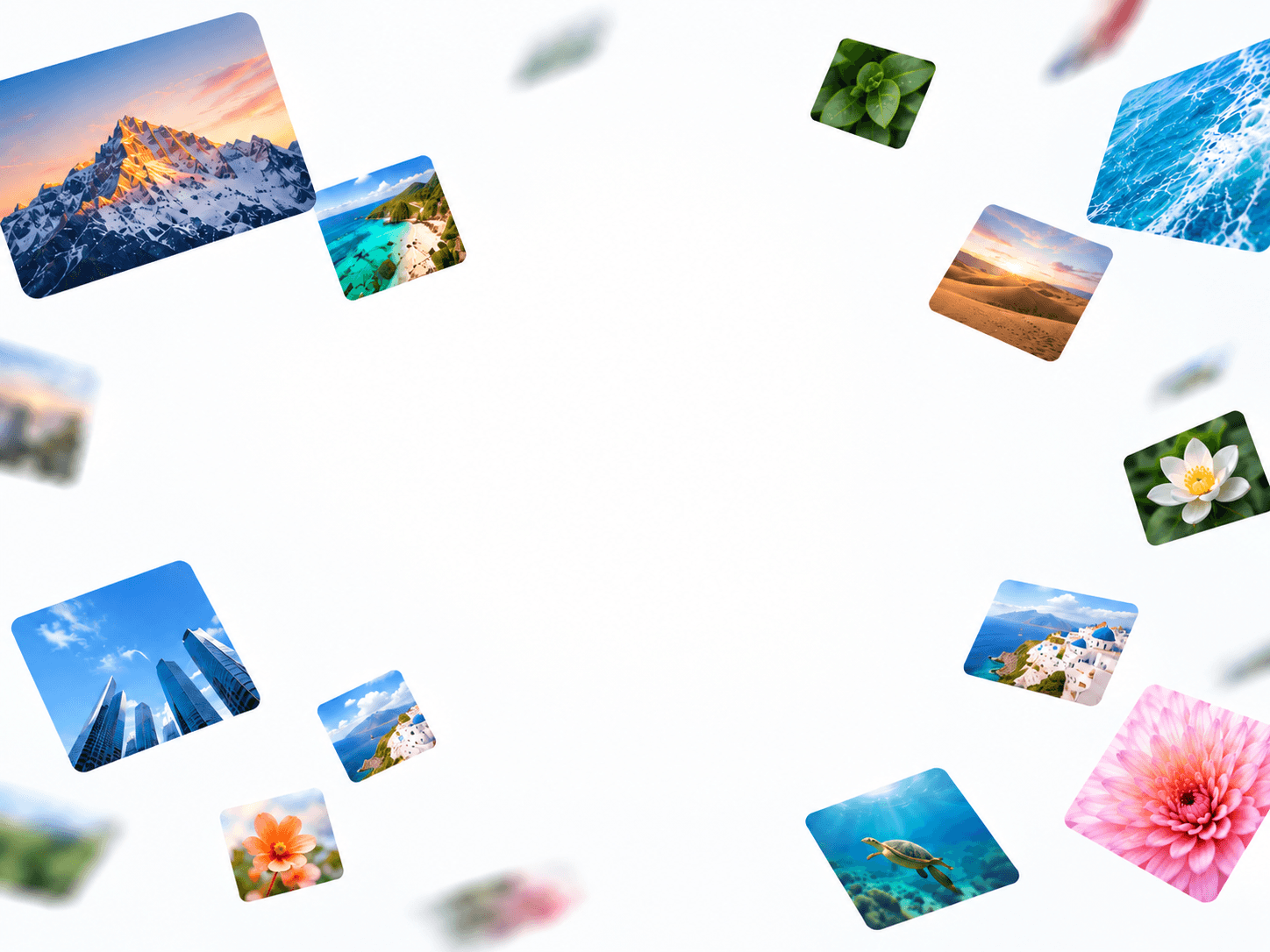
dynamic 3D warp-speed effect using multiple images. Images emerge from the distance, grow larger as they move toward the viewer, and optionally rotate to create a sense of depth and motion. A customizable hollow center keeps the middle area clear, making it ideal for creative hero sections, futuristic websites, portfolios, and immersive visual backgrounds.
Customize Options
Images – Upload multiple images to use throughout the animation.
Center Space (%) – Controls the size of the empty center area, creating a hollow effect.
Total Image – Sets the number of images displayed in the animation.
Speed – Adjusts how quickly images move toward the viewer.
Max Size – Controls the maximum size of images as they approach.
Min Opacity – Sets the transparency of images when they first appear in the distance.
Max Opacity – Controls the opacity of images as they move closer.
Rotate – Enables or disables image rotation for additional motion and depth.
The component also features responsive canvas resizing, optimized image scaling, viewport-based animation pausing, and static rendering support for improved performance in Framer.