About MultiBrowseCarousel
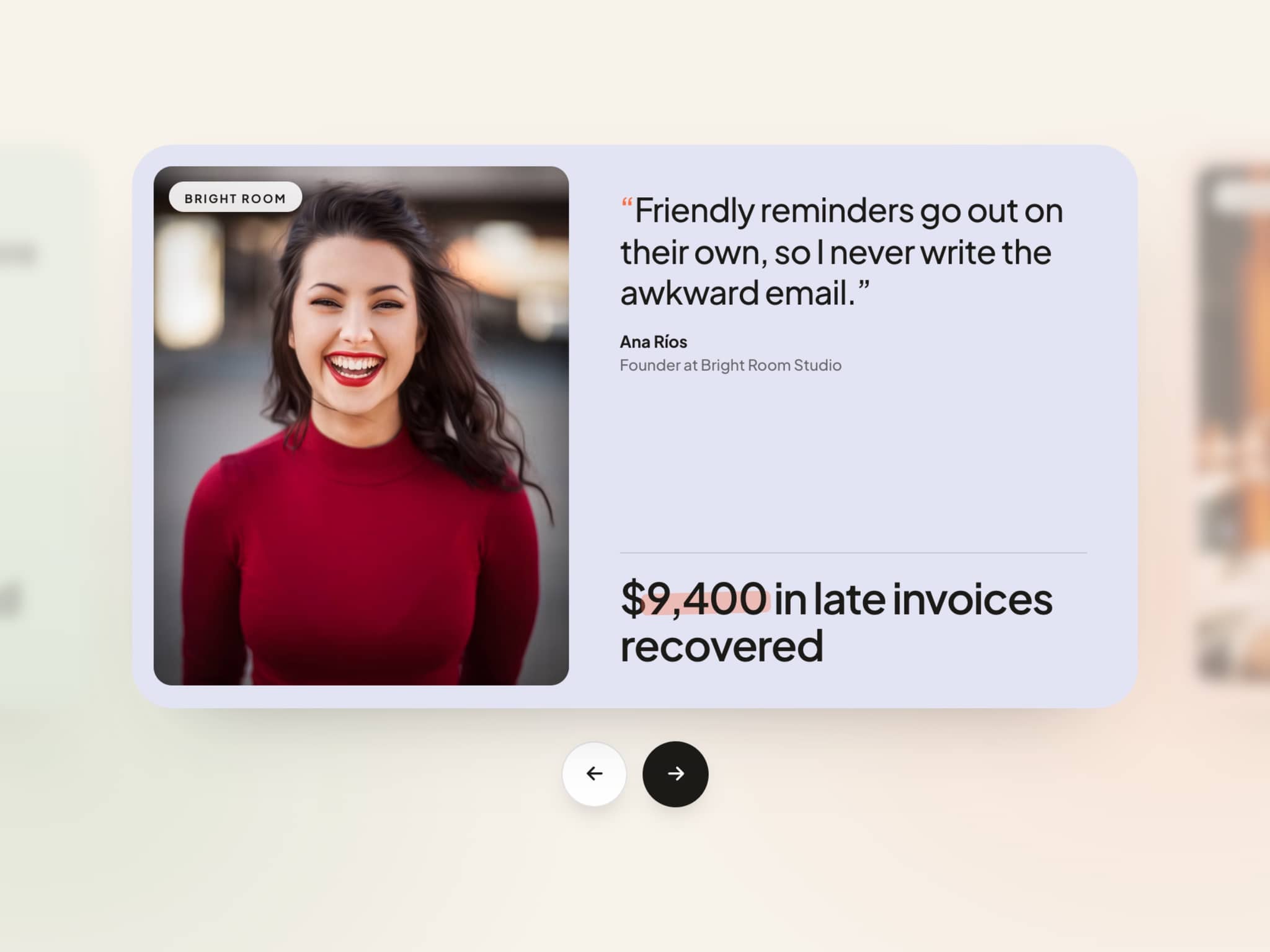
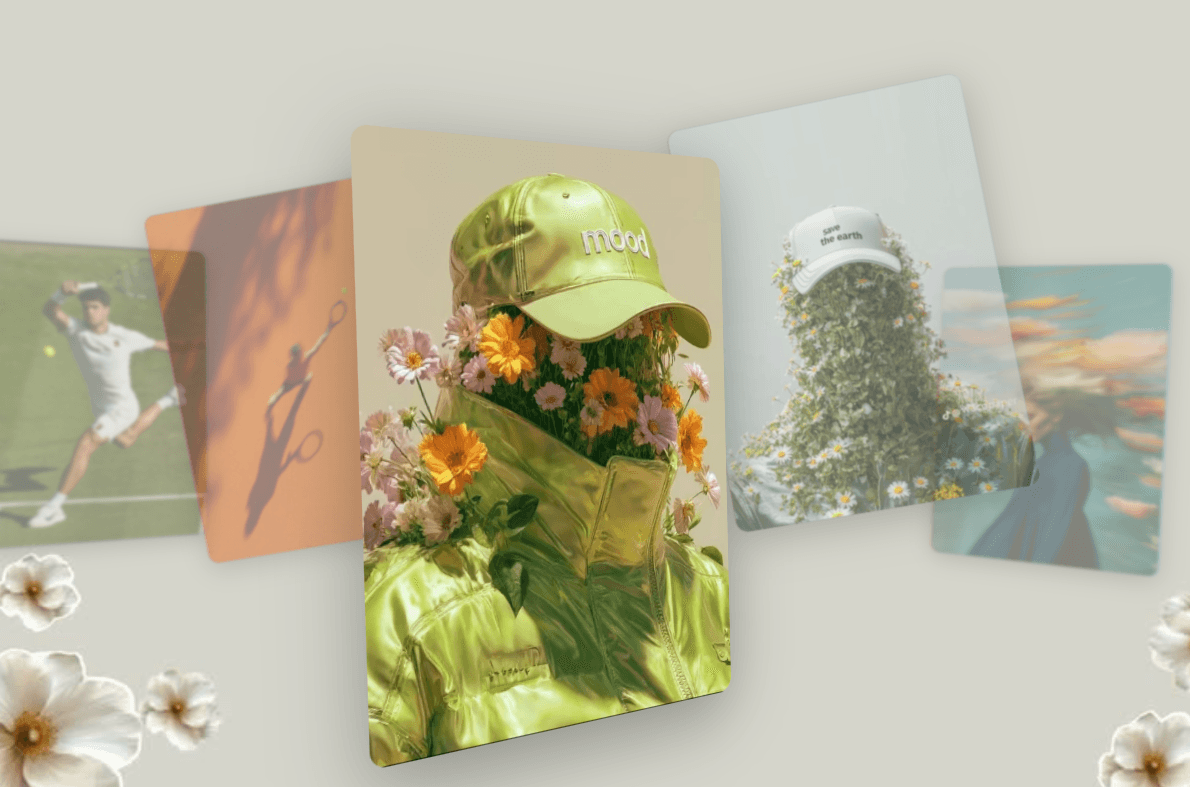
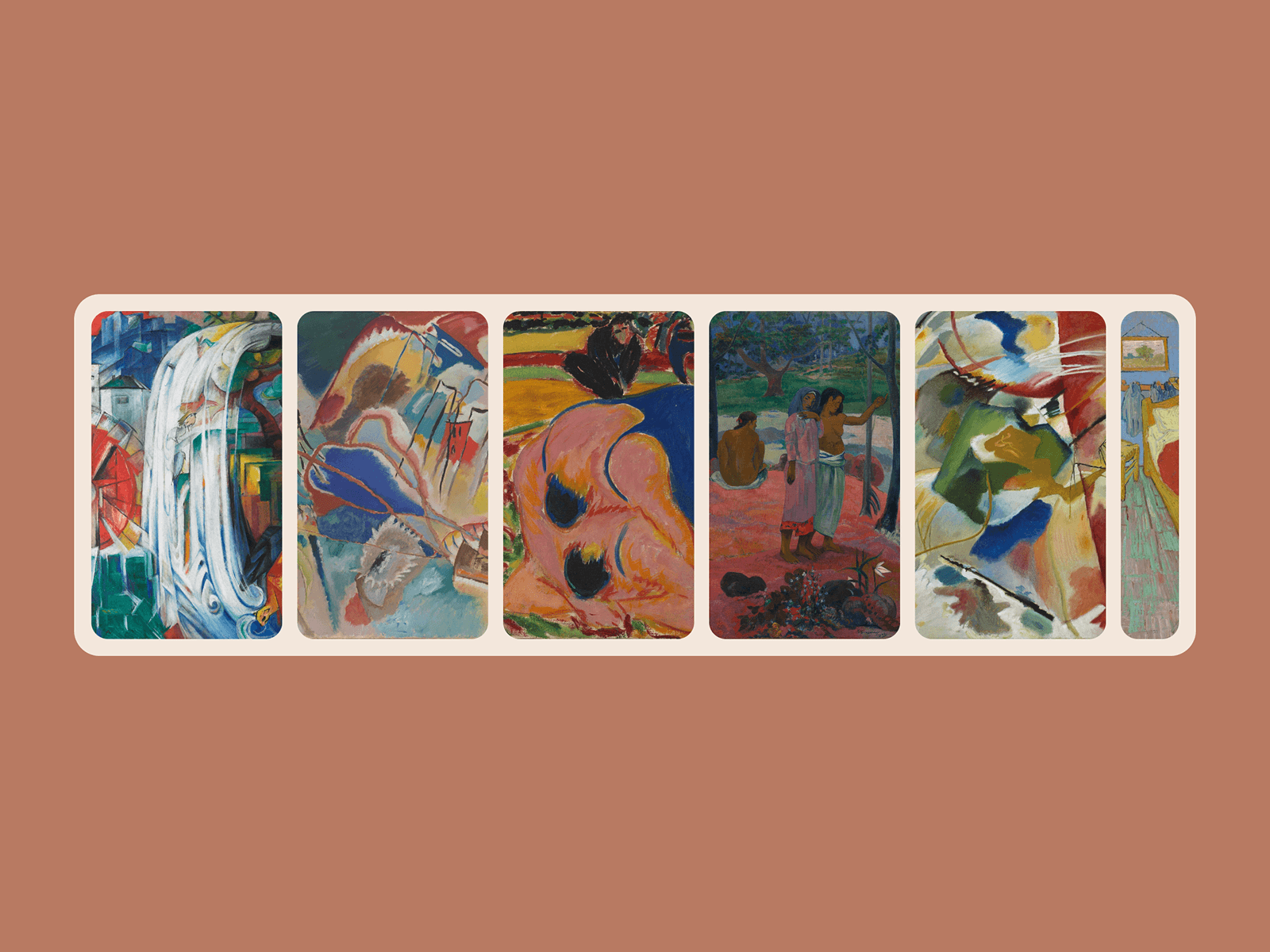
A swipe carousel inspired by the Material 3 multi-browse layout. Large cards slide in, and the next one waits at the edge as a narrow sliver, so visitors can see there's more. Add your photos or any layer, and it fits every screen size.
Content
Upload, reorder or remove images;
Connect any layer as a card, such as a text block, a video or a product card.
Layout
Set the card width. The carousel works out how many cards fit;
Set the sliver width, the gap between cards, and the corner radius;
On narrow screens, it shows one full-width card at a time.
Arrows
Show or hide them;
Place them on both sides, or paired together top or bottom, on the left, centre or right;
Style the icon colour, fill, border, shadow, padding and corner radius;
Move them inside or outside the carousel with Edge Offset.
Motion
Turn on Loop for endless scrolling;
Swipe on touch screens, drag with a mouse, or use the arrow keys;
Cards snap into place. Motion is reduced for visitors who ask for less motion on their device.
Works well for Portfolios, photo galleries, case studies, product shots and blog posts.