About Story Breeze
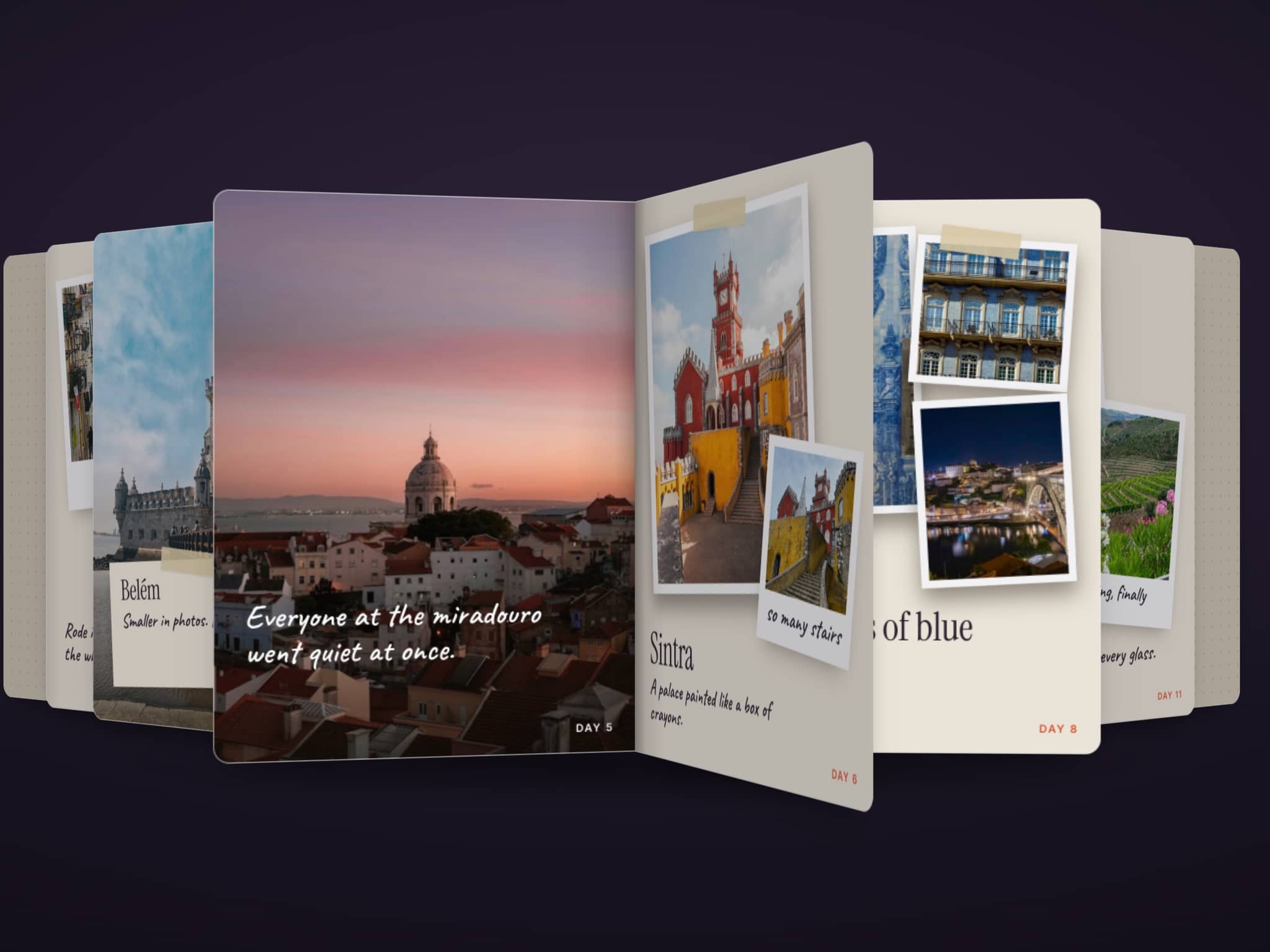
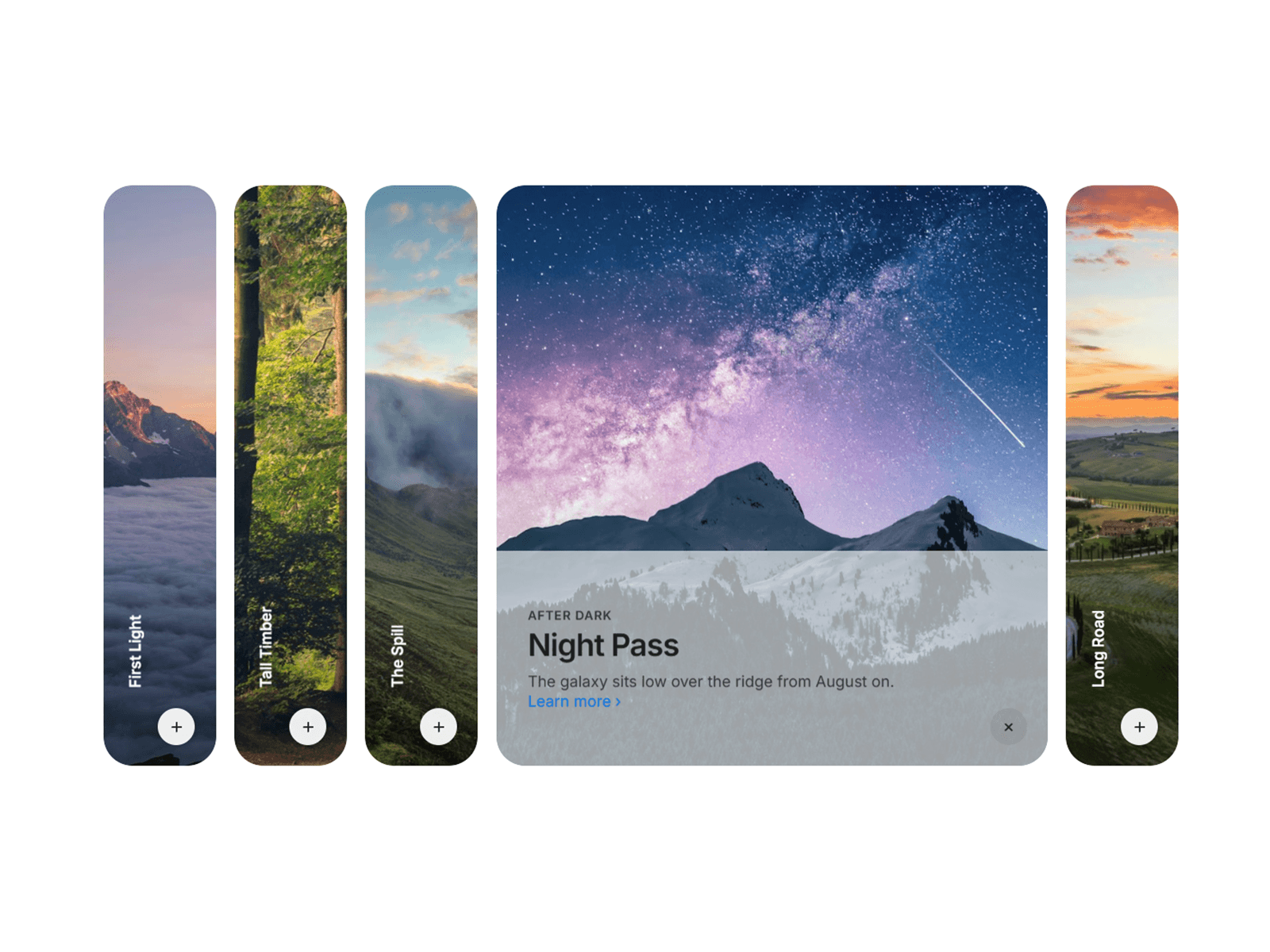
Story Breeze shows your customer stories as a row of cards. The story in the middle sits sharp and in full color, while the stories beside it fade back and blur at the edges of the screen.
Press Back or Next, drag, or swipe, and the row slides. Every card dips a little smaller as it moves and grows back to full size as it lands. The arriving story counts its result up under a highlighter stroke.
Features
• A sharp middle card with faded, blurred cards beside it
• A breathing move: the cards shrink a little, then grow back
• Round Back and Next buttons, plus drag, swipe and arrow keys
• Results that count up and get a highlight as each story arrives
• Click a side card to bring it to the middle
• Loops endlessly with three or more stories
• Optional autoplay that pauses on hover and when off screen
• A side-by-side card on wide screens and a photo-on-top card on phones
• A card color per story, or one color for all of them
• An optional Read story button on each card
• Respects Reduce Motion and includes screen reader labels
• A single code file built on Framer Motion, with no other libraries
Easy to customize
• Add, remove and reorder stories in the properties panel, up to 12
• Each story has a quote, name, role, label, result, photo, color and link
• Set the shrink amount, side opacity, side blur and card width
• Change the move speed and the corner radius
• Pick any font for the quote, the result, the names and the label
• Set the colors of the text, accent and both buttons
Setup
1. Add Story Breeze to a section and set its width to Fill. Let it span the full page width so the side cards run off the edges.
2. Give it a height. About 520px on desktop, 460px on tablet and 540px on phone works well.
3. Edit the stories, fonts and colors in the properties panel.
Fonts: Plus Jakarta Sans, free under the SIL Open Font License. Photos are from Unsplash and free to use under the Unsplash License.