About Mux Video
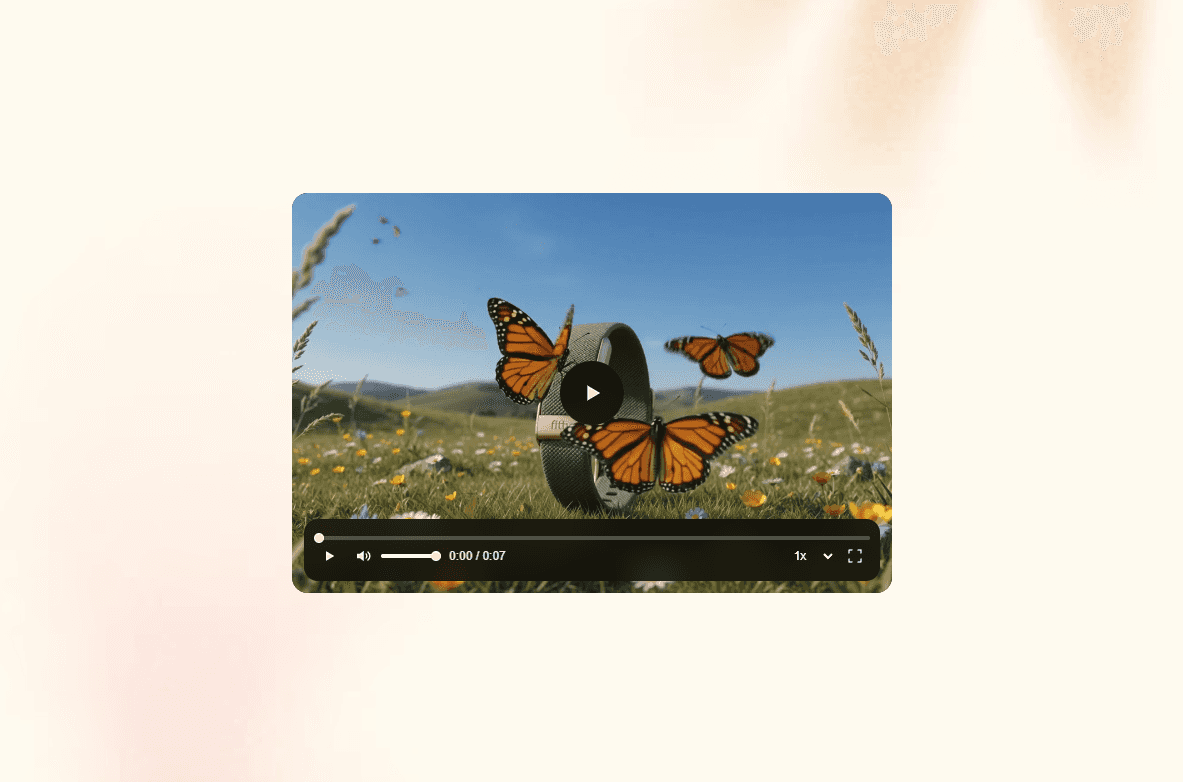
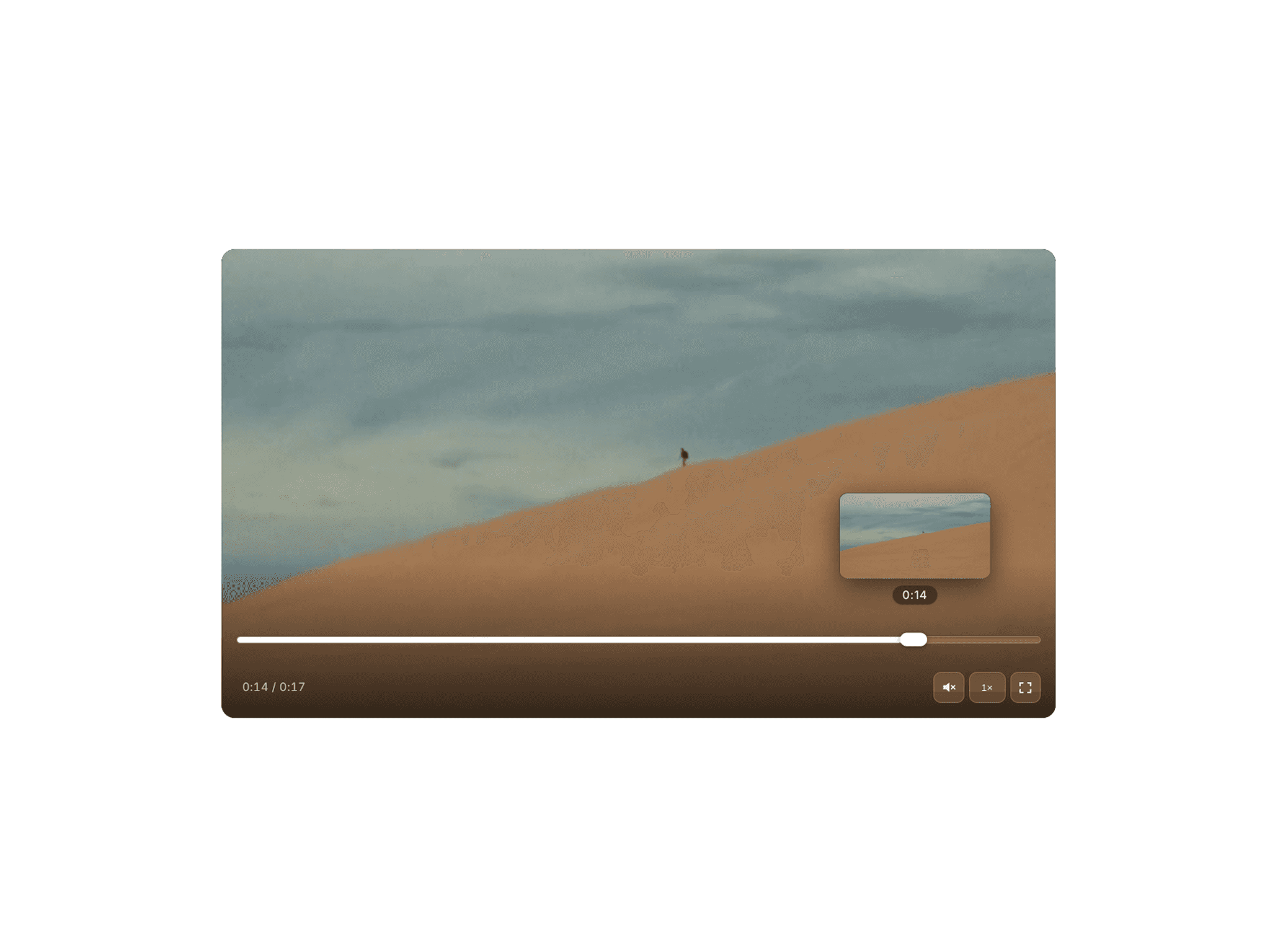
Drop Mux video into any Framer site with full control over playback, UI, and interaction.
Paste a Mux Playback ID for adaptive streaming, or upload an MP4/WebM/MOV as a fallback when no Mux ID is set. Auto posters pull from Mux thumbnails, or use your own image. Style the player with aspect ratio, fit, radius, colors, and per-control visibility.
Built for marketing and product sites: hover-to-play previews, click-to-open modal lightbox, autoplay/loop/muted options, and optional Mux Data analytics. Desktop interactions stay out of the way on mobile.
A fully configurable Mux Player for Framer.
Source & media
Mux Playback ID
Fallback video file (MP4, WebM, MOV)
Auto poster from Mux thumbnails, or manual poster image
Video title / metadata title
Layout & style
Aspect ratio: Fill, 16:9, 4:3, 1:1, or custom
Object fit: Cover or Contain
Corner radius
Background color
Accent, primary, and secondary player colors
Playback
Autoplay
Muted
Loop
Start time
Volume
Controls
Show / hide all controls
Play button
Live button
Seek backward / seek forward
Mute button
Captions
AirPlay
Picture-in-Picture
Fullscreen
Cast
Playback speed
Volume range
Timeline
Time display
Duration display
Quality / rendition menu
Loading indicator
Error dialog
Interactions
Hover play (desktop) with custom hover start time
Click-to-open modal lightbox with adjustable modal width
Pause when scrolled out of view
Mobile-safe: hover play and modal disabled on coarse pointers
Analytics
Optional Mux Data with environment key